
Most schedules I work with start in a spreadsheet, but people need those events in their calendars. I compared seven ways to make that move. Calfeed is my top pick for a shared, changing schedule; other options suit one-time imports, downloadable files, or updates managed from Google Sheets.
Speed to first calendar. I compared the steps and time needed to get spreadsheet events into a working calendar.
Live updates. I checked whether each tool creates a snapshot, a subscription, or a sheet-driven update, including calendar-app refresh behavior.
Parsing and mapping. I reviewed CSV and XLSX support, column matching, and the handling of recurring, all-day, and multi-day events.
Privacy, price, and documentation. I checked browser processing versus uploads, free-plan limits, paid costs, and how clearly the help material explains setup.
An imported CSV or ICS file is a snapshot. Later spreadsheet edits don't update that copy. A subscription gives your calendar app a hosted link to check for changes, although refresh timing depends on the receiving app.
Apple Calendar and the new Outlook use ICS rather than direct CSV calendar imports. Google Calendar accepts both formats, but CSV imports don't preserve recurring events as a series.


Calfeed pros
Try it without creating an account
Accepts a CSV upload or a pasted spreadsheet of events
Creates a hosted subscription link instead of a static calendar file
Supports subscribers using Apple Calendar, Google Calendar, or Outlook
Later edits reach subscribers when their calendar apps refresh
Suits rosters, school schedules, sports seasons, and exported event lists
Calfeed cons
Updates follow each subscriber app's refresh cycle, so they aren't immediate
Uploads are capped at 4.5 MB
The free window covers only the first two weeks of a schedule
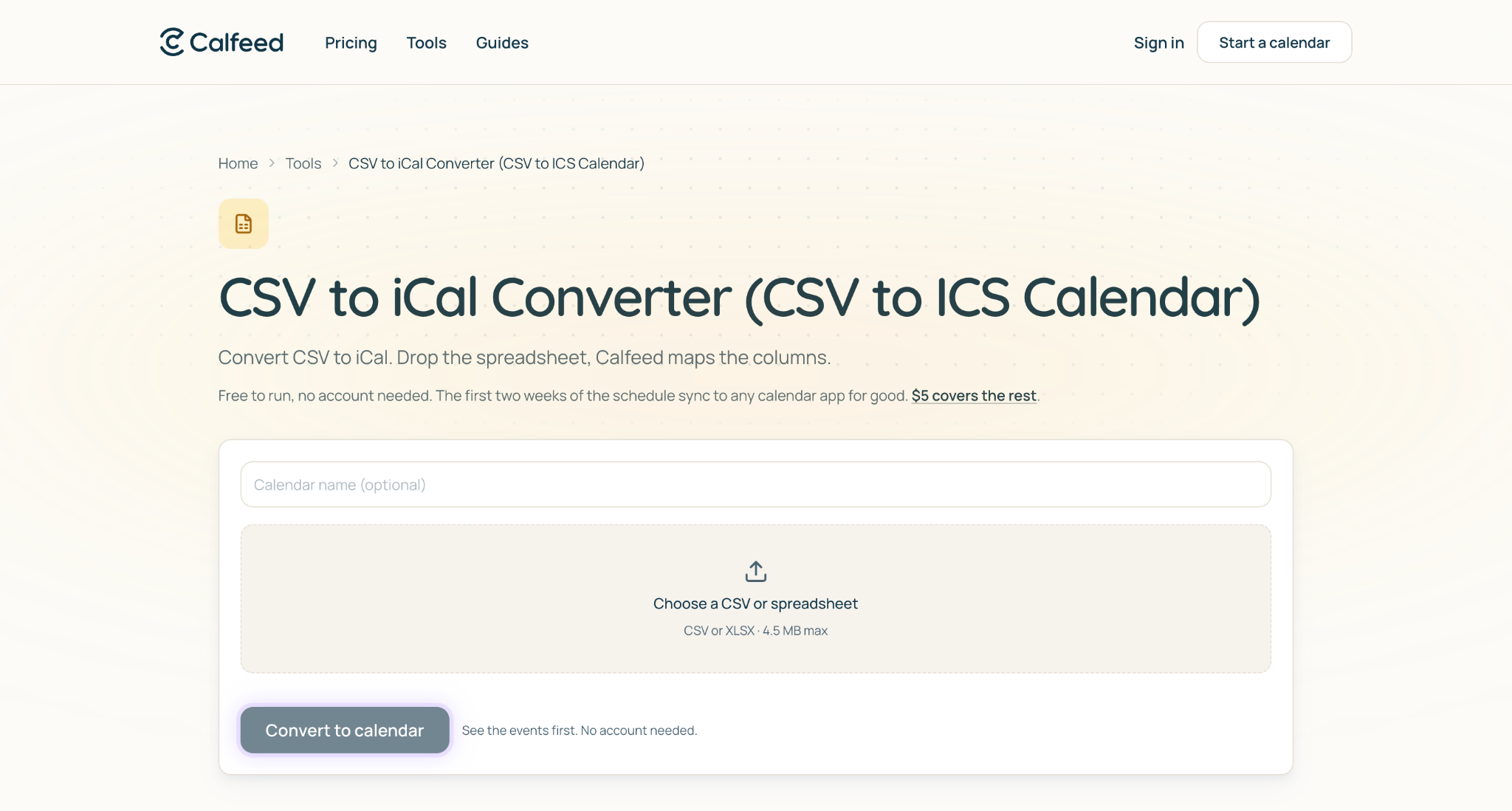
I used Calfeed's CSV to iCal converter to turn a small roster into a subscription link for Google and Apple Calendar users. The setup was straightforward, and sharing one link felt simpler than sending revised files. Later edits appeared when each calendar app refreshed.
That's the main appeal for a roster kept in Google Sheets, a school or sports season, or an exported schedule. I'd choose it when everyone needs the same calendar without repeated imports.
Subscribers follow the link rather than importing revised files.
You can try it without an account, with the first two weeks of a schedule covered free. The listed price for the rest is $5 per calendar, or 1 credit, with no subscription and a permanent share URL. Editing is free for the first 7 days; after that, another credit buys 7 more days. Credit packs run from 1 for $5 down to $2.50 per credit at 10, and credits do not expire.
That's a practical cost for sharing a whole season. Confirm current terms before committing.
Google Calendar import pros
Free with a Google account
Accepts CSV and ICS files
Built-in import panel suits static event lists
Google Calendar import cons
CSV imports don't preserve recurring series
Later spreadsheet edits don't carry over to imported events
CSV headers must match Google's expected names
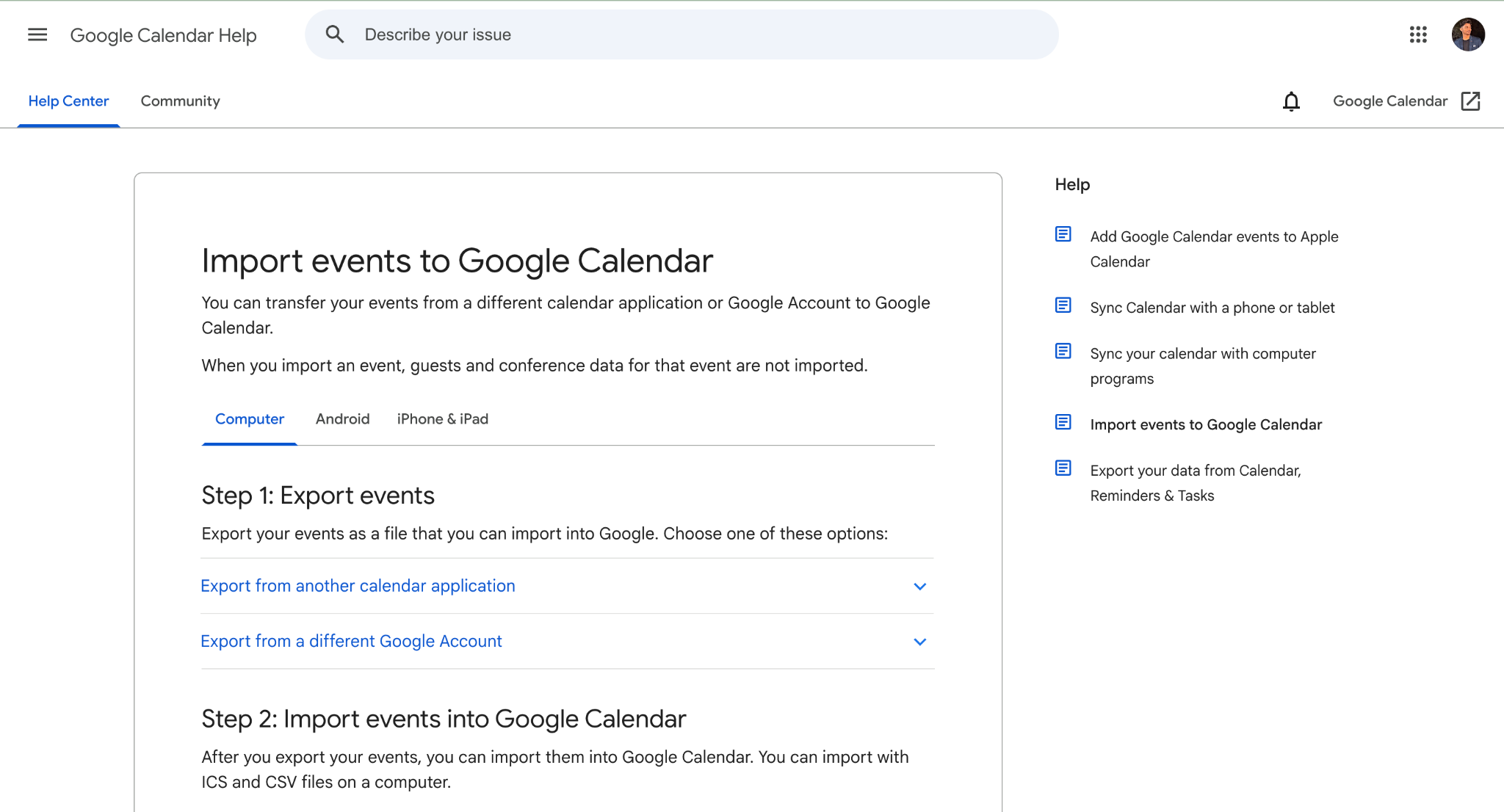
I exported a sheet as CSV, adjusted its headers, and imported it into a test calendar. It was a straightforward one-time transfer, but later spreadsheet edits didn't carry over. For recurring events, I'd use an ICS file that encodes the series rather than expecting CSV to preserve it.
An import copies events without connecting the source spreadsheet.
Importing is free with a Google account. There's no separate converter fee, although you may need to prepare your CSV headers first.
Sheet2Cal pros
Creates, updates, and deletes Google Calendar events from spreadsheet rows
Can bring existing events back into Sheets
Free tier and one-time Pro purchase
Sheet2Cal cons
Google Calendar only
Requires calendar permissions
Editing both sources needs care to avoid conflicts
I used the Google Sheets sidebar to map event titles and dates, then sent a batch to Google Calendar. If your schedule still lives in Excel, you'll need to upload a spreadsheet into Sheets before any of this applies. Changing start times and running the update moved existing events rather than duplicating them.
Run mapped rows through the add-on to manage events.
Listed pricing includes 10 events per day free and a $19.99 lifetime Pro unlock for unlimited operations and updating existing events. Confirm current limits before larger imports.
Zapier pros
Creates Google Calendar events from new spreadsheet rows
Supports workflows that update existing events
Fits sheets populated by forms or other apps
Zapier cons
Task-based costs increase with volume
Field mapping needs care to avoid duplicate events
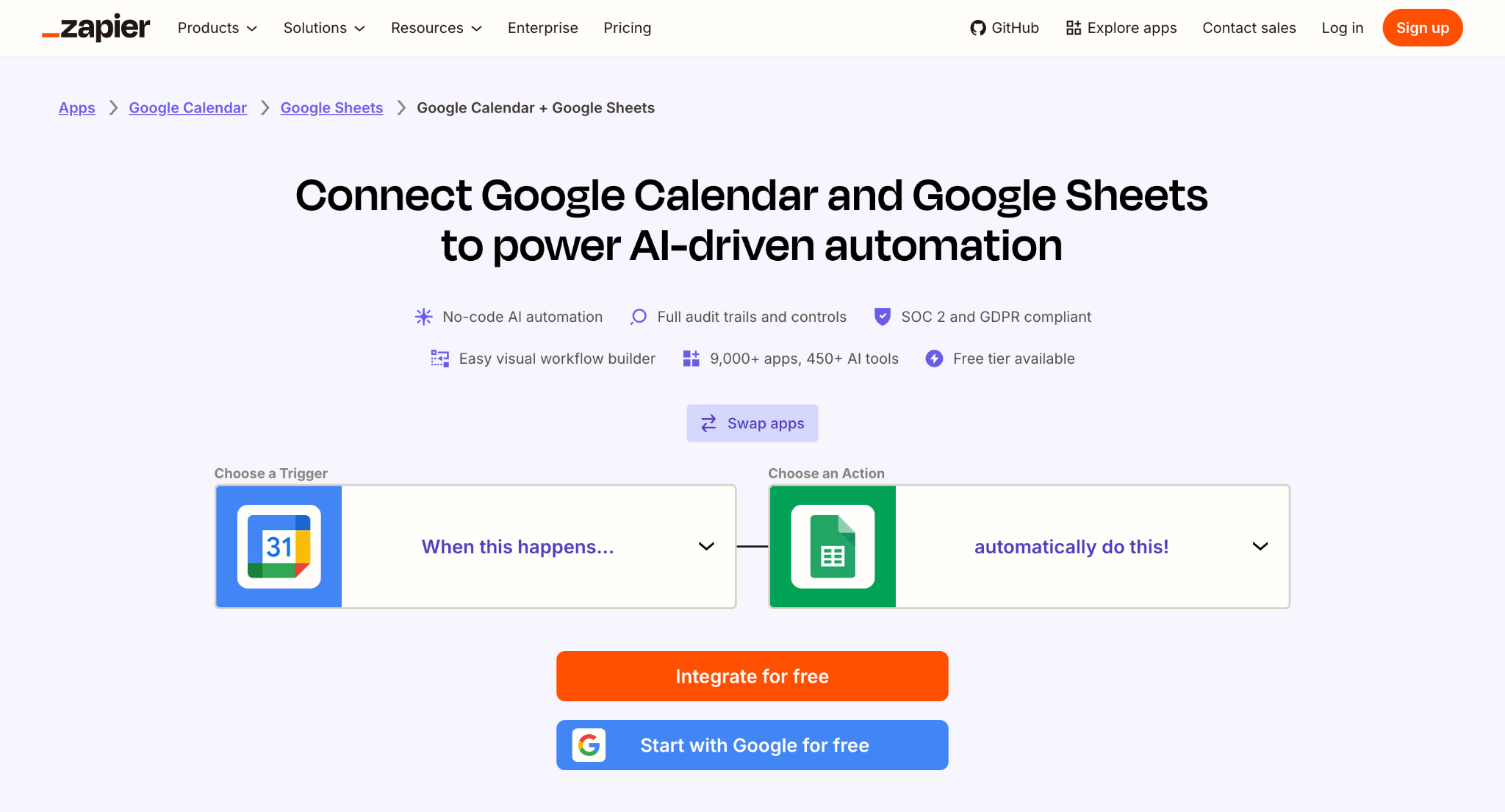
The new-row trigger created events with the fields I mapped, making it useful when an intake process already feeds a spreadsheet. For a plain roster conversion, though, the extra setup and task accounting felt unnecessary.
Plans depend on task volume, so estimate ongoing row changes as well as initial imports. The free plan's listed polling interval is 15 minutes.
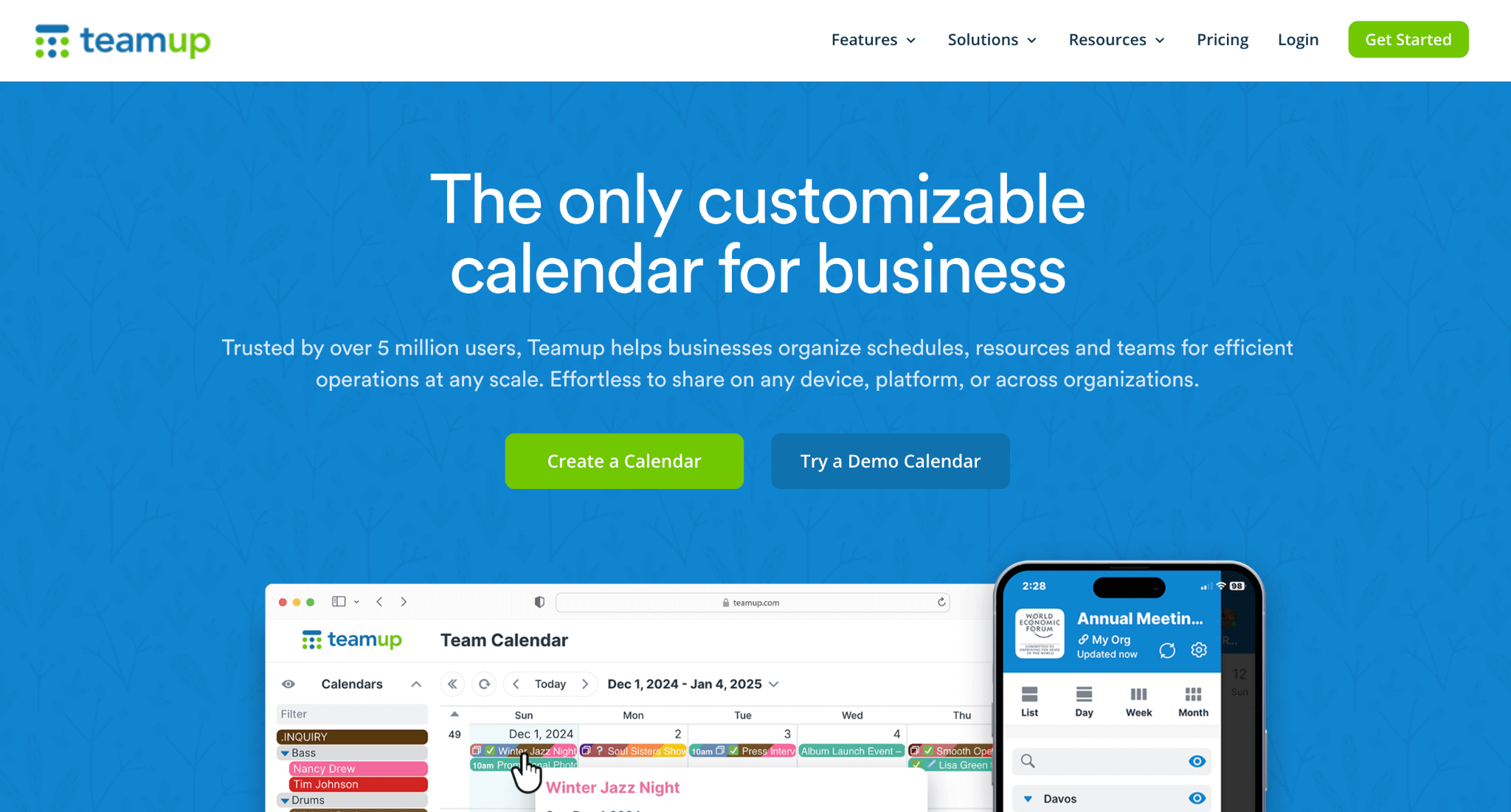
Teamup pros
Imports CSV and ICS event data
Sharing permissions help control access to imported schedules
Sub-calendars help separate event groups
Teamup cons
The imported schedule lives in a separate calendar service
Continuing updates require feeds or manual imports, not continuous CSV sync
I imported a CSV into a sub-calendar and shared a view-only link with controlled permissions. It suited publishing a team schedule, but keeping that schedule current required another import or an ICS feed.
If you’d rather publish the schedule on your own site than in a separate calendar service, a WordPress event calendar plugin like Modern Events Calendar can import events from Google Calendar and show them in calendar, list, or grid views on your pages.
The imported schedule becomes part of a Teamup calendar.
The listed free plan includes five sub-calendars, five users, and one year of history. Paid tiers raise limits and shorten inbound ICS refresh intervals.
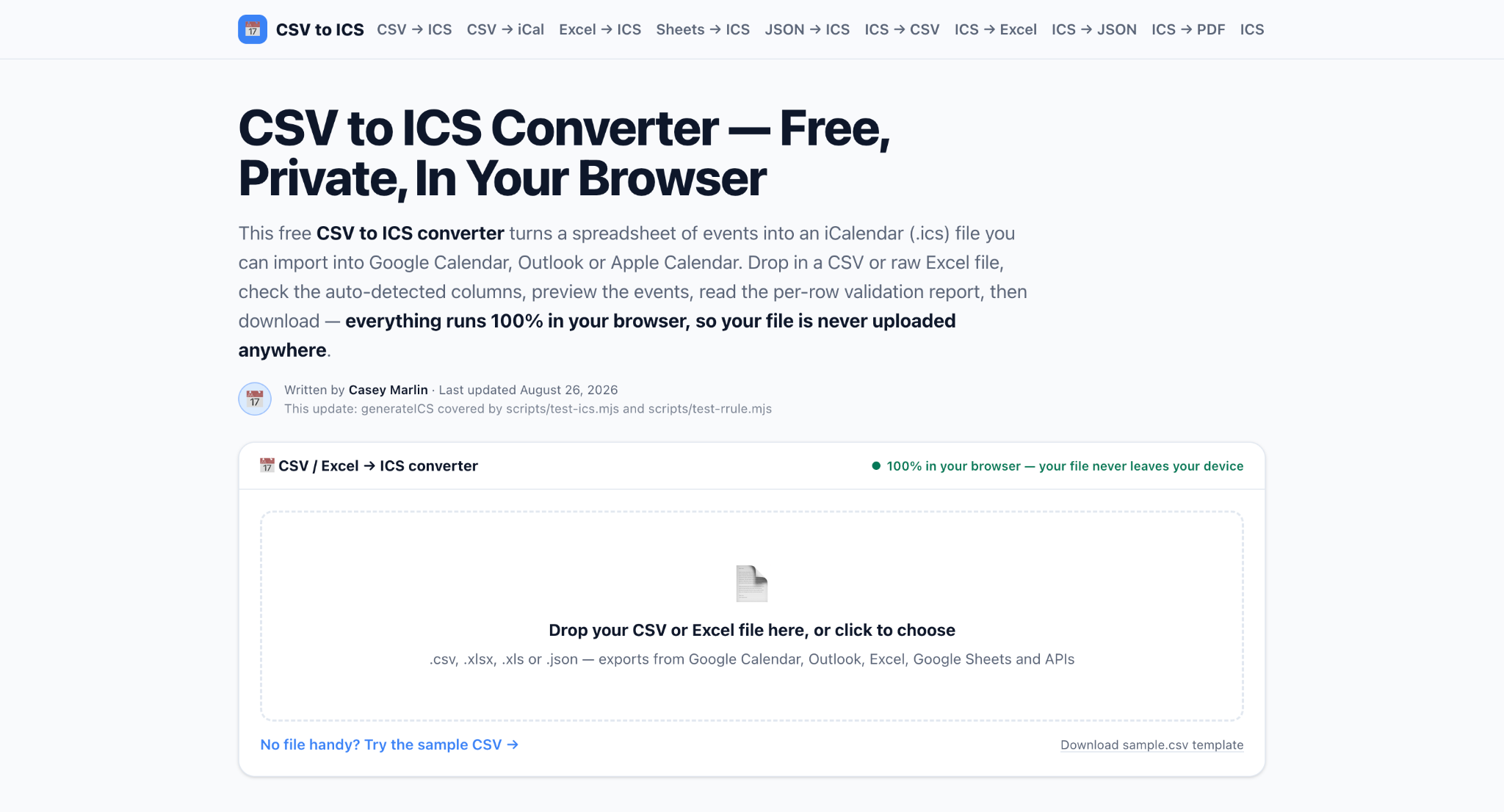
csvtoics.app pros
Processes files locally in the browser
Accepts CSV, XLS, and XLSX
Includes header detection, preview, and validation before ICS export
csvtoics.app cons
Produces files rather than a live subscription
Large files still need care
The preview caught a malformed date before export, and the resulting ICS file imported into Apple Calendar. Browser-based processing was useful for the roster, but every later schedule change still required another conversion and import.
The core converter is free. A listed $7 one-time Pro upgrade adds recurrence and templates while retaining browser-based processing.
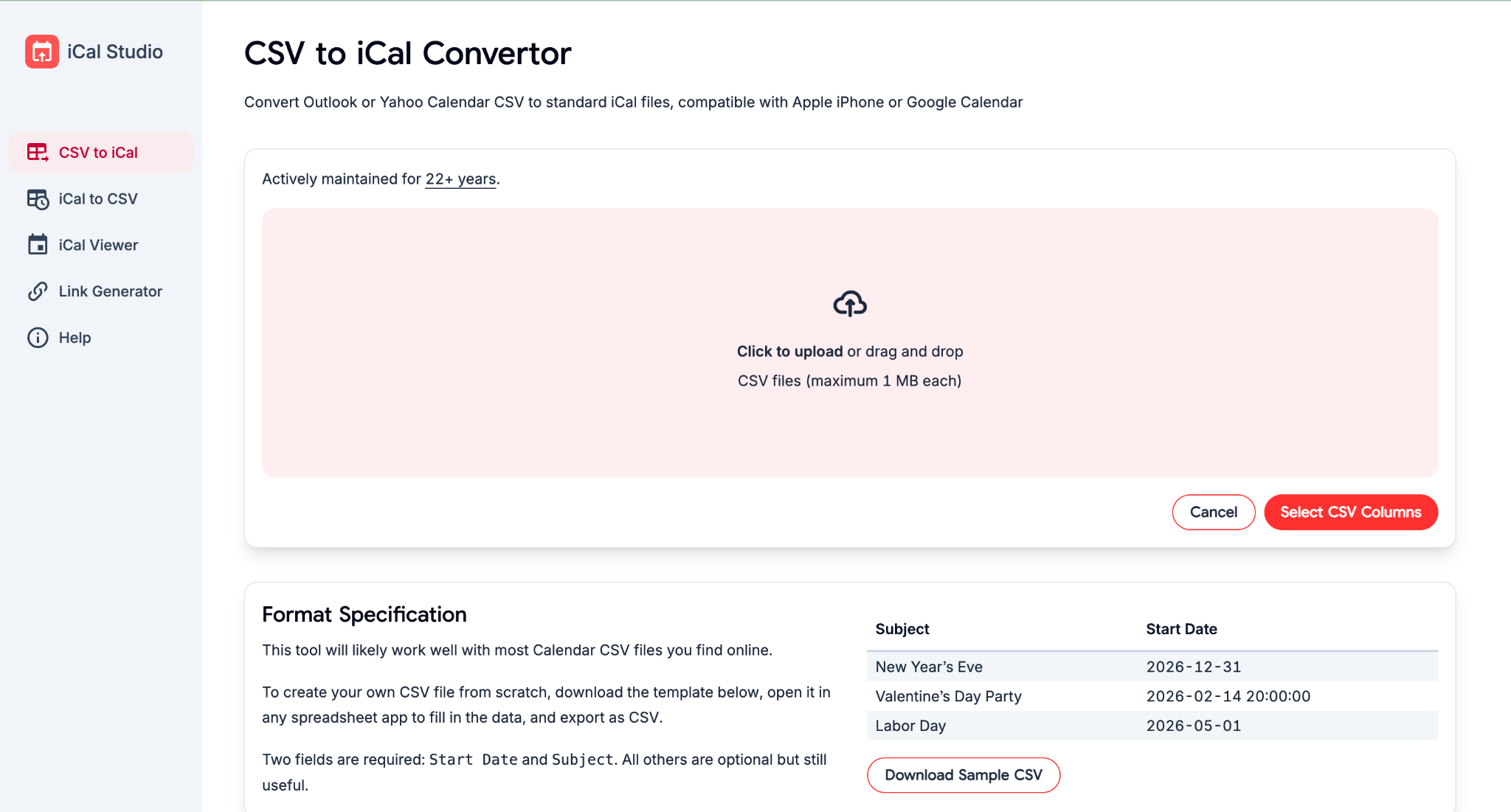
iCal Studio pros
Converts between CSV and iCal
Includes an ICS viewer for checking files
iCal Studio cons
No hosted subscription for a changing schedule
Limited mapping controls may leave manual cleanup
I found the format-conversion tools useful when moving calendar data into Sheets for editing. The viewer helped check files before sharing, but the limited mapping controls made it less suitable for complicated spreadsheet layouts.
The core tools are free to use. Check current limits before relying on them for larger conversions.
Calfeed is my top pick for turning a CSV or pasted spreadsheet into a calendar that other people subscribe to. Its no-account trial and hosted link make it a practical choice for rosters and season schedules that change after sharing.
For a one-time import, I'd choose Google Calendar's built-in option. Sheet2Cal fits teams managing updates from Google Sheets, while csvtoics.app suits downloadable ICS files. Start by deciding whether you need a snapshot or a subscription, then test a few representative rows, including dates and times, before converting the full schedule.
 AI tools to find & convert leads.
  Send emails at scale

