
Weekly revenue reporting often means pulling pipeline figures from the CRM, campaign spend from ad platforms, and lead counts from marketing software. We focused this comparison on business users who want to ask questions and review dashboards without writing every query themselves.
The best AI dashboarding tools for that job need to fit your sources, reporting routine, and budget. Our shortlist puts Sylus first for business-led reporting, followed by Zoho Analytics, Microsoft Power BI, ThoughtSpot, and Tableau. This is a workflow-fit recommendation based on desk research, not an accuracy benchmark.
Sylus is our top pick for business-led reporting, with plain-English questions, scheduled summaries, shared metric definitions, and inspectable SQL.
Zoho Analytics combines self-service analytics with Ask Zia. Its GenAI capabilities require Premium or Enterprise.
Microsoft Power BI fits an existing qualifying Microsoft environment. Copilot needs organizational capacity beyond a Pro or Premium Per User license.
ThoughtSpot supports conversational exploration inside Liveboards. The Pro user-based plan lists 25 Spotter AI Agent queries per user per month.
Tableau fits an established visual-reporting workflow. Cloud+ includes Tableau Agent in Cloud and Pulse, and every deployment requires a Creator license.
This ranking comes from desk research completed on October 19, 2026. We reviewed vendor product pages, pricing, documentation, and G2 profiles. We did not run the tools or measure their performance.
We weighed business-user accessibility, compatibility with CRM and campaign sources, dashboard creation and scheduled distribution, shared metric definitions and inspectable calculations, permission controls, and the cost of an AI-enabled configuration. For example, could a revenue operations manager ask which lead sources generated closed-won revenue last quarter, review the calculation, and share the result?
We selected these alternatives for their dashboard and reporting workflows. G2 scores describe the whole platform, not independently tested AI functionality, and did not determine the ranking. Prices below use USD where verified; confirm availability, regional requirements, and contract details for your organization.


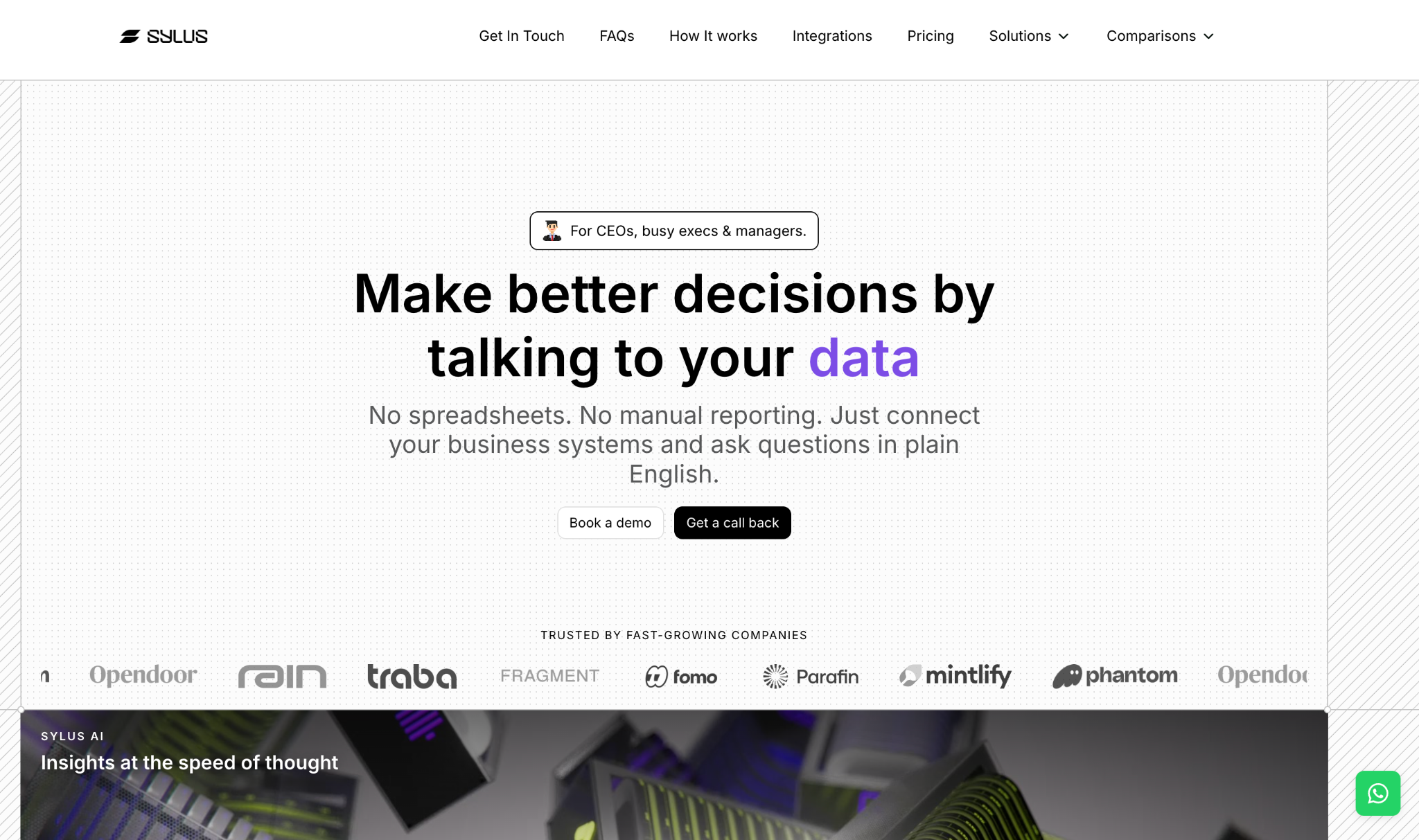
Plain-English questions and prompt-generated dashboards fit recurring pipeline and campaign reporting.
Scheduled reports and AI-written summaries can go to email or Slack.
A shared catalog stores the team's approved metric definitions.
The vendor says every answer exposes its underlying SQL for review.
Role-based permissions apply to every query, and data sources connect with read-only access.
Pricing is quoted for each setup, so budgeting requires a conversation rather than a price table.
We found no third-party user reviews at our research date, leaving no independent rating to weigh.
Business-user access still depends on someone owning connector setup, data preparation, and permission decisions.
For business-led reporting, Sylus is our first pick to evaluate for turning plain-English questions into dashboards and scheduled updates. Its focus fits the person responsible for the weekly pipeline and campaign report, rather than making a data team or data engineer the primary user. The metric catalog, visible SQL, and scheduled summaries connect the questions, calculations, and distribution involved in that job.
Sylus advertises more than 500 connectors, including HubSpot, Salesforce, QuickBooks, Xero, Shopify, and Google Sheets. Sylus describes itself as a self-learning AI data analyst that learns your business from your own data, and the company says this makes it more token-efficient, faster and more accurate the more you use it. A useful evaluation would start with the question about lead sources and closed-won revenue: check the metric definition and underlying SQL, compare the answer with approved CRM totals, and review the dashboard before scheduling a summary. That is a proposed evaluation, not a result we measured.
Sylus offers a free 30-day proof of concept on your own data. Paid plans are individually quoted based on the number and types of connected data sources and the number of users; there are no published fixed tiers or monthly dollar prices.
We see the proof of concept as a practical way to check fit before choosing a paid plan. Use it to confirm the required connectors and permissions, compare the report with approved totals, and request a quote for that setup. The value depends on whether the proposed workflow meets your reporting needs at the quoted price.
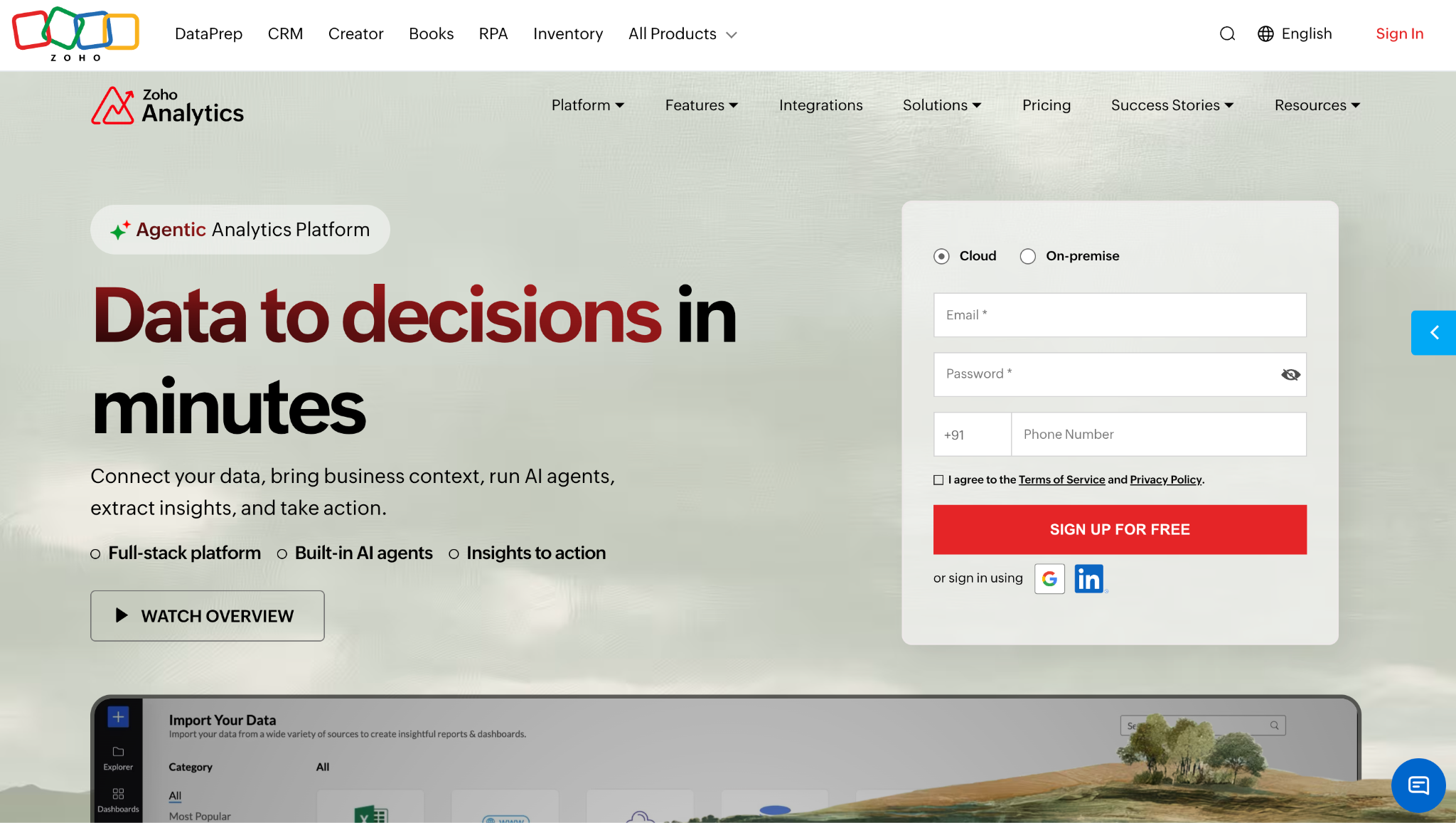
Ask Zia creates reports and dashboards from natural-language requests.
The assistant can use the organization's semantic model, business terminology, and metrics.
Prompt-driven scheduling, exporting, and data stories depend on permissions and configuration.
A free plan offers a limited sandbox for standard analytics.
GenAI capabilities require Premium or Enterprise.
The free plan's 10K-row limit may not cover a full CRM and campaign history.
The opened pricing selector did not display paid dollar amounts.
We picked Zoho for teams that want a broader self-service analytics suite alongside a conversational assistant. Ask Zia's support for business terminology and metrics is relevant when a phrase such as marketing-qualified lead needs a consistent definition. We would check that vocabulary before relying on it in a sales dashboard that ties campaigns to revenue.
The platform holds 4.2/5 on G2 from 289 reviews as of our research date, reflecting Zoho Analytics overall rather than Ask Zia independently. An evaluation should compare the dashboard totals with the CRM on an eligible plan. The free plan can help you explore standard analytics, but it does not include the documented Premium and Enterprise GenAI capabilities.
The free plan includes 2 users, 10K rows, 5 workspaces, and unlimited reports and dashboards. Paid tiers are Basic, Standard, Premium, and Enterprise.
We could not verify live paid dollar amounts from the opened selector, so check current pricing for your billing term. For the GenAI features covered here, budget for Premium or Enterprise and confirm the permissions and configuration needed for the reporting tasks you want.
Copilot supports conversational analysis of reports and semantic models.
Report-creation assistance and summaries support reporting tasks.
DAX formula generation assists with report calculations.
A free account supports base report authoring.
Pro and Premium Per User prices are published in USD.
Copilot requires qualifying paid capacity, administrator enablement, and a supported region.
Individual Copilot experiences have different release and permission conditions.
Data preparation, metric definitions, and model maintenance still need an owner.
We picked Power BI for organizations that already have a qualifying Microsoft analytics environment. When the required capacity, administrator setup, and supported region are in place, Copilot adds conversational analysis, report assistance, summaries, and DAX generation within that reporting environment. That makes it worth evaluating before adding another vendor.
Power BI holds 4.5/5 on G2 from 1,661 reviews as of our research date, covering the platform rather than Copilot alone. Someone still needs to prepare the model, define measures, and maintain refreshes. We rank it third for this business-led workflow because a new adopter must account for capacity and administration as well as individual licenses.
The US pricing page lists Pro at $14.00 per user per month and Premium Per User at $24.00 per user per month, paid yearly. A free account supports base report creation.
These licenses alone do not unlock Copilot. It requires paid Fabric F2-or-higher or Power BI Premium P1-or-higher capacity, administrator enablement, and a supported region. Trial capacities and free SKUs are not supported, so budget qualifying capacity separately and confirm the conditions for the Copilot experiences you need.
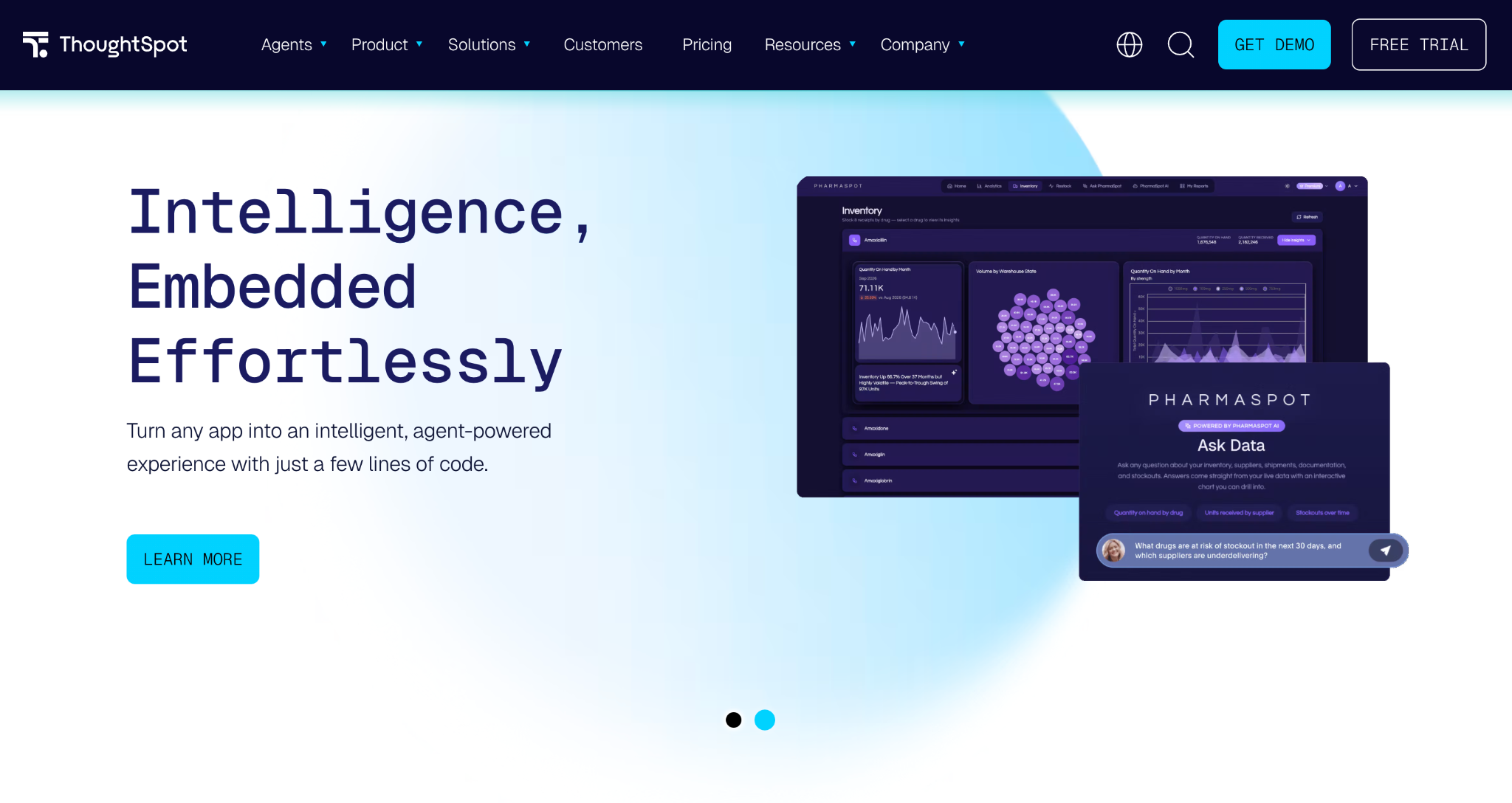
Spotter supports plain-language questions and follow-ups inside Liveboards.
SpotterViz generates Liveboards from business questions.
Shared business definitions connect agents and dashboards.
Narrative explanations accompany charts.
The business-user interface works with data-team governance.
Pro user-based pricing lists 25 Spotter AI Agent queries per user per month.
User-based and credit-based pricing models do not compare directly.
Someone must own the shared business definitions and data governance.
ThoughtSpot suits teams that want to ask follow-up questions inside dashboards with data-team oversight. Spotter works within Liveboards, while SpotterViz generates Liveboards from business questions and adds narrative explanations. Its business-user interface still assumes someone owns the shared definitions behind the answers.
The platform holds 4.4/5 on G2 from 343 reviews as of our research date; the score does not independently assess Spotter. We rank it fourth for this workflow because its data-team governance model and Pro query allowance need to fit your reporting routine. During an evaluation, check whether the 25 monthly Spotter queries per user cover your expected questions and follow-ups.
Under user-based pricing billed annually, Essentials starts at $25 per user per month and Pro at $50. Pro lists 25 Spotter AI Agent queries per user per month; Enterprise is custom-priced.
ThoughtSpot also offers separate credit-based options. We have not mixed those with the user-based figures, and any reference to unlimited LLM tokens should not be interpreted as unlimited AI queries. Confirm the commercial model and query allowance in your quote.
Tableau Agent supports prompt-based visualizations and calculations.
Tableau Prep offers natural-language data preparation through Agent.
Pulse surfaces metric insights, including drivers, trends, and outliers.
Tableau Cloud supports browser-based reporting.
The $15 entry seat is not a deployment total; at least one Creator license is required.
Tableau Agent in Cloud and Pulse are listed under quote-based Cloud+.
A Creator-led authoring workflow still needs an owner for sources and reports.
We picked Tableau for teams extending an established visual-reporting practice. Tableau Agent supports prompt-based visualizations and calculations, while its product page also describes natural-language data preparation in Tableau Prep. Pulse provides personalized metric insights, including explanations of drivers, trends, and outliers.
The platform holds 4.4/5 on G2 from 4,234 reviews as of our research date, covering Tableau overall rather than Agent or Pulse independently. We treat Pulse as help with reporting and exploration, not proof of causal analysis. Tableau ranks fifth for this workflow because its Creator-led setup and quote-based AI package fit an existing Tableau practice more naturally than a fresh business-led rollout.
Tableau Cloud lists Standard from $15 and Enterprise from $35 per user per month, billed annually. Every deployment needs at least one Creator license, so those entry figures are not deployment totals.
Cloud+ is quote-based and includes Tableau Agent in Cloud and Pulse. The detailed Cloud pricing page did not load reliably during research, so we are not quoting Creator prices. Ask for a quote covering the required roles and AI features rather than budgeting from the lowest seat price.
Sylus is our top pick for business-led sales and marketing reporting. Its metric catalog, visible SQL, scheduled summaries, and read-only connections to CRM and other business systems match the recurring pipeline-and-campaign workflow. The recommendation is based on fit, and the free 30-day proof of concept gives you a way to evaluate it on your own data.
Zoho Analytics is the runner-up for a broader self-service suite, provided you budget for Premium or Enterprise GenAI. Power BI is worth evaluating when qualifying Microsoft capacity already exists. Teams with ThoughtSpot or Tableau in place should assess their available AI features before planning a migration.
Start with a recurring report and its approved source totals. Confirm connectors and permissions, check the calculations, and request the full AI-enabled price for the configuration you would use.
 AI tools to find & convert leads.
  Send emails at scale

