The transformation brought by AI is more than merely producing images. It also allows for faster idea development, producing structured drafts to start with; it instantly creates variations of existing designs; it helps clean up any background or composite issues; it can resize and adapt layout templates to suit any design; and it helps you stay on brand with all formatting.
In other words, the top AI tools for graphic design will act as assistants while keeping up with the speed of execution, thereby allowing the designer to control the direction of the project and strategic thought processes.
This article is not about ranking the tools by hype, but it will provide an evaluation method for choosing the best AI graphic design tools for day-to-day use. You will find out how to streamline your daily workflows to make your job faster and smarter as a freelancer, agency creative, product designer, or marketing professional.
In design workflow, the term "faster" does not imply that corners are cut; rather, it refers to the elimination of redundancy and getting things done accurately.
A designer typically devotes a tremendous amount of time to performing skill-based tasks that do not require a great deal of imagination. In a report on the Future of Creativity by Adobe, it was stated that 61% of creators spend a greater amount of time on production compared to the ideation process. This is where AI design programs enter the scene by helping lessen the production time. Here are some ways in which the best AI for graphic design tools can make your work faster:
Resizing many assets for twelve different placements or more.
Images requiring the removal of their backgrounds.
Layouts created for many different aspect ratios.
Exporting an immeasurable amount of variations.
Leveraging ready-to-use templates
On the other hand, the term "smarter" refers to making more effective decisions. It's about trying multiple concepts rather than just one. It's about creating various visuals before choosing one. It's about keeping the same look and feel across many different pieces of content.
AI is no longer just about generating images; it's
Precise editing through the use of AI.
Help with a layout that is consistent with your brand.
Generating user interface components.
A visual system for keeping your images organized.
Automatically cleaning up your images.
The leading graphic design software integrates generative intelligence with traditional methods of design production. That’s why the top AI tools in use today are not simply impressive because they have cool features, but because they are indispensable in terms of helping designers produce successful projects through established workflows.
And that’s how you can effectively evaluate what the best tools for graphic design are.
Below are the tools that consistently qualify as the best AI for graphic design in practical, professional use, not just trending lists.
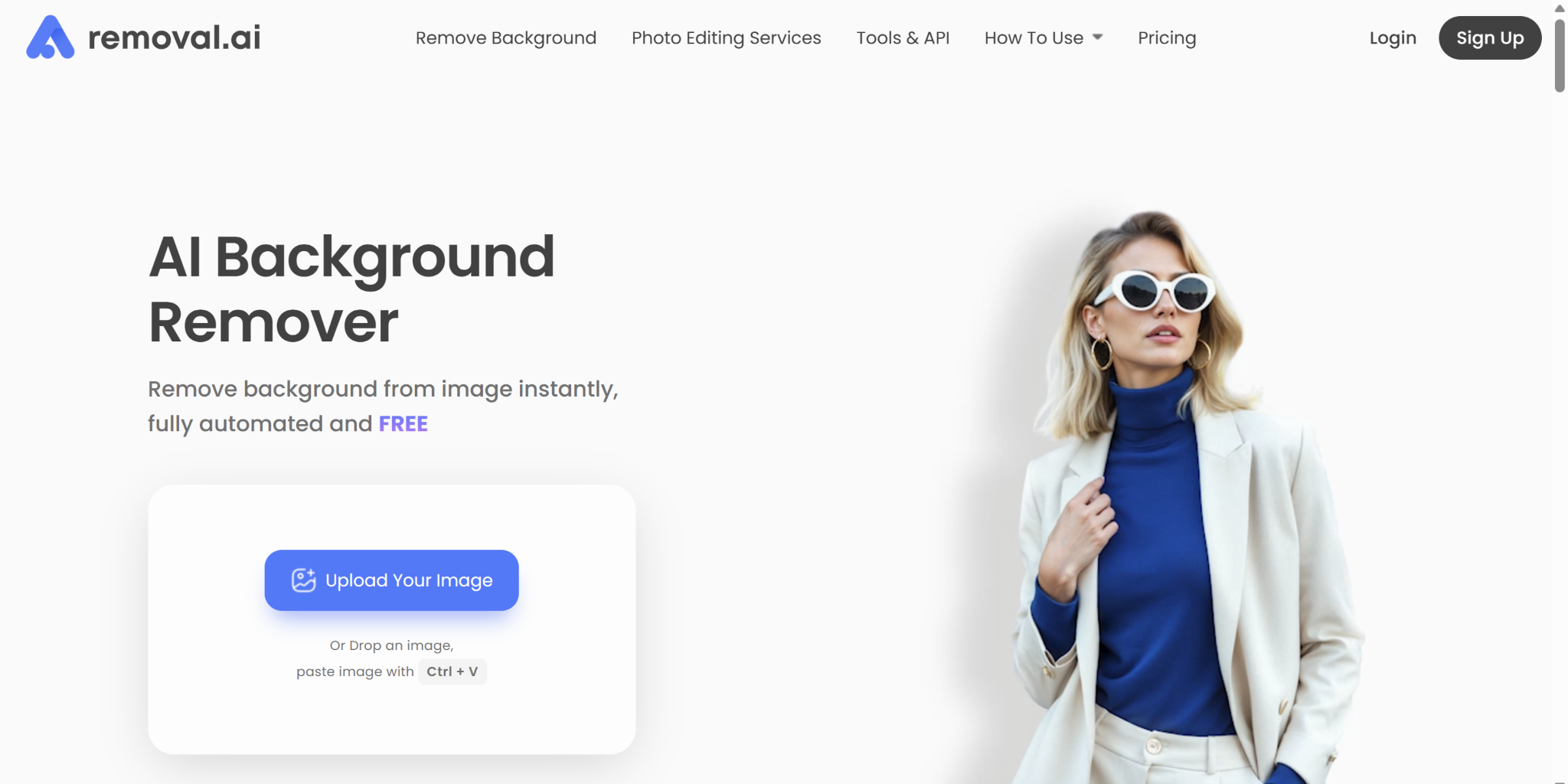
This is the best background remover as far as speed and ease are concerned. This highly advanced technology-driven platform allows you to allot more of your time to ideation and other creative production.
What it's best used for: Cut-outs and precise background removal in a flash
When to use it: E-commerce product image creation, quick composite arrangements.
When you would not use it: Complex or high-detail edge cases (such as hair) that need human touch.
How it saves you time: It automates repetitive tasks for most of your production run.
What still requires human editing: edge cleanup and shadow realism.
Who would be the best fit to use this tool? : Freelancers, marketers, and product teams.
Workflow stage: Specialist utility and production phase
Pixara AI stands out as a unified platform that consolidates multiple AI design capabilities—image generation, video creation, voiceover production, and video editing—into a single interface. Rather than forcing designers to switch between tools, Pixara enables seamless workflow integration, making it particularly valuable for teams that need to produce multi-format creative assets at scale.
What it's best used for: Multi-format campaign asset creation combining images, videos, and voiceovers in one unified workflow.
When to use it: When you need to produce complete campaign packages quickly—product images, promotional videos, and narrated content—without managing multiple subscriptions.
When you would not use it: When you require pixel-perfect control over every design element or need highly specialized design work that demands deep customization.
How it saves you time: Eliminates context-switching between separate tools; generate, edit, and export complete assets without leaving the platform. Batch generation capabilities allow you to produce dozens of variations simultaneously.
What still requires human editing: Brand voice refinement, strategic composition decisions, and final quality assurance to ensure outputs align with campaign objectives.
Who would be the best fit to use this tool?: Marketing teams, agencies managing multiple clients, e-commerce brands, and content creators producing high volumes of social media or advertising assets.
Workflow stage: Production and asset generation, with some ideation support through prompt-based creation.
Pricing: Pixara offers flexible monthly plans starting at $10 for the Starter tier (4,000 monthly credits) and scaling to $24/month for the Pro plan (36,000 credits with 60% limited-time discount). All plans include watermark-free outputs, commercial licensing, and access to 3M+ stock assets. Higher tiers unlock unlimited access to specific premium models like Seedance 2.0 and Seedream 4.0.
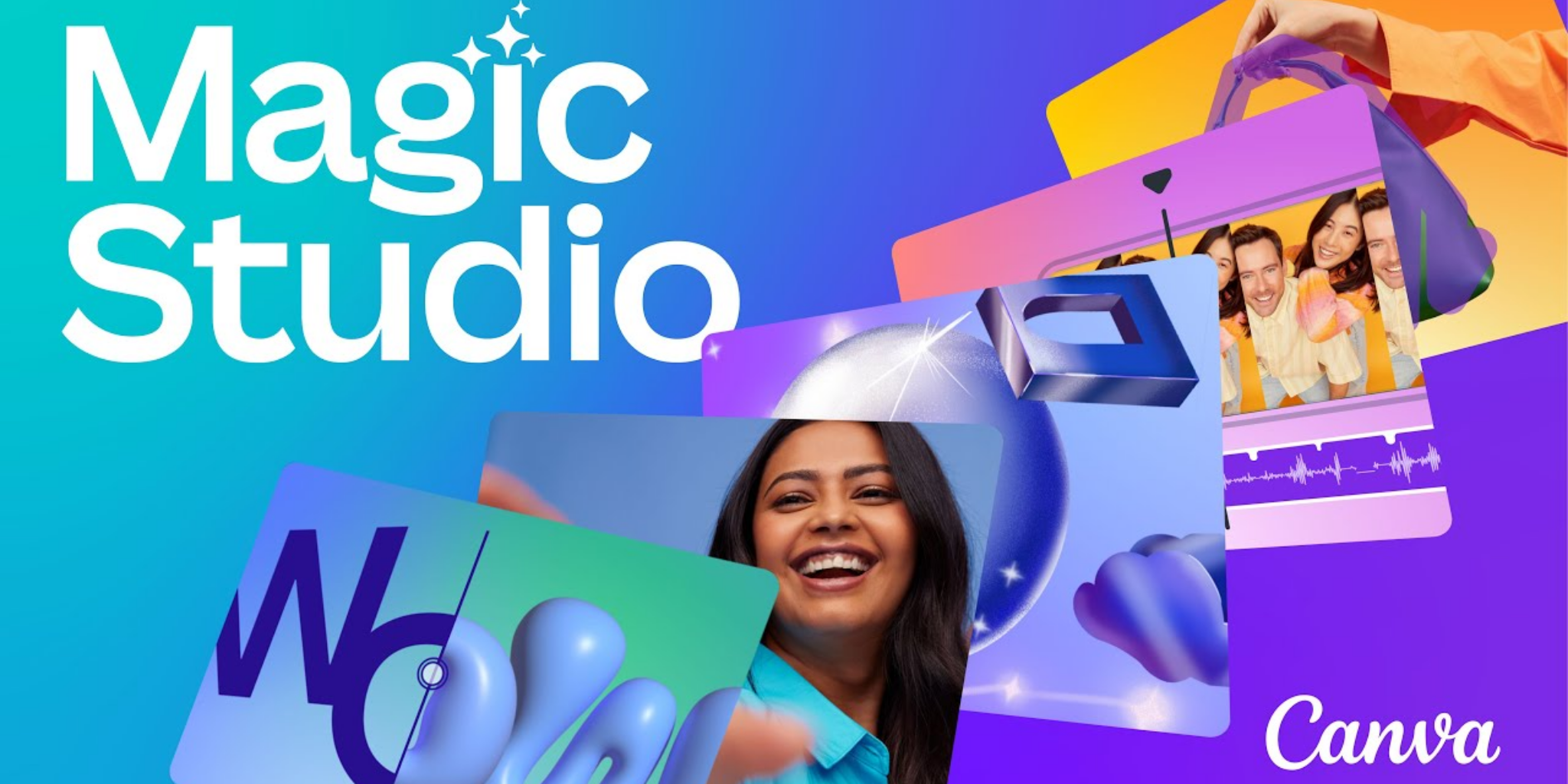
Canva has also quickly become one of the best AI tools for graphic design available for creating graphic designs for higher volumes of content. AI features have made it easy to execute on projects without having any advanced knowledge.
What it's best used for: Marketing content creation quickly and producing items in multiple ways/formats.
When to use it: You need to have assets (advertising, marketing items, graphics, etc.) for use in a variety of formats/sources (social media, ads, posters, etc.) quickly.
When you would not use it: When you need something that is going to be highly custom or will require very complex compositing or advanced retouching.
How it saves you time: The auto layout feature reduces the time you would normally spend formatting or reformatting graphics or content, instantaneously resizing them, etc.
What still requires human editing: accuracy in terms of your visual preference, brand nuances, and more elevated levels of art direction.
Who would be the best fit to use this tool? : Marketers, freelancers, and small teams.
Workflow stage: Production and some light ideation.
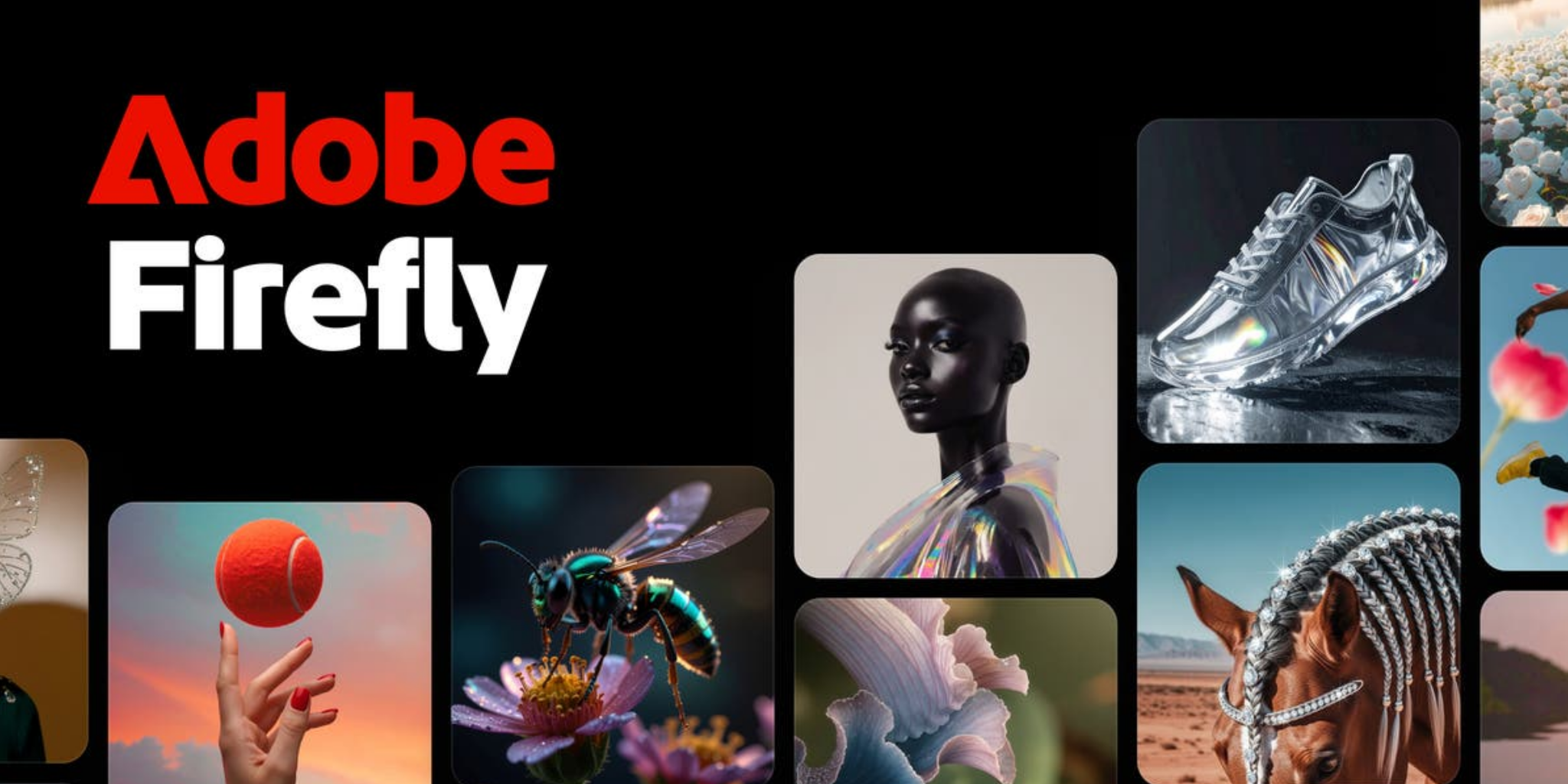
When considering the best AI tool for graphic design, Adobe remains a leader in the field. Firefly is built into Adobe Photoshop, enabling controlled AI improvements instead of haphazard ones.
What it's best used for: Polished professional editing with production quality.
When to use it: When the quality of the final product is critical, e.g., advertising, editorial, and visuals for campaigns.
When you would not use it: Speed is more important than detail, e.g., quick social drafts.
How it saves you time: Generative fill, object removal, and AI-assisted selections greatly reduce the time it takes to manually mask items.
What still requires human editing: color correction, assessment of composition, and checking narrative continuity.
Who would be the best fit to use this tool? : Agencies, established designers, and branding teams.
Workflow stage: Editing and production.
This advanced application often ranks among the top 10 AI tools for creative concept exploration because it balances control with flexibility.
What it's best used for: Designing ideas under control and creating decorative visual ideas.
When to use it: Early in the process for concept creation and design ideas.
When you would not use it: When you're creating finished art that needs to strictly follow your brand guidelines.
How it saves you time: Quickly generate multiple visual versions of design elements for a mood board or presentation.
What still requires human editing: using fonts and final composition.
Who would be the best fit to use this tool? : Freelancers, agencies, and creative directors.
Workflow stage: Concept/design idea stage.
As one of the largest communities of designers in the world (4 million members), the integration of Figma with artificial intelligence demonstrates future movement toward structured design processes. For product development teams, this is likely the best collaborative designer tool in use today.
What it's best used for: UI/UX Teamwork & Systems to Guide Product Design Process.
When to use it: Wireframe creation, layout generation, and component drafting.
When you would not use it: High-end marketing visual generation.
How it saves you time: It auto-generates interface structures and editable components and generates UI/UX content in real time.
What still requires human editing: usability logic, hierarchy, and micro-interaction refinements.
Who would be the best fit to use this tool? : UI/UX Team, Product Designer.
Workflow stage: System design and iterations.
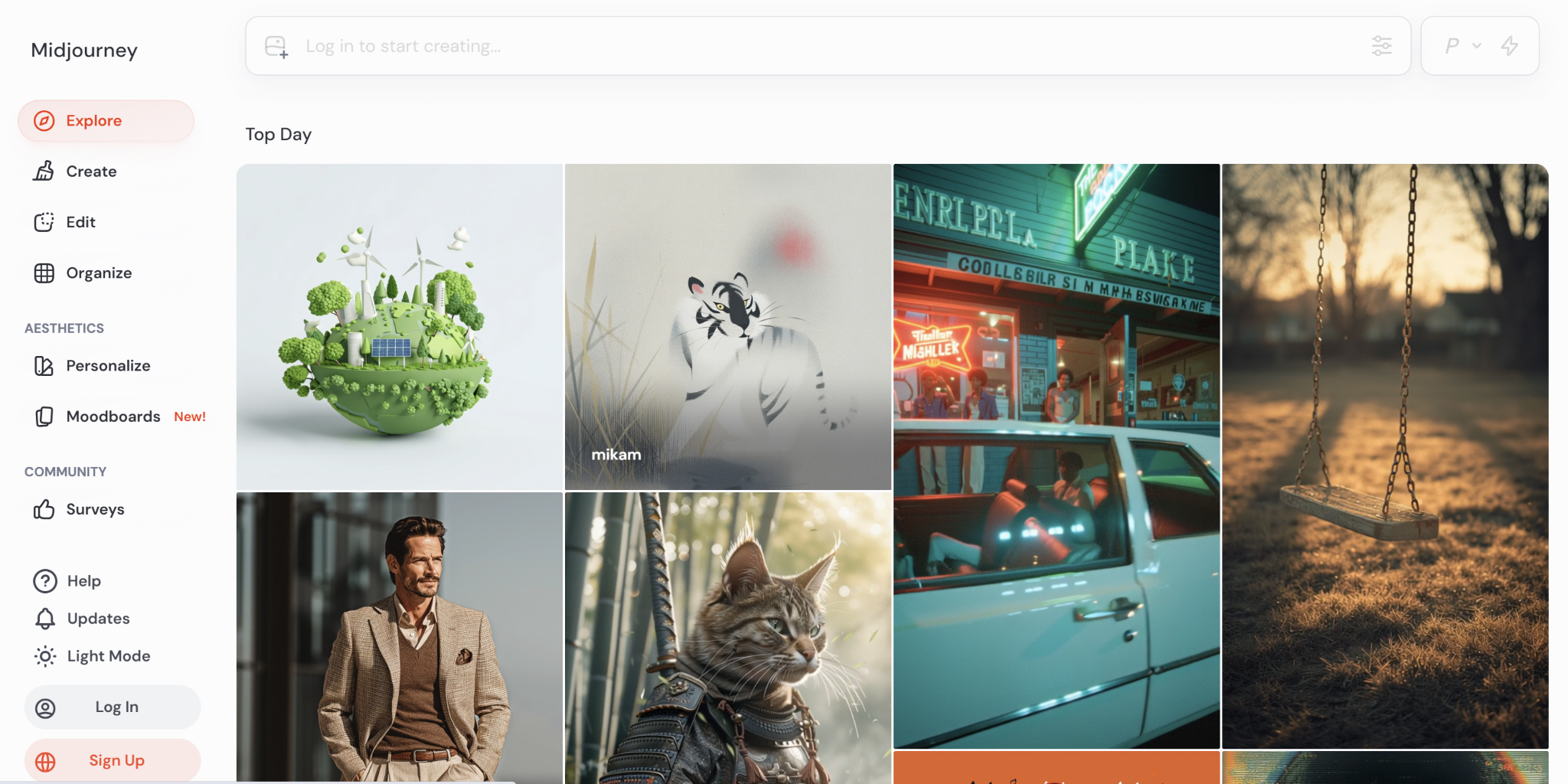
This emerging platform is one of the top AI design tools, whether you are working with an artistic vision or conceptualizing.
What it's best used for: If you are exploring stylized concepts for your projects.
When to use it: Whenever you are building your brand mood boards, conceptual art, or looking for your campaign inspiration.
When you would not use it: Precise, text-heavy layouts.
How it saves you time: Generating high-impact and aesthetic imagery rapidly.
What still requires human editing: Text placement and composition adjustments
Who would be the best fit to use this tool? : Advertising Agencies and Brand Management Teams
Workflow stage: During your conceptualization or ideation phase.
Much software can champion you during your brainstorming workflows, and DALL-E is widely considered one of the best AI tools for graphic design in this matter.
What it's best used for: Provides prompt-based brainstorming quickly.
When to use it: When you are conducting quick visual direction tests.
When you would not use it: Producing production-ready visual assets for your brand.
How it saves you time: Integrates creative idea generation and strategic planning directly into each other.
What still requires human editing: resolution, design layout, and consistency.
Who would be the best fit to use this tool? : Freelancer, strategist, marketer.
Workflow stage: Ideation part
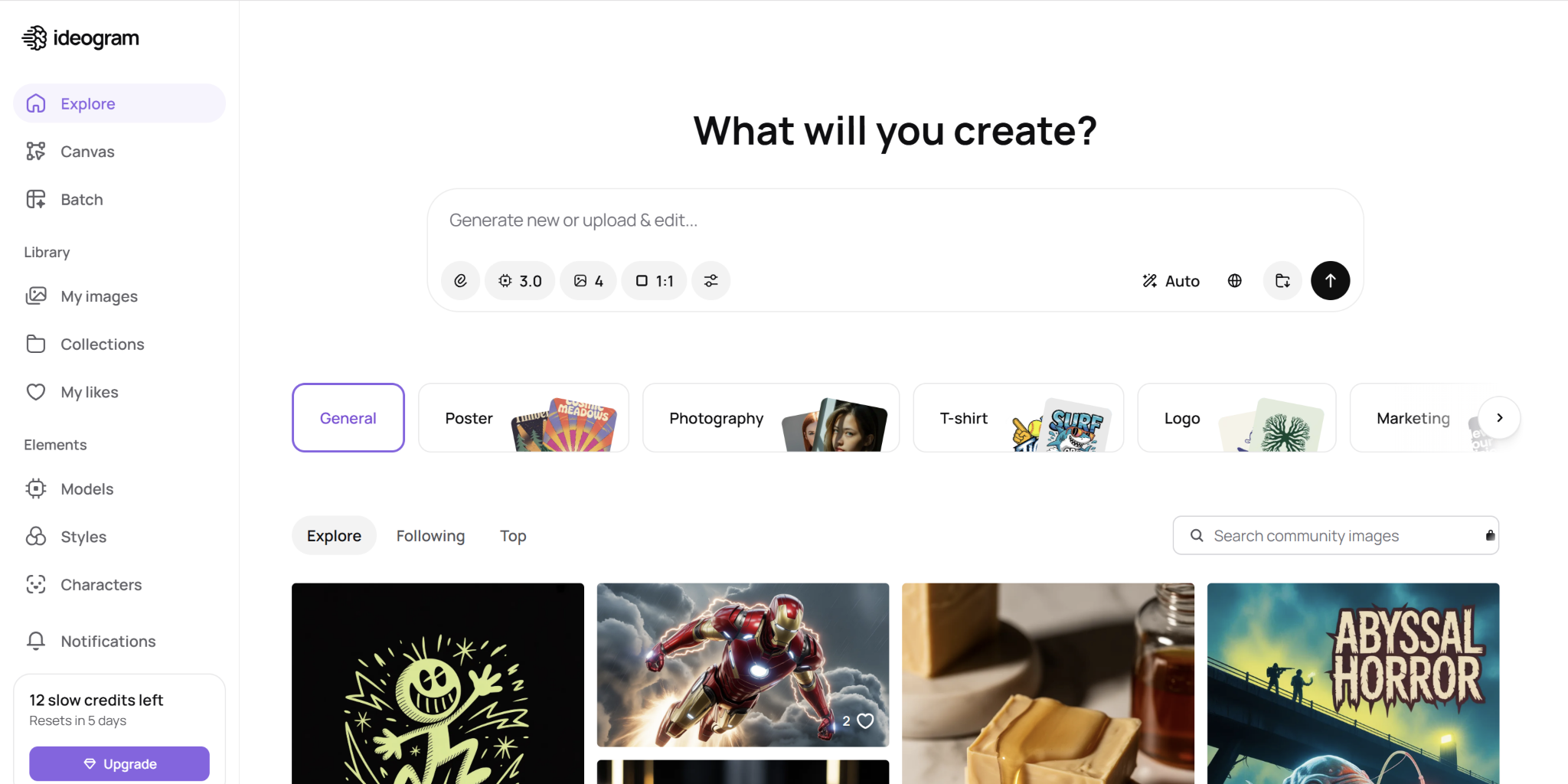
If you are looking for an AI tool that enables you to come up with stunning images and expand your creative ideas, Ideogram is for you.
What it's best used for: For text-heavy visual graphics and poster designs, use an AI poster designer in no time.
When to use it: Highly helpful for typography-focused visual graphics.
When you would not use it: Avoid when you do not want a multi-layered user interface (UI) system.
How it saves you time: It will create improved text usage within the AI-generated images.
What still requires human editing: Text kerning and layout Accuracy
Who would be the best fit to use this tool? : Social Media Creative Professionals, Marketers.
Workflow stage: Idea generation and drafting.


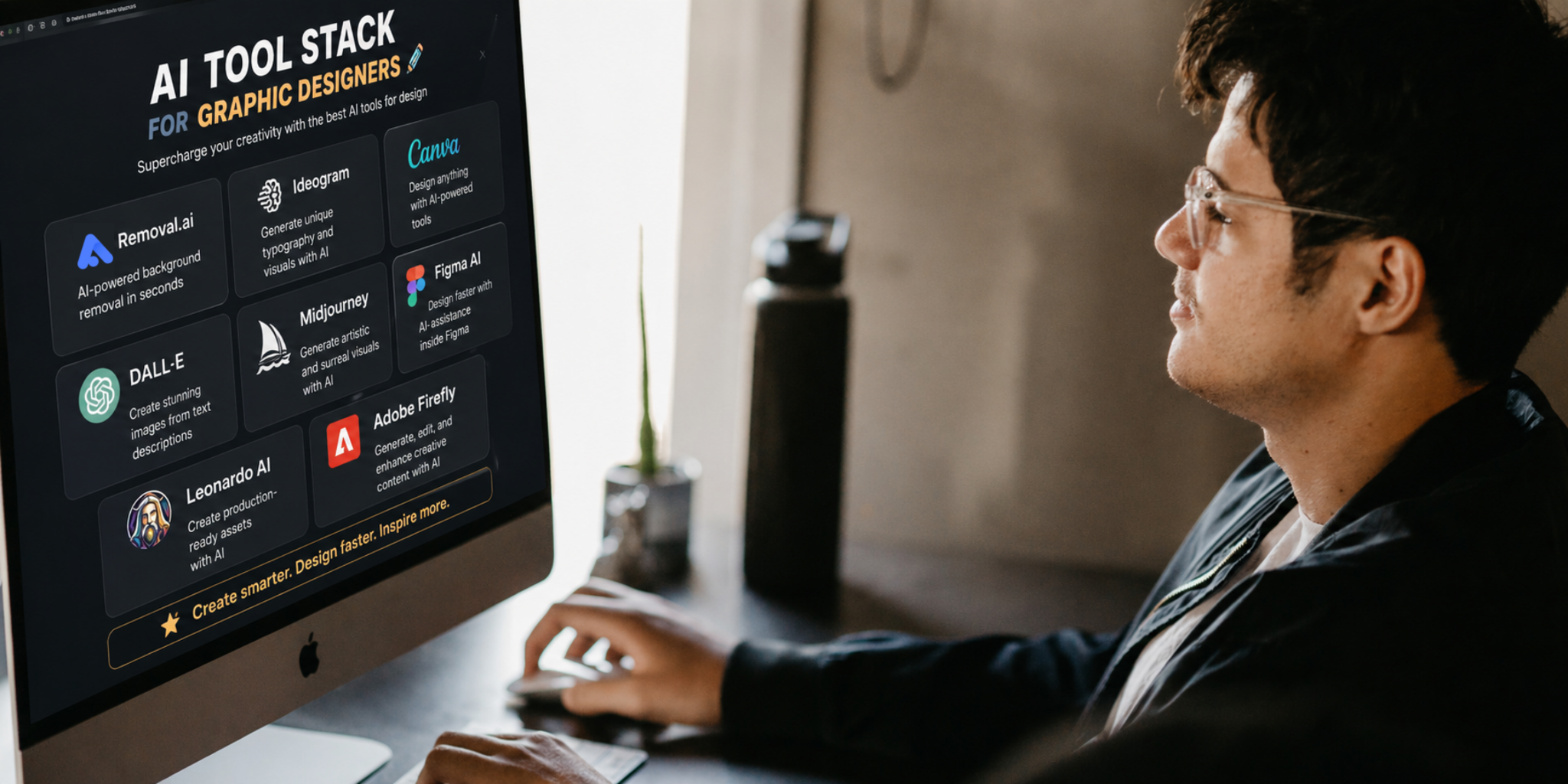
The best AI for graphic design is rarely one tool. It’s a stack, a collection of great, advanced, and beneficial platforms.
Freelancers require tools that will give them all three things: speed, low cost, and the ability to work flexibly.
Recommended Toolkit:
One ideation tool, such as Midjourney or Leonardo
One production tool—Canva or Photoshop, depending on your skillset.
One utility for a skilled specialist, Removal.AI, to help you with fast, bulk, and tedious removal of background images.
This type of combination allows you to access some of the best tools for graphic design and keep your costs down by not having to buy large tool sets. The purpose isn’t to have the top 10 AI tools; you want to create a very small toolkit that provides you with all three pieces: ideation, editing, and delivery.
Consistency is extremely valuable to the marketing team because they want everything done the same way for branding purposes.
Recommended Toolkit:
Canva Magic Studio for producing hundreds at once
Adobe for polishing finished work
Removal.AI for prepping all your assets quickly
It’s very important to maintain consistency. The AI tool that you will wish to utilize for graphic designers will be the tool that can best maintain the integrity of your brand with hundreds of assets per week.
Agencies require ranges of throughput and a high-quality ideation partner. Hence, these suggested tools are essential for every brand team and creative agency out there.
Recommended stacks include:
Midjourney or Leonardo for concept variety
Adobe Firefly for a polished, high-end finish
Canva for rapid rollout modifications
Removal.AI for effectiveness and efficiency in terms of detailed work
Agencies can benefit from merging these best graphic design tools to balance experimentation with execution speed.
The teams developing the product prioritize editable environments. Also, they need tools that advocate for healthy collaboration to uphold clear communication and centralized workflow.
Recommended stacks include:
Figma AI as an anchor
Image generation tools to create illustrations
Background remover tools to produce quick cuts
The best graphic design tools are integrated with user systems rather than being remote from those systems.
The recent surge of AI has become an important factor in the success of graphic designers. It does not replace creativity but instead helps simplify the process of design by eliminating obstacles, such as resizing, removing background elements, and creating variations of designs that used to take many hours to complete. The result is that a graphic designer can concentrate on their ideas, storylines, and illustrative direction, allowing for increased levels of creativity to take place. Additionally, each day that passes will see newer technology available for helping graphic designers produce high-quality designs in less time and with less fatigue from creative effort.
The greatest benefit of using AI is developing workflows versus using just one design tool. When artists use a combination of three or four different AI tools for various phases of their design projects, they will experience a smoother transition from concept to final output. Hence, experience fewer delays in their work.
Overall, the best AI-based graphic design tools will magnify the momentum behind each respective area of development. Yet, it is still up to how you maximize these tools to make quality and significance judgments on the output generated. While AI enables you to expedite the production of design solutions, your vision and preferences should always prevail.
So, fast-track your execution with the best AI for graphic design, but always let your own creativity reign supreme. The magic is still yours.
 AI tools to find & convert leads.
  Send emails at scale

