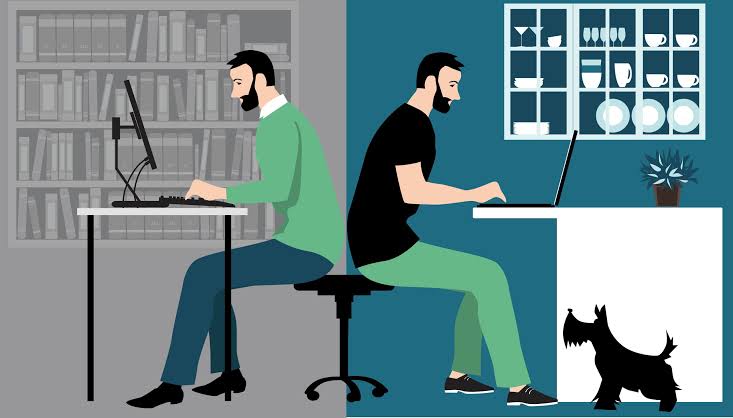
Running a hybrid team sounds simple until your Monday morning standup reveals three people duplicated the same work and nobody caught it.
Visibility disappears the moment your team splits between home and office. Output becomes inconsistent. Managers start guessing instead of knowing.
52% of the US employees work in a hybrid environment. Most businesses managing hybrid teams are still trying to solve coordination, visibility, and productivity gaps.
The tools below fix specific productivity gaps that hybrid teams run into repeatedly. For example, platforms like Anyleads enhance the productivity of sales teams by cutting the manual outreach work that drains sales reps' precious hours.
These tools help hybrid businesses track workflows, manage output, and remove friction from day-to-day operations.
Some monitor time and activity. Others handle project visibility, communication, or sales automation. The best ones replace the natural oversight that happens in a physical office without making employees feel like they are being watched every second. A free tracker like Timen fits that approach, logging hours by project or client without screenshots or activity scores.
For hybrid teams, these tools solve three key things:
They restore the visibility that managers lose when people work remotely
They surface patterns in how time gets spent, which most teams never see
They remove repetitive manual tasks so people focus on higher-value work
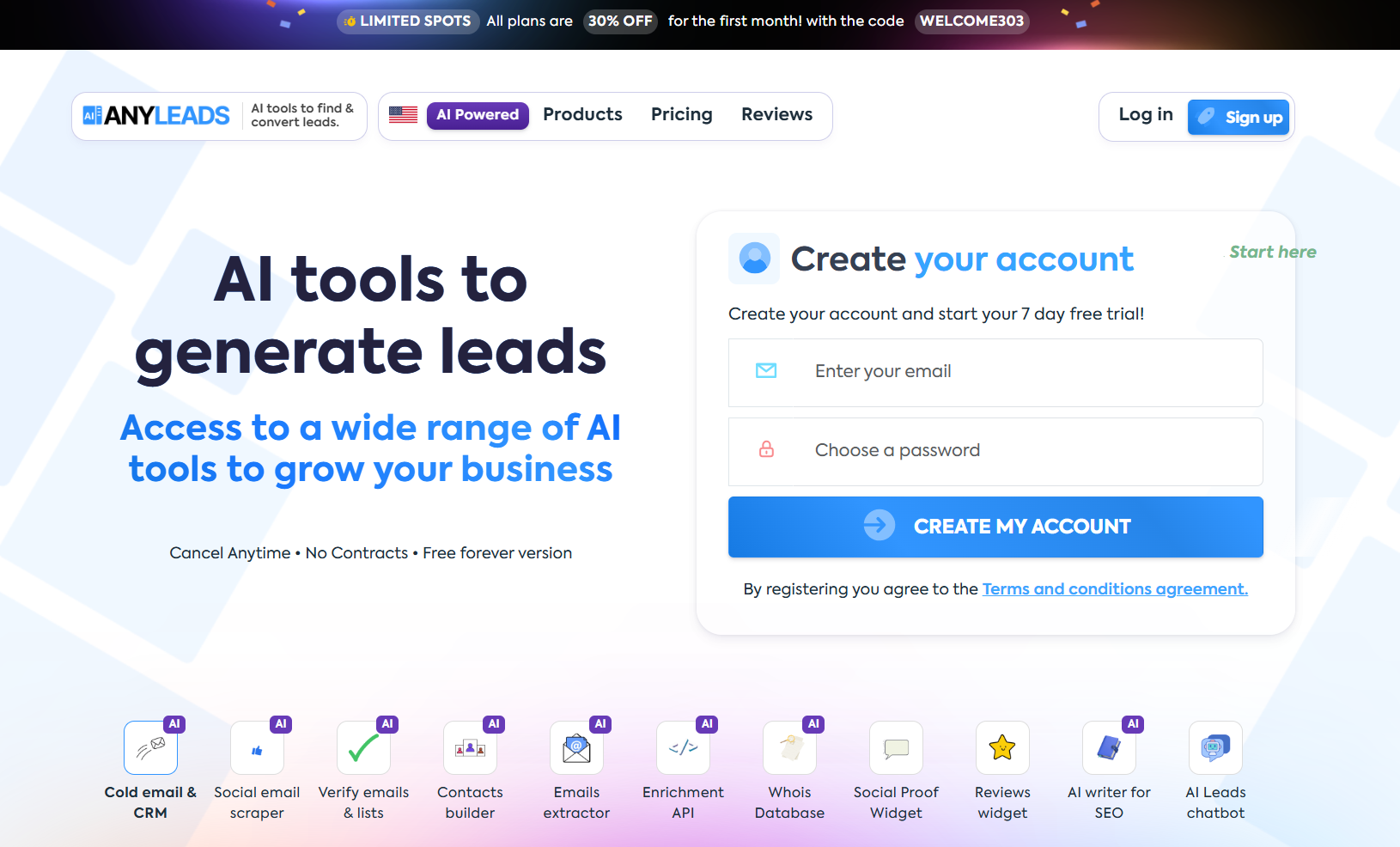
Anyleads is a sales automation and lead generation platform. For hybrid sales teams, it solves one of the most consistent productivity problems: outreach falling through the cracks when reps switch between office and home days.
What it does well:
Automated email sequences triggered by lead behavior
Lead scoring based on engagement signals
CRM sync so contact data stays current across a team
A/B testing inside Drip campaigns to improve messaging over time
Best for: Hybrid sales and marketing teams where outreach consistency often breaks down because of schedule fragmentation.
Action tip: Set up an automated sequence for every inbound lead source. A demo request, a content download, a webinar signup. If the first message takes two hours to land, the lead is already halfway to a competitor.
Example: A B2B software team replaced their manual follow-up process with Anyleads sequences for demo requests. The first message arrived six hours later. After automation, it landed in under five minutes. Qualified meetings booked per week increased by 41%.
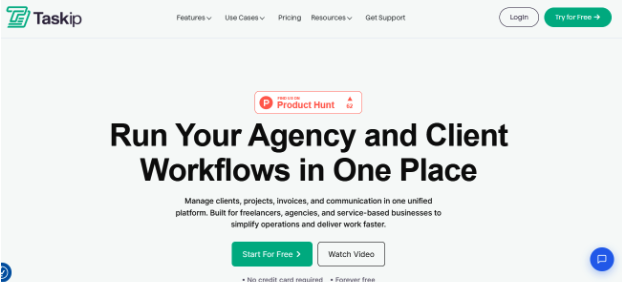
Taskip is an all-in-one client and project management platform built for agencies and hybrid teams that need more than time tracking. It brings task boards, invoicing, proposals, and client communication into one workspace instead of five disconnected tools.
What it does well:
Kanban-style task boards with team assignments and custom workflows
Branded client portals so clients can see project status without a status-update email
Built-in invoicing and proposal/quote generation tied to project work
Centralized client communication, file sharing, and support tickets in one thread
Best for: Hybrid agencies and service teams managing multiple clients who need task visibility and client-facing transparency. It goes beyond simple internal time tracking.
Action tip: Use Taskip's client portal to replace status-update calls with async visibility. Clients who can self-serve on "where's my project" tend to send fewer check-in emails and trust the process more.
Example: A six-person design agency runs client work across email threads, a shared spreadsheet, and a Trello board that half the team stopped updating. After moving to Taskip, task status and client-facing updates live in one portal. Clients stop pinging for progress checks, and the team spends less time reconciling "wait, is this done?" across tools.
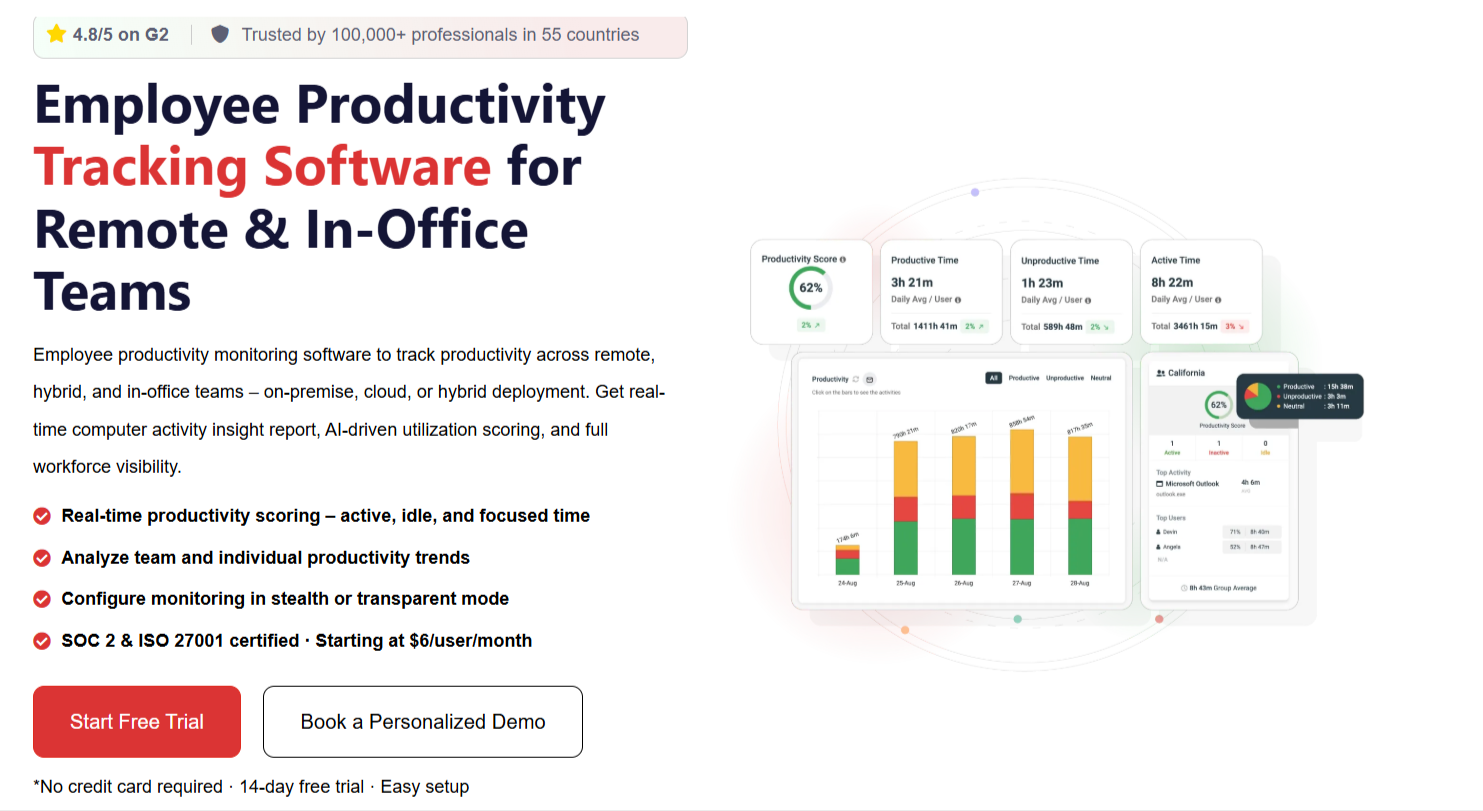
CurrentWare is a complete workforce productivity analytics and security platform that gives leadership advanced control and visibility across hybrid teams. It covers activity tracking, web usage, app monitoring, and data security in one dashboard. So managers see what is happening across remote and office devices without switching between tools.
What it does well:
Real-time web and application monitoring across all devices
USB and data transfer controls for compliance-heavy industries
Productivity reports that analyze active versus idle time
Website blocking to reduce distraction during focus hours
Flexible deployment - Cloud, on-premise, or hybrid
Best for: Mid-size to enterprise hybrid teams that need monitoring and data security managed together.
Action tip: Pull CurrentWare's weekly productivity report every Monday. Look for patterns across locations. You will find team-wide issues faster that way.
Example: A financial services firm discovered remote employees spent 38% of work hours on non-work websites. After enabling site restrictions, billable output rose 22% within the first month. Businesses that combine these productivity improvements with SEO optimization services are often better positioned to increase both operational efficiency and online visibility.
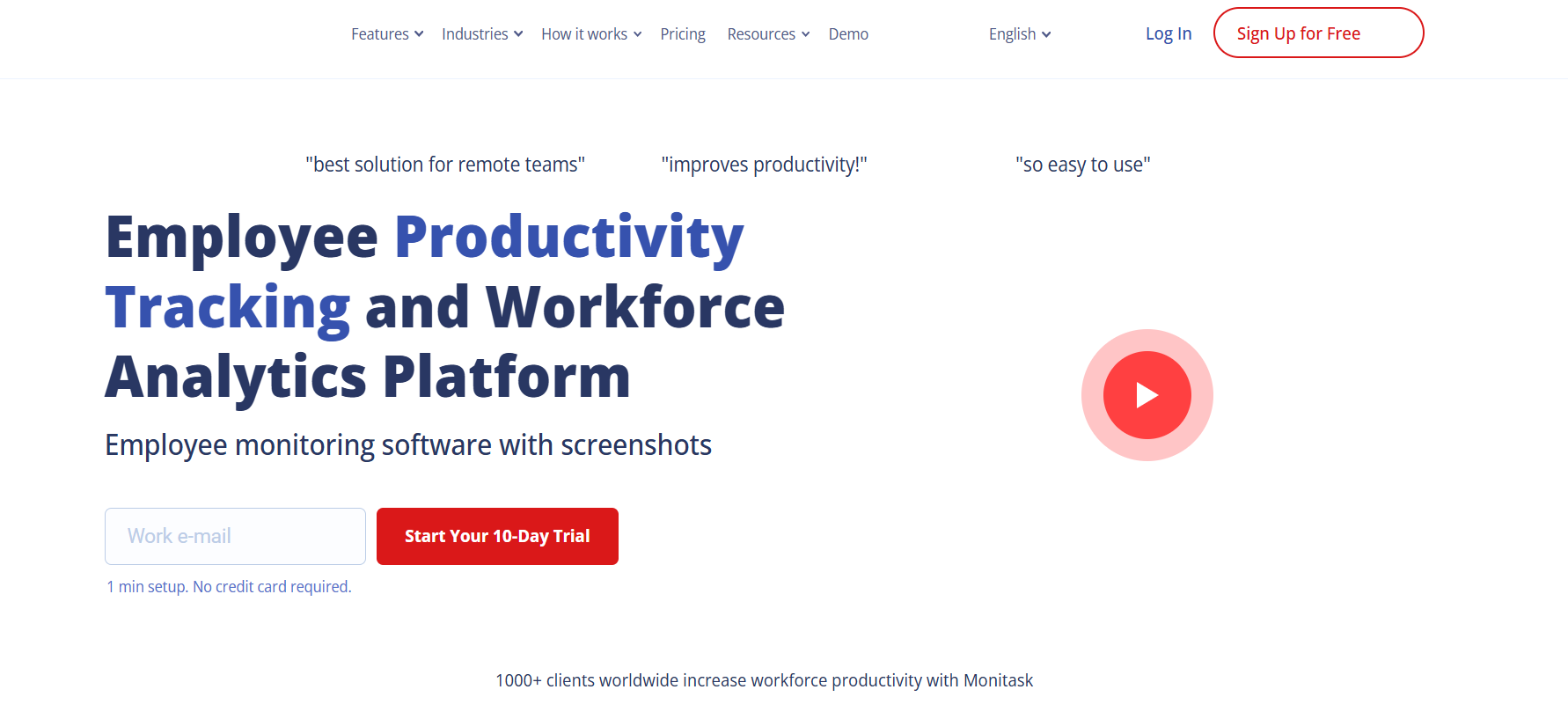
Monitask is a lightweight time-tracking tool with optional screenshot monitoring. It is easy to set up, affordable, and does not require an IT team to maintain.
What it does well:
Automatic time tracking tied to specific projects and tasks
Optional screenshots at set intervals for remote accountability
Activity scoring based on keyboard and mouse movement
Integrations with Asana, Trello, and Jira
Best for: Small to mid-size hybrid teams that want simple time tracking without heavyweight software.
Action tip: Use Monitask's project-level time data to find which tasks consistently run over estimate. That data is gold when you are planning the next sprint or setting client timelines.
Example: A content agency used Monitask across 18 hybrid employees and found client revisions were eating 3x more time than estimated. They overhauled their briefing template. Revision time dropped by half within a month.


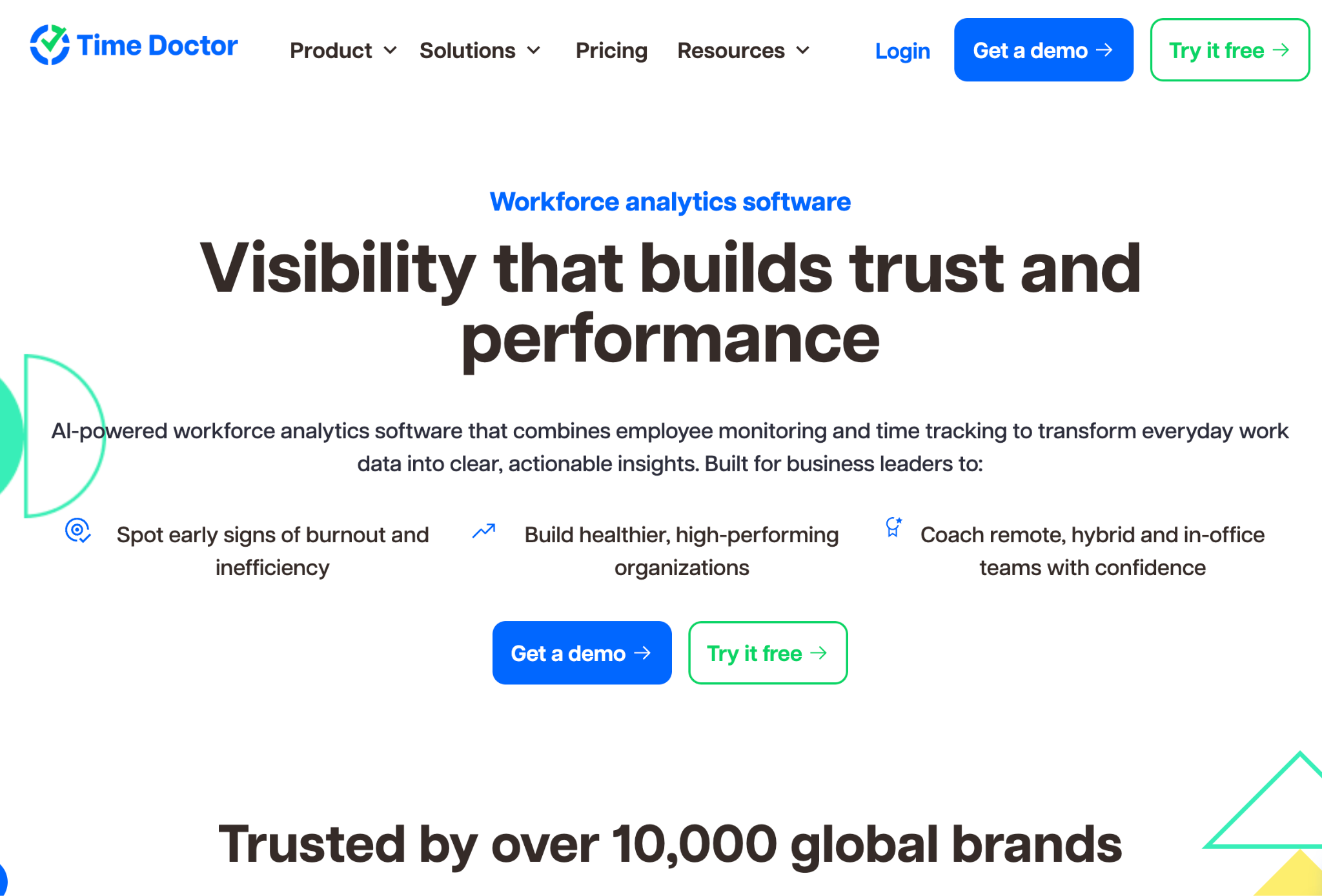
Best for: Distributed and hybrid teams that need workforce analytics, productivity insights, and operational visibility
Time Doctor goes beyond basic employee monitoring by combining workforce analytics, productivity insights, and time tracking in a platform designed for distributed and hybrid teams. Instead of simply recording hours worked, it helps managers understand work patterns, identify workload imbalances, monitor attendance, and improve team performance without relying on constant oversight.
Included features:
Workforce analytics with team, manager, and company-level insights
Time tracking with optional screenshots and activity trends
Attendance, schedules, and hours tracking reports
Unusual Activity Reports that flag anomalies automatically
Productivity and workload analytics to support coaching and burnout prevention
Payroll, invoicing, and client billing integrations
Flexible privacy controls, including optional screenshots and manual time tracking
Desktop, web, and mobile apps with offline tracking support
Time Doctor is particularly well suited for remote-first businesses, BPOs, agencies, consulting firms, and global teams that need accurate workforce data, operational visibility, and payroll-ready time records across distributed teams.
DeskTime automatically scores time as productive or unproductive based on app categories you define. Employees do not have to log anything manually. The data just accumulates itself.
What it does well:
Automatic productive and unproductive time classification
Project tracking with real cost calculations per hour
Shift scheduling for hybrid rosters
Private time feature so employees can take personal breaks without tracking
Best for: Teams that want productivity data without requiring employees to remember to start and stop timers.
Action tip: Customize the productive app list for each role. A developer and a sales rep have completely different productive apps. Generic settings will give you misleading data.
Example: An eCommerce company found that customer service reps spent 27% of their time in non-work apps during remote days. Targeted coaching brought that number down to 11% within six weeks.
(Image Source)
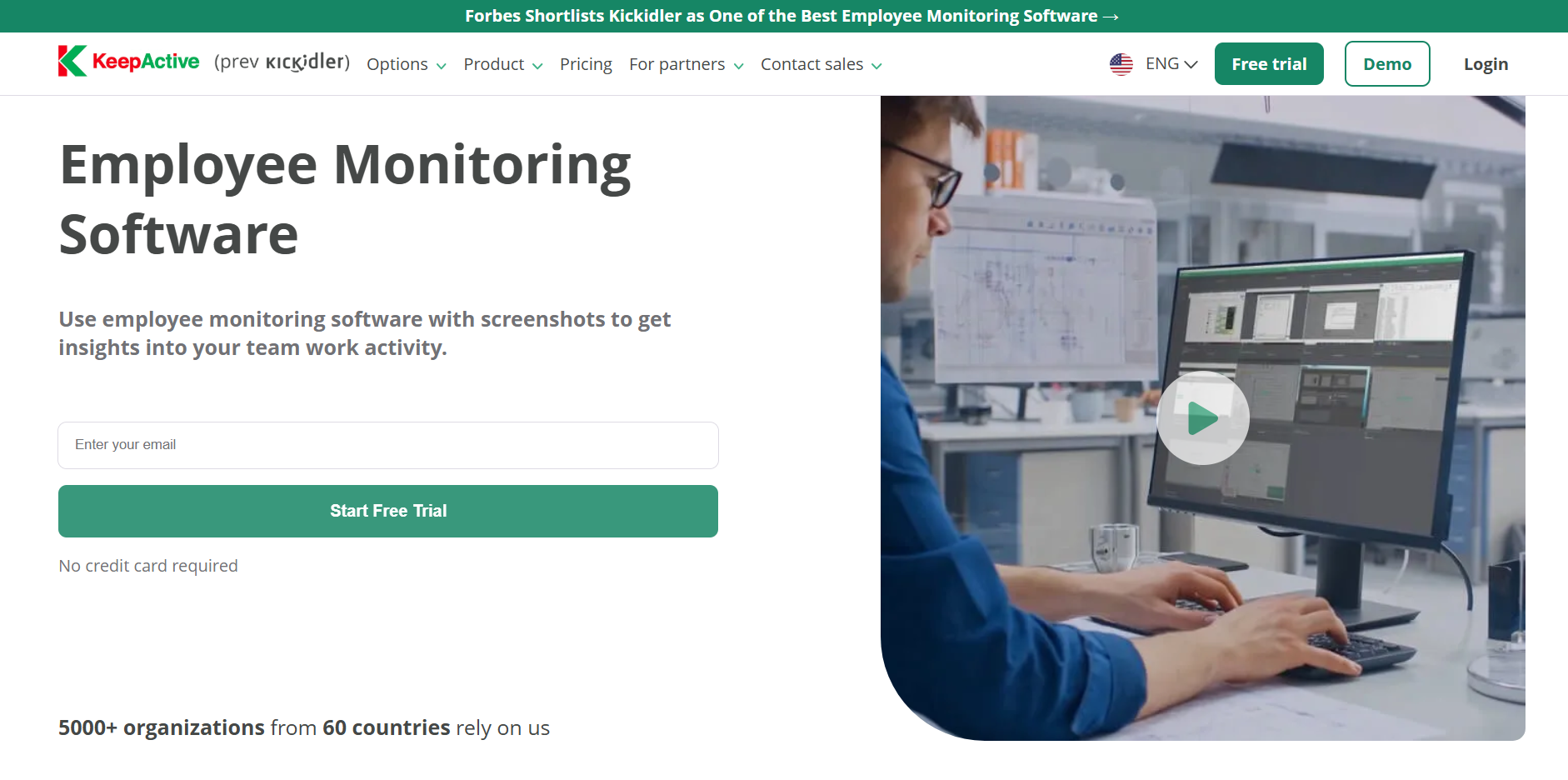
Kickidler goes further than most monitoring tools. It captures video recordings of screen activities alongside time and productivity data. This level of detail suits industries where audit trails matter.
What it does well:
Screen video recording with searchable playback
Real-time activity feed for managers
Efficiency scoring per employee based on active work time
Keystroke and mouse activity logging
Best for: Legal, financial, or compliance-heavy businesses that require detailed activity records.
Action tip: Use Kickidler's efficiency score as a coaching tool. Bring it into monthly one-on-ones and ask employees what they think is driving the numbers.
Example: A legal firm audited billable hour accuracy using Kickidler. They found 15% of logged hours included personal email time. After clarifying usage policies, that figure dropped below 5% within two months.
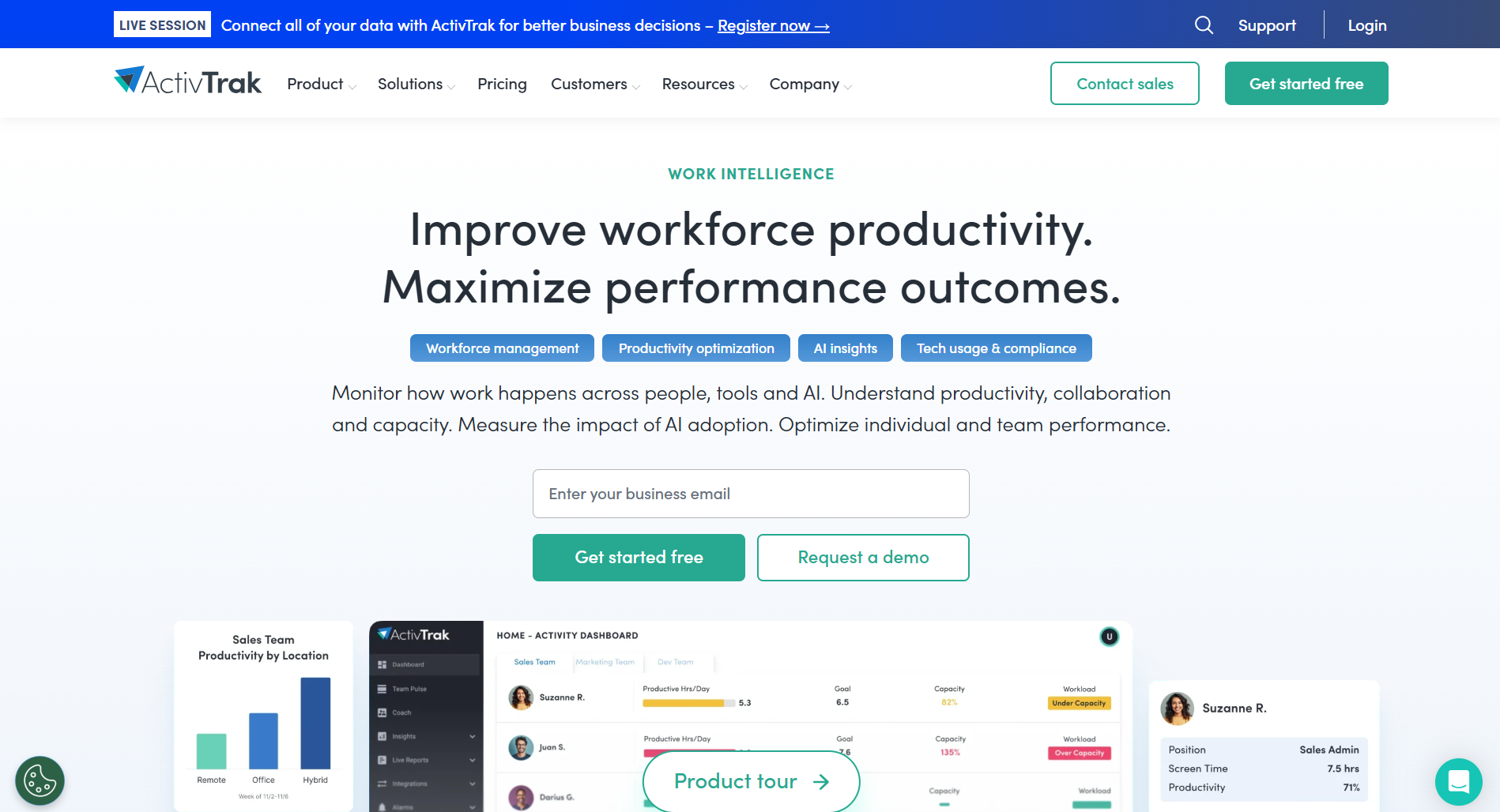
ActivTrak is not about catching people doing something wrong. It is about showing you where your team is quietly burning out before they hand in their resignation, and you are left wondering what happened.
What it does well:
Productivity trend analysis across teams and locations
Workload balance reports to catch burnout before it becomes a resignation
Focus time tracking to protect deep work from meeting creep
Goal-setting tools tied to individual performance benchmarks
Best for: Larger hybrid teams where HR or operations need data to support employees rather than discipline them.
Action tip: Run ActivTrak's workload report every two weeks. Someone pulling 10-hour days every single week is not a high performer. They are a flight risk, and you probably have three months before they start looking.
Example: A tech company used ActivTrak data in their quarterly planning cycle. They spotted three engineers logging 12-hour days for six consecutive weeks. After redistributing work, on-time delivery improved, and two of the three flagged employees stayed through the next performance review.
Fully remote teams build routines around distance from day one. Fully in-office teams have natural oversight built in. Hybrid teams get neither.
They get the coordination challenges of remote work on home days and the meeting-heavy interruptions of office work on in-office days. Productivity falls through the gap between the two.
Here is what typically goes wrong:
Work gets duplicated
Two people start the same task because there is a communication gap between the office and home.
Leads go cold
Sales reps miss follow-up windows because they were in back-to-back meetings on office days, and nobody picked it up on remote days.Part of this is a communication infrastructure problem with reps switching between home and office often blur the line between personal and work calls. Having them add a business line to their cell phone ensures work calls stay consistent and trackable regardless of where they're working that day.
Performance is invisible
Managers evaluate remote employees on vibes rather than data, which creates unfair reviews and retention problems.
Burnout hides
Overloaded employees in hybrid setups are hard to spot until they hand in their resignation.
A tool like Anyleads directly addresses the second problem. When outreach sequences run automatically, leads do not go cold while reps are unavailable. That is not just a sales win. It is a productivity win because reps stop spending hours catching up on cold leads that could have been warm.
Most hybrid teams are not underperforming because of attitude or effort. The setup is just wrong for how they work. Tools built for in-office teams do not travel well.
Pick one tool from this list. The one that addresses the problem costing you the most right now. Get it embedded before you add anything else.
If your sales team splits time between home and office, outreach consistency is probably the first thing that breaks. Leads sit untouched on remote days. Follow-ups happen too late. By the time someone circles back, the lead has moved on.
Anyleads runs those sequences automatically, so the timing stays right regardless of where your reps are that day. Give it a try and watch what happens to your response rates.
 AI tools to find & convert leads.
  Send emails at scale

