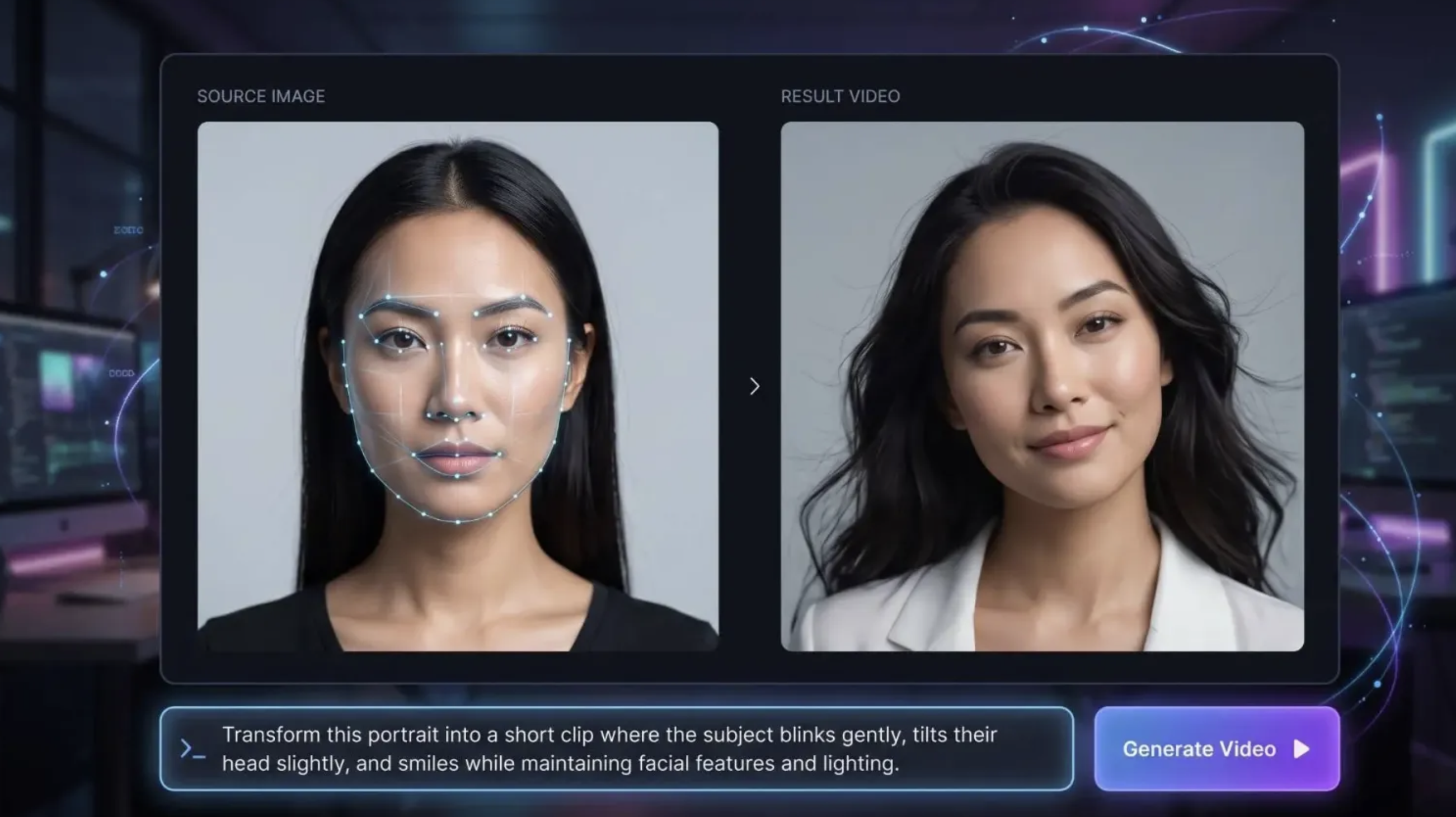
Creating high-quality visual content used to require expensive equipment, advanced editing skills, and hours of manual work. Today, artificial intelligence is changing how photographers, marketers, designers, and social media creators produce digital content. From enhancing photographs to generating cinematic videos, AI tools make creative workflows faster and more accessible.
But how can creators combine AI image editing and video generation to achieve professional-looking results? The answer lies in choosing the right tools and understanding how they work together.
Every successful visual project begins with a strong image. Whether you are creating a product advertisement, a social media campaign, or a short cinematic video, the quality of your original image can significantly affect the final result.
An AI photo editor can help creators improve images without requiring advanced photography or retouching skills. Depending on the tool, users can remove unwanted objects, adjust backgrounds, improve image quality, change lighting, and experiment with different visual styles.
For example, an online store owner might photograph a product against a plain background and use AI editing to place it in a more attractive setting. A photographer might improve lighting or remove distracting elements before using the image in a larger creative project.
Preparing images before moving to video generation can also help maintain a consistent visual style throughout a campaign.
Once an image is ready, the next step is deciding whether it can become a video.
AI video generation tools can animate still images by adding movement, camera transitions, environmental effects, and other visual elements. This makes it possible to transform a product photograph into a short advertisement or turn a landscape image into a cinematic scene.
Creators can describe the movement they want through a text prompt. For example, a product image could become a video featuring a slow camera push-in, subtle reflections, and soft lighting.
The most effective results usually come from clear instructions. Instead of simply asking an AI tool to animate an image, describe the subject's movement, camera direction, lighting, atmosphere, and intended visual style.
This approach gives the model more context and helps align the generated video with the original creative idea.


For creators who want greater control over generated footage, Kling 4.0 is an AI video model worth exploring. It supports text-to-video and image-to-video workflows, allowing users to develop visual concepts from written prompts or reference images.
Its features include longer single-generation clips, multiple reference inputs, and keyframe controls that help creators guide important visual moments. These capabilities can be useful when developing advertisements, short stories, product demonstrations, and social media videos.
For example, imagine a fashion brand that has already prepared a collection of product photographs. Rather than relying exclusively on static images, the creative team could use an image-to-video workflow to introduce movement, build a cinematic sequence, and create more engaging promotional content.
The quality of the result still depends on factors such as the reference images, prompt clarity, scene complexity, and the model's interpretation of the instructions. Reviewing the generated footage and making adjustments remain important parts of the process.
Yes. Combining image editing and video generation can create a more flexible production workflow.
Instead of treating photography, editing, and video creation as separate activities, creators can use AI tools at different stages of the same project.
A practical workflow might look like this:
Step 1: Prepare the original image. Start with a photograph or generate a new visual concept.
Step 2: Refine the image. Use an AI photo editor to improve the composition, remove distractions, or adjust the background.
Step 3: Plan the animation. Decide how the subject should move, how the camera should behave, and what atmosphere the video should communicate.
Step 4: Generate the video. Use an image-to-video model to animate the prepared image according to your instructions.
Step 5: Review and refine. Check for inconsistent details, unnatural motion, unwanted visual changes, and distracting artifacts.
Step 6: Prepare the final content. Adjust the aspect ratio, captions, audio, and pacing for the intended platform.
This process can reduce repetitive work while giving creators more opportunities to experiment with different visual concepts.
With so many AI tools available, choosing the right platform can be challenging. The best option depends on your project, budget, technical experience, and preferred workflow.
Consider the following factors before making a decision.
Look for tools that support the editing tasks you perform most often, such as background replacement, object removal, image enhancement, and style adjustments.
Evaluate how naturally the model handles motion, camera movement, character consistency, and transitions. A visually impressive first frame does not necessarily guarantee a convincing video.
Reference images, detailed prompts, and keyframe options can help you guide the result more precisely. These features are particularly valuable for product campaigns and projects that require visual consistency.
A platform that brings several creative capabilities together may reduce the need to switch between multiple applications. For example, creators can explore platforms such as OpenArt when looking for AI-assisted image and video creation workflows.
Check available plans, generation credits, export options, and commercial-use terms before committing to a tool. A free plan may be sufficient for experimentation, while frequent professional use may require additional capacity.
AI image editing and video generation can support a wide range of creative projects.
E-commerce product marketing: Improve product photographs and turn selected images into short promotional videos.
Social media content: Create visually engaging posts, animated images, and short-form videos for different platforms.
Photography and creative portfolios: Experiment with alternative backgrounds, lighting, artistic treatments, and motion-based presentations.
Digital advertising: Test different visual concepts before investing in a full production shoot.
Storytelling and concept development: Transform reference images into animated scenes that help communicate a narrative or demonstrate an early creative idea.
Although AI can accelerate these workflows, human judgment remains essential. Creators still need to review accuracy, visual consistency, brand requirements, and the intended message.
AI tools can make visual production easier, but they do not eliminate every challenge.
Generated videos may contain inconsistent objects, unnatural movement, or changes to important product details. Image editing tools can also produce results that look convincing at first glance but do not match the original photograph accurately.
For commercial work, these issues matter. Product colors, logos, labels, and other important details may need manual inspection or correction.
Creators should also consider copyright, privacy, consent, and the usage rights associated with source images and generated content. The applicable requirements can vary depending on the tool, the content, and the intended use.
The most reliable approach is to treat AI as a creative assistant rather than an automatic replacement for quality control.
AI is making it easier for creators to move from an initial image to a more complete visual experience. An AI photo editor can help prepare and refine photographs, while video generation models such as Kling 4.0 can help transform visual concepts into moving scenes.
The key is to understand how each tool contributes to the workflow. Start with a clear creative objective, prepare suitable reference images, write specific prompts, and review the results carefully.
By combining image editing with AI video generation, photographers, marketers, and designers can explore new creative possibilities while spending less time on repetitive tasks.
 AI tools to find & convert leads.
  Send emails at scale

