
Webinar recordings, customer interviews, and product walkthroughs can pile up in a shared drive faster than a marketing team can edit them. The challenge isn't always creating more footage. It's turning what you already have into videos your audience will watch.
Outsourcing editing can help increase output without adding headcount, but service models and pricing can be hard to compare. A useful evaluation starts with your publishing needs, then looks at capabilities, turnaround, cost, workflow, and the results each video should support.
Start with formats, not vendors. Define the videos you need and the marketing goal each one serves.
Check what turnaround means. A quoted delivery window may cover only the first draft and may not start until all footage and instructions are received.
Compare cost per finished asset, then pilot. Include add-ons and internal review time. Test shortlisted providers with the same footage and brief.
Judge a video editing company against the outputs you need. Write down what you publish, where it goes, and what action you want viewers to take.
For many B2B marketing teams, the list falls into two groups:
Long-form assets such as product explainers, edited webinars, and customer case studies. These appear on landing pages, in nurture emails, and on your YouTube channel. They can help interested prospects understand your product before requesting a demo.
Short-form assets for YouTube Shorts, Instagram Reels, TikTok, and LinkedIn. These can introduce an idea, answer a specific question, or direct viewers toward a longer resource. Choose the aspect ratio for each placement rather than assuming every short video should be vertical.
Define success before ordering. For a landing-page video, that might mean clicks on the call to action (CTA) and demo requests. For short-form content, watch duration and profile visits can indicate interest. For paid social, track lead volume, cost, and quality, not just views.
This also sets the mix you need to buy. Two webinar recaps and fifteen shorts a month require different capacity from one polished brand film a quarter.


Each editing model offers a different balance of predictable costs, available capacity, and creative control.
| Model | Cost predictability | Throughput | Creative control | Ramp time |
|---|---|---|---|---|
| Per-video, project-based service | High when scope is fixed | Depends on booked capacity and parallel-edit limits | Guided by briefs and revisions | Usually short after briefing |
| Subscription service | Fixed monthly fee, variable output | Often limited by queues or active requests | Guided by briefs and revisions | Usually short after onboarding |
| Freelancers and marketplaces | Varies by hourly or project terms | Depends on individual availability | Potentially high with a good match | Vetting and briefing take time |
| In-house editor | Salary plus software and hardware | Limited by staffing and other assignments | Direct day-to-day oversight | Hiring and onboarding take time |
Project-based services charge per video or defined project. This can suit teams with an uneven publishing schedule because they pay for agreed work rather than ongoing capacity. Tasty Edits, for example, lists per-video rates for long-form and short-form work, giving managers a clear starting point for budget planning.
Subscription services charge a monthly fee for a queue of requests. They can work well when demand is steady, but output depends on how many edits can be active at once and how long each takes. Check minimum commitments, pause policies, and whether unused capacity carries over.
Freelancers offer flexibility and can provide a strong creative fit. Hourly quotes are harder to compare unless you also have an estimate of total editing time. Ask about availability and backup arrangements before relying on one person for a launch.
In-house editors offer direct collaboration and can develop deep brand knowledge, but hiring adds salary, software, and hardware costs. A hybrid approach can also work: an internal owner handles strategy and approvals while an external service handles additional volume. Teams with heavy workloads often pair internal leadership with an external creative team. Superside is the world's leading AI-first creative partner for enterprises, providing on-demand video production across multiple formats.
Build a capability checklist around your actual work. Not every team needs advanced effects, but most need reliable audio, consistent branding, and exports that fit their publishing channels.
A consistent point of contact. Ask who learns your brand and preferences, who performs the edits, and what happens when that person is unavailable.
Parallel editing. If campaigns need several assets at once, confirm how many can be in progress simultaneously.
Long-form and short-form work. Request examples of horizontal footage adapted for vertical viewing, with deliberate reframing and readable captions.
Thumbnail design. If YouTube is a priority, check whether thumbnails and variations are included or priced separately.
Motion graphics. Confirm support for the name labels, animated callouts, and product annotations your videos need.
Audio and picture cleanup. Ask about noise reduction, consistent volume, and color correction. Editing can improve a recording, but it can't fully repair every source problem.
Licensed music and stock footage. Confirm that the provider can document permitted uses.
Read revision policies closely. “Unlimited revisions” may mean unlimited rounds within the original brief, not unlimited changes to the assignment. A replacement opening might be a revision; a new audience, message, or format might change the scope. Get examples and boundaries in writing. That same scope check is useful when comparing a Video editing service with other models.
A service-level agreement (SLA) sets expectations for delivery. A quoted 24-hour or 48-hour turnaround may refer to the first draft rather than an approved, publish-ready video.
Clarify three points before building your calendar around that promise:
What the deadline covers. First-draft delivery, revisions, and final exports may have separate timelines. Leave room for your team's review and approval.
When the clock starts. Providers may require complete footage, a finished brief, and brand assets before accepting the order. Confirm whether the window uses business hours or calendar hours and which holidays apply.
How scope affects timing. A three-hour, multi-camera webinar requires different work from a short talking-head clip. Ask how footage length, graphics, and additional formats affect the schedule.
For batch work, submit related assets together with a shared brief and a clear priority order. If you need a webinar recap and five clips by Friday, confirm whether they will be edited in parallel or delivered sequentially. Don't assume a provider's capacity from its headline turnaround alone.
Edit quality matters, but the review process determines how much work your team must do to reach approval.
Email and shared folders can work if version names, feedback, and approvals are well managed. A centralized portal can reduce that coordination. Tasty Edits uses VOMA (Video Order Management Application) for ordering, uploads, editor communication, draft reviews, and revision requests, keeping those steps in one place.
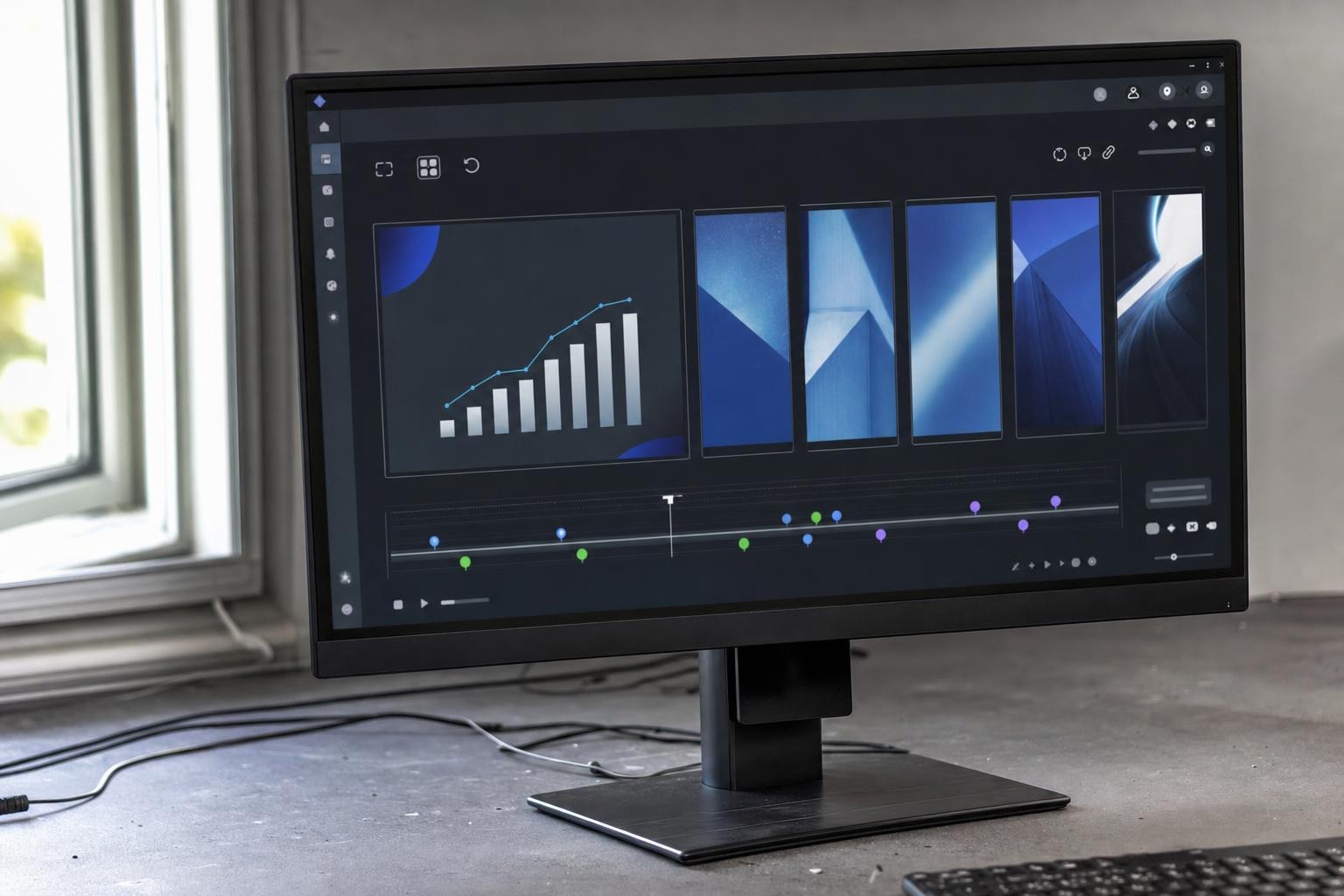
During a demo, ask to see how the workflow handles:
Complete briefs. Can you specify format, aspect ratio, platform, CTA, and deadline before editing begins?
Reusable brand assets. Can the team retain approved fonts, colors, logos, and templates for later orders?
Precise feedback. Can reviewers comment at a timestamp rather than describe “the part after the second slide”?
Access and approvals. Can reviewers access only what they need, and is the final approval clearly recorded?
Assign one internal owner to consolidate feedback. Even a good review tool won't prevent conflicting instructions from several stakeholders.
Compare providers using the same monthly mix of finished assets. Include thumbnails, alternate formats, revisions outside scope, and any other work needed before publication.
Project-based pricing can include single-video rates, package discounts, and per-order add-ons. Tasty Edits' listed pricing provides a concrete example of that structure:
| Format | 1 video | Package rate | Larger package rate |
|---|---|---|---|
| Long-form horizontal edit | $327 | $305 per video (4-pack) | $278 per video (8-pack) |
| Short-form vertical edit | $94 | $88 per video (15-pack) | $80 per video (30-pack) |
These example rates are in USD per video, and discounts require a package purchase. The same rate card lists custom thumbnails and vertical reformats at $43 per order each. Confirm current prices, package terms, and exactly what each add-on covers before budgeting.
Footage duration, upload size, final runtime, and editing complexity can affect eligibility for a standard rate. For a subscription, estimate how many assets the queue can realistically deliver each month. For a freelancer, multiply the hourly rate by estimated hours and clarify how overruns are approved.
Keep internal effort visible, too. A lower editing fee may not save money if your team spends substantially more time preparing files and explaining revisions.
Terms to clarify before purchase:
Footage limits and per-minute surcharges.
Revision limits, scope boundaries, and additional charges.
Package expiration dates and refund or cancellation terms.
Charges for project files, alternate exports, or source-file handoff.
Rush fees and the standard delivery window they replace.
Marketing videos may remain in use long after a vendor relationship ends. Put ownership, usage rights, and file access in the agreement before editing starts.
Final deliverables. Confirm ownership and your rights to publish, modify, and use the videos in paid campaigns. Third-party assets may have separate license restrictions.
Project files. Ask whether editable timelines are included, what software they require, and whether fonts, graphics, or plugins must be licensed separately.
Raw footage retention. Establish how long uploads are stored, who can access them, and how deletion works.
Music and stock licensing. Royalty-free doesn't mean unrestricted. Check coverage for the intended platforms, commercial use, and paid advertising.
Watermarks and portfolio use. Confirm that final exports meet your requirements and whether the provider needs permission to display the work publicly.
Confidentiality. Agree on protections before sharing unreleased product footage or sensitive customer information, including an NDA when appropriate.
Clear written answers make future handoffs easier and reduce the risk of discovering a usage restriction after publication.
Platform requirements change, so evaluate how a provider checks specifications rather than relying on a list of recent feature announcements.
Title and thumbnail testing. Where your publishing tools support testing, ask whether the provider can supply distinct variations and what they cost.
Captions and interface overlays. Text should remain readable on a phone and sit clear of buttons, descriptions, and other on-screen controls.
Placement-specific exports. Different placements may need different aspect ratios, durations, cover images, or caption files.
Ad and landing-page alignment. The video's message and CTA should match the destination so viewers know what happens next.
Turn these needs into buying questions:
Can you supply two or three thumbnail variations and title suggestions when testing is part of the brief?
How do you check that captions stay clear of interface elements on Shorts, Reels, and TikTok?
Can you deliver square and vertical versions for LinkedIn and other paid placements without cutting off important visuals?
Who checks export specifications before final delivery?
Include the intended placements in the brief and review at least one draft on a phone. That can reveal text-size and framing problems that are easy to miss on a desktop.
Choose a primary measure for each asset before it ships. Engagement can help explain performance, but it isn't the same as a qualified lead or a sale. An explicit CTA and destination also help turn YouTube viewers into leads rather than treating views as the endpoint.
| Deliverable | Useful metrics | Where to read them |
|---|---|---|
| Thumbnail and title variations | Click-through rate and watch time | YouTube Studio |
| Landing-page explainer | Play rate, watch time, CTA clicks, demo requests | Video host analytics and web analytics |
| LinkedIn video ad | Lead form opens, completions, cost per lead, lead quality | LinkedIn Campaign Manager and sales records |
| Short-form social clips | View duration, profile visits, tracked site visits | Platform analytics and web analytics |
Keep tracking manageable:
Add campaign-tracking tags, often called UTM parameters, to destination links where the platform permits them.
Give each asset a consistent name or ID in files, orders, and reporting notes.
Record which variations performed best and share the results with your editor.
Compare results across similar audiences and placements. Use a controlled test where practical rather than attributing every change in demo requests to the video.
Use the findings to guide the next brief. For example, early viewer drop-off may justify testing a shorter opening, while strong watch time but few clicks may call for a clearer next step. Editing is one factor alongside the offer, audience, and distribution.
A small paid pilot shows how a provider works with your footage and feedback. Give your top candidates the same materials, scope, and review conditions so the comparison is useful.
Include these details in the brief:
The business goal and the metric you will track.
Target platform, aspect ratio, and length.
Audience and what they already know about the product.
Key message, required product moments, and CTA.
Brand assets, reference videos, and anything to avoid.
Delivery deadline and your team's review window.
Choose a representative assignment, such as one webinar recap and several short clips. If simultaneous delivery matters, make it part of the test rather than assuming the provider can handle it later.
Score each candidate from one to five on the same criteria:
Edit quality against the brief.
Time to first draft against the agreed deadline.
Revision quality and turnaround.
Clear communication and handling of ambiguous feedback.
Brand fit after revisions.
Cost per finished asset, including add-ons.
Set acceptance criteria in advance. You might require an on-time first draft, approval within two revision rounds, and a final invoice that matches the agreed scope. If a candidate misses a target, establish why before committing to a larger workload.
Tasty Edits illustrates several features worth comparing in a project-based service: published per-video pricing, a dedicated editor, parallel editing, and a centralized review portal. Its listed offering also includes royalty-free music and stock footage, plus audio and video enhancement.
The published turnaround terms specify a 48-hour first draft for horizontal long-form edits and a 24-hour first draft for vertical shorts, with unlimited revisions included per order. These are draft and revision windows, not final-delivery guarantees. Confirm current terms, scope boundaries, and when the clock starts once footage and a complete brief are submitted.
The right video editing service matches your publishing mix, review capacity, and budget. Map formats to marketing goals, check realistic delivery capacity, and compare the full cost of publish-ready assets. Settle rights and file access in writing, then use a paid pilot to test the working relationship.
Whether you choose an in-house editor, a freelancer, or a project-based service such as Tasty Edits, keep the brief and approval process consistent. Expand the workload when the provider meets your quality, timing, and cost expectations, and use performance data to improve the next round of videos.
 AI tools to find & convert leads.
  Send emails at scale

