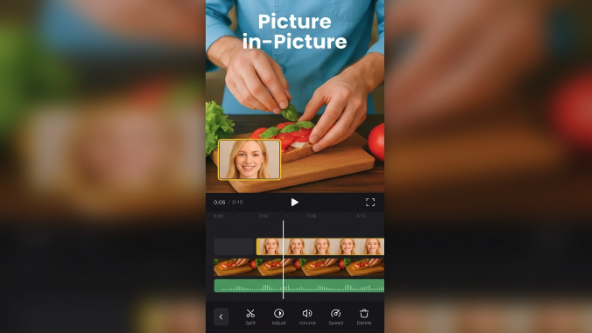
The rise of Short-Form Video for contemporary content creators.
Consumption of video has completely evolved in the last ten years. Consumers are no longer patient for lengthy entertainment and information programs or meticulously planned TV shows to find a useful piece of information, entertainment or product. Rather, they are more likely to come across ideas in short videos that are displayed in social feeds, search results, websites, and mobile apps.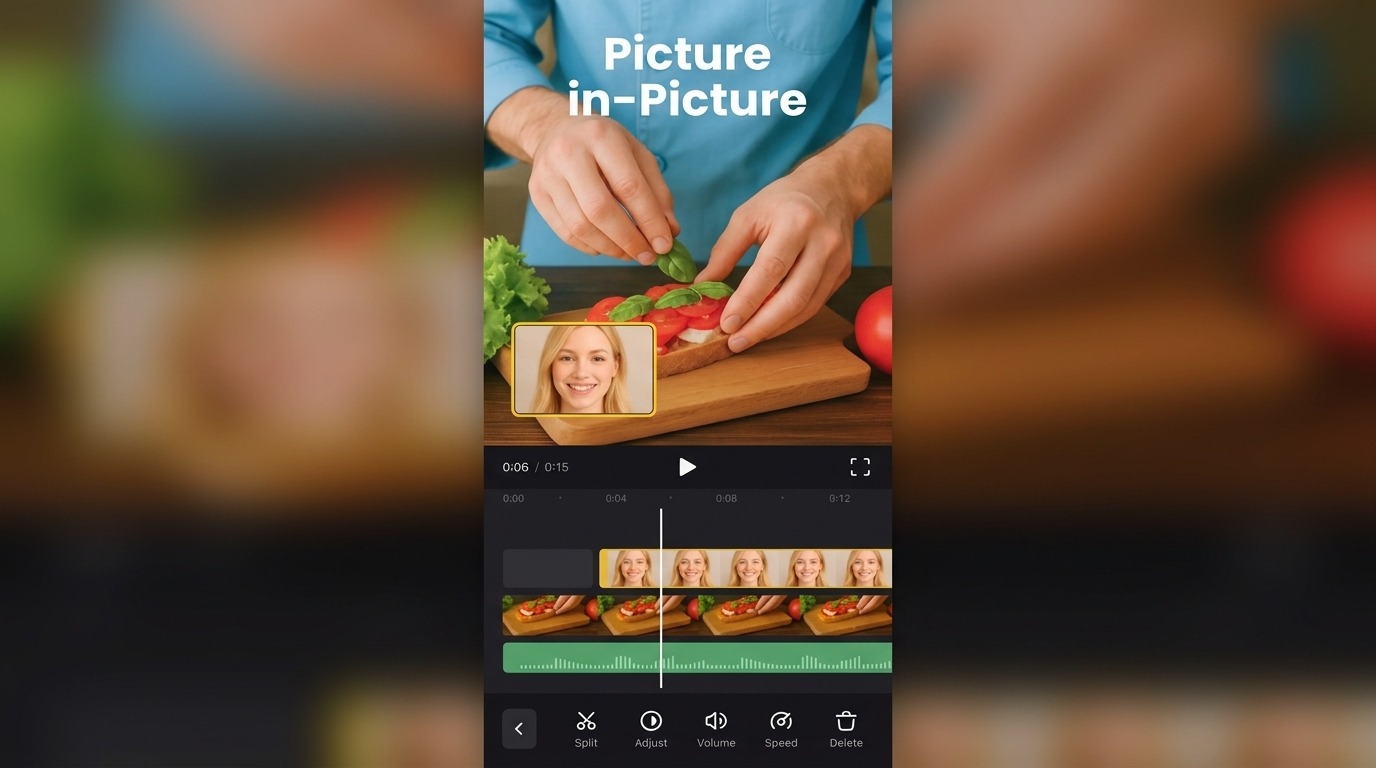
The way people watch content is changing and creators and businesses are dealing with new challenges. Increasing the number of videos isn't always the solution. The actual trick is to make videos that convey some useful information in a flash, appear professional and capture the viewer's interest from the outset. Planning, editing, pacing, captions, visuals and sound are all elements of creating a short video that may only last 30 seconds.
That's why it's vital to have video editing software that's easy to use. With a simple production workflow, creators can focus on ideation rather than getting bogged down in technicalities.
The short-form video is effective because that's how today's viewers tend to watch digital content. Users skim through several pieces of information in a matter of seconds, so the first few seconds are crucial. The creator might have a great concept, but if the video doesn't get to the point in time, viewers can skip it before the message is conveyed.
This doesn't imply that each video should be loud, rapid, or loaded with effects. Indeed, clear is more useful than complex! A helpful tutorial, product demonstration, travel clip, educational explanation or behind-the-scenes video can be very effective if the editing is used to maintain the viewer's attention on the main idea.
The outcome is a straightforward yet significant difference: short-form content isn't just long-form content broken down into smaller segments. It must be organized in a different way of viewing.
In the past, video editing was considered a task for the powerful desktop software, the extensive technical knowledge and long production time. While they're still very useful in the professional movie industry, they're not always required for regular digital content.
The browser-based editors provide creators with many of the functions they need without the need for a traditional production setup today. For instance, a modern Clideo video editor can be used directly from a browser and can be used for arranging media on a video timeline, adding text and subtitles, processing audio, and creating various video formats.
This is important, because there are a variety of users creating content. When a small business owner needs a promotional video. Sometimes a teacher needs to teach something graphically. For a campaign, a social media manager can have multiple vertical videos. The freelancer might have to create a presentation for the client.
Not all of these individuals are necessarily looking to become professional video editors. They require tools that enable them to create a video from concept to completion quickly.


Mobile editing has become a crucial element in the video-making process. The smartphone has also transformed the place for video production. The creators can shoot videos, view them, edit them and upload them without switching between devices.
This can be especially important for social media creators who must be responsive to trends, events, or even queries from their audience. If they come back to a desktop computer, content may not be as timely. Mobile editing enables the production process to take place nearer to the time when the idea is applicable.
The iOS offers a mobile editing workflow with a multi-track timeline, text, music, transitions, subtitles, voice recording and more editing features for iPhone users. The app can also synchronize projects between its app and web versions.
The app also includes offline editing features, allowing users to work on projects even without an internet connection, which will then be synced when a connection is made. Certain features, including stock libraries and some of the AI capabilities, necessitate an active connection.
The flexibility can be beneficial for creators who don't work in a traditional office setting.
Captions are one of the most significant advances in shorts video. Some people may view videos where they can't hear the audio, or the audio is not convenient, or they prefer to have text on screen to support what they are hearing.
Captions can also help to clarify instructional content. If someone is watching a video on software, finance, fitness, cooking or another technical topic, they might find it helpful to have the important terms highlighted while they listen to the explanation.
In the modern editing platforms, this process is made easier as the creators can create or add subtitles to their projects. For instance, Clideo's iOS editor can help you create subtitle files automatically, manually, import subtitle files, and translate subtitles.
This means that captions can be integrated into the editing process, instead of being added at the end of the video.
AI is also making its way into the video-making process. AI can help create media, voiceovers, subtitles, and help creators take an idea to a finished product.
But automation doesn't mean that human judgment is no longer required. A clip that is generated may be technically correct for the prompt, but not convey the message. The use of the wrong emphasis can make an otherwise polished voiceover sound unpolished. The automatically generated subtitles may have errors that alter the meaning of the sentence.
The creator has to determine what should be included in the final video.
Clideo now has AI capabilities such as an AI Agent in the desktop web Video Editor, AI Media Generator in the iOS app, subtitle generation, translation and text-to-speech.
It can be easy to add a transition, animation, filter, sticker, AI tool and other additions to every scene. However, professional-looking content doesn't always mean the content with the most effects.
The best videos are generally purposeful. They understand what the viewer should understand, feel or do after viewing. Editing does not detract from that purpose.
 AI tools to find & convert leads.
  Send emails at scale

