
A nonprofit strategic plan needs more than board approval. It needs clear owners, regular updates and a practical way to show progress, or staff end up rebuilding the story from spreadsheets before every board meeting.
I compared seven tools for nonprofits that want to connect planning with everyday work. StratSimple is my top pick because it brings community listening and done-for-you analysis into the same workflow as goal tracking and reporting. The other options suit narrower needs, including public dashboards, formal board packets and managing several departmental plans.
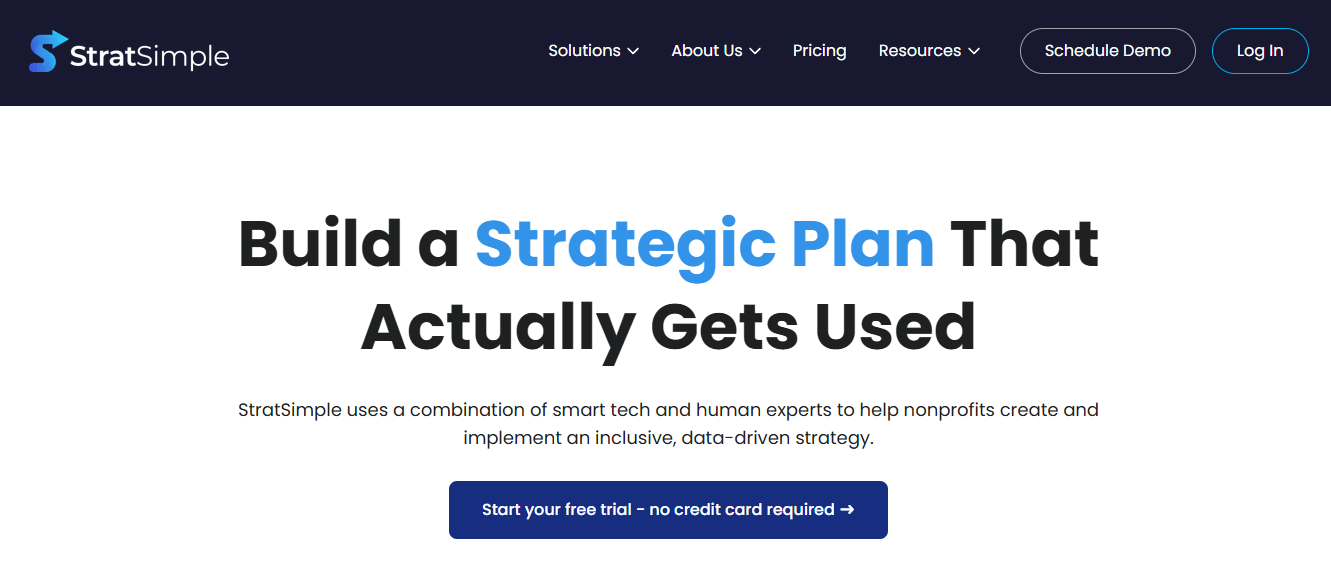
StratSimple is the top overall pick. It combines wide-scale community listening, done-for-you analysis, a strategic planning dashboard and automated reporting for staff and board meetings.
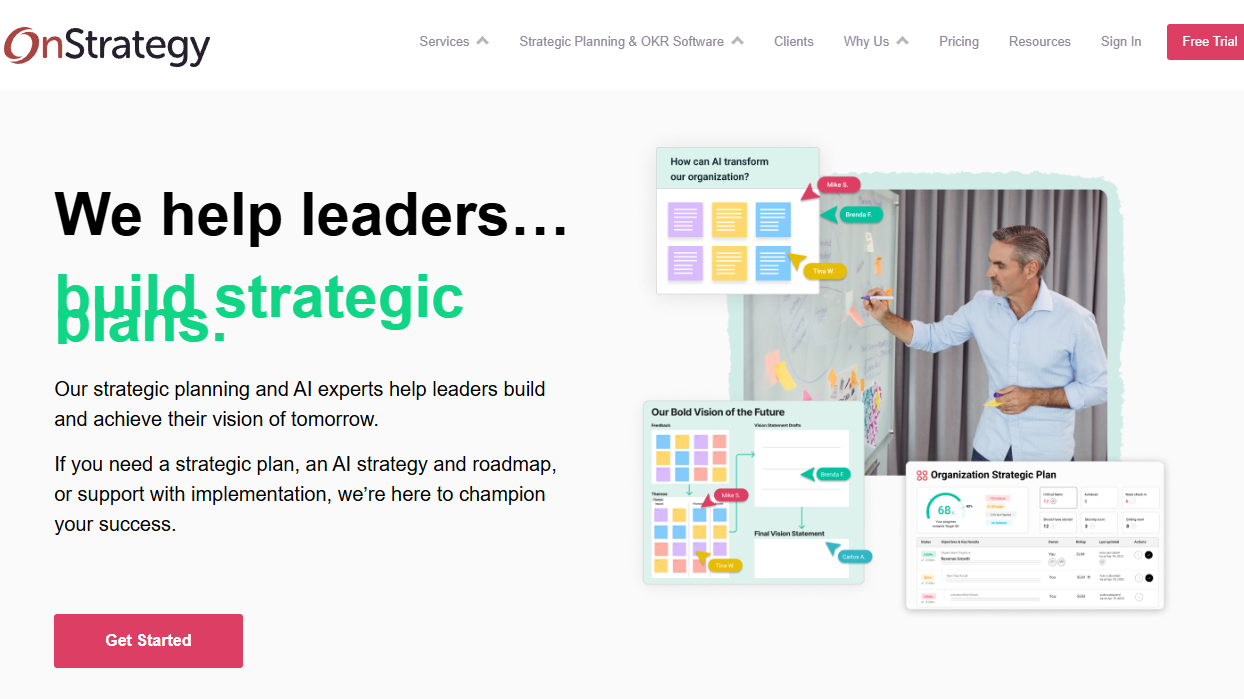
OnStrategy suits OKR-driven teams. Its structured reviews and workplace integrations support regular updates.
ClearPoint Strategy suits formal board reporting. Envisio is worth considering when public transparency is a priority.
Match the tool to your planning complexity. AchieveIt supports multiple plans, while Causey focuses on simpler tracking.
Compare the full cost. Check user allowances, reporting features, implementation support and contract terms, not just the starting plan.
This is a review of practical fit, not a performance benchmark. I compared each tool's documented workflow on five questions, and current pricing should always be confirmed with the vendor.
Stakeholder listening: Can it gather input from staff, board members, clients and the community before priorities are set?
Goal alignment: Can a priority become a measurable goal with an owner and regular check-ins?
Reporting automation: Does it collect updates and produce readable board reports?
Ease of adoption: How simple are onboarding, everyday use and integrations with tools like Slack and Microsoft Teams?
Total cost: What do user limits, billing terms and implementation support add to the price?


Strategic planning software keeps priorities, goals, owners, measures and progress reports in one place. Project management tools track tasks, while a planning tool connects those tasks to the outcomes your nonprofit wants to achieve. Board management platforms such as OnBoard cover a different part of the job, handling agendas, minutes and board books, so many nonprofits run one alongside their planning tool rather than instead of it.
Some platforms assume you already have a plan. Others help gather the evidence needed to build one, which matters if you are preparing for a planning retreat rather than maintaining an approved plan.
StratSimple is my first choice for nonprofits that want support from community input through implementation. It covers more of the planning process than a tracker alone.
Pros
Wide-scale community listening through interactive virtual interview surveys with unlimited participants
Done-for-you expert analysis and recommendations delivered as an editable PowerPoint deck
A shared strategic planning dashboard with an AI goal coach to set measurable objectives
Automated progress summaries and an editable PowerPoint for board meetings
Per-organization pricing, with up to 50 users included
Cons
Strategic Listening and Analysis is priced separately from the Implementation Dashboard
Pricing tiers rise with Form 990 revenue, so larger nonprofits pay more
My experience
What stands out is the sequence: listen, analyze, implement, report. Many tools focus on what happens after priorities are approved, while StratSimple also supports the work of deciding what those priorities should be.
The listening approach suits nonprofits whose community extends beyond staff and board members. The analysis arrives as a ready-to-edit deck, which gives a small team a usable starting point for discussion instead of a pile of raw responses.
Pricing
StratSimple uses per-organization tiers based on IRS Form 990 revenue, with monthly or annual billing. Strategic Listening and Analysis is priced separately, so check StratSimple's pricing page for current rates.
OnStrategy focuses on turning strategic priorities into objectives and key results. It suits mid-sized teams that already want a structured review process.
Pros
Combined strategic planning and OKR tools
A free trial for evaluating the workflow
Slack and Microsoft Teams integrations for updates
Automated reminders and reporting
A Virtual Strategist AI assistant for drafting support
Cons
The structure may feel heavy for a small team
Billing terms vary by plan, so check the starter package closely
My experience
I see OnStrategy as a fit for an operations leader who already believes in OKRs and needs a consistent review rhythm. Slack and Teams integrations help bring updates into existing staff routines, and keeping goals visible in those channels can support employee engagement.
I would use the trial to build one program-level plan, assign owners and review a sample board report. The Virtual Strategist can support goal drafting, but it doesn't replace deciding priorities together.
Pricing
OnStrategy offers subscription plans and a free trial. Check its plan page for current rates, billing terms and which reporting features are included.
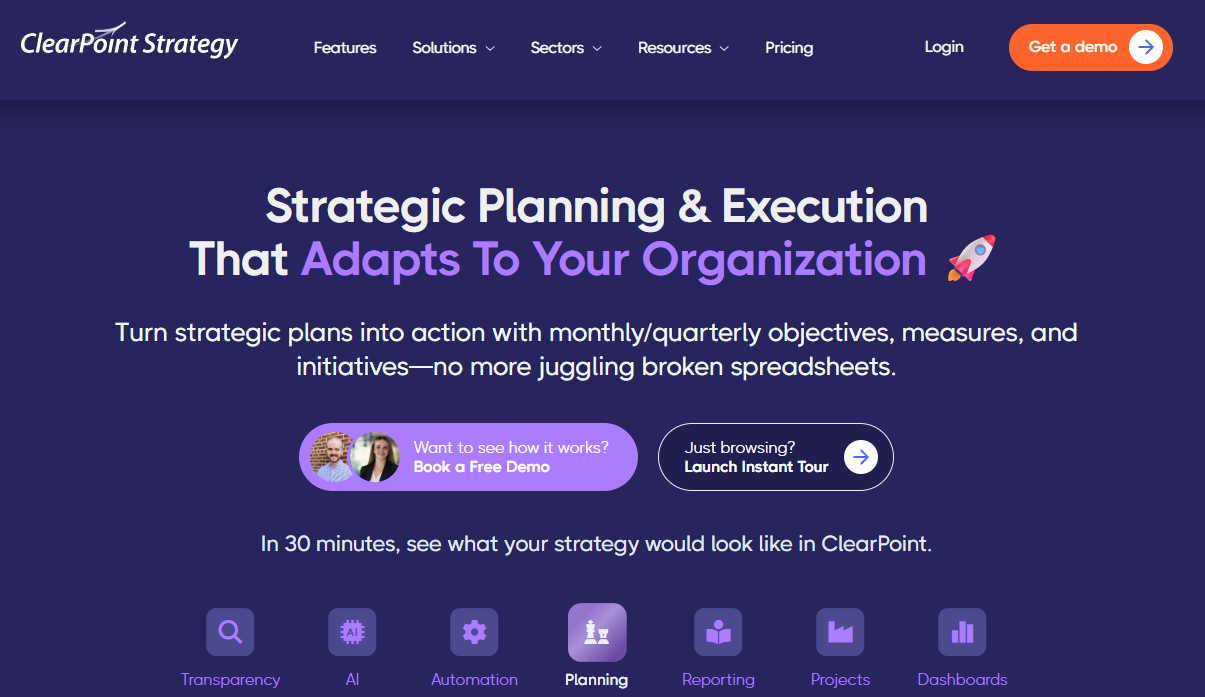
ClearPoint Strategy connects performance data with structured reports. It is worth considering when formal board packets are a big part of your reporting workload.
Pros
Reporting workflows designed for board and council audiences
Briefing Books that compile reports into linked PDFs
PowerPoint exports using current data
Scheduled reminders and automated reporting tasks
AI features and organizational controls
Cons
Custom pricing requires a sales conversation
The platform needs administrative setup and ongoing ownership
My experience
The reporting workflow is the main reason I would shortlist ClearPoint. Briefing Books bring separate reports into one navigable document, which suits boards that expect a consistent packet rather than dashboard access.
The trade-off is configuration, since someone needs to maintain measures and templates for the automation to stay useful. I would ask for a demo built on a sample of your existing board packet.
Pricing
ClearPoint uses custom pricing. Request a written quote that separates subscription costs from implementation and support.
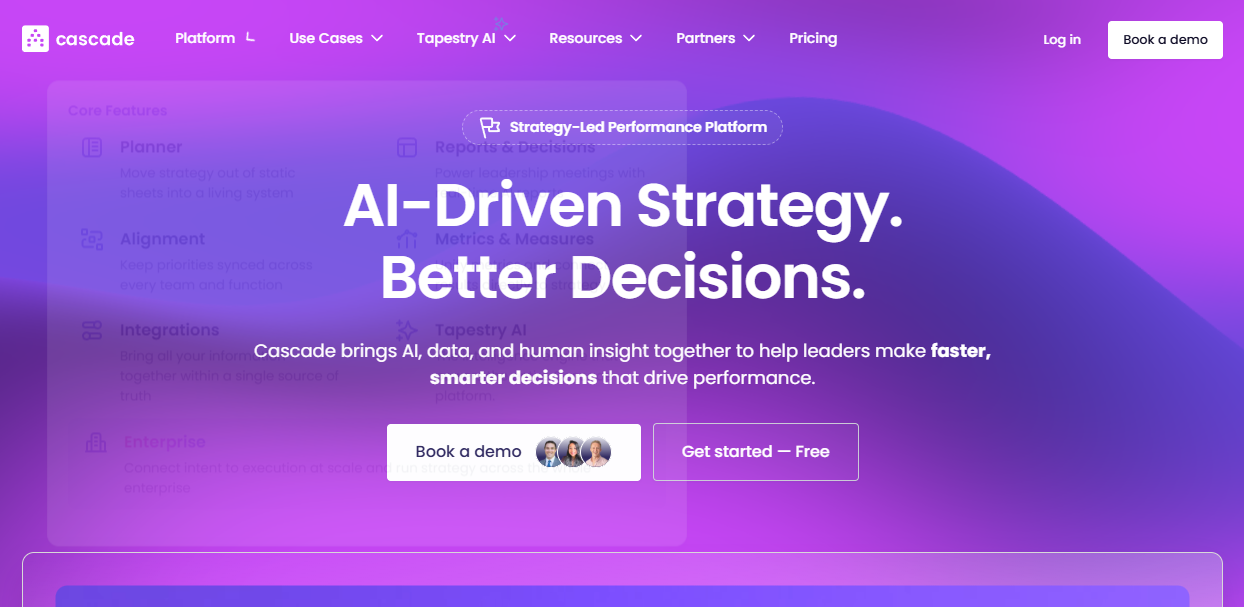
Cascade supports several planning frameworks rather than requiring every organization to use OKRs. Its limited free plan offers a starting point for exploring the interface.
Pros
A free plan for a small planning group
Support for OKRs and other strategic frameworks
Higher metric and reporting allowances on paid plans
Tapestry AI for summarizing organizational information
Dedicated nonprofit positioning
Cons
The free plan's user limit makes it unsuitable for team-wide testing
Paid plans and advanced AI features require a sales conversation
My experience
I like the framework flexibility for nonprofits whose plans use pillars or outcome areas rather than strict OKRs. A planning lead and executive director can use the free option to explore the structure before involving the wider team.
Cascade's emphasis is strategy execution rather than gathering community input before a plan exists. I would check the metric, report and user allowances before investing time in a pilot.
Pricing
Cascade offers a limited free plan and paid packages with custom pricing. Check its pricing page for current user limits and the AI features included in each tier.
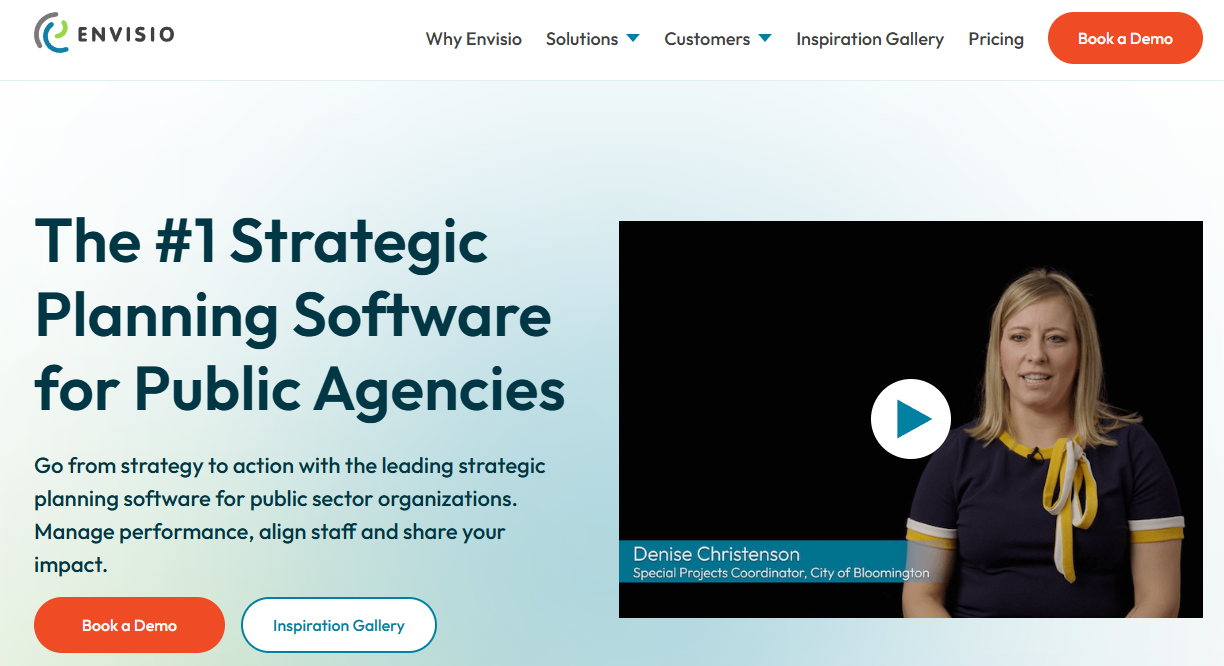
Envisio is aimed at organizations that report progress to several audiences. Its public dashboards suit nonprofits with community transparency commitments.
Pros
Public dashboards and shareable report links
Scheduled report delivery for different audiences
A focus on public-sector and nonprofit needs
Connections between projects and strategic goals
AI Assist for drafting and summarizing updates
Cons
Custom pricing makes early budgeting harder
Sales-led scoping can add procurement steps
My experience
I would consider Envisio when public reporting is a defined requirement, not a possible future benefit. Scheduled delivery also helps when staff, board members and funders need different views of progress.
A small nonprofit that only needs an internal tracker may not need this breadth. Before a demo, decide which information should be public and which should stay internal.
Pricing
Envisio uses custom pricing. Confirm whether public dashboards and implementation help are included in the proposed scope.
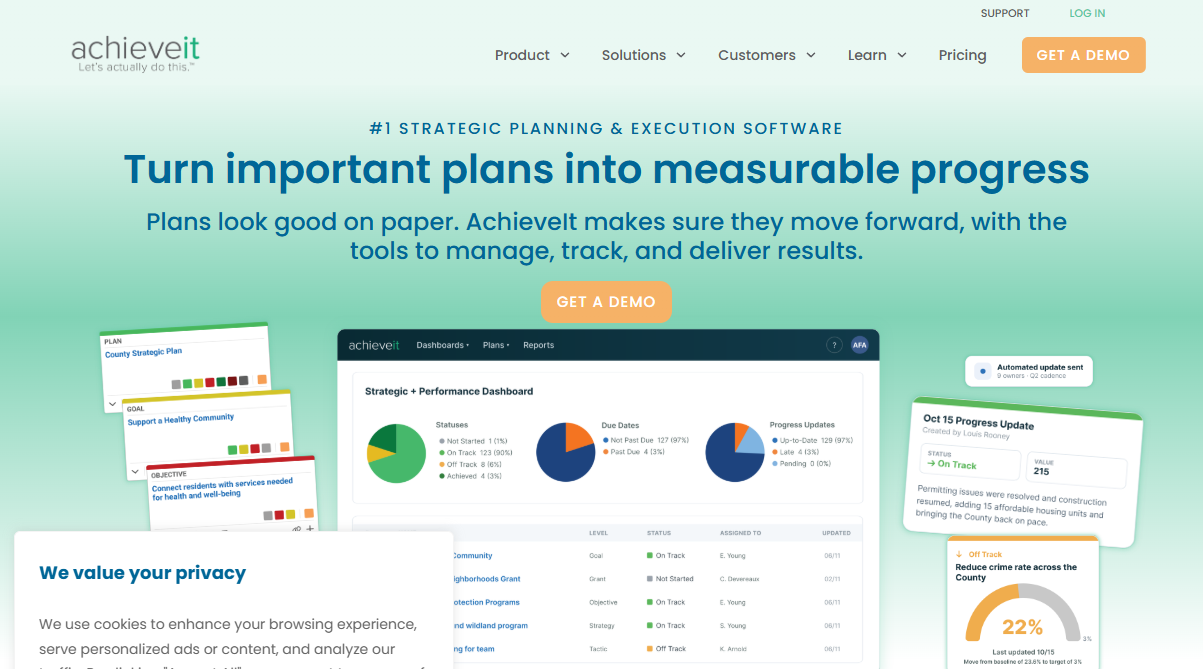
AchieveIt focuses on organizations managing several connected plans. That makes it relevant to nonprofits with separate program, facilities or departmental priorities.
Pros
Alignment across multiple plans and departments
Automated progress-update collection
Public dashboards and single sign-on on higher tiers
Customer success and strategy support
Integrations on higher tiers
Cons
A minimum user commitment can be a barrier for smaller teams
No standard self-service free trial
My experience
AchieveIt's appeal is clearest when one strategic plan is only part of the picture. Bringing several plans into one view helps leaders see progress without maintaining separate trackers.
The included strategy support deserves attention if nobody internally owns the planning process. I would ask how a proof of concept could demonstrate your specific multi-plan needs.
Pricing
AchieveIt offers tiered plans with custom pricing. Ask for a quote that shows the required seats and which features each tier includes.
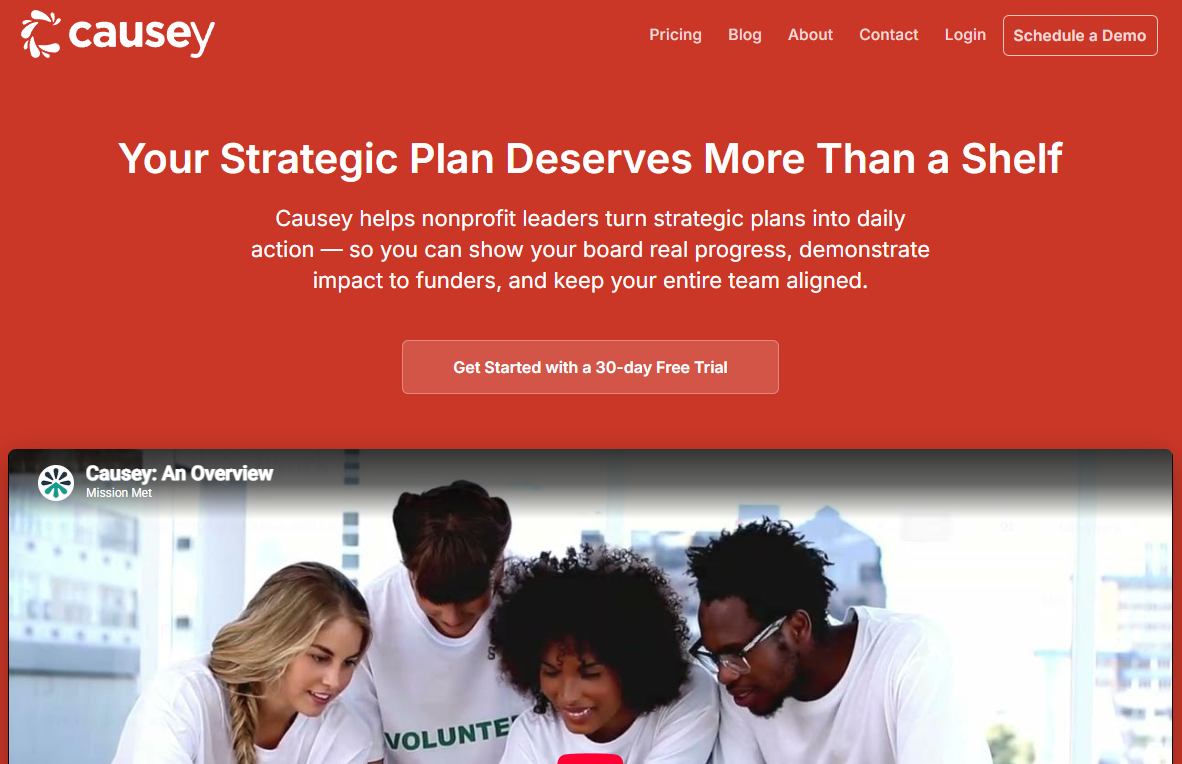
Causey, from Mission Met, focuses on straightforward planning and OKR tracking. It suits smaller nonprofits that want shared access without per-seat billing.
Pros
Unlimited users without per-seat fees
Goals, measures, owners and dashboards in one place
Monthly and annual payment options
Published feature limits for each tier
Optional additional storage
Cons
Active metrics are capped on the lower tiers
Fewer governance and integration features than larger platforms
My experience
I see Causey as an option for a team that needs a manageable planning habit more than a broad platform. Unlimited users makes it easy to involve staff and board members without counting logins.
The metric limits deserve attention, since a small allowance can become restrictive once several programs need their own measures. Causey also doesn't include a stakeholder listening layer, so that work would need a separate process.
Pricing
Causey publishes tiered plans with unlimited users. Count the measures your programs need before choosing a tier.
StratSimple is my top pick for nonprofits that want community listening, done-for-you analysis, goal tracking and automated reporting in one connected workflow. It covers both how a plan is developed and how it stays useful after approval.
The alternatives fit narrower needs. OnStrategy suits OKR-focused teams, ClearPoint Strategy focuses on formal board reporting and Envisio supports public transparency, while AchieveIt handles multi-plan complexity and Cascade and Causey offer simpler starting points for execution.
Whichever you shortlist, bring one real priority, a sample board report and a list of stakeholder groups to each demo. Ask who will maintain the system, what staff must update and what the board will actually receive.
What should nonprofits look for in strategic planning software?
Look for clear goal ownership, regular check-ins and reporting your board can read. If you haven't set priorities yet, a tool that gathers stakeholder input is also worth considering.
Do nonprofits need OKRs to use these tools?
No. Some tools are built around OKRs, while others support pillars, outcome areas or other frameworks.
How is strategic planning software priced?
Models vary. Some vendors price per organization, others per user or through custom quotes, so compare the full cost for your team size.
Can these tools produce board reports automatically?
Several can. Options include automated summaries, PowerPoint exports, compiled PDF packets and scheduled report delivery.
 AI tools to find & convert leads.
  Send emails at scale

