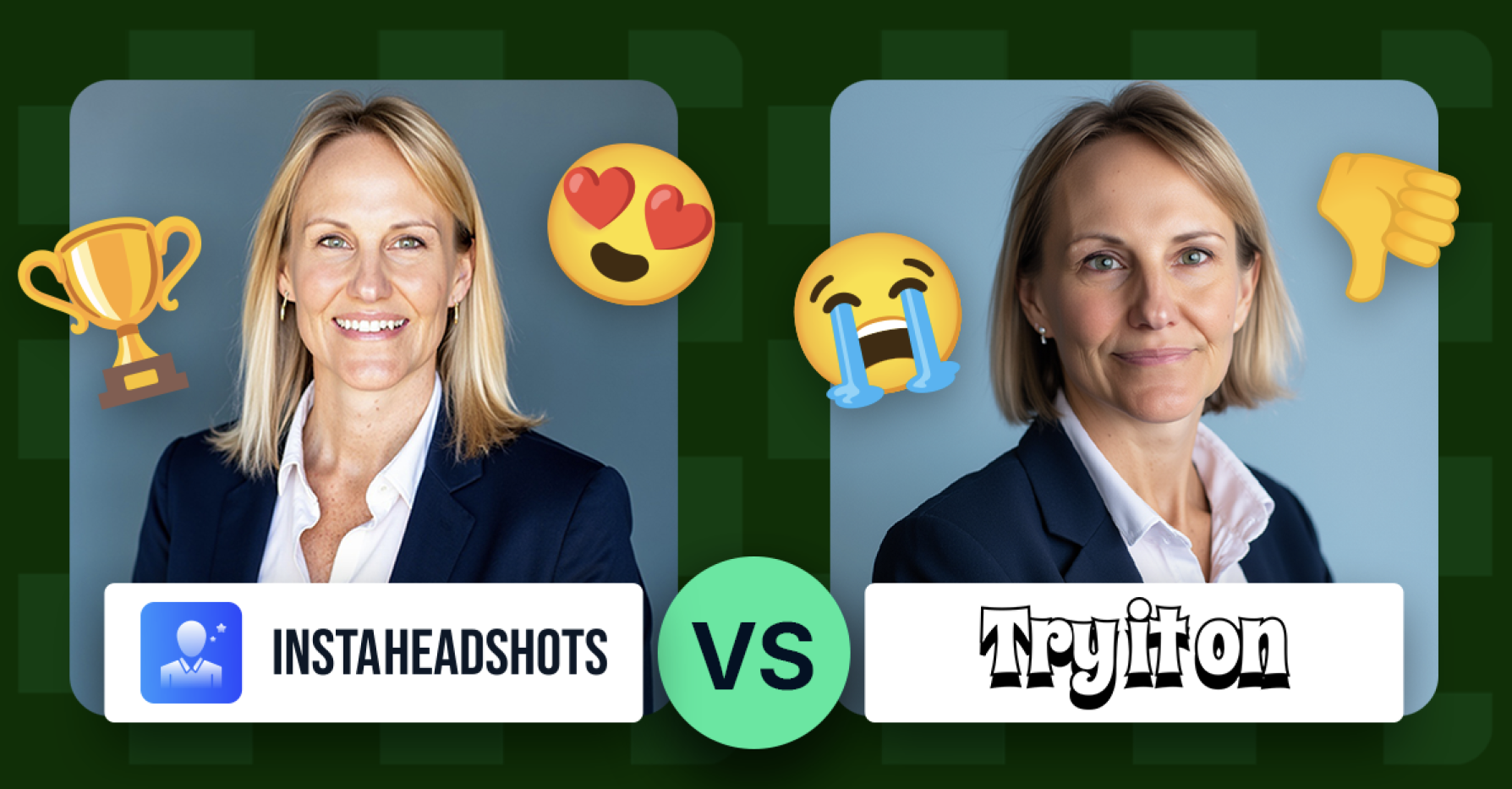
Your LinkedIn photo acts as a digital handshake. InstaHeadshots cites LinkedIn data showing profiles with a polished headshot earn 21 times more views and 36 times more messages. But booking a studio shoot can feel impossible when recruiters might check your profile today. AI headshot generators promise a faster route: upload a few selfies and get boardroom-ready portraits minutes later. Quality varies, though—some tools blur skin, misalign eyes, or drop you into a vacation-style beach scene. We tested five leading generators to see which one balances realism, speed, price, privacy, and team features.
If you want the fastest, most lifelike result, choose InstaHeadshots. It sends roughly 50 LinkedIn-ready shots to your inbox in about 15 minutes, quick enough to refresh your profile before lunch.
Try it On AI places second. The creative studios and team portal add styling freedom, but some images feel slightly “AI-polished,” so plan to sift for the gems.
BetterPic is the perfectionist’s pick. Pay a little more and receive near-studio realism plus an optional human touch-up for pixel-level polish.
Aragon AI excels at speed; half-hour turnarounds are common. You will get crisp, professional shots, though you may delete a few awkward poses.
HeadshotsByAI leads on price. It keeps the process simple and still hands you a LinkedIn-worthy portrait in about an hour.


Early AI portraits had clear giveaways—blurred hairlines, plastic skin, eyes that failed to align. Recruiters spotted them and trust dropped.
That phase is fading. Modern generators use diffusion models trained on millions of pro photos, producing results “nearly indistinguishable from real studio photography,” according to Postwise.ai.
A photo that feels human builds rapport before a single message. Slip back into the uncanny valley and visitors hesitate, unsure whether the profile is genuine.
Our top test is simple yet strict: does the image look like a real photograph on a 13-inch laptop screen? InstaHeadshots passes almost every time; rivals still miss subtle cues such as skin texture or eye symmetry.
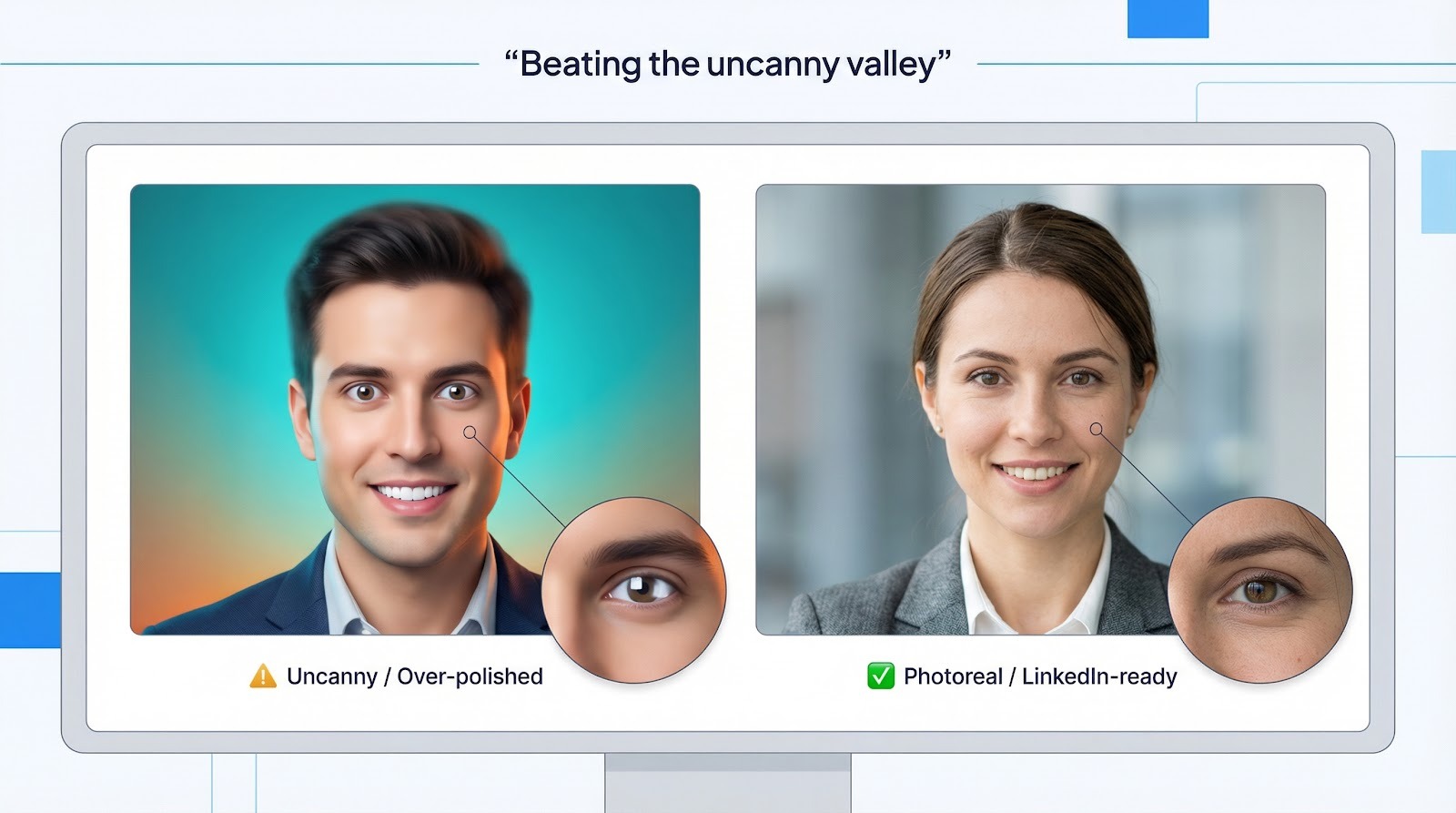
If a headshot fails this first hurdle, speed, price, and background tricks cannot redeem it.
Before we go further, here is a side-by-side snapshot of what each generator offers LinkedIn users. Scan the grid, spot any deal-breakers, then read on for the finer points.
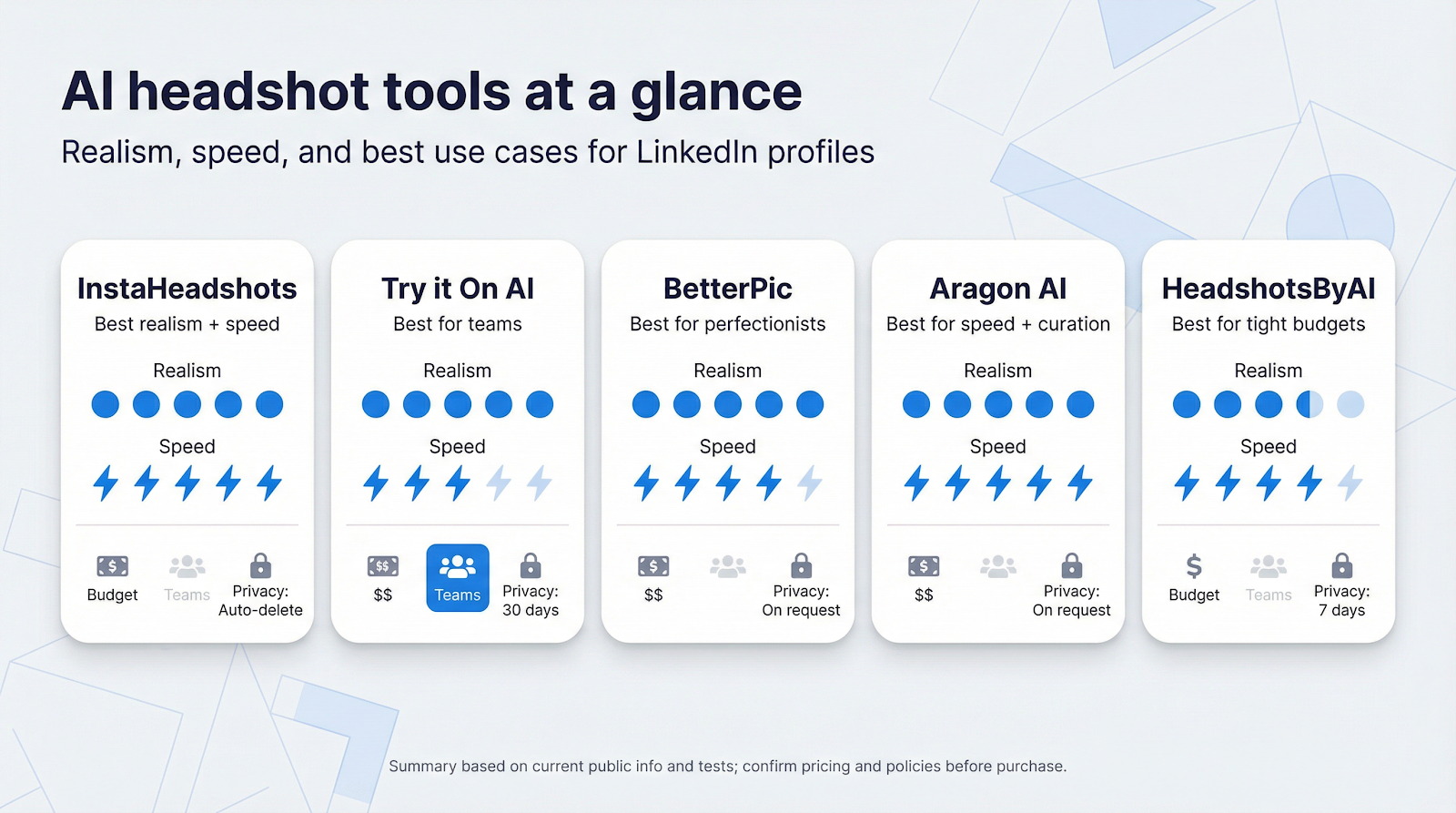
| Feature | InstaHeadshots | Try it On AI | BetterPic | Aragon AI | HeadshotsByAI |
| Realism | ★★★★★ Natural skin & eyes | ★★★★ Polished, can feel “AI” | ★★★★★ Studio-grade | ★★★★ Sharp, odd poses creep in | ★★★½ Solid for price |
| Turnaround | ~15 min | ~60–90 min | ~25 min | ~30 min | ~60 min |
| Shots / Package | 50 | 20 | 40 | 40 | 30 |
| Starting price | $19 one-time | $35 one-time | $39 one-time | $35 one-time | $29 one-time |
| Team features | Self-serve; match styles manually | Dedicated portal & brand kits | None | None | None |
| Privacy | Auto-delete after download | Stores for 30 days | Delete on request | Delete on request | Auto-delete after 7 days |
Numbers come from public pricing pages and recent user tests. Packages change often, so confirm details before you purchase.
Key takeaways: InstaHeadshots leads on realism-to-speed ratio. BetterPic follows closely on quality but costs more. Try it On AI is the only service with built-in team tooling, trading a bit of realism for collaboration perks. Aragon AI wins on raw speed, while HeadshotsByAI protects tight budgets without sacrificing credibility.
Start with the one thing you cannot compromise on—a headshot that looks like you.
Upload a standard selfie set to InstaHeadshots and the system returns portraits that capture skin texture, eye color, and subtle asymmetries almost exactly. We zoomed in on crow’s-feet, hair strands, and the soft falloff of studio lighting; everything read as photographic, not rendered.
Try it On AI also delivers sharp images, but we noticed small tells. Teeth shine a shade too white. Skin smooths past believable pores. Some backgrounds grab attention with bold colors or props better suited to Instagram than a recruiter’s first glance.
If your goal is a no-questions-asked “Is that you?” photo, InstaHeadshots wins this round. The gap narrows if you enjoy playful variations such as sunglasses, outdoor scenes, or creative grading, because Try it On leans into those options. For a conservative LinkedIn banner, subtle beats showy every time.
Both services begin the same way: you upload a handful of selfies taken in good light. That is where similarity ends.
InstaHeadshots guides you through a two-minute wizard that feels like booking a ride share—upload, pick “Business” or “Smart Casual,” then generate. A progress bar counts down in real time, and a ZIP file arrives while the coffee is still warm.
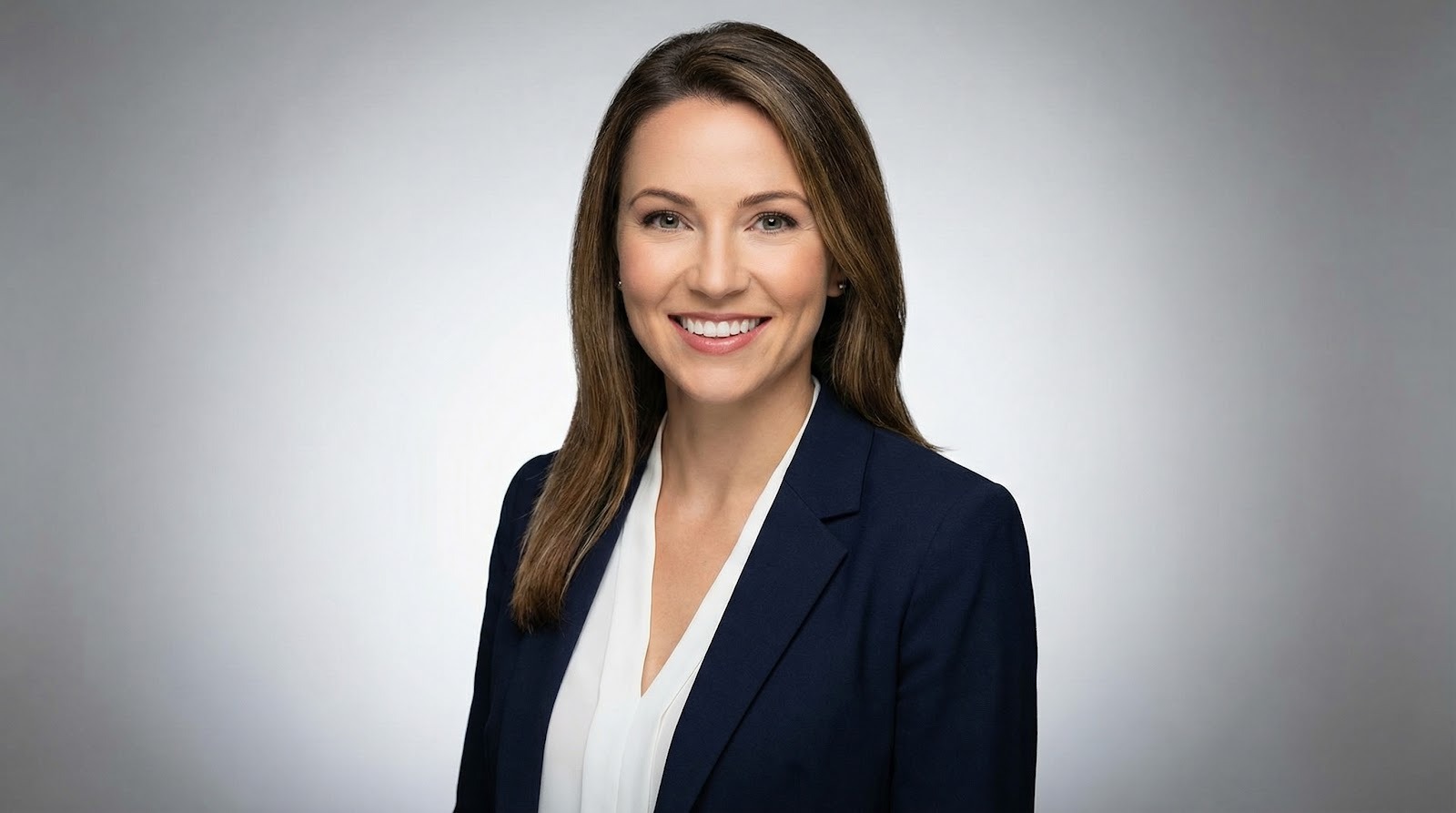 InstaHeadshots AI headshot generator interface screenshot.
Try it On AI asks for the same photo set, then drops you into a multi-tab dashboard with “Studios,” “Creative,” and “Batch” modes. Power users may enjoy the extra knobs, but first-timers can wander. We clicked Generate twice before realizing styles were hidden in a secondary menu.
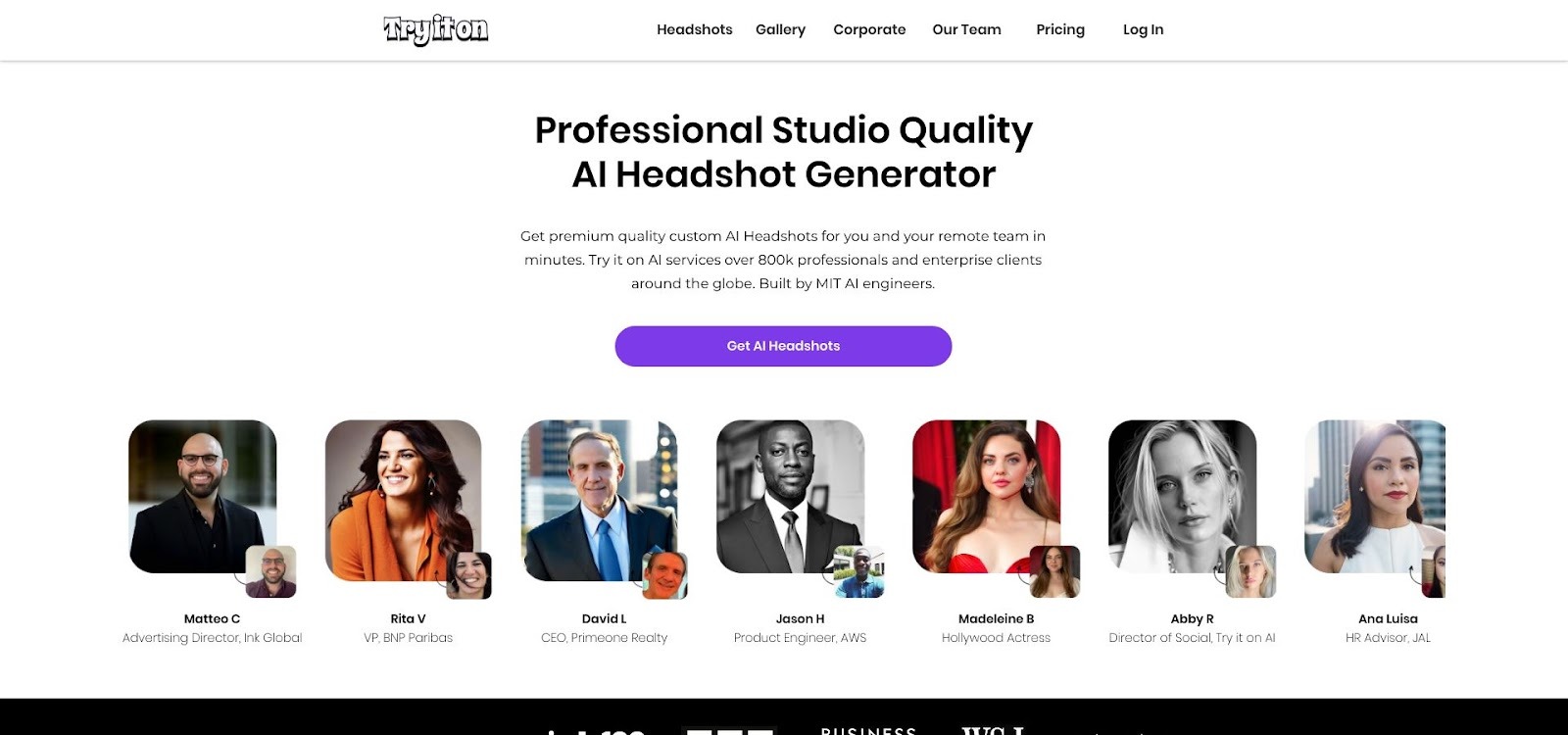 Try it On AI multi-tab dashboard screenshot for headshot studios.
If you want a straight line from selfie to finished headshot, InstaHeadshots is plug-and-play. Try it On rewards tinkering but demands the one resource busy professionals lack: extra clicks.
Speed matters when a recruiter messages, “Can we talk this afternoon?”
InstaHeadshots advertises that your portraits will be ready in about 15 minutes, and in our tests it averaged roughly that span from click to download. The service spins up multiple GPUs per user, so even at peak traffic you rarely wait longer than a podcast intro. By the time you refresh LinkedIn, the ZIP file is ready.
Try it On AI quotes “under two hours.” In practice we saw 60 to 90 minutes—quick compared with a studio shoot but slow enough that you may tab away and forget to return. If you tweak styles mid-queue, generation pauses and the clock stretches.
For tight deadlines such as a new job post, conference badge, or urgent rebrand, InstaHeadshots owns the stopwatch. Try it On suits a weekend profile refresh, not a same-day scramble.
A professional photographer in a major city can cost four hundred dollars before retouching. By that yardstick, both AI options look like bargains, yet their pricing logic differs.
InstaHeadshots keeps it simple: a flat nineteen dollars buys roughly fifty images in multiple crops. No tiers, hidden fees, or subscription nags. If the final set misses the mark, support reruns your model once at no charge, offering a quiet vote of confidence.
Try it On AI uses classic SaaS tiers—Basic, Pro, and Team. Basic starts near thirty-five dollars for twenty shots, then climbs fast as you add style packs or higher-resolution exports. Many users are surprised by the no-refund clause in the FAQ; if your first batch disappoints, the only fix is buying another spin.
For solo professionals who value cost certainty, InstaHeadshots wins on both sticker price and peace of mind. Teams with budget for headshots may shrug at the premium, but individual job seekers will feel every dollar.
Your selfies are biometric data, not stock images. How a service stores and deletes those files matters almost as much as image quality.
InstaHeadshots says all uploads and generated images are purged from active servers after you download your ZIP file. The company keeps anonymized logs for uptime monitoring but never reuses your model to train anything else. Once the portraits reach your drive, you alone control them.
Try it On AI keeps originals and outputs on its cloud for up to thirty days so teams can revisit projects. Useful for versioning, less ideal if you prefer a short digital trail. You can delete assets manually, but the burden is on you to remember.
Corporate security teams will appreciate InstaHeadshots’ generate-and-forget workflow. Creative departments collaborating across time zones may favor Try it On’s longer retention window.
If you need a realistic, on-brand headshot before the next recruiter scrolls by, choose InstaHeadshots. It balances studio-level realism, espresso-fast delivery, transparent pricing, and strict data hygiene in one click.
Try it On AI is a strong runner-up for users who crave creative variety or need a shared workspace for multiple colleagues. Just budget extra time and a few extra dollars to land that perfect frame.
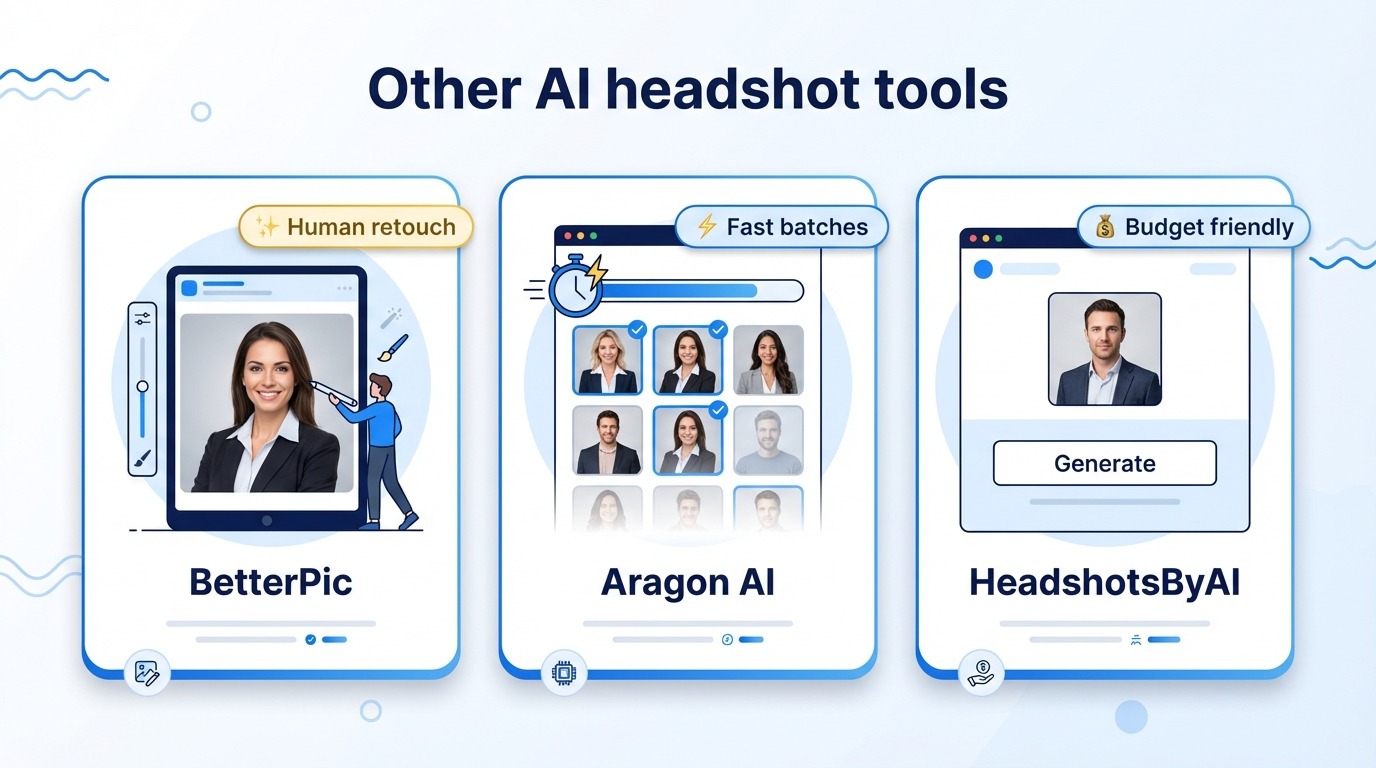
BetterPic sits at the premium end and wears that badge proudly. Its algorithm already creates crisp, studio-like portraits, but the secret sauce is a real retoucher who checks your chosen frame before final delivery. That human safety net removes stray hair glitches, off-tone teeth, and over-bright eyes without you lifting a finger.
Turnaround averages about twenty-five minutes. Slightly slower than InstaHeadshots, yet still fast enough for same-day updates. Pricing starts near forty dollars and covers the human edit plus forty high-resolution shots. Cost-conscious users may hesitate, but executives prepping for a press push or funding round will find the polish worth every cent.
In short, BetterPic is the perfectionist’s playground: pay a little more, wait a bit longer, and receive portraits that could pass for a Fortune 500 photo shoot.
Aragon AI built its reputation on velocity. Start a session and a fresh batch of forty portraits often lands in your inbox in about thirty minutes. That pace matches a hurried workday; send files before a staff meeting, choose a winner during lunch.
Quality is high but uneven. Many frames look camera-ready, while a few slip into odd hand poses or rubbery smiles. Aragon’s interface makes culling easy, yet you should budget five extra minutes to weed out near-misses. Think of it as a rapid-fire photo booth: gems shine, duds hit the recycle bin.
Price sits between InstaHeadshots and BetterPic at roughly thirty-five dollars. You get solid realism, flexible background presets, and no watermark, all without the human retoucher surcharge.
If time matters more than flawless consistency and you are happy acting as your own photo editor, Aragon AI is a quick, reliable fallback.
HeadshotsByAI strips the process to its essentials. Upload a dozen selfies, pay twenty-nine dollars, and an hour later you receive thirty images in classic business attire. No style toggles, no fancy background picker—just a straight shot at a credible profile photo.
That simplicity is the draw. By focusing on one professional look, the system avoids most AI pitfalls such as plastic sheen or surreal color casts and keeps misfires low. The trade-off is choice: if you want a charcoal backdrop or tighter crop, you need to rerun the order.
For graduates, freelancers, or anyone watching pennies, HeadshotsByAI feels like a safe starter kit. You spend less than the cost of dinner and walk away with a LinkedIn-ready portrait that will not raise eyebrows in HR.
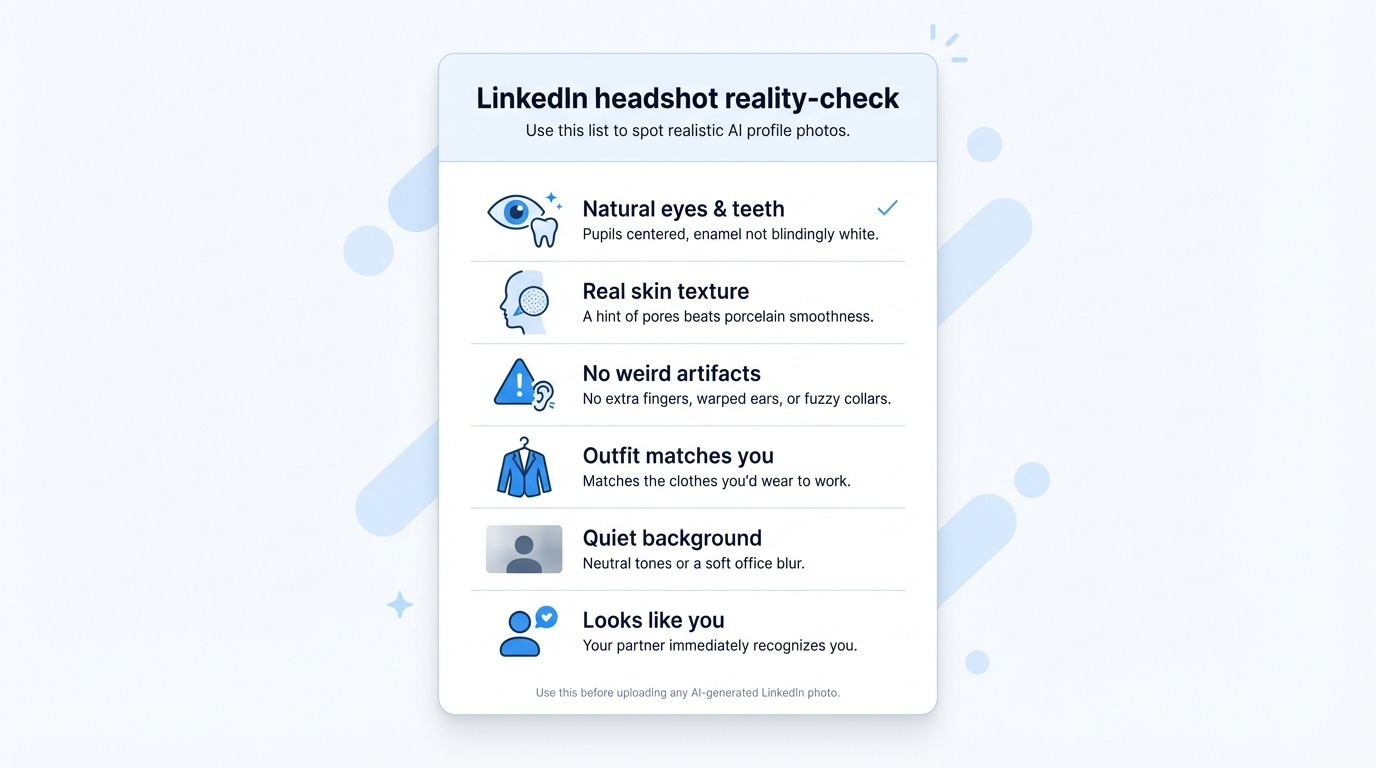
Eyes and teeth look natural. Check that pupils are centered and enamel is not blindingly white.
Skin shows texture. A hint of pores beats porcelain smoothness.
No stray artifacts. Watch for extra fingers, warped ears, or fuzzy collars at the edges.
Attire matches your work wardrobe. Recruiters should meet the same person on screen and in the lobby.
Background stays quiet. Neutral colors or a soft office blur keep focus on your face.
Face likeness feels honest. If your partner squints and asks, “Is that you?” choose a different frame.
InstaHeadshots: best all-rounder
You want the cleanest realism, the fastest delivery, and clear, low pricing. Ideal for job seekers, consultants, and founders who need to look credible by this afternoon.
Try it On AI: built for teams
If you manage a sales squad or a company rebrand, its enterprise dashboard, brand-style libraries, and bulk controls shine. Expect to pay more and wait longer, but shared presets keep every profile on-message, according to Headshotly.ai.
BetterPic: pick when perfection trumps price
Great for executives, keynote speakers, or anyone whose headshot will appear in the press. A human retoucher removes the last speck of AI oddness.
Aragon AI: choose when speed matters and you enjoy curating
A half-hour turnaround is swift, and forty shots give you options. Plan to delete a few misfires before posting.
HeadshotsByAI: solid for tight budgets
Students, freelancers, and early-stage founders can spend less than thirty dollars and still receive a credible, no-frills portrait.
A LinkedIn headshot is not vanity; it is a conversion asset. If you’re still weighing whether to go studio, DIY, or AI, this data-driven cost-and-ROI breakdown can help you pick the route that matches your budget and timeline. The right image moves recruiters, clients, and investors to click Connect or Message, turning casual interest into new opportunity.
Modern AI generators erase the old trade-off among cost, speed, and quality. InstaHeadshots blends studio realism with near-instant delivery. Try it On AI excels at team workflows, while BetterPic, Aragon AI, and HeadshotsByAI each meet a clear niche.
Pick the tool that matches your timeline and budget, run the reality-check list, and upload with confidence. Your next career win starts with one sharp portrait.
Are AI-generated photos allowed on LinkedIn?
Yes. LinkedIn only asks that your profile picture shows your face and represents you truthfully. How you create the image—phone camera, DSLR, or AI—does not matter.
Will people notice my headshot is AI?
Unlikely, if you pick a realistic frame. Use the reality-check list above and choose a photo with natural skin texture, balanced lighting, and your own features.
What size should I upload?
LinkedIn displays images at 400 × 400 pixels but accepts much larger files. Aim for at least 1,200 × 1,200 to keep the picture crisp on high-resolution screens.
Do I need to mention the photo was AI-generated?
No. A profile picture functions like any other portrait. If it looks like you and you own the rights, disclosure is optional.
Can I reuse the same headshot on my résumé and company bio?
Yes. Consistent imagery strengthens personal branding. Crop differently if a platform prefers a vertical or circular frame.
 AI tools to find & convert leads.
  Send emails at scale

