Buying a CPA list is easy. Buying one that still works when you hit send is the harder problem, and the timing of that send matters as much as the list.
I reviewed vendor pages, verification methods and published offers across ten providers, favoring segmentation, remedies and freshness over headline record counts. A file of 150,000 accountants is worth less than 2,000 verified partners at firms that actually buy what you sell.
Emarketnow is my top pick. Lists are built on request rather than pulled from a warehouse, human-reviewed before delivery, and every plan carries a money-back guarantee.
UpLead is the strongest self-serve option, with 50+ filters and real-time verification at export.
BookYourData suits one-time purchases, publishing package sizes and prices without a subscription.
Instant download is a warning sign, not a feature. A file ready immediately has been sitting in a database aging.
Timing matters as much as targeting. Accounting firms are unreachable during Q1 tax season and receptive afterwards.
Get the bounce remedy in writing before you buy anything, from anyone.
This is a review of published vendor information rather than a hands-on trial of every platform. What follows is what each provider states, documents or declines to disclose, verified against vendor pages as of August 2026.
Verification. I favored stated processes over vague accuracy percentages, since accuracy claims in B2B lead generation are rarely defined consistently enough to compare.
Coverage. CPA-specific filters matter more than total records, because a general accountant list dilutes a campaign aimed at licensed practitioners.
Compliance. I checked sourcing disclosures and privacy-law language, which matters more when you buy a list than when you build one, because the provider's sourcing becomes your exposure. Any lead generation software stack is only as compliant as the data feeding it.
Value. I compared pricing, delivery windows and record remedies rather than cost per contact alone.


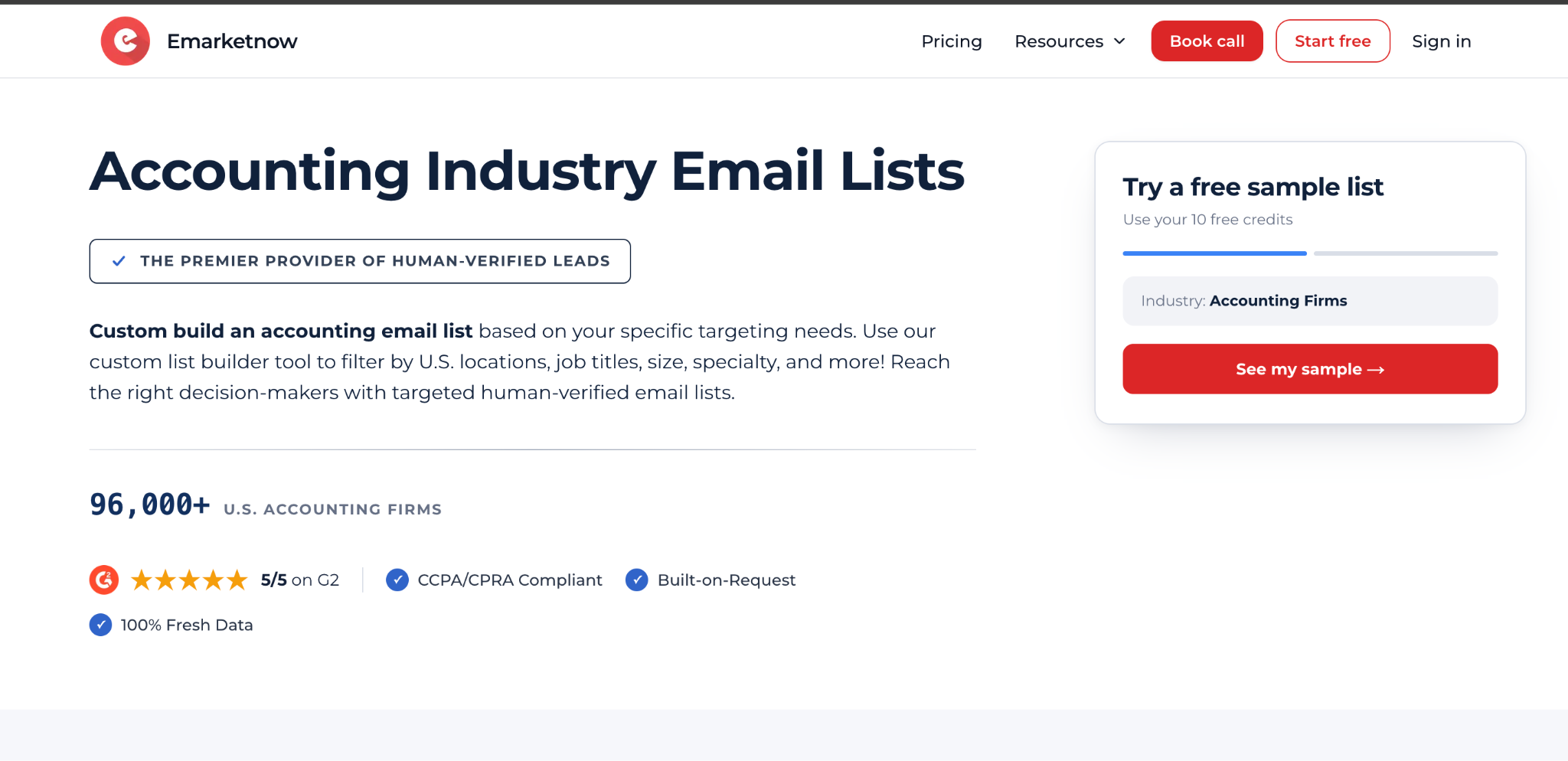
(Emarketnow accounting email list page showing custom list builder and filtering options)
Best for: built-on-request freshness with human review before delivery
Every list built on request rather than pulled from a stored file
Human review of each record before delivery
10 free verified contacts on signup
Money-back guarantee on all plans, including Free
Published CCPA and CPRA compliance
Two dozen data fields including a human-verification date on every record
No immediate file download, by design
Enterprise turnaround is agreed per order rather than published
A built list requires a lead time rather than immediate access
The company makes an argument on its own page that is worth repeating: instant list downloads are a red flag. A file ready to download the moment you pay has been sitting in a database getting older, which means more bounces, more spam complaints and weaker deliverability before your first send.
Emarketnow sources and builds each accounting email list against your filters at the time of order, then runs it through a human-verification process where the team manually reviews and validates records before delivery.
That takes a couple of days. On a planned CPA campaign, waiting two days for reviewed records beats sending immediately into an aged file.
Filtering goes well beyond location and firm size. You can segment by AICPA membership status, CPE provider certification, and credential type including CPA license, CIA and CMA.
You can also filter by the industries a firm's own clients operate in, such as healthcare, construction, real estate or nonprofits, which matters if your solution is vertical-specific.
Job titles run from Managing Partners and CPAs through Tax Directors, CFOs, Controllers, Audit Managers, Staff Accountants and Bookkeepers.
Each record can carry company, website, address, city, state, ZIP, county, office phone, mobile on request, contact name, title, company Facebook, personal LinkedIn, company X, NAICS, SIC, description, category, size, revenue, work email and a human-verification date.
That last field is the one to look for. Most vendors will not tell you when a specific record was last checked.
Enterprise delivers a ready-to-use CSV or Excel file at thousands of records, with better per-record pricing as volume grows, plus optional firmographic, technographic and intent layers.
Starter and Pro suit smaller, tighter lists built around exact filters without enterprise commitment.
Free at $0 gives 10 contacts monthly. Starter at $99 monthly gives 200 contacts within 5 business days. Pro at $299 monthly gives 1,000 contacts within 3 business days plus unlimited CRM export.
All three carry a 100 percent money-back guarantee with no minimum commitment, and annual billing includes two months free. Full published plan pricing is on their site.
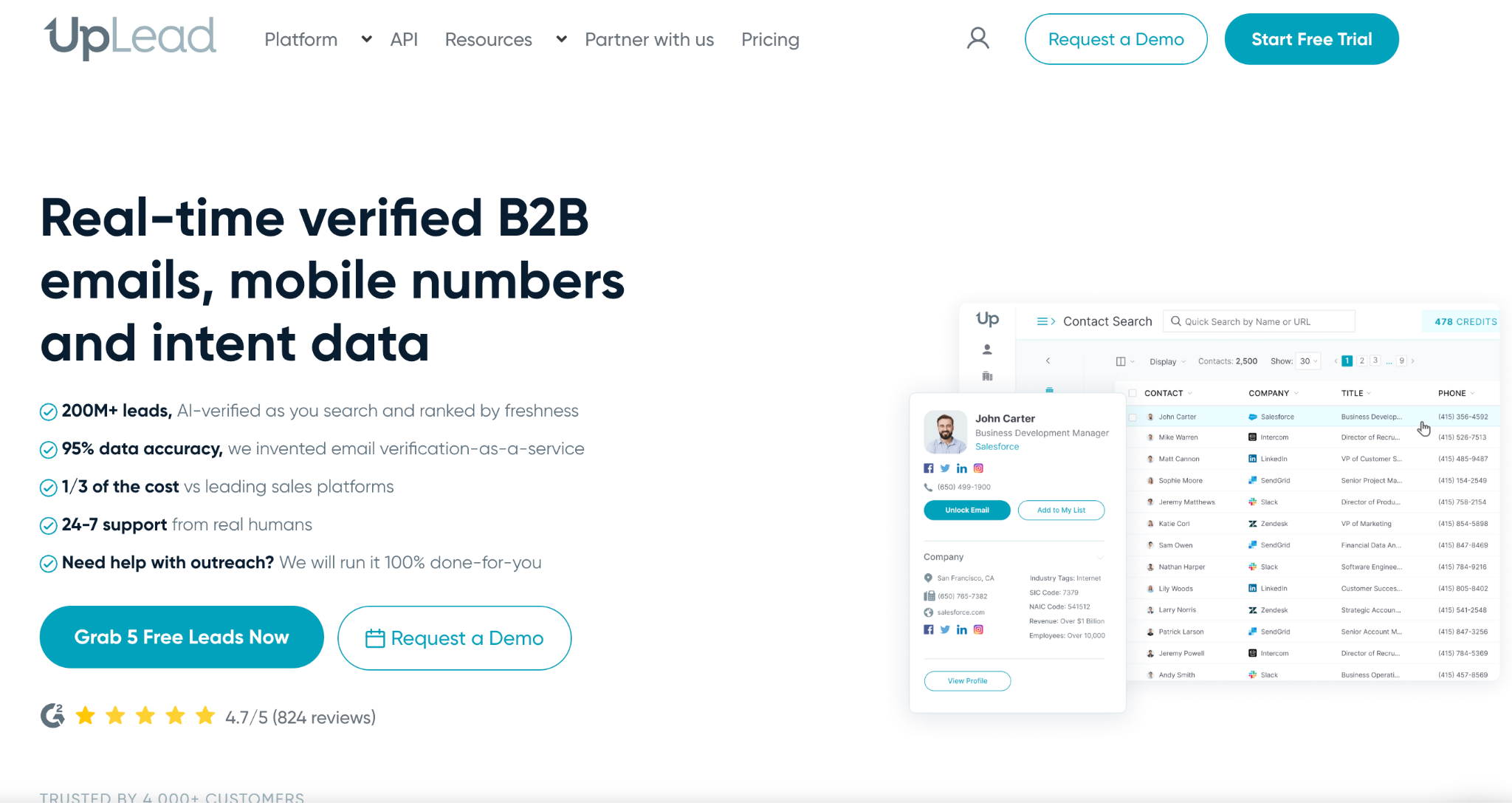
(UpLead homepage showing B2B contact database with search filters and verification)
Best for: self-serve segment building.
Pros: 50+ targeting filters, real-time verification at export, published subscription pricing, prebuilt CPA files available.
Cons: credits accumulate quickly at scale, and prebuilt files require a sizable one-time payment.
Building the segment yourself is the appeal. Filters narrow accounting contacts by location and company details, though I would still test a sample before launching anything.
Pricing: Essentials listed at $99 monthly for 170 credits. UpLead prices by credit rather than by pre-built file, with plans starting from a monthly credit allowance and real-time verification at export.
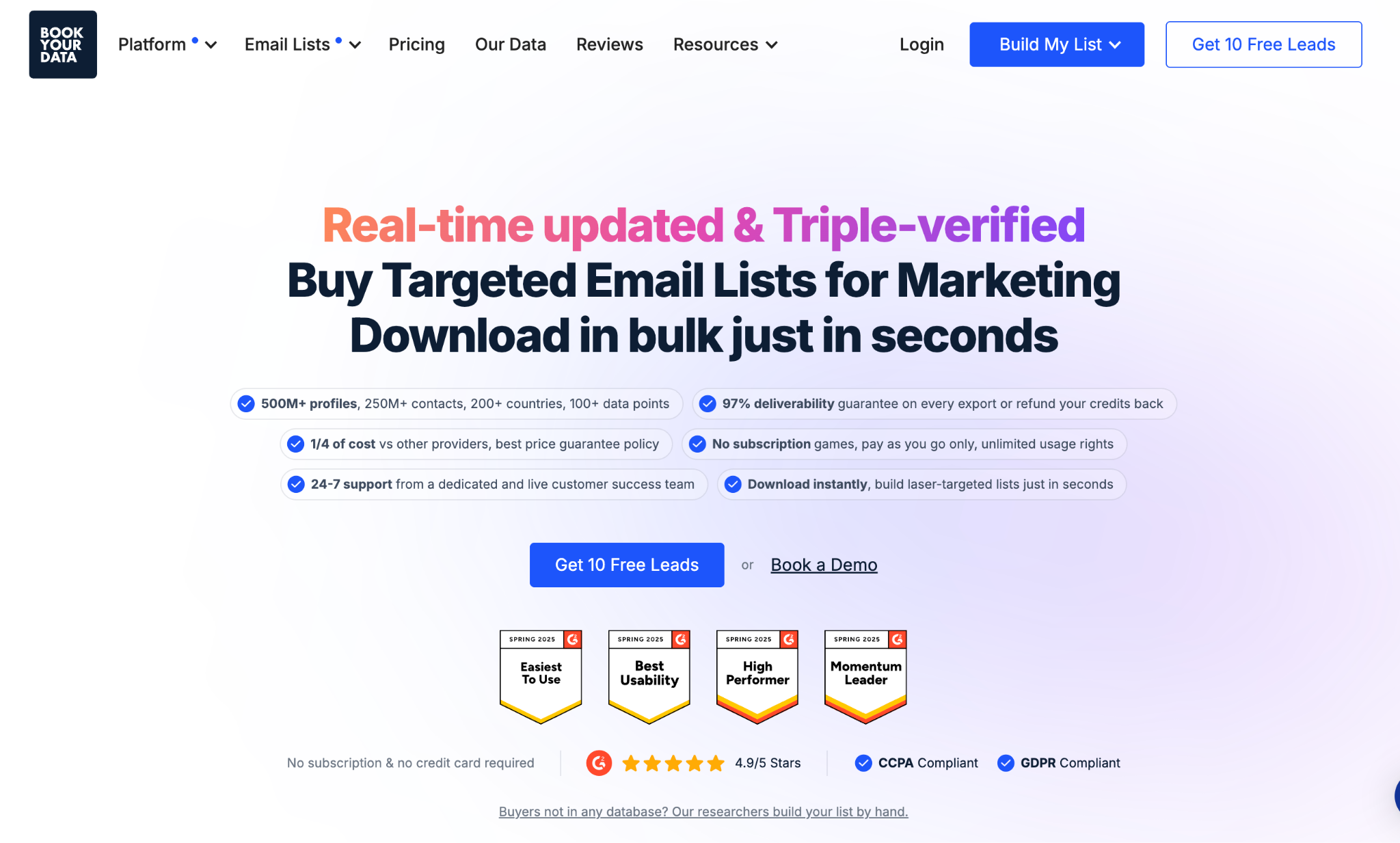
(BookYourData accountants email list page showing package sizes and pay-as-you-go pricing)
Best for: pay-as-you-go top-ups.
Pros: vendor-stated 97 percent deliverability guarantee, 10 free leads, no subscription required.
Cons: static files need re-verification later, and outreach tools are not included.
Buying a packaged file is straightforward and the published counts make comparison easy. Treat it as a practical top-up rather than an always-on source.
Pricing: Pricing runs on credit packs rather than fixed list sizes, starting at $99 for 250 contacts and dropping to roughly $0.10 per contact at the 10,000 tier. Credits do not expire.
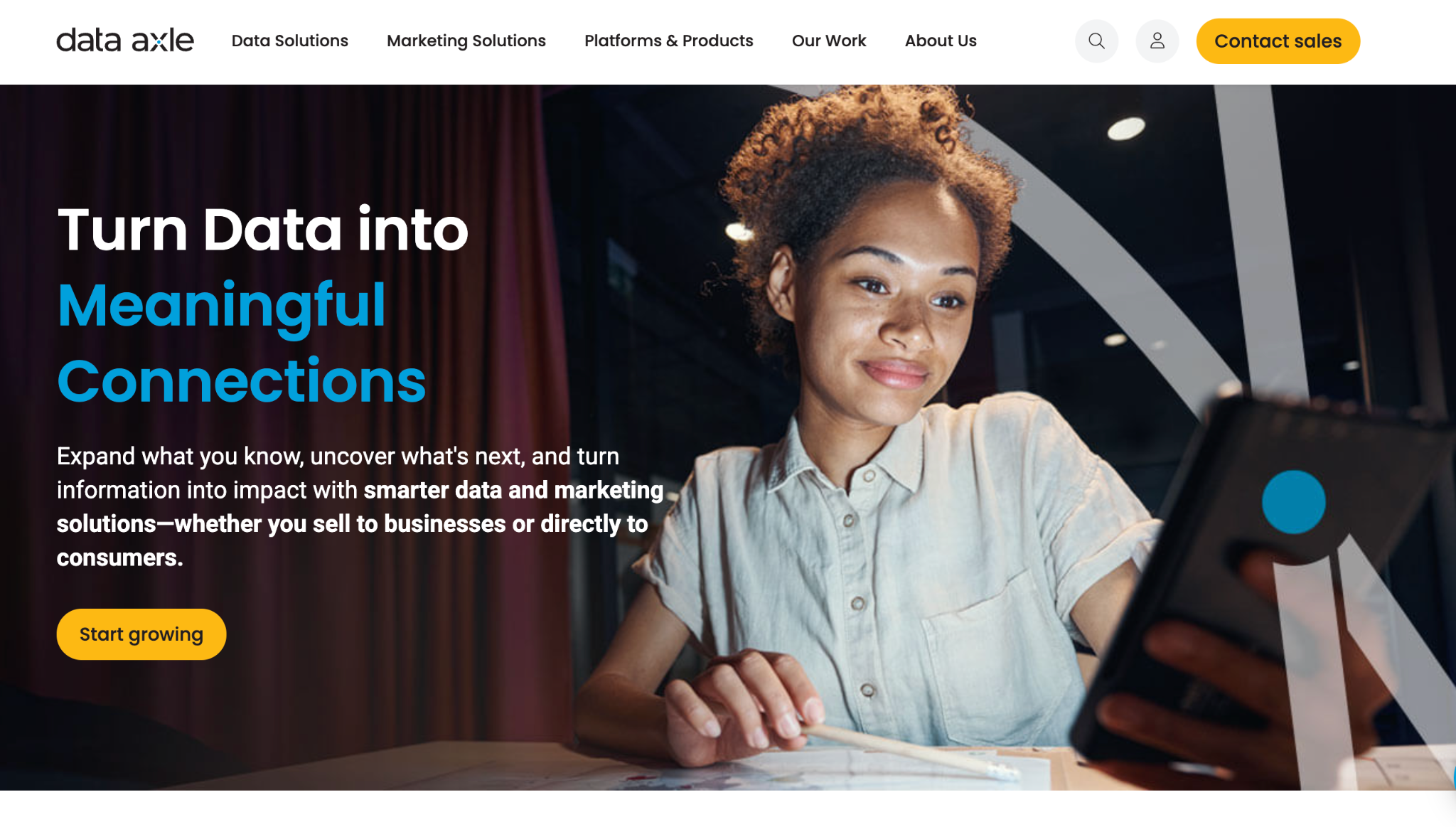
(Data Axle USA homepage showing business data and marketing campaign services)
Best for: data plus campaign execution together.
Pros: accountant targeting alongside campaign services.
Cons: quote-based buying requires a sales conversation before you see a number.
The selector is simple, and it suits teams wanting one supplier for both list and delivery.
Pricing: sales-led and quote-based.
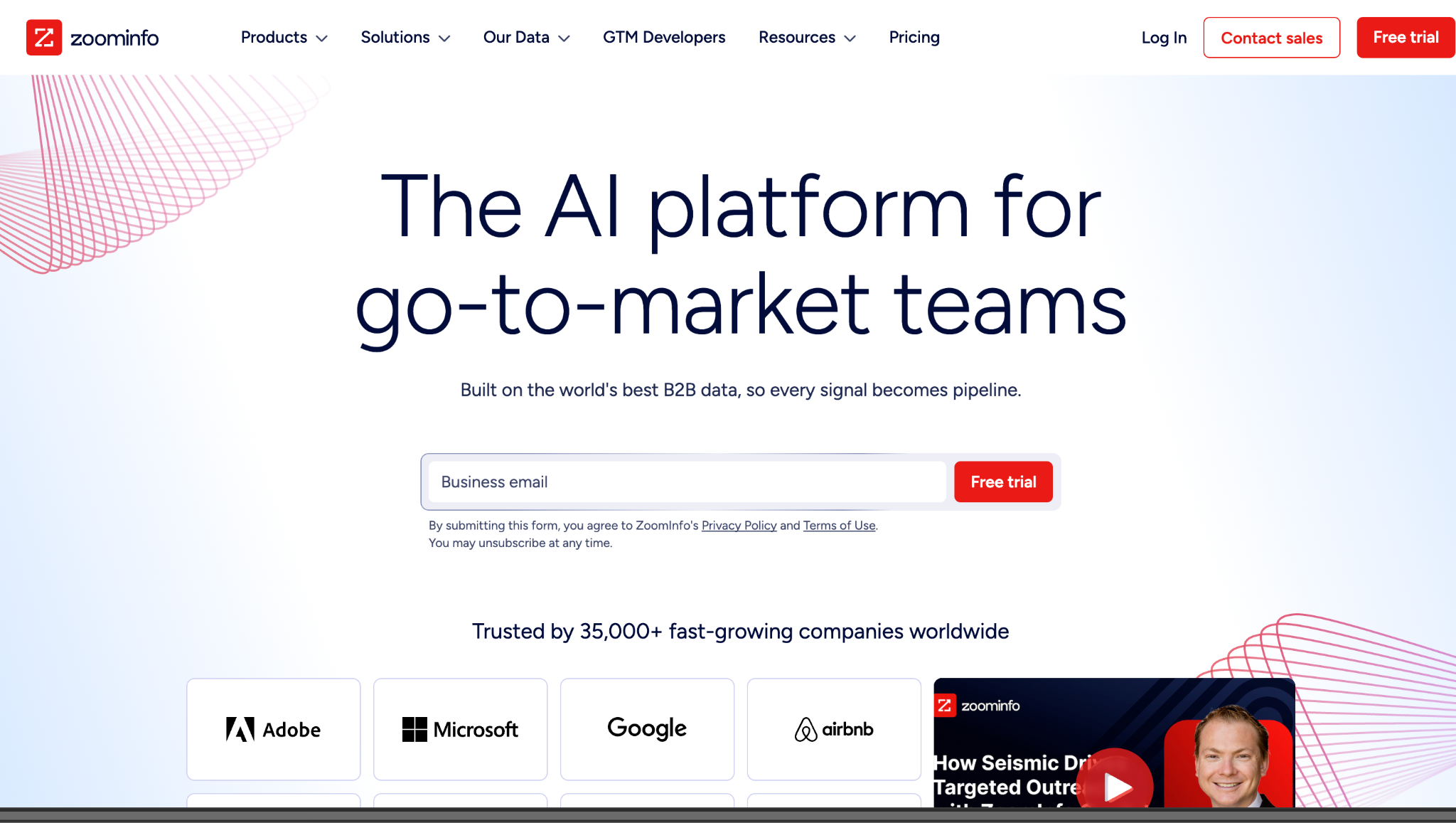
(ZoomInfo homepage showing B2B go-to-market intelligence platform)
Best for: enterprise go-to-market stacks.
Pros: broad B2B data built for enterprise workflows.
Cons: sales-led contracting slows initial testing considerably.
It supports CPA targeting inside wider revenue programs. Impractical for a one-time purchase.
Pricing: varies by functionality, users and managed records. ZoomInfo Lite is free.
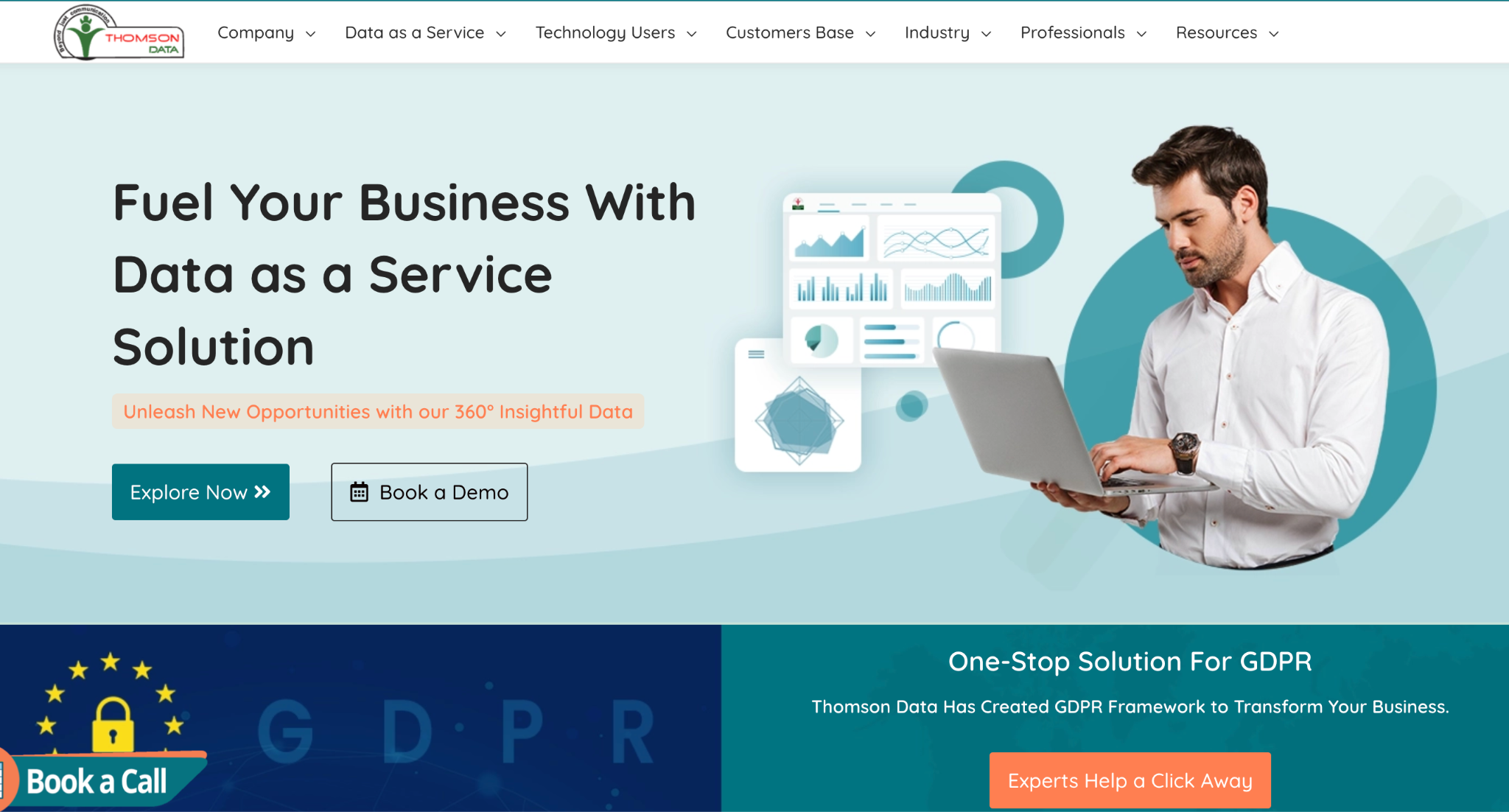
(Thomson Data CPA email list page showing record counts and refresh schedule)
Best for: buyers who want a stated refresh schedule.
Pros: publishes CPA counts and a 90-day refresh schedule.
Cons: pricing only by quote.
A published refresh interval helps comparison. Confirm the bounce remedy in writing before ordering.
Pricing: quote-based.
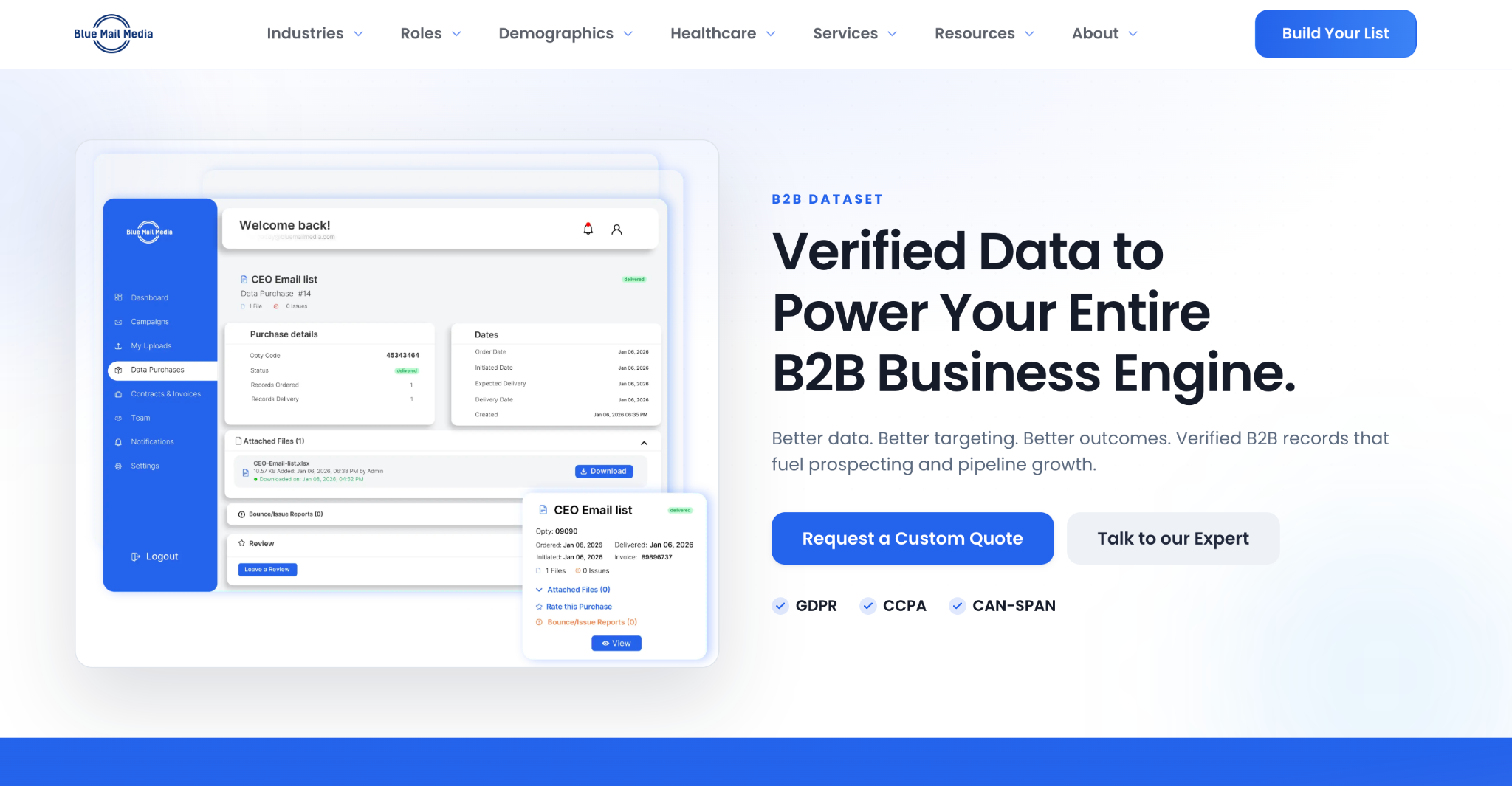
(Blue Mail Media accountants email list page showing segmented role coverage)
Best for: segmented accountant, auditor and tax-professional coverage.
Pros: distinct segments across accountant, auditor and tax roles.
Cons: accuracy terms can vary between orders.
Coverage supports large campaigns. Confirm final counts before payment rather than working from the advertised figure.
Pricing: quote-based.
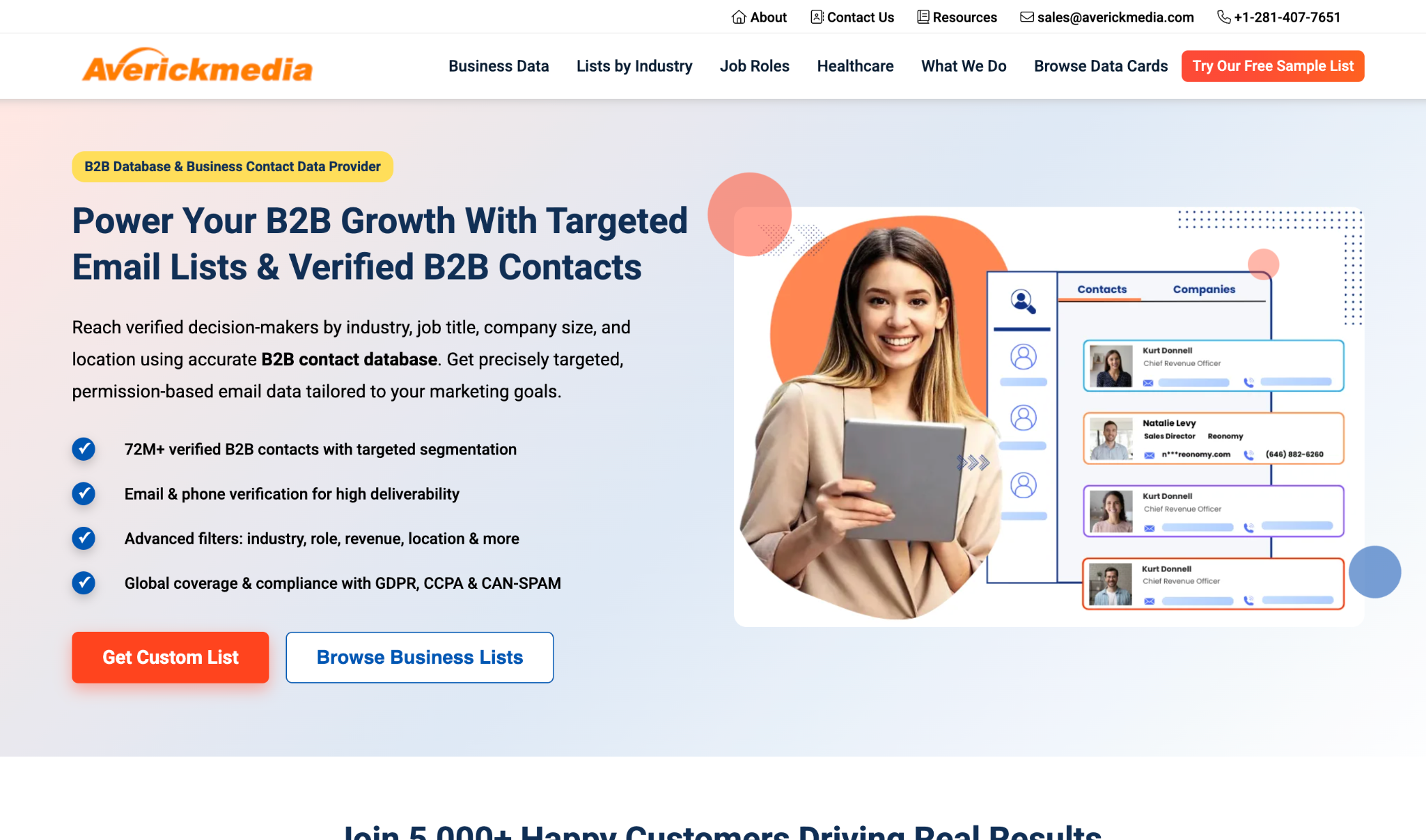
(AverickMedia accountant email list page showing list replacement and usage terms)
Best for: buyers who want replacement terms up front.
Pros: list replacement and unlimited usage terms offered.
Cons: project terms need written confirmation.
The replacement policy is the standout, since it protects the purchase against decay.
Pricing: quote-based with volume options.
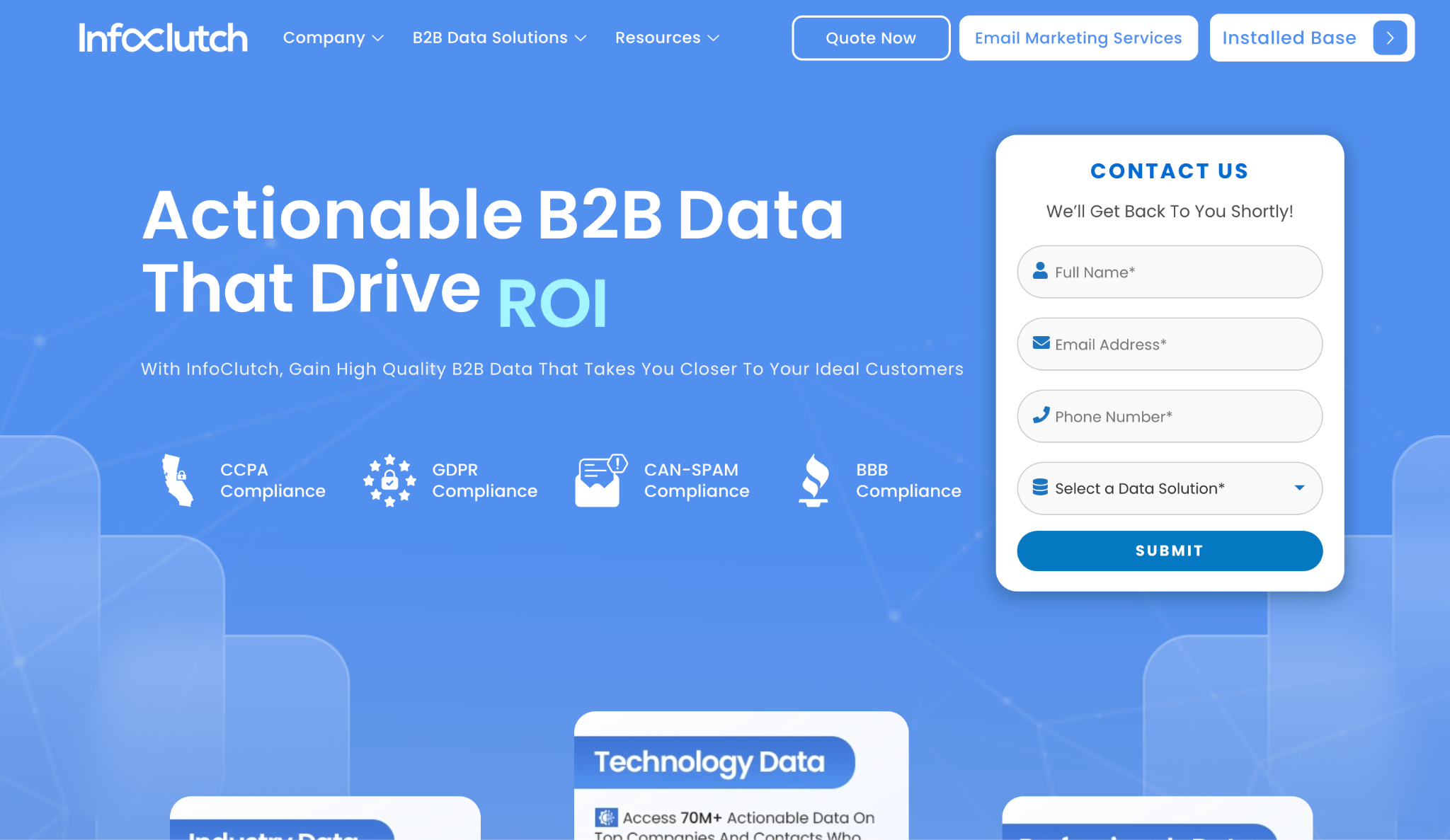
(InfoClutch CPA email list page showing filtering options and quote request)
Best for: detailed filtering before requesting a quote.
Pros: detailed filters and a clear customization process.
Cons: recency terms require confirmation.
The filters make quotes comparable, and compliance language is easy to locate.
Pricing: choose filters, then request a quote.
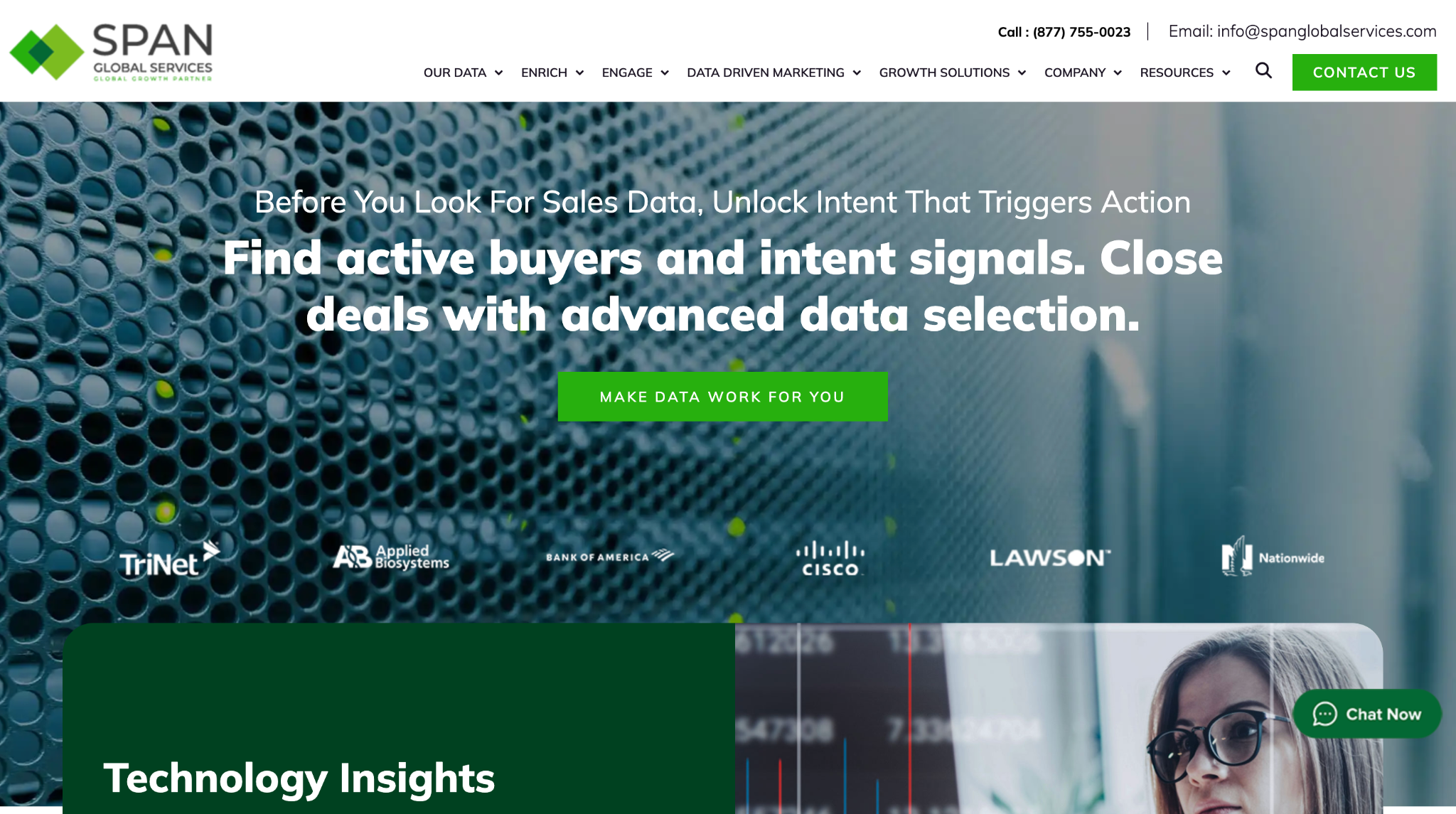
(Span Global Services CPA and accounting professionals list page showing compliance documentation)
Best for: compliance-led procurement.
Pros: documents data-broker registration and opt-out handling.
Cons: CPA-specific page detail is limited.
Documented registration helps a compliance review pass. Confirm sourcing and scope separately.
Pricing: quote-based.
| Provider | Model | Free sample | Verification | Pricing published |
| Emarketnow | Built on request | 10 contacts | Human review before delivery | Yes |
| UpLead | Self-serve credits | Trial credits | Real-time at export | Yes |
| BookYourData | Pay as you go | 10 leads | Vendor-stated 97% | Yes |
| Data Axle USA | Quote-based | Not published | Not published | No |
| ZoomInfo | Enterprise contract | Lite tier | Not published | Partial |
| Thomson Data | Quote-based | Not published | 90-day refresh | No |
| Blue Mail Media | Quote-based | Not published | Varies by order | No |
| AverickMedia | Quote-based | Not published | Replacement terms | No |
| InfoClutch | Quote-based | Not published | Not published | No |
| Span Global | Quote-based | Not published | Broker registration | No |
Details verified from published vendor pages, August 2026. Confirm current terms before purchase.
This is the highest-leverage thing in the article and it has nothing to do with which list you buy.
Accounting firms do not spend evenly across the year. US Census data shows firm revenue spiking every Q1 as individual and business tax deadlines concentrate, then tapering across the rest of the year.
During that spike, firms are buried in return preparation and will not evaluate a new vendor. The revenue is there, the bandwidth is not.
Outreach lands better once tax season winds down, when firms have both cash and time to consider staffing, technology and other purchases. A campaign sent in February into a perfectly verified list will underperform the same campaign sent in May into a slightly worse one.
Two structural facts shape any accounting campaign.
Nearly 89 percent of US accounting firms have fewer than 10 employees, and those small practices employ about a fifth of the workforce. Firms with 500 or more staff represent under half a percent of firms but employ nearly half the industry.
If your product is built for enterprise firms, your addressable market is genuinely tiny. If it works for small practices, you have well over 100,000 prospects.
Firms cluster geographically. California, Texas and New York account for roughly 30 percent of US accounting employment, with California alone at around 146,000. A list weighted toward those states reaches a disproportionate share of the industry.
Budget context matters too. Non-labor overhead at most CPA firms runs only 20 to 25 percent of revenue, covering rent, technology, insurance, training and marketing combined. Whatever you sell competes for a tightly controlled slice, usually decided by the managing partner.
Whatever you buy, the sequence is the same.
Send a small test batch before committing to a full campaign, and measure bounce rate rather than open rate on that first send. Bounces tell you about the list. Opens tell you about the subject line.
Warm the sending domain properly if it is new. The best list in the category will still land in spam from a cold domain sending at volume, and cold email deliverability failures are the outcome least related to data quality and most often blamed on it.
Then check your remedy. If bounces exceed the vendor's stated threshold, you should know before sending what happens next.
In the US, commercial email must comply with CAN-SPAM, which governs sending practice rather than list acquisition. Accurate headers, a valid physical address and a working unsubscribe are the baseline. State privacy laws including CCPA and CPRA add obligations, so check what a vendor publishes about sourcing and opt-out handling.
Remedies vary widely. Some vendors replace records, some refund, some do neither. Request replacement, refund and deliverability terms in writing before purchase rather than discovering the policy after a failed send.
A CPA list targets licensed professionals. Accountant lists can include bookkeepers, clerks and broader finance roles. If you are selling something requiring a license, the distinction determines whether half your spend is wasted.
Under 5 percent is reasonable for a freshly built and verified list. Above 10 percent suggests aged data, and continued sending at that level puts your sending domain at risk.
Building is slower and cheaper per contact. Buying is faster and lets you test a market before committing. Most teams do both, buying to test a segment and building where it works.
Contact data across B2B generally decays fast, and accounting is no exception given partner movement and firm consolidation. This is the argument for lists built at order rather than stored, and for checking when a record was last verified.
With some vendors, yes. AICPA membership, CPE provider status, and credentials including CPA, CIA and CMA are all filterable where a provider maintains that data. Ask before assuming.
Fewer records than most buyers think. A tightly filtered list of 200 managing partners at firms matching your ideal profile will outperform 20,000 general accounting contacts, and it costs less to test.
Emarketnow is my top pick because records are built at the time of order and reviewed by a person before delivery, with a free sample that makes low-risk testing straightforward and a money-back guarantee across every plan.
Choose UpLead for self-serve filtering, or BookYourData for a one-time file without a subscription. The quote-based providers suit larger procurement processes where a sales conversation is happening anyway.
Whichever you choose, confirm the verification method and the bounce remedy before you buy, test on a small batch before you scale, and send after tax season rather than during it.
 AI tools to find & convert leads.
  Send emails at scale

