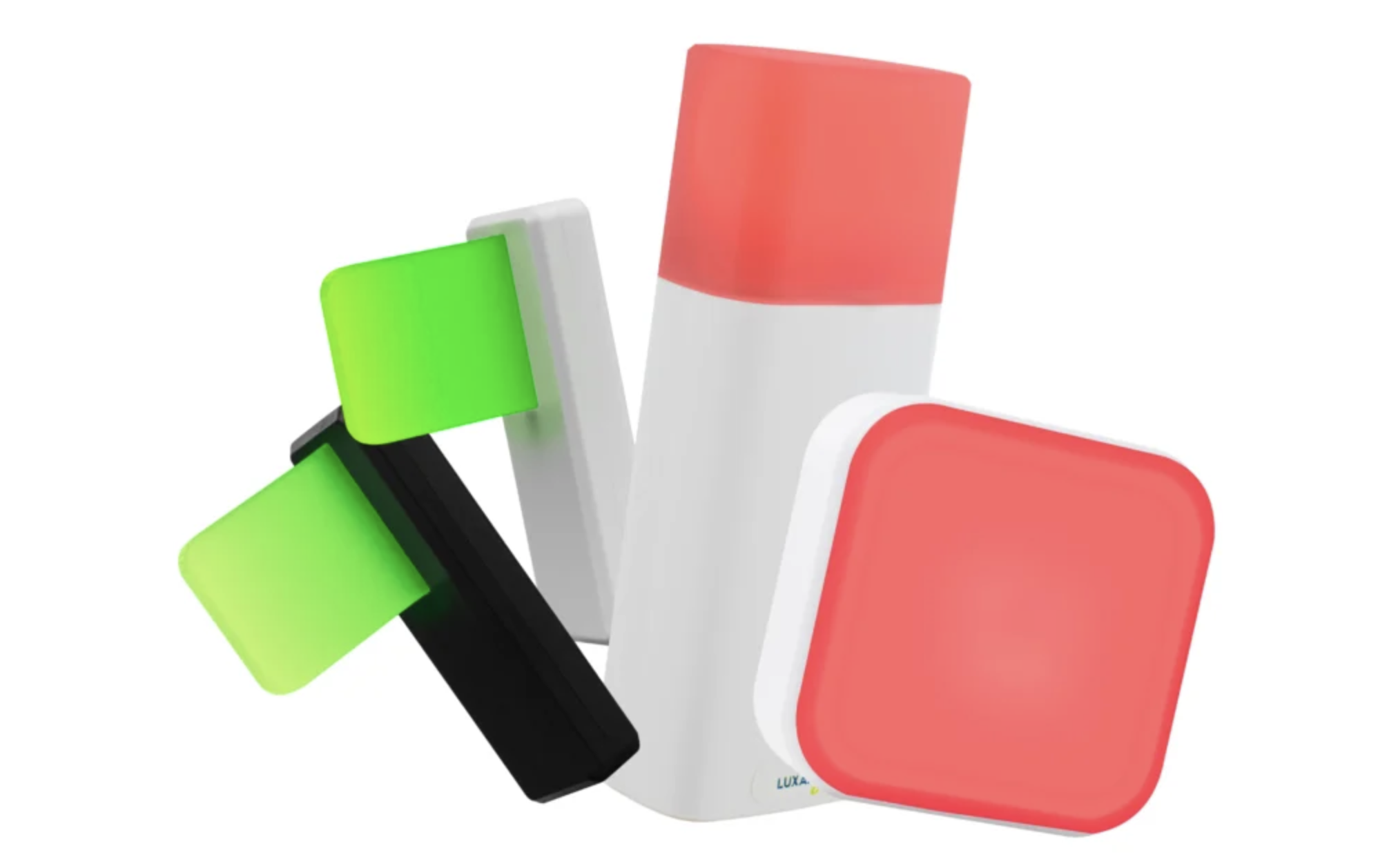
Navigating workplace communication in modern open-plan and hybrid office settings requires a delicate balance between open accessibility and protected focus time. Constant walk-up interruptions, sudden noise, and awkward shoulder taps often shatter employee concentration during critical analytical tasks. Utilizing a bright, automated luxafor flag serves as an intuitive physical indicator that instantly conveys your availability status to surrounding colleagues, helping teams reduce unnecessary distractions and collaborate far more effectively.
As office environments become more dynamic and open, traditional methods of judging someone's busyness often fail. Employees need physical visual cues that bridge the gap between their online availability status and their real-world physical presence at their desks.
Daily workplace disruptions severely impair productivity by breaking an employee's cognitive momentum during complex work sessions:
Accidental Meeting Walk-Ins. Coworkers frequently approach a desk to ask routine questions, completely unaware that the person is actively participating in a quiet voice call.
Fragmentation of Deep Focus. Unannounced shoulder taps force employees out of deep analytical mindsets, requiring substantial time to regain full focus afterward.
Inconsistent Availability Messaging. Relying solely on software chat icons fails to protect workers from physical walk-ups when colleagues move around the floor.
Establishing clear physical presence signals addresses these issues directly, creating a protective barrier around individual workstations.
Visual presence tools establish a shared company culture based on spatial respect and environmental clarity. When teams can determine a peer's availability at a glance before approaching their desk, unnecessary verbal disruptions are eliminated, and overall office noise decreases significantly.
Integrating physical presence hardware directly into daily workflows transforms how employees manage their time and communicate with teammates.
A dedicated desktop light indicator provides a reliable, high-visibility signal that simplifies presence management across busy workspaces:
Automated Application Triggers. Hardware indicators sync directly with conferencing tools like Microsoft Teams or Zoom to turn red the instant a call starts.
Customizable LED Color Modes. Users can manually select green for open collaboration, yellow for administrative tasks, or red for strict do-not-disturb periods.
High-Visibility Mounting Options. Mounting the light indicator on top of a laptop screen or monitor ensures it is easily seen from across the room.
Relying on clear visual indicators ensures that your real-time availability is always transparent, giving you complete peace of mind during focus blocks.
Visual availability tools provide equal benefits for both individual workers and surrounding team members across open-plan layouts:
Protected Deep Work Hours. Employees can focus on complex tasks without constant micro-interruptions from well-meaning coworkers.
Effortless Spontaneous Meetings. Teammates seeking quick collaboration can easily spot available colleagues by looking for active green status lights.
Reduced Environmental Friction. Removing guesswork around availability fosters a calmer, more organized, and highly predictable office atmosphere.
Establishing these clear physical boundaries allows open offices to maintain their collaborative benefits while preserving individual employee output.


To maximize the organizational value of visual availability indicators, companies should implement clear operational strategies during rollout:
Define Company-Wide Color Standards. Establish clear, standardized meanings for each status color to ensure consistent interpretation across all departments.
Automate Software Synchronization. Connect hardware indicators directly to calendar schedules and messaging apps to eliminate manual switching errors.
Encourage Leadership Participation. Ensure managers actively respect red status lights, setting a clear example for team members across the company.
Following these strategic adoption guidelines guarantees that your team smoothly integrates visual status tools into their daily routines.
Improving workplace communication relies on eliminating unnecessary operational friction and protecting deep employee focus. Visual availability indicators offer an intuitive physical solution that clarifies real-time status and eliminates awkward verbal interruptions. By adopting automated presence tools, modern organizations can build a more structured, respectful, and productive office environment where every team member can thrive.
 AI tools to find & convert leads.
  Send emails at scale

