Emails have remained highly relevant for lead generation and sales outreach, especially in B2B scenarios. Marketing teams use them for cold outreach, follow-ups, and lead conversions.
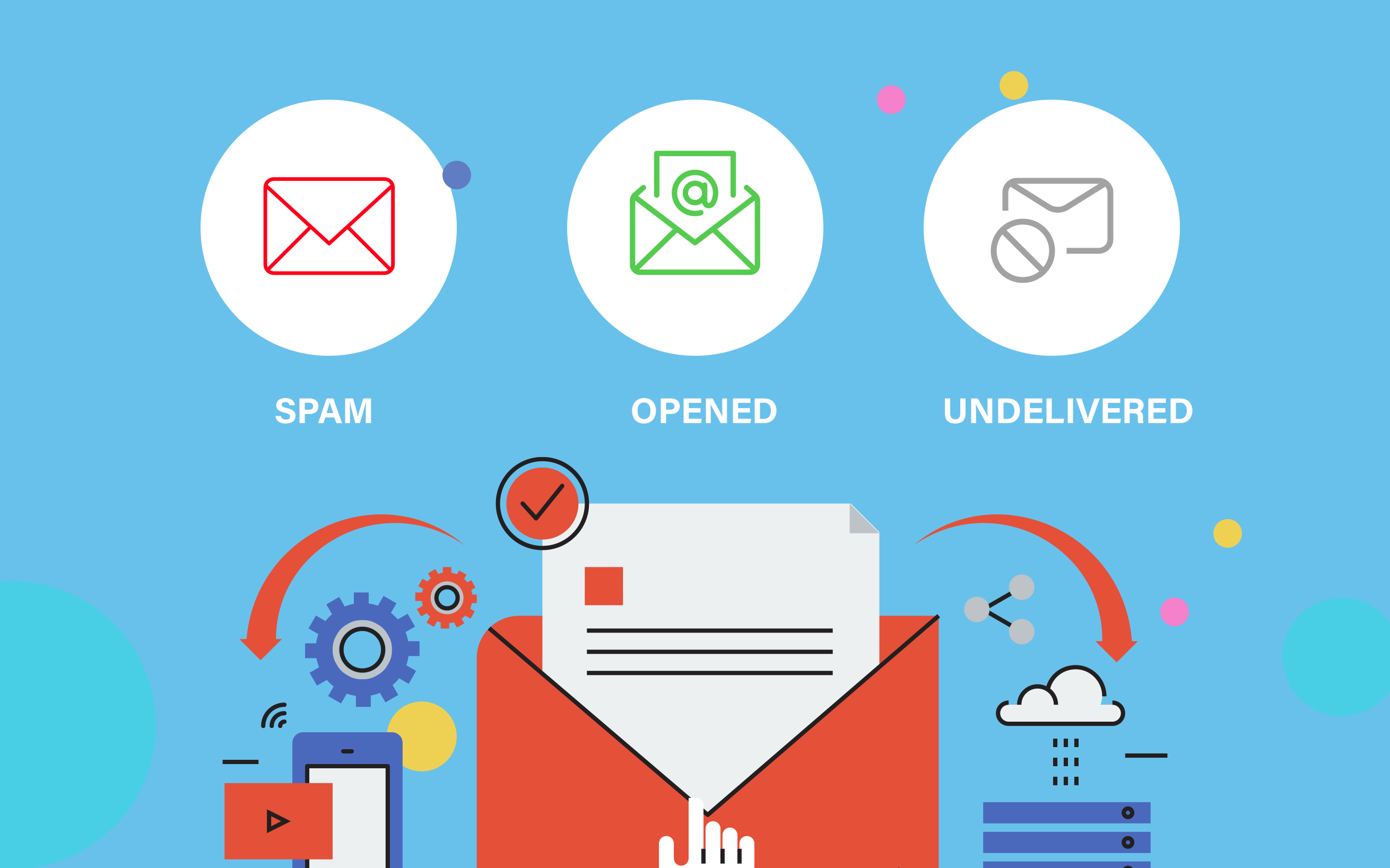
However, for an email marketing campaign to work, it is necessary that the emails reach the recipients’ main inbox first. If your email sender reputation is bad, or your email sending IP is on a blacklist, your emails will land in spam or not be delivered at all.
This is called email deliverability. High deliverability means that most (if not all) of your emails reach the main inbox, and vice versa.
So, how can you maintain high email deliverability in 2027? Let’s find out.
Email hygiene refers to maintaining a list of recipients that have a higher likelihood of opening and interacting/responding to your email.
If your recipient list has accounts that either don’t or can’t respond, then your email just gathers digital dust in their inbox without ever being opened. Email service providers (ESPs) keep note of this, and they choose whether your emails reach the inbox or the spam folder.
If a lot of your emails don’t even get opened, it tanks your sender reputation and lowers your email deliverability.
To maintain good email list hygiene, you have to vet your current recipient list and remove wrong, old, or inactive addresses. You can do that by using an email verifier.
An email verifier can do the following things:
Check if an address is valid (i.e., an active account)
Check the risk profile and delivery confidence
Check domain trust by validating SPF and DMARC records
Verify MX records (valid MX records indicate that emails will be delivered).
Check that the account is not inactive or parked.
By using an email verifier to validate all your recipient email addresses, you can maintain good email hygiene and improve or maintain your deliverability.
Emails are, unfortunately, one of the easier things to spoof. So, due to security concerns, many ESPs use different types of checks to see if an email is safe.
Some of the things they check are the sender’s IP address and domain. They check whether these appear on any blacklists. If the domain/IP is on a blacklist, then the emails are sent to spam or flat-out rejected.
So, you should check your own email domain and IP. An email blacklist checker can help you here. This is a tool that can check any email address or its IP address to see if it's listed in any public blacklists.
If you find that your domain or IP is listed, try to find its cause first. These could be:
Poor hygiene
Bad sending habits
Or some security flaw (missing SPF, DKIM, DMARC records)
Handle them first. Then you can take steps to contact the blacklist owner and get them to manually remove your IP/domain from it.

Aside from blacklist status, you should also check your IP reputation. Your IP reputation shows how much ESPs trust your sending IP. A good reputation score means more emails will land in main inboxes.
Many things can affect this score, for example:
High unopen rates
Spam reports from recipients
Sudden change in volume of emails
Etc.
You can gauge your current sender reputation by using an IP reputation checker. If you find any issues, then you have to review your list hygiene, sending habits, and security flaws. Fix them before starting your next email campaign.
Another metric for measuring email sender reputation is authentication. Authentication basically refers to a series of technical checks that verify a sender’s identity.
Authentication prevents spoofing of your email domain as well. This means others can’t impersonate your email address.
So, you need to set up proper authentication. You can do that by setting up:
SPF records
DKIM records
DMARC records
SPF records list all IP addresses that are allowed to send emails for your domain. Recipients’ mail providers check SPF to ensure that received emails are from authentic senders.
DKIM signs the email with a hash so that recipients can check if the contents of the email changed during transit.
DMARC outlines reporting policies that recipients must follow in case they receive an email without SPF or DKIM.
You must set up and then verify these records with a TXT record lookup (as these are all classified as TXT records) and ensure they have no problems.
With these authentication measures in place, your reputation and deliverability will naturally rise.
As we mentioned in the “IP Reputation” section, one of the reasons for a bad reputation is an abrupt change in email volume.
It is normal to have a sudden increase in email sending volume when you are engaging in an email marketing campaign. Unfortunately, to the ESPs, it appears as if you are spamming people with needless emails.
So, whenever you need to do a campaign, you must increase volume slowly, over a few weeks at the very least.
This is especially true if your email domain is new. You must give it time to warm up; otherwise, its reputation will never rise.
So, start with a small but consistent number of sent emails. Then slowly raise that number. Give your domain time to build a good reputation before you engage in large campaigns.
The contents of your emails are just as important as other technical factors with regard to deliverability.
Emails with false claims, too many links, or pushy sales words look like spam. So people don’t interact with them. This lack of interaction is noted by the ESPs, and it tanks your sender reputation.
Write short emails that explain why you are contacting the person. Add links only when they help the reader. Most of all, make your emails useful to the reader. A clear message is more likely to get a reply than a copy-paste sales pitch.
Also, include your business details and a clear way to stop future emails.
Do not judge a campaign by the number of emails you send. Check its results to see what works and what needs to change.
Keep an eye on these key numbers:
Bounce rate: The share of emails that could not be delivered.
Spam complaint rate: The share of people who mark your emails as spam.
Reply rate: The share of people who reply to your emails.
Delivery rate: The share of emails accepted by receiving servers.
Inbox placement: Whether your emails reach the inbox or spam folder.
Check these numbers after each campaign. If bounces or spam reports rise, stop and find the cause before sending more emails.
Good email deliverability takes time and care. It is not just about sending more emails. You need clean contact lists, proper email settings, and a good sender record.
B2B sales teams should check email addresses, look for blacklists, and monitor their sender IP. They should also check SPF records and use clear, useful content.
These simple steps can help protect your domain and improve your sales outreach. They also give your emails a better chance of reaching the right people.
 AI tools to find & convert leads.
 Send emails at scale