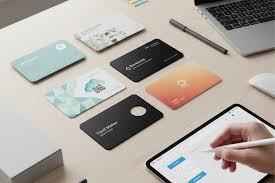
A business card is still one of the most underrated marketing tools a local business can have. For restaurants, boutiques, salons, and other local shops, a well-designed card is one of the cheapest and most effective ways to stay in someone's mind long after they leave the shop.
Fortunately, AI has made it easier than ever to get a card that actually looks good, without a designer, a big budget, or a long wait. What used to take days of back-and-forth with a designer can now be done in minutes, with results that are just as polished and print-ready.
Here is a closer look at eight of the best AI business card makers available right now, breaking down what each one does well and whether it is the right fit for your restaurant or shop.
Not sure which platform fits your needs right away? Here is a side-by-side look at all eight tools before we get into the details.
| Platform | Best For | Free Plan | AI-Powered | Print Option |
| Design.com | Fast AI-driven branding | Yes | Yes | Yes |
| BrandCrowd | Templates + print in one place | Yes | Yes | Yes |
| Canva | General design work | Yes | Limited | Yes |
| Adobe Express | Adobe ecosystem users | Yes | Limited | No |
| Looka | Logo-first branding | Preview only | Yes | No |
| Vistaprint | Basic print orders | Yes | No | Yes |
| Tailor Brands | Guided brand setup | Preview only | Partial | Yes |
| Simplified | Multi-purpose content tool | Yes | Partial | No |
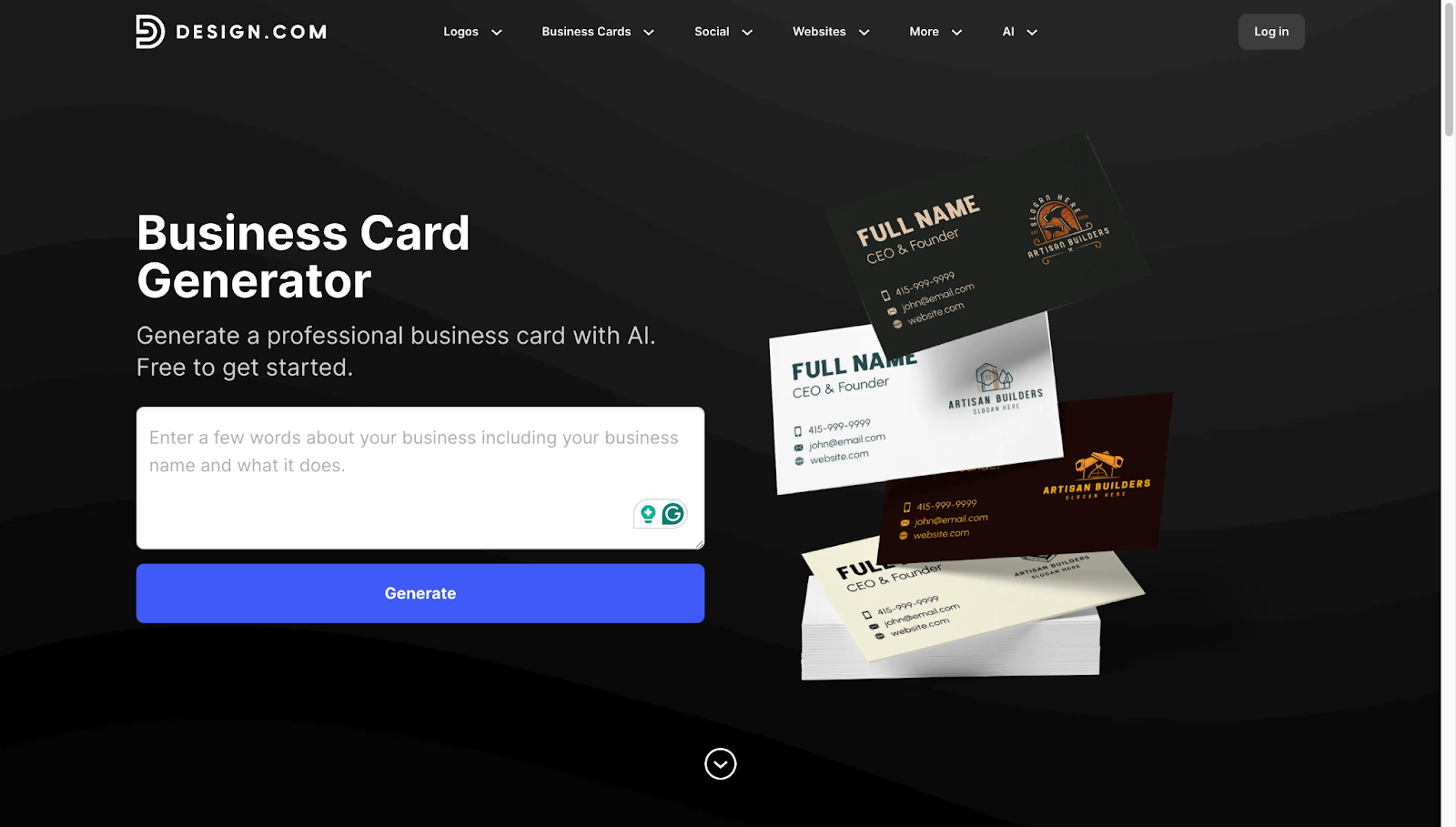
If you want the fastest path from zero to a fully branded, print-ready card, Design.com is where to start. Its AI business card generator takes your business name and a short description and produces thousands of design variations in seconds, each one built on a foundation of professionally designed templates trained on real branding data.
DesignRush described Design.com as an all-in-one AI-powered platform that helps small businesses generate logos and expand them into complete brand systems.
What sets it apart from most tools on this list is how deeply it connects your card to the rest of your brand identity, keeping your logo, color palette, and marketing materials consistent all within the same platform.
Restaurants and food businesses that want fast, on-brand results with minimal effort
New businesses that need a complete brand identity built quickly
Shop owners who want professional-quality files without working with a designer
Generates thousands of design variations instantly from a business name and a short prompt
AI adapts designs based on your industry, branding input, and style preferences
Full customization of fonts, colors, layouts, shapes, curved text, and gradient effects
Automatic brand synchronization with logos and assets created on Design.com
Real-world card preview before downloading, so you know exactly what you are getting
High-resolution downloads in PNG, JPG, SVG, EPS, and PDF formats
All output files are optimized for commercial printing quality
Designs saved to your account and available to download or edit anytime
Part of a full branding ecosystem covering logos, social media graphics, and marketing assets
Free to generate and customize unlimited designs
Paid plan at $9 per month (monthly billing) or $6 per month (annual billing)
Paid plan includes high-resolution and vector downloads, full editing access, and the complete Design.com branding ecosystem
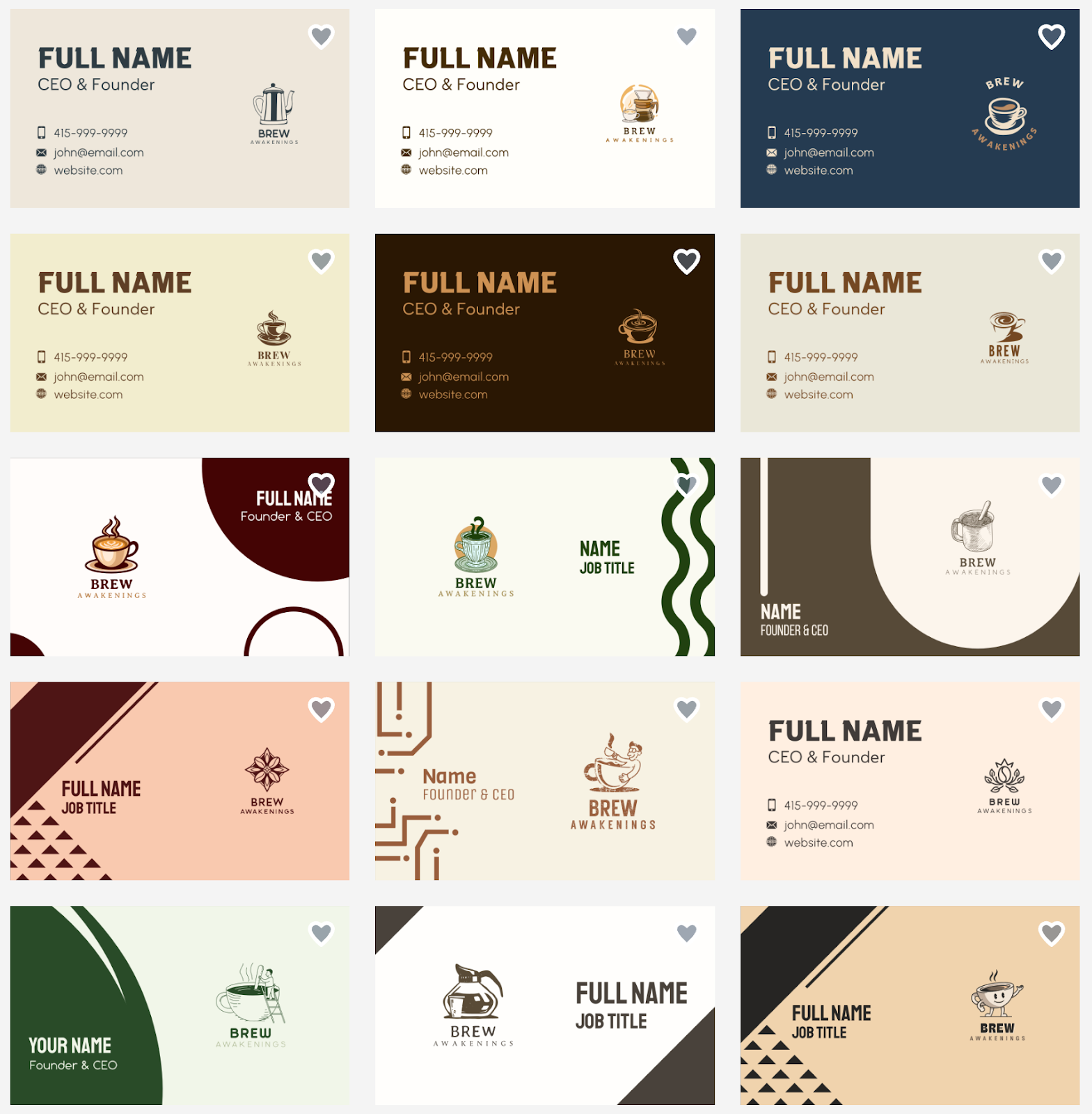
Here are some sample business cards made with Design.com's AI generator.
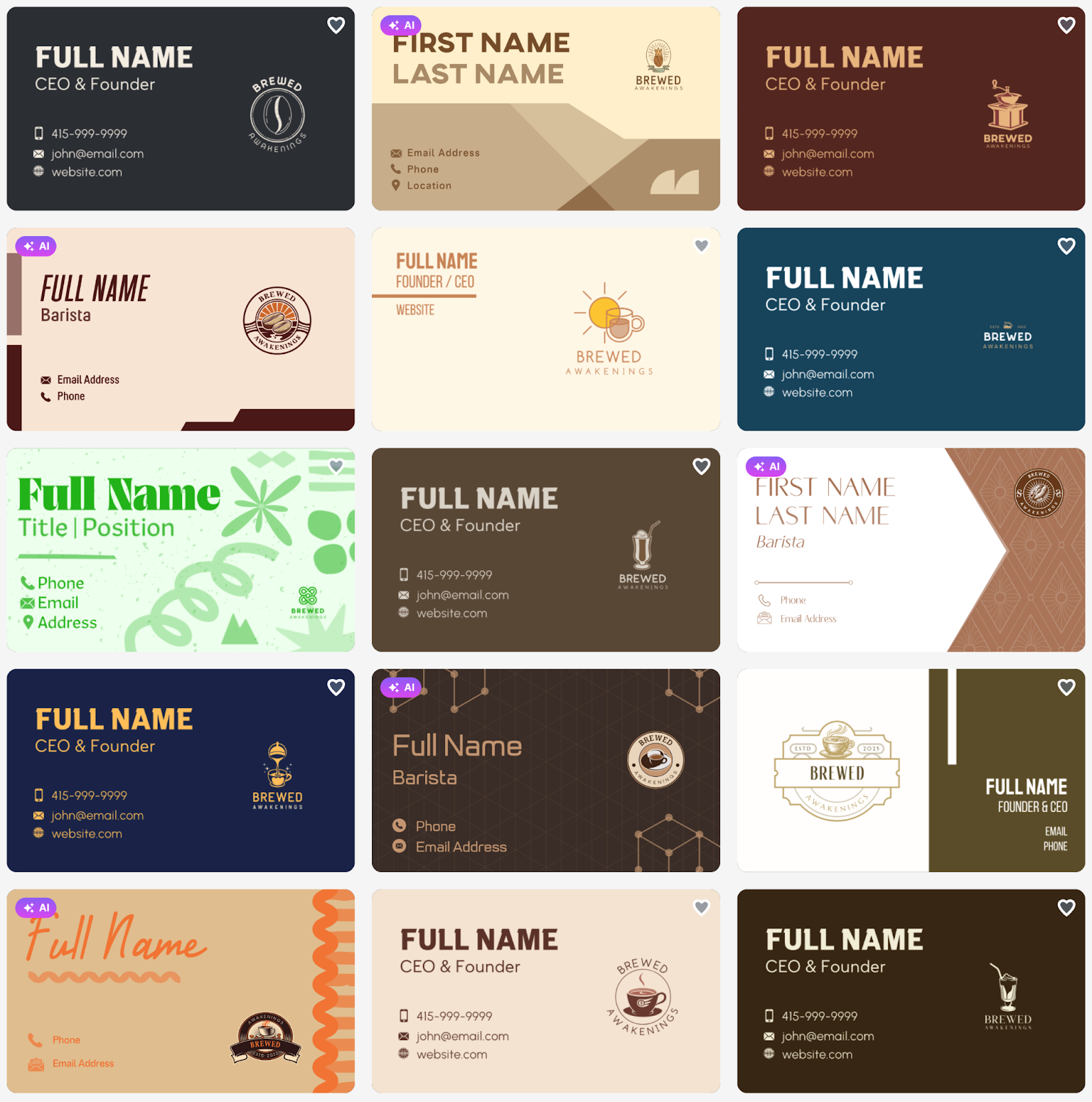
Every single one of these was generated in seconds, and each one can be fully customized to match your restaurant or shop's exact look and feel before you download a print-ready file.


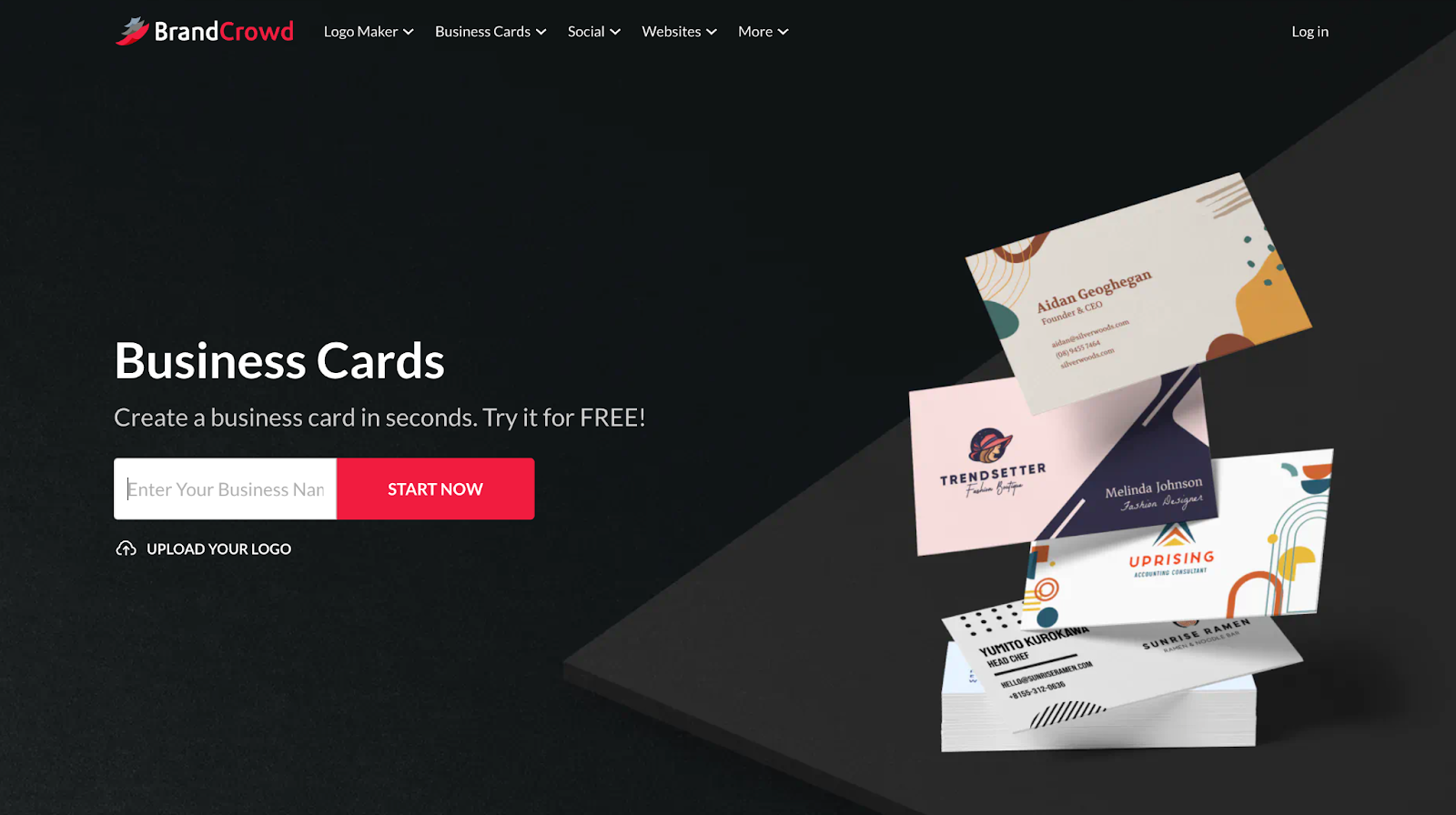
BrandCrowd brings together a library of over 3,000 designer-made templates, a flexible editor, and a built-in print service, making it one of the most complete options for local businesses that want to go from design to a physical card without switching platforms.
The business card creator is part of a larger ecosystem of 579,000 total design templates, so your card, logo, social posts, and other branded materials can all be created and managed in one place.
It is also one of the most trusted tools in the space. Ranktracker recognizes BrandCrowd as one of the premier logo makers available today, backed by a 4.7-star rating on Trustpilot from over 9,000 reviews. For a platform this easy to use, that kind of reputation speaks for itself.
Local businesses that want designer-quality templates combined with a direct print option
Owners building or refreshing a full brand identity across multiple asset types
Anyone who wants polished results and physical cards without managing separate tools
3,000+ professionally designed templates with industry-specific layouts
Fully editable fonts, colors, layouts, icon placement, and backgrounds
Unlimited design edits under any paid subscription
Automatic brand integration that pulls in your logo and brand colors
Save and compare multiple card versions from your account
High-resolution downloads in SVG, EPS, and PDF formats
Print orders available from 250 to 5,000 cards
Standard and premium finishes with single or double-sided options and optional rounded corners
Free worldwide shipping is included on all print orders
Access to 50+ additional design tools across the BrandCrowd platform
Free plan available for creating and customizing designs (printing requires a paid order)
Premium plan at $3 per month billed annually, includes unlimited edits, high-resolution and vector downloads, and access to 3,000+ card templates and 50+ design tools
Premium + Website plan at $6 per month, billed annually, adds a website builder on top of everything in Premium
Here are some sample business cards made with BrandCrowd.
From clean and minimal to bold and expressive, every template looks like it came straight out of a professional design studio.
Canva is one of the most widely used design platforms in the world, and its business card maker is a solid choice for restaurants and local shops that already use it for menus, social posts, or flyers. The free plan covers a lot, and the interface is friendly enough for complete beginners to get through without any help.
Business owners already using Canva for other marketing materials
Shops that want a free, easy-to-use starting point
Teams where multiple people need to edit and share designs
Thousands of business card templates across dozens of industries
Drag-and-drop editor with real-time collaboration
AI-powered Magic Design tool generates card options from a prompt
Upload your own logo and brand photos directly into the editor
Print-and-ship service available directly through Canva
Download as PNG, PDF, or print-ready PDF with bleed marks
Free plan includes basic templates and standard downloads
Canva Pro, at around $15 per month, unlocks premium templates, brand kits, and higher-quality exports
Print pricing varies by quantity and finish selection
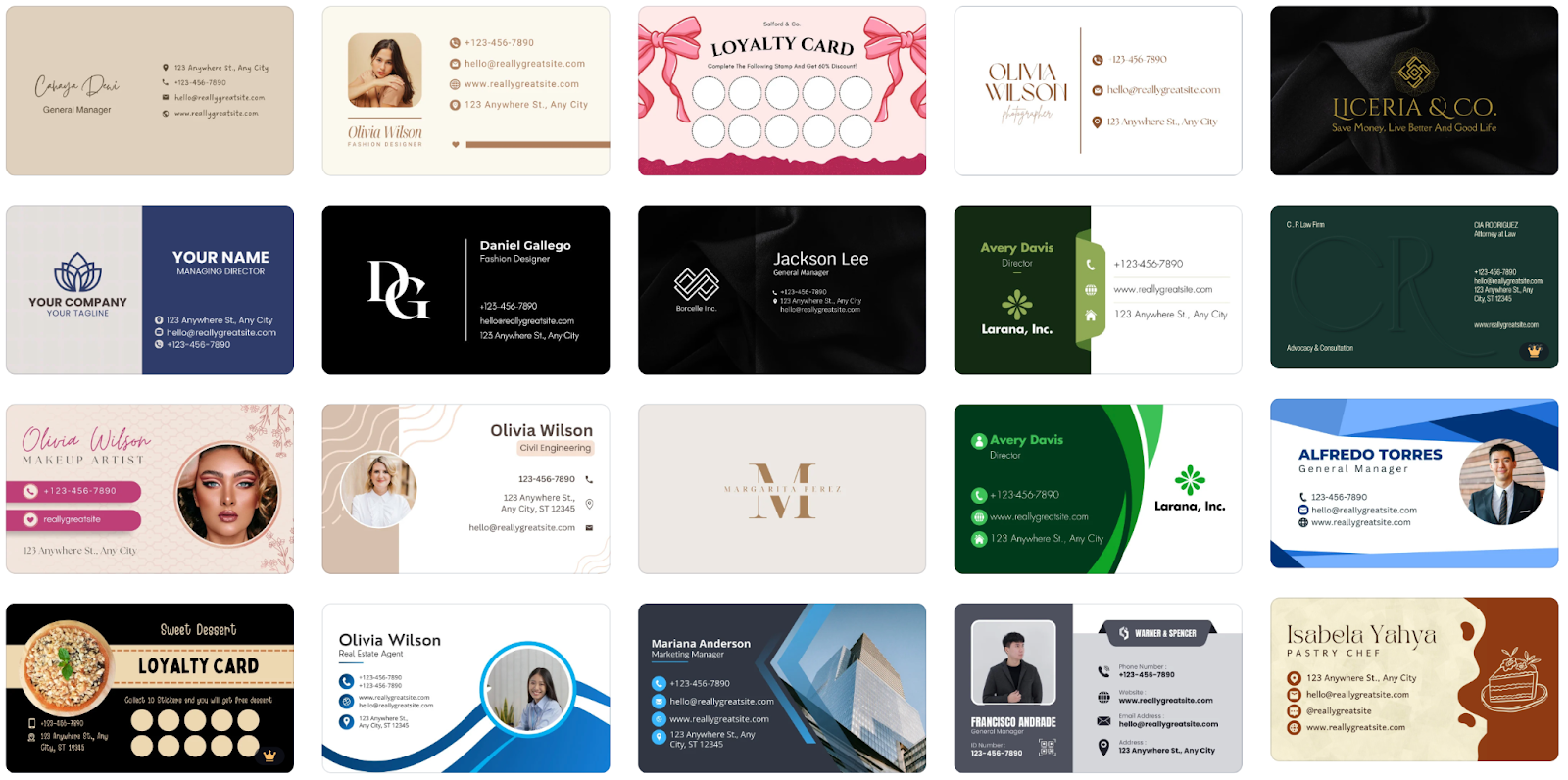
Here are some sample business cards made with Canva.
Adobe Express is Adobe's beginner-friendly design app, bringing the quality you would expect from the company behind Photoshop into a tool that anyone can pick up quickly. For local businesses that want sharp, polished cards without a steep learning curve, it is a strong option that also connects to the wider Adobe ecosystem.
Shops and restaurants that prioritize design quality above all else
Business owners who also use Adobe tools for other creative work
Anyone who wants AI help generating card layouts from a text prompt
AI-powered card generation using text descriptions
Clean, high-quality templates designed by professional designers
Full editing of fonts, colors, photos, and layout elements
Integration with Adobe Fonts and Creative Cloud assets
One-click background removal for logo or photo uploads
Download as PNG or PDF with print-ready quality
Free plan available with access to a solid range of templates and features
Adobe Express Premium, at around $9.99 per month, includes all premium templates, Adobe Fonts, and advanced AI features
Available at no extra cost as part of a full Creative Cloud subscription
Here are some sample business cards made with Adobe Express.
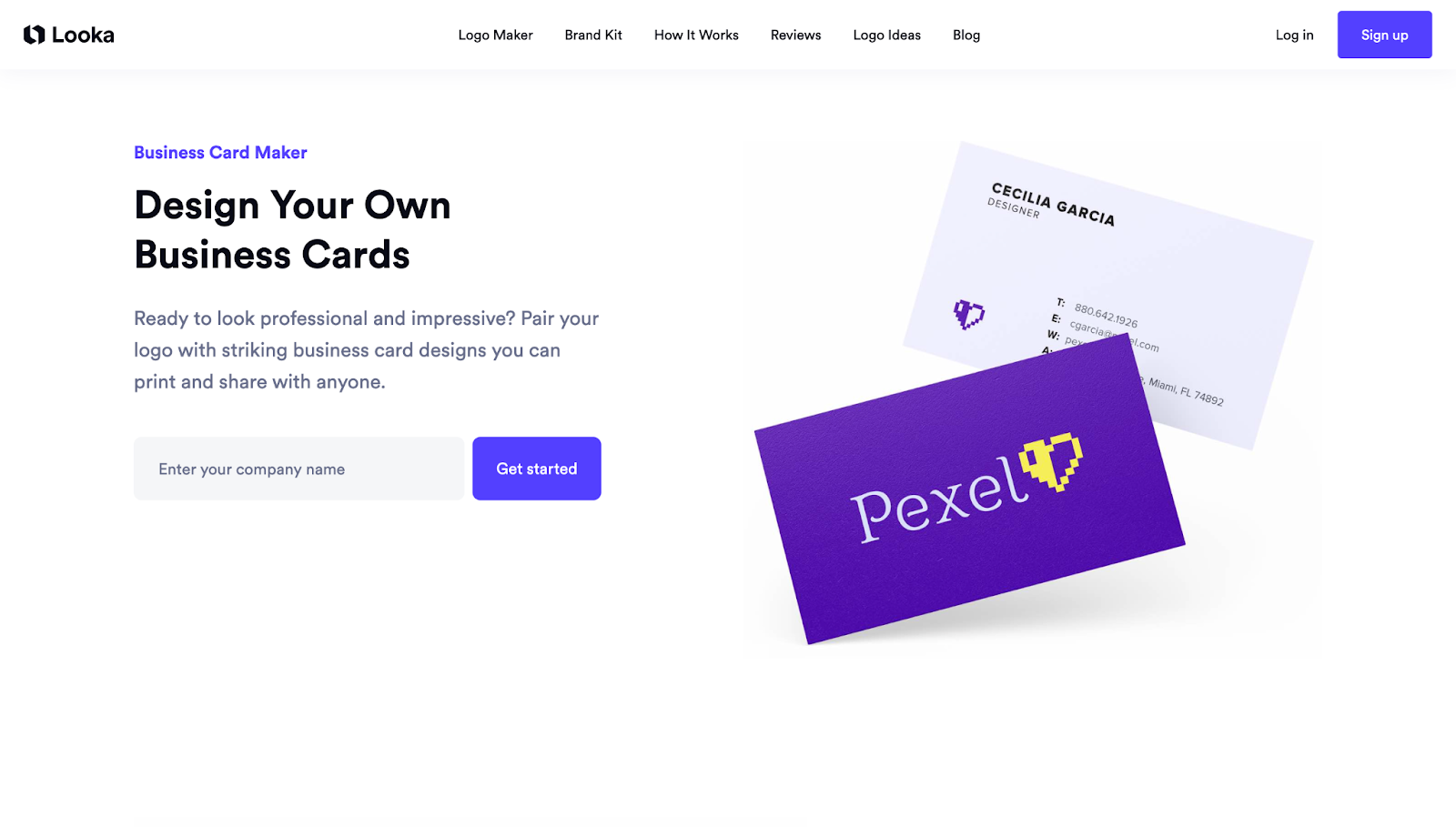
Looka started as an AI logo maker but has grown into a full brand platform that includes business card design. Once you create a logo, Looka uses your colors, fonts, and style to automatically generate a card that already looks on-brand, which is a big time-saver for businesses building from scratch.
New restaurants or shops that need a logo and cards at the same time
Owners who want a consistent brand look across all their materials
Businesses starting from zero with no existing brand assets
AI-generated logo and card designs built from your preferences and industry
Automatic brand consistency across all materials once a logo is created
Simple editor to adjust fonts, colors, icons, and layout
Business card designs match your logo style automatically
Download files in PNG, SVG, EPS, and PDF formats
Access to a full Brand Kit, including social media templates and more
Free to preview AI-generated designs, but downloading requires a paid plan
Brand Kit subscription at around $96 per year gives access to business cards and all other branded templates
One-time logo purchase available if you only need the logo file
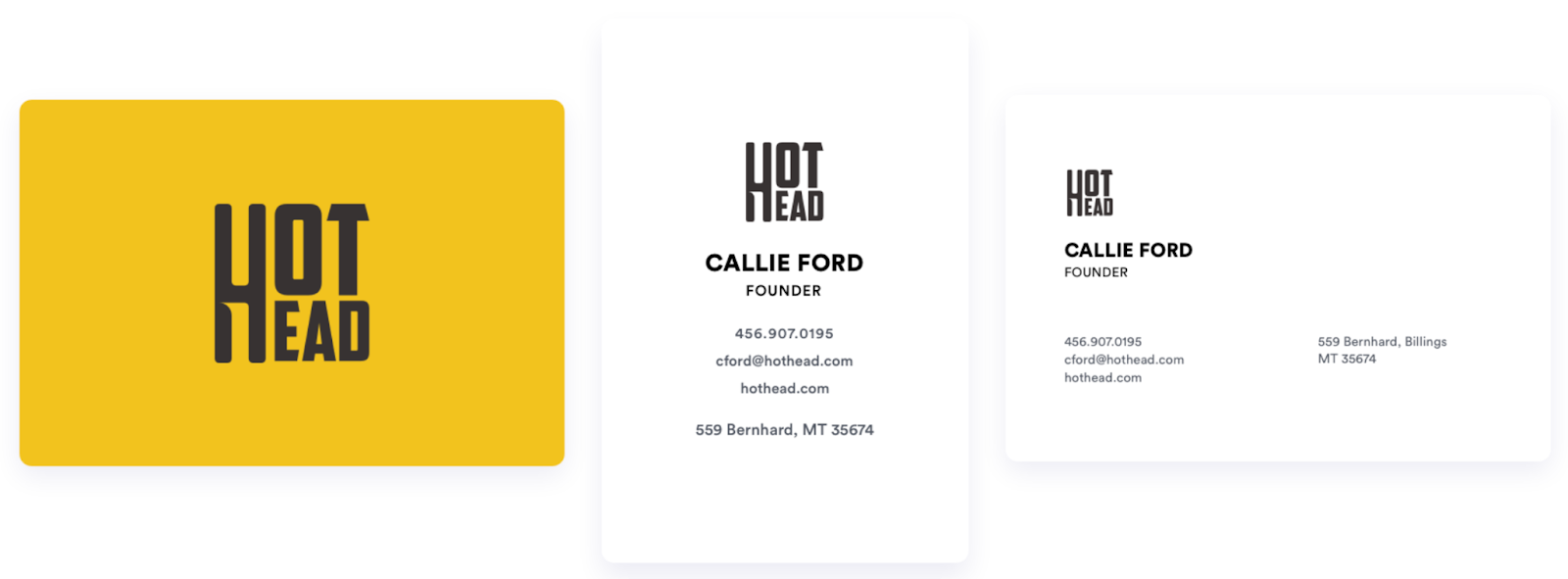
Here are some sample business cards made with Looka.
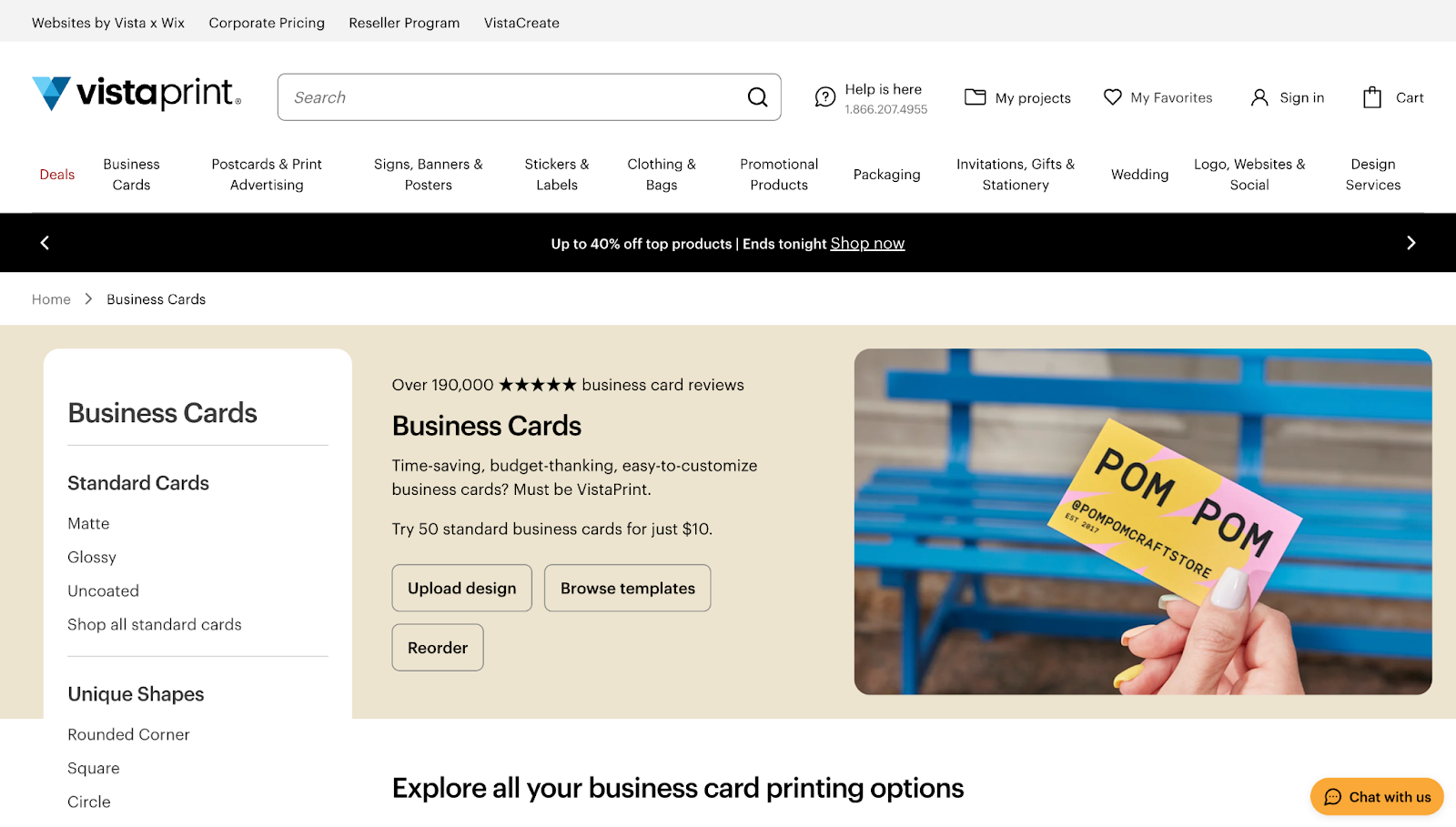
Vistaprint has been in the printing business for decades, and their online card maker is a practical choice when your main goal is getting physical cards in hand quickly at a reasonable cost. It is not as AI-heavy as other tools on this list, but the print quality is reliable and the ordering process is about as straightforward as it gets.
Local businesses that want to go straight from design to print in one place
Owners who prefer a trusted, established printing brand
High-volume orders where price per card matters
Large template library with options for food, retail, health, and service businesses
Easy customization of text, colors, and photos in the browser
Multiple paper stocks, finishes, and sizes available
Bulk pricing that gets cheaper as quantity increases
Fast turnaround options, including next-day delivery
500 standard cards start at around $20 to $30, depending on current promotions
Premium finishes and specialty stocks cost more
No subscription needed, pay per order
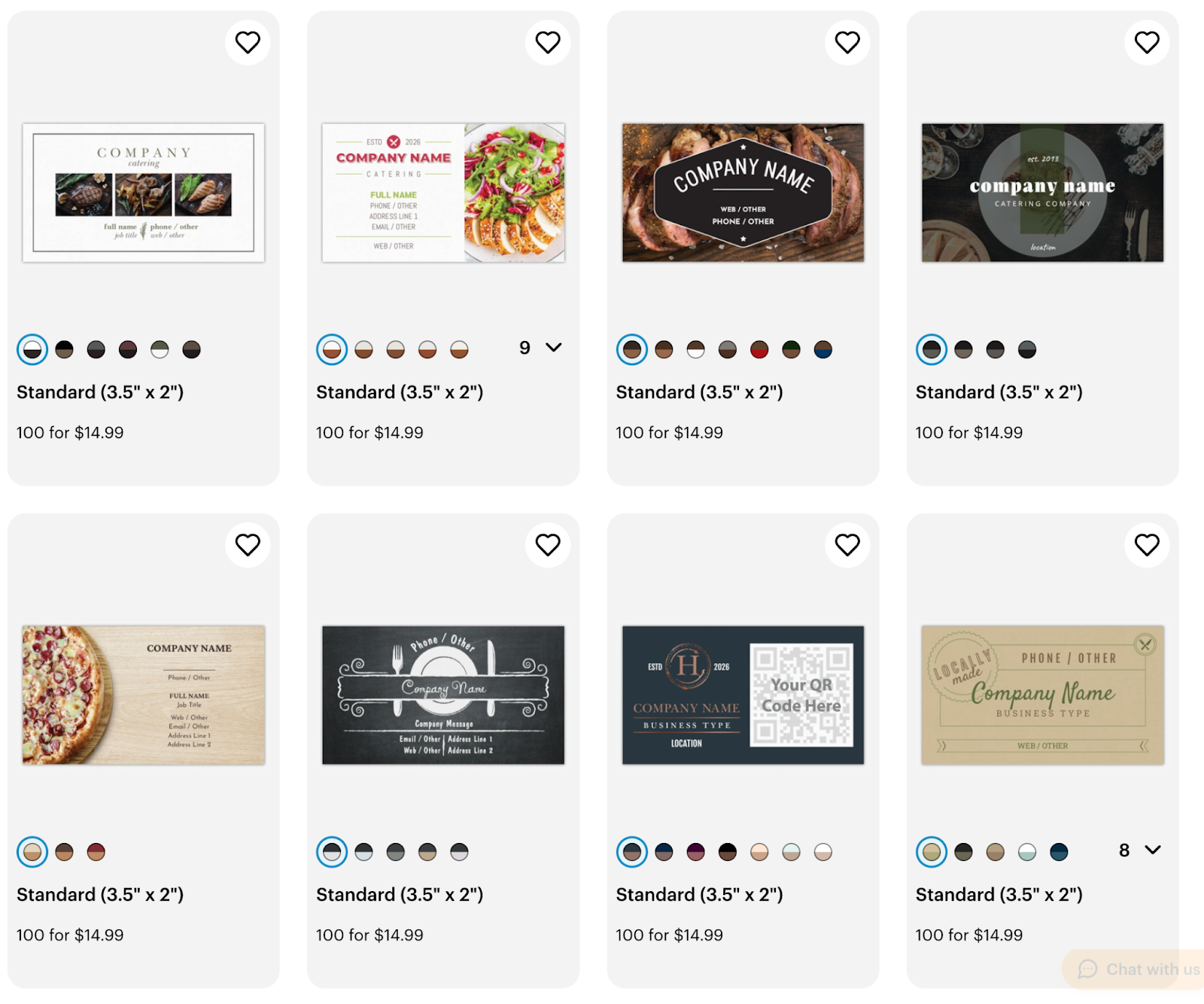
Here are some sample business cards made with Vistaprint.
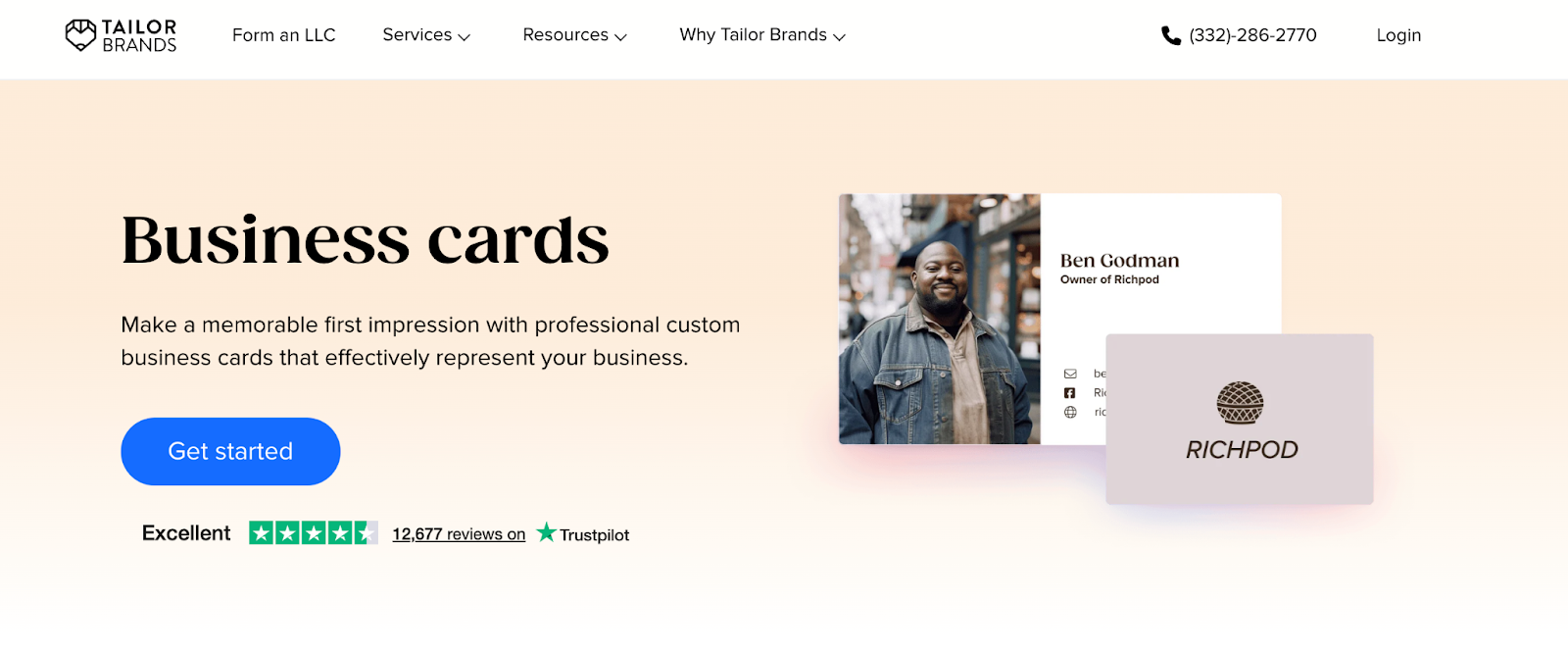
Tailor Brands is an AI-driven brand platform that walks you through building a complete business identity, from logo to business cards to a basic website. The AI does most of the heavy lifting based on a short quiz about your business type and style preferences, making it a good fit for owners who want guidance through the process rather than a blank canvas.
New local businesses that want a full brand setup in one place
Restaurant and shop owners who want AI to guide the whole design process
Entrepreneurs who want a logo, card, and website from a single platform
AI brand builder generates logo and card designs from a short quiz
Designs are tailored to your industry and style preferences
Full editing of every element in the card design
Business card downloads are included in paid plans
Access to social media templates, email signatures, and other brand assets
Option to order physical cards directly from the platform
Free to preview AI-generated designs
Basic plan starts at around $3.99 per month, billed annually
Standard and Plus plans add more brand tools and features
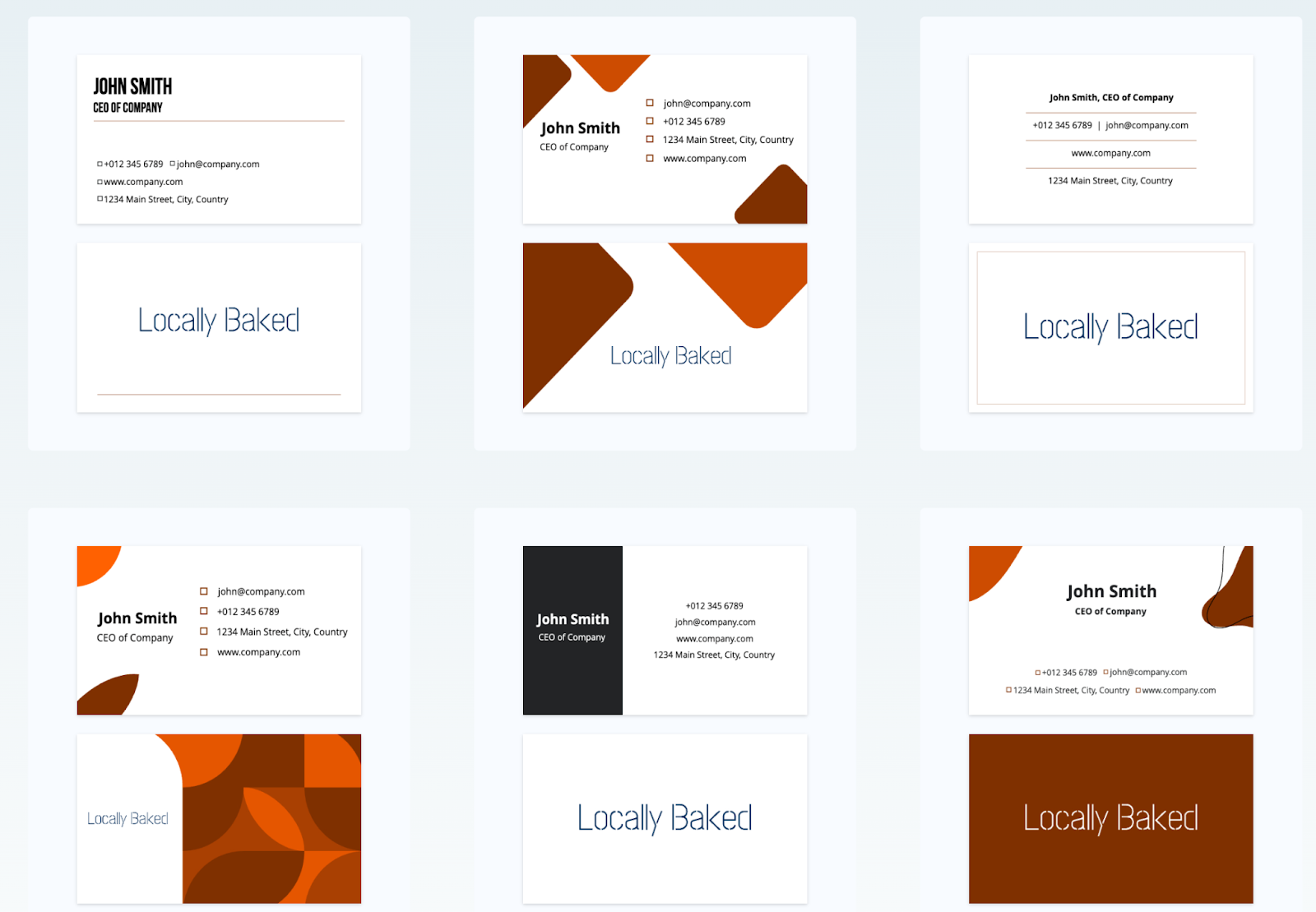
Here are some sample business cards made with Tailor Brands.
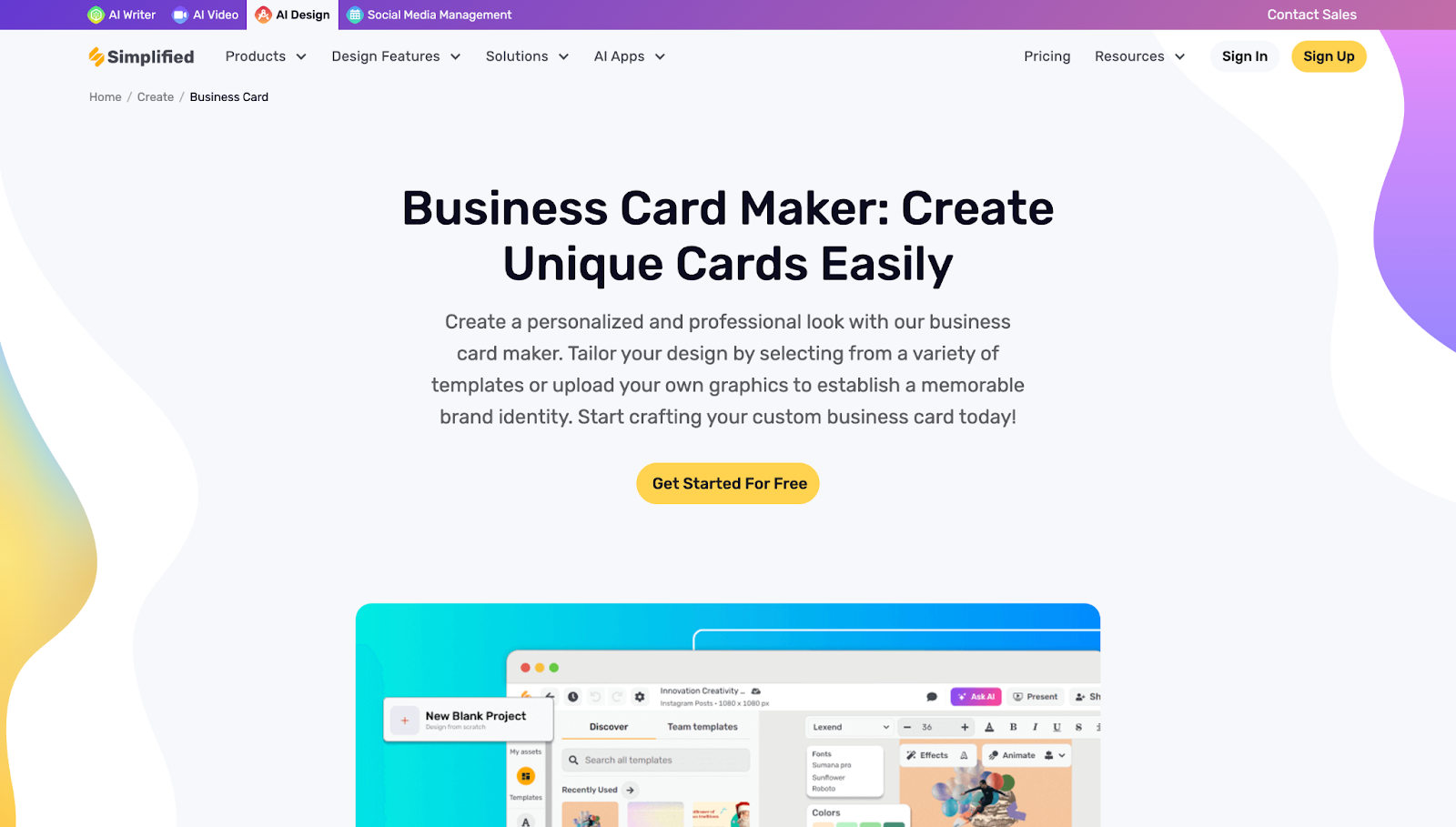
Simplified is an AI-powered design and content platform that handles a wide range of marketing needs alongside business cards. It is a practical pick for local shops and restaurants that regularly create a lot of content and want one tool to handle it all, from social posts to promotional flyers to card designs.
Local businesses that want one tool for all their marketing design needs
Restaurant and shop owners who produce a lot of content regularly
Teams that need to collaborate on designs in real time
AI design generator creates card options from a text prompt
Hundreds of business card templates across multiple categories
Full editor with fonts, colors, icons, photo uploads, and brand kits
Multi-format exports including PNG, PDF, and print-ready files
Collaboration features for teams and co-owners
Integrates with social media publishing, copywriting, and video tools
Free plan available with access to basic templates and limited downloads
Pro plan starts at around $9 per month and includes premium templates, brand kits, and unlimited exports
Team plans available for multi-user access
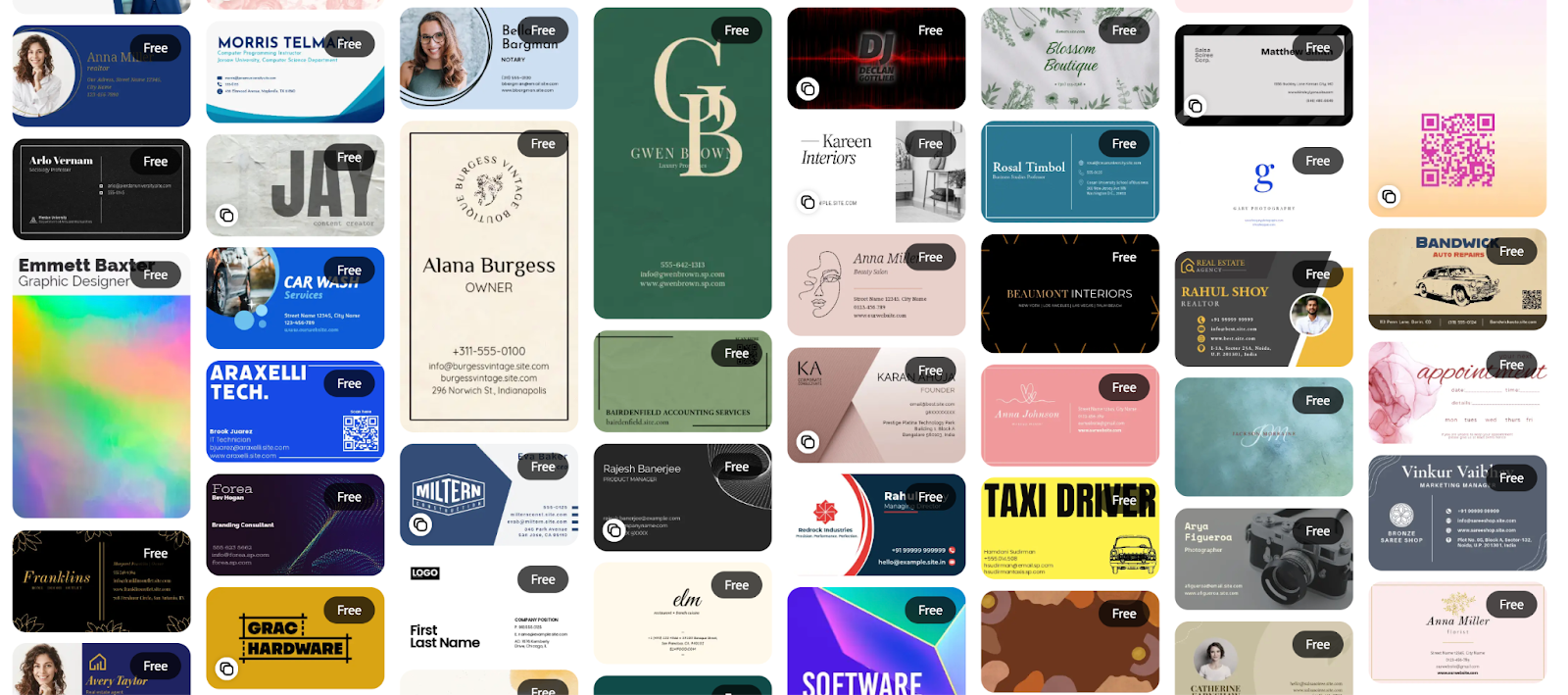
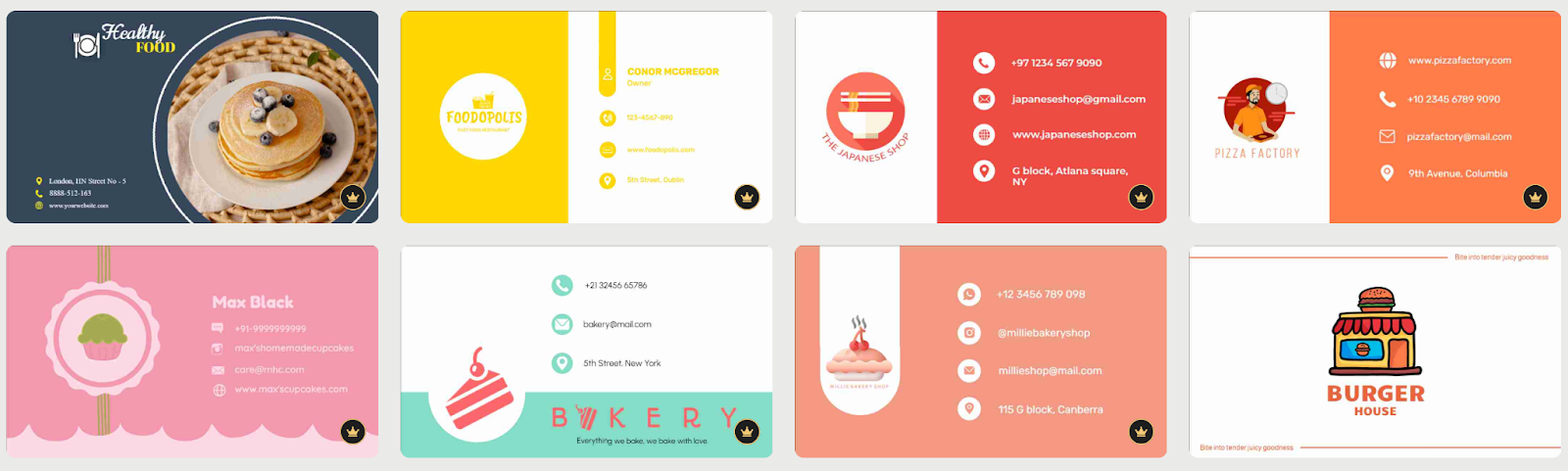
Here are some sample business cards made with Simplified.
With eight solid options on this list, the right choice really comes down to your specific situation.
Here are the factors worth thinking through before you commit:
If you are still building your brand identity, look for a tool that handles both logo and card design. You will save time and end up with a more cohesive result. If your branding is already set, you just need a good editor and the right print file format.
Some tools stop at the download and leave printing to you. Others have a built-in print service where you can order cards directly. If you want physical cards in hand quickly without dealing with a separate print shop, choose a platform that handles both design and production.
Most tools here are built for people with no design background, but the level of guidance varies. Some use a short quiz or prompt to generate everything for you. Others give you a blank template and let you build from scratch. Pick based on how involved you want to be in the process.
Every tool here offers some form of free access, but downloading high-quality files usually requires a paid plan. If you plan to use the platform regularly for other marketing materials, a monthly subscription often offers better value than paying for individual downloads each time.
If you change your contact details, add new locations, or rebrand seasonally, a subscription with unlimited edits is more practical than paying per download every time you make a change.
Eight tools with eight different strengths, all pointing toward the same goal of helping local businesses show up in the real world looking their best. From AI-generated designs in seconds to full brand ecosystems with built-in printing, the options covered here make it easier than ever to get a card that reflects the quality of what you actually offer.
So take stock of your budget, your timeline, and how much of your brand is already in place, then pick the tool that meets you where you are. The gap between having a card you are proud of and not having one at all is smaller than most business owners think.
Your card is often the last thing a customer takes with them. Make sure it is worth keeping.
________________________________________________________
Author Bio:
Hannah Suroy suroy brings clarity to complex topics across entertainment, business, and creative industries. She specializes in translating industry trends and innovations into engaging content that helps readers understand the creative process behind the work they love.
 AI tools to find & convert leads.
  Send emails at scale

