Building a Better WooCommerce Store: 15+ Plugin Picks for 2026
02nd Sep '26
Anyleads Team
16 minutes read
Building a Better WooCommerce Store: 15+ Plugin Picks for 2026
A shopper adds three items to their cart, checks out, and then emails you asking where the invoice is. Meanwhile, you're still updating stock levels one product at a time because your supplier just sent a new CSV. Sound familiar? None of this means your store is broken. WooCommerce is deliberately minimal by design, built on the assumption that a plugin ecosystem handles anything beyond the basics.
The trouble starts when store owners try to fill those gaps by installing whatever shows up first in a Google search. Stack ten overlapping plugins and you end up with a slower site, conflicting settings, and a support inbox full of confused customers. What actually works is choosing one plugin per job: one for data, one for search visibility, one for speed, one for security, and so on, so nothing competes for the same task.
That's the approach this guide takes. Below are 16 WooCommerce plugins for 2026, grouped by the problem each one solves rather than listed at random, so you can build your stack layer by layer instead of guessing where to start. Most have a free tier that's genuinely usable on its own, with premium versions worth considering once a specific limitation starts costing you time or sales.
Start With Clean Data
Everything downstream of this, your SEO, your marketing automation, your invoices, depends on product, customer, and order records being accurate. That's why data management comes before anything else on this list.
Product Import Export for WooCommerce
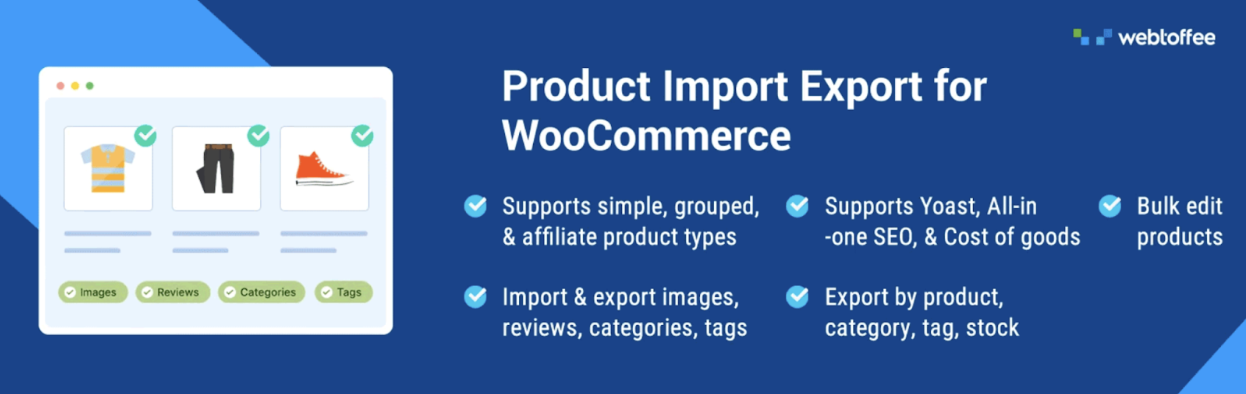
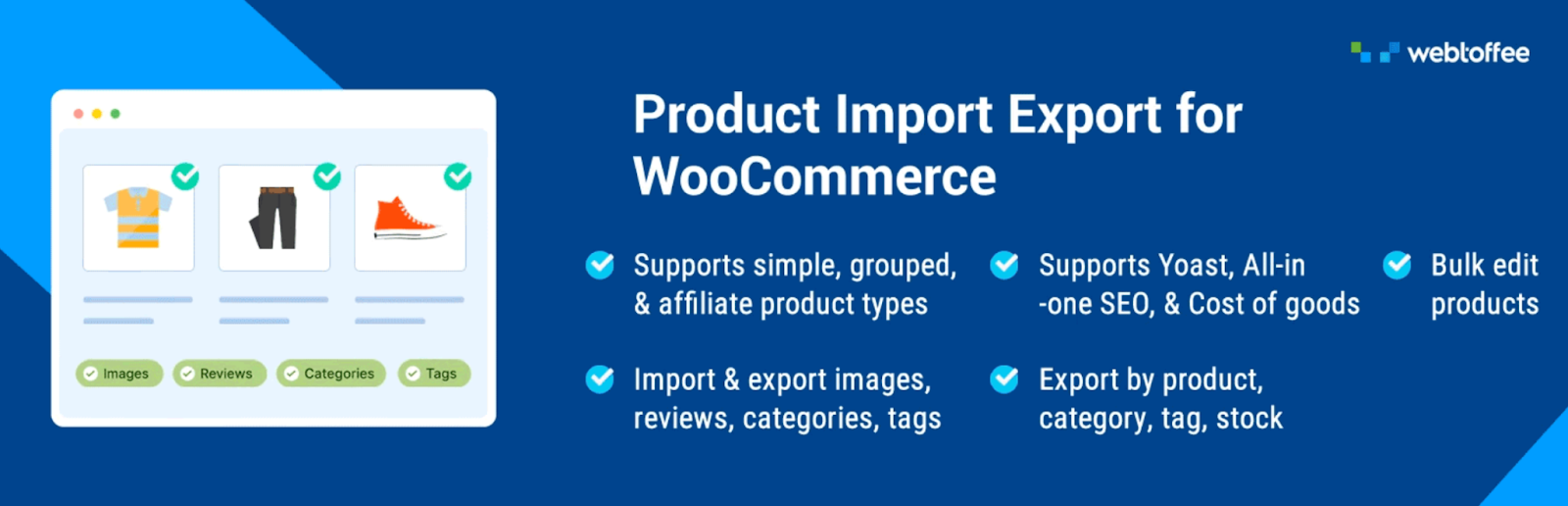
There's a point in every growing store where editing products one at a time in wp-admin stops scaling, usually somewhere past the fifty-product mark. WooCommerce Product Import Export exists for exactly that moment: it bulk imports, exports, and updates products via CSV, XML, Excel, or TSV, making it easy to WooCommerce import products with images across simple, variable, grouped, external, and subscription product types, carrying images, categories, tags, and reviews along with them.
If you just need data moved without fuss, Quick mode maps the columns for you and gets on with it. Need more control? Advanced mode lets you filter which products get touched, remap fields to match your source file, and run bulk edits mid-transfer, cutting every price by a set percentage during a clearance sale, for example. Upgrade to Pro and product imports and exports can run on a schedule via cron, with FTP and SFTP profiles that let a supplier's stock feed update your store overnight without anyone touching a keyboard.
Supports CSV, XML, Excel, and TSV files, plus direct import from a Google Sheets URL
Bulk-edit prices, stock levels, and other product data across an entire catalog in one pass
Pro tier adds scheduled cron imports and exports with FTP and SFTP support
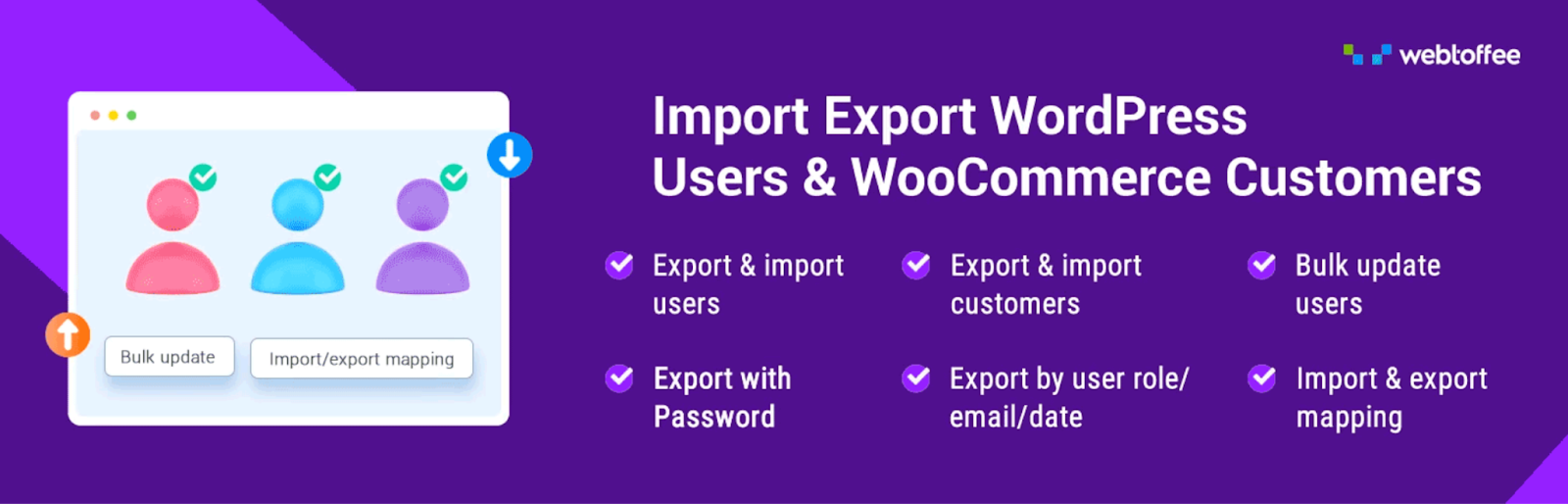
Your customer list is worth more than your product catalog in a lot of ways, and WordPress Users Import Export treats it that way. It moves users and customers in and out as CSV files, keeping roles, metadata, and custom fields intact.
The detail that matters most for migrations: existing passwords stay intact, so nobody gets logged out or forced through a reset just because you switched hosting or platforms. Beyond migration, the User import export plugin reaches into territory a lot of tools ignore entirely, guest checkout records, custom-field data, an automatic welcome email for freshly imported accounts, and the ability to update a whole batch of existing customer profiles at once instead of one at a time. Agencies handling recurring syncs get scheduled FTP exports layered on top.
Keeps login credentials intact during migration, so accounts don't get locked out
Captures guest checkout data that most export tools skip entirely
Update a whole batch of existing customer profiles at once, not one by one
Order Import Export Plugin for WooCommerce
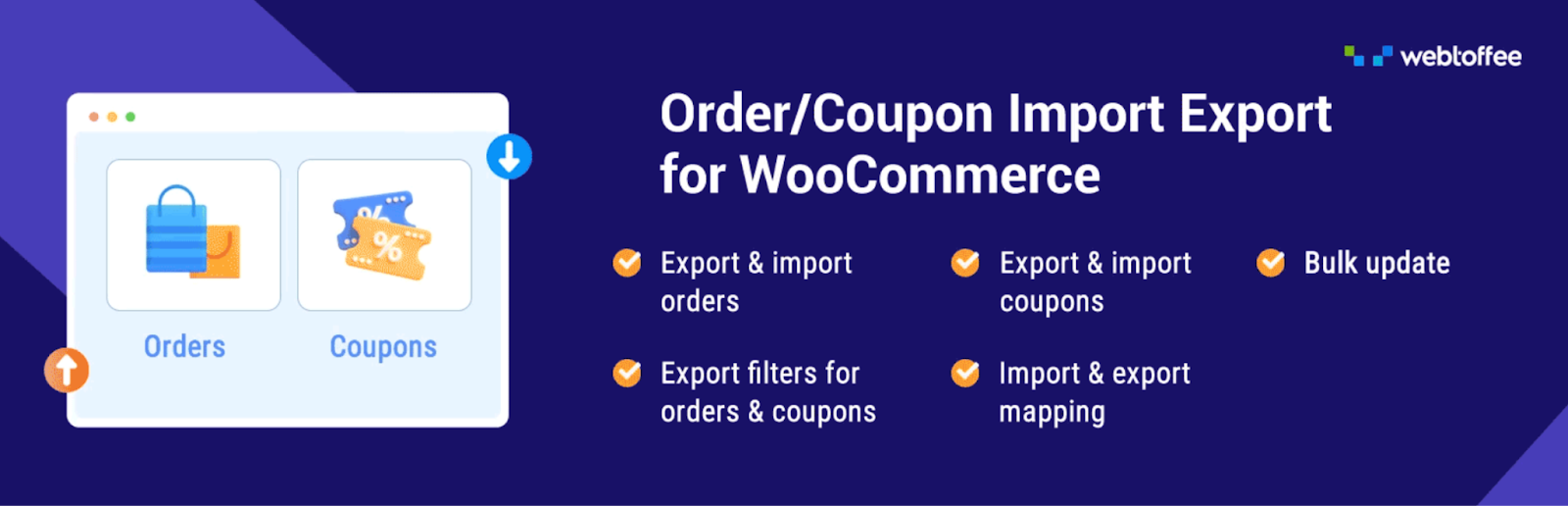
Once products and customers are sorted, orders are the last major dataset most stores never think to manage until a migration or an accounting audit forces the issue. The WooCommerce Order Import Export plugin moves orders, subscriptions, and coupons through CSV, XML, or Excel, built for exactly those situations: full store migrations, or feeding order data into an external fulfillment or bookkeeping system.
Where it earns its keep is in the details a lot of import tools skip. Order numbers survive a migration intact rather than getting reassigned (pair it with WebToffee's free sequential order number plugin first, and map the order_number column). Tax figures carry over correctly, and line items can export as separate rows or as columns depending on what your accounting software expects. Need to close out a batch of orders after a busy weekend? Map the order status field during import and update hundreds at once, including custom statuses added by other plugins. Repeat exports won't double up on data either, since the Order import export plugin can skip anything already sent out. All of it can run on a schedule too, through WordPress or server cron with FTP delivery, for stores syncing order data on a recurring basis.
Preserves original order numbers and tax data through a full migration
Bulk-updates order statuses in one CSV import, including custom statuses
Scheduled, repeat-safe exports for fulfillment or accounting handoffs
Get Found, Then Get There Fast
Yoast SEO
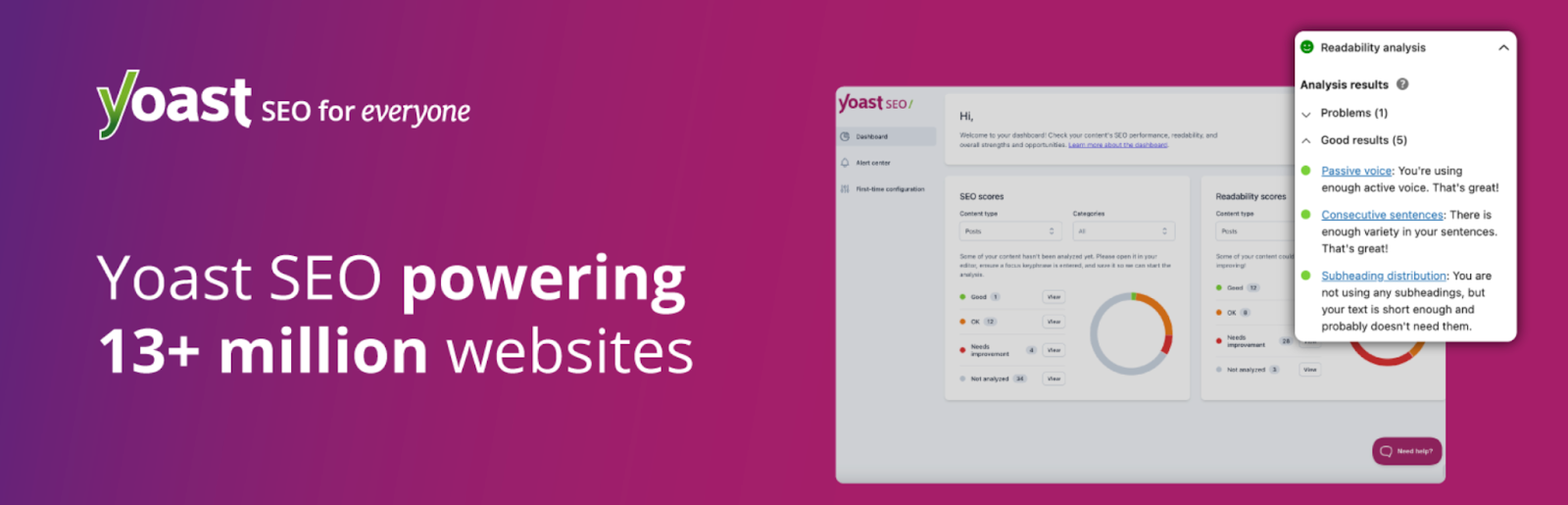
A catalog full of great products doesn't help much if nobody can find it in a search result. Yoast SEO remains the most-installed SEO plugin for WordPress for good reason: it writes your page titles and meta tags, builds sitemaps behind the scenes, wires up schema markup automatically, and scores the readability and keyword focus of every product page or post before you hit publish.
Its WooCommerce SEO add-on pushes structured data specifically onto product pages, which can improve how listings appear in search results, price and availability included. Even on the free tier alone, the traffic-light content checks tend to catch weak product descriptions before they go live.
Scores keyword focus and readability for every product page and post
Handles XML sitemaps, canonical URLs, and schema automatically
WooCommerce SEO add-on brings structured data to product listings
WP Rocket
A slow checkout costs you sales whether or not the visitor ever tells you why they left. WP Rocket handles the caching side of that problem specifically for WooCommerce: cart, checkout, and account pages get automatically excluded from the cache, so pages load fast without breaking an order in progress.
Most of the setup is already done the moment you activate it. Minification, lazy-loaded images, delayed JavaScript, and database cleanup all come switched on by default, which is exactly why non-developers tend to reach for this one over more configurable, and more fiddly, alternatives.
Cart, checkout, and account pages stay out of the cache with zero setup
Handles Core Web Vitals: lazy-loaded images, delayed scripts, and trimmed CSS
AI tools to find leads
Send emails at scale
Access to 15M+ companies
Access to 700M+ contacts
Data enrichment
AI SEO writer
Social emails scraper
Protect the Store You Just Built
Wordfence Security
Payment processing and stored customer data make ecommerce sites an active target, not a hypothetical one. Wordfence sits in front of WooCommerce as a web application firewall, scans the file system for malware, and adds two-factor authentication plus brute-force protection to the login page.
The free version holds up on its own; it isn't a stripped-down teaser waiting behind a paywall. Paying for Premium mainly buys firewall rules that update immediately instead of on a delay, plus the option to block visitors by country, worth it once a store is processing enough revenue to be worth someone's time to attack.
Filters out malicious requests before they ever touch your checkout
Scans for modified core files, backdoors, and injected malicious code
Two-factor authentication and rate limiting on wp-admin logins
UpdraftPlus
None of the plugins above matter much if a bad update, a hosting outage, or a break-in wipes out the site they're installed on. UpdraftPlus covers that specific risk: it schedules backups of your site's files and database, then pushes copies off-server to Dropbox, Google Drive, Amazon S3, or another cloud destination you pick, so losing the original server doesn't mean losing everything.
Restoring is a few clicks inside wp-admin rather than a frantic call to your host. For a WooCommerce store specifically, it's worth running database backups more often than file backups, since orders and stock counts change constantly while theme files mostly don't.
Scheduled file and database backups on independent schedules
One-click restores, with remote storage on Drive, Dropbox, or S3
Turn Traffic Into Revenue
WooCommerce Product Feed
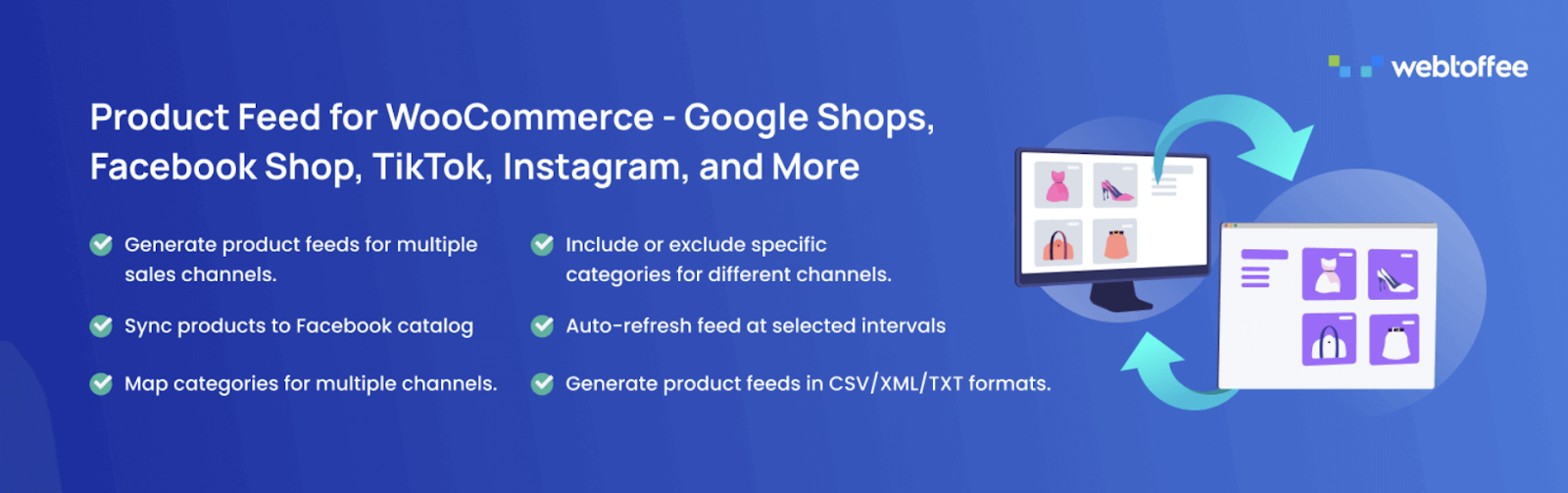
No matter how strong your on-site SEO is, plenty of shoppers never leave Instagram, TikTok, or Google Shopping to come find you directly, they expect to see products inside those apps. The WooCommerce Product Feed plugin builds feeds for exactly that reality, covering Facebook and Instagram Shops, Google Shopping, Pinterest, TikTok, Snapchat, Bing, and 20-plus more channels.
Each feed exports in whichever format the destination wants, XML, CSV, XLSX, or TXT, and the product feed plugin reformats your store's categories and attributes to match what each specific channel expects rather than pushing out one generic template (Google's data structure isn't TikTok's, and the plugin knows the difference). Scheduled refreshes, including through server cron for larger catalogs, keep prices and stock current everywhere at once, and the Facebook Catalog connection updates on its own, no manual re-upload needed. Running paid shopping campaigns on any of these platforms? This tends to be one of the quicker plugins on this list to pay for itself.
20+ channels, including Google Shopping, Facebook, Instagram, and TikTok
Reformats your store's categories and attributes to match what each channel expects
Scheduled refreshes keep pricing and stock accurate across every channel
Smart Coupons for WooCommerce
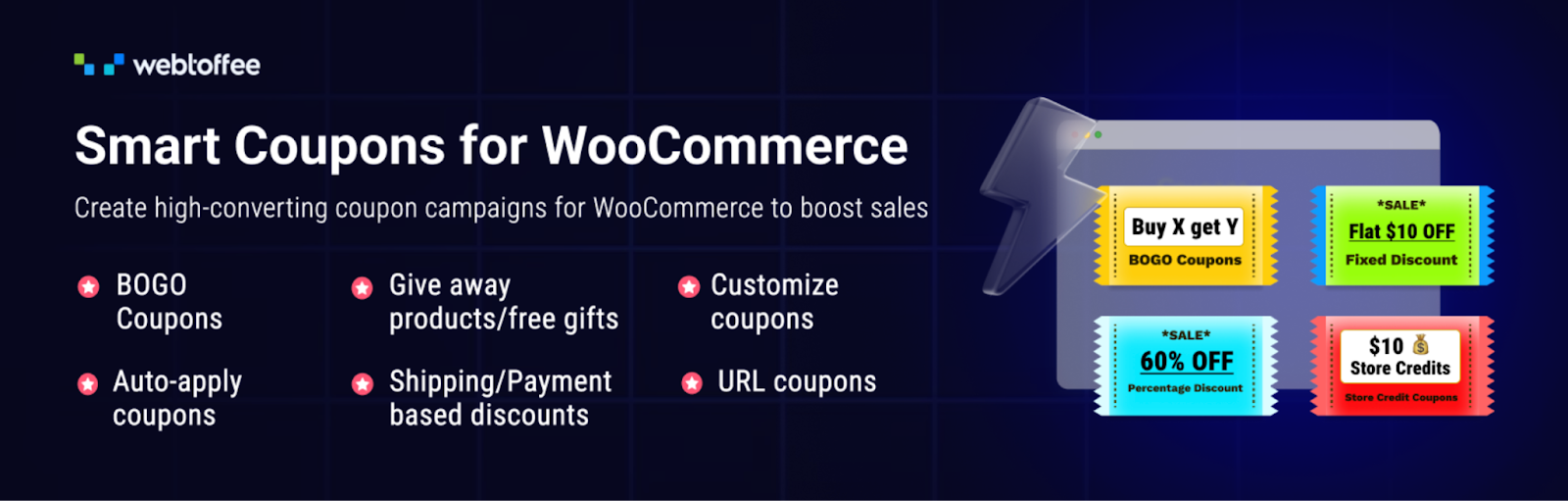
WooCommerce's native coupon system handles percentage-off codes and not much beyond that. Smart Coupons for WooCommerce coupons replaces it with something closer to a full promotions engine: buy-one-get-one deals, coupons that apply themselves the moment a cart meets certain conditions, single-click URL coupons for email campaigns, and restriction rules based on role, country, payment method, or shipping method.
This Smart Coupons plugin premium tier goes further, adding gift cards, store credit, and bulk coupon generation for large campaigns, plus two things worth calling out specifically: coupons that email themselves to shoppers who abandoned a cart, and discounts that trigger automatically based on someone's purchase history, a reward on their fifth order, say. More than 30,000 active stores currently run it, and few WooCommerce coupon tools match its restriction rules for sheer granularity.
BOGO deals and coupons that auto-apply when cart conditions are met
Restrict coupons by role, location, payment method, or purchase history
Gift cards, store credit, and automated abandoned-cart coupon emails (Pro)
eCommerce Marketing Automation
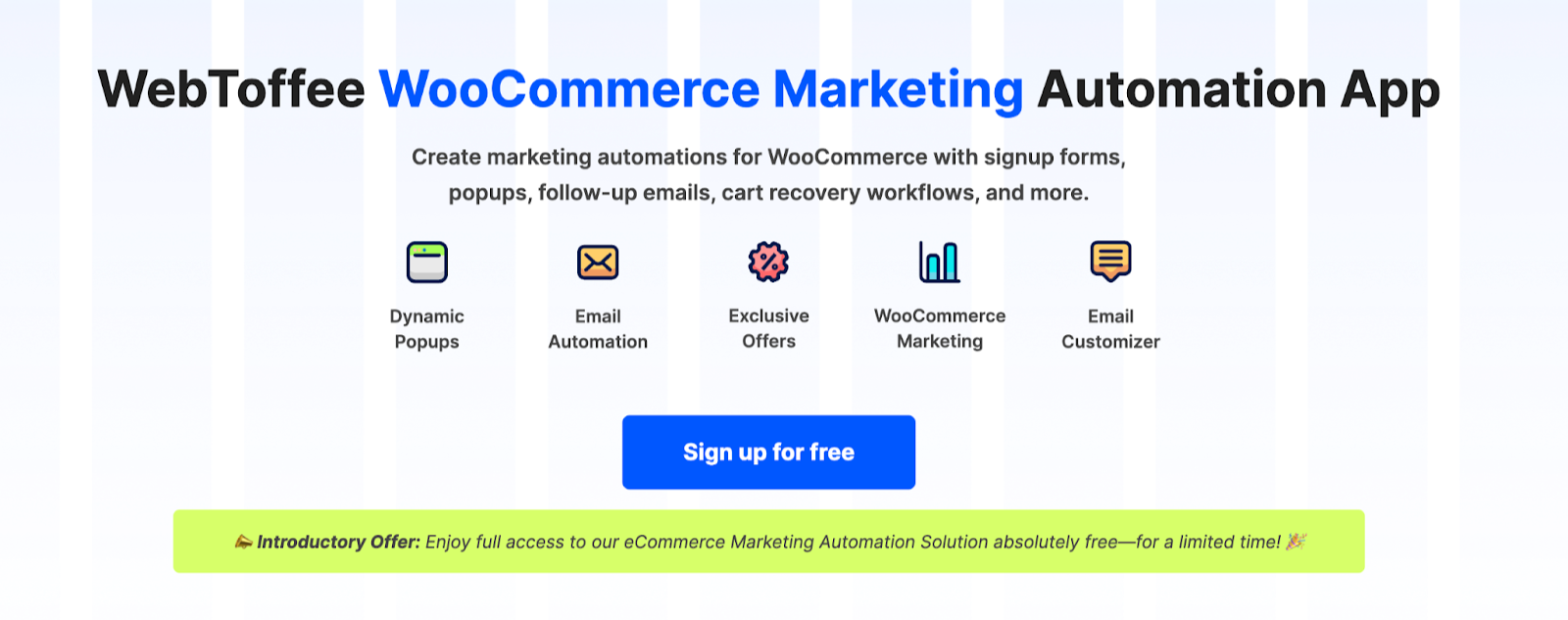
Most carts never turn into orders, roughly seven in ten get abandoned industry-wide, and chasing that down one email at a time isn't realistic past a certain order volume. eCommerce Marketing Automation packages email automation, on-site popups, and signup forms into a single WooCommerce-native tool built to recover some of that lost revenue automatically.
The lifecycle workflows come pre-built: a welcome series for new subscribers, timed reminders when a cart sits abandoned, a thank-you note once an order ships, and a sequence aimed at winning back customers who haven't ordered in a while. Popups are handled separately, exit-intent offers, a spin-to-win wheel, and lead-capture forms built around discount incentives all ship with the eCommerce marketing automation plugin. A drag-and-drop tool takes care of redesigning WooCommerce's plain default transactional emails, upsell and cross-sell suggestions can be dropped into either channel, and built-in reporting tracks opens, clicks, and conversions so you're not guessing which workflow is actually paying off.
Automated cart-recovery sequences with personalized, timed offers
Exit-intent popups, spin-to-win campaigns, and discount-based lead capture
Drag-and-drop customizer for WooCommerce's default transactional emails
Tidio
A shopper with an unanswered question at 11 p.m. usually just leaves. Tidio pairs live chat with an AI assistant capable of handling routine pre-purchase questions, looking up where an order stands, and prompting a hesitant visitor toward checkout, all without you sitting at a keyboard.
For WooCommerce specifically, agents can see cart contents and order history right inside the chat window, which cuts down on the back-and-forth of asking a customer to repeat their order number.
Live chat plus an AI assistant that handles routine, repetitive questions
WooCommerce integration surfaces cart and order history mid-chat
Handle Compliance Before It Handles You
Accessibility Toolkit by WebYes
Accessibility isn't optional anymore now that the European Accessibility Act has teeth, though it was worth doing before any law required it. Accessibility Toolkit by WebYes helps a WooCommerce store meet WCAG, ADA, Section 508, and EAA requirements, and it fixes issues at the code level as a page loads rather than layering a script-based overlay on top and calling it done.
One free plugin bundles two tools: a checker that scans pages against whichever WCAG level you're targeting and explains exactly what to fix, and a statement generator that publishes a compliant accessibility statement straight from your dashboard. It's estimated that around 15% of people worldwide live with some form of disability, which makes this both a legal safeguard and, plainly, good business.
Fixes accessibility gaps in the code itself, not just visually
Built-in checker scans pages against WCAG A, AA, or AAA
Publishes a compliant accessibility statement in a few clicks
EU Withdrawal Button for WooCommerce
EU customers get a legal right to change their mind under the Right of Withdrawal Directive (EU 2023/2673), and stores selling into the EU have to make exercising that right straightforward. WebToffee built a EU Withdrawal Button for WooCommerce plugin around exactly that requirement, instead of leaving store owners to patch it together with support tickets and manual refunds.
Here's the shape of it: customers see a withdrawal option on their own order history page for as long as the window stays open, they can apply it to a whole order or just specific items, and both sides get notified once a request goes in. You control the window length, anywhere from 2 to 30 days, with 14 set as the EU default, and you can carve out exceptions for items that legally don't qualify, digital downloads, for instance. Every request lands in one dashboard instead of scattered across email threads, and the EU withdrawal button plugin also adds the footer link the directive requires. It's free, which is unusual for a compliance tool this specific.
Built specifically around the EU Right of Withdrawal Directive
One dashboard for tracking and managing every withdrawal request
Configurable 2, 7, 14, or 30-day windows, with product exclusions
TranslatePress
Translation is the next lever once everything else is compliant and running. TranslatePress lets you build a multilingual version of your store by clicking directly on the live page and typing the translation in place, checkout text included, rather than digging through a separate translation-management screen.
Machine translation through Google Translate or DeepL gives you a rough first pass in minutes, which you can then go back and polish by hand. The premium tiers unlock SEO features aimed at ranking each language separately, translated URL slugs being the main one, so your French pages aren't just riding on the coattails of the English ones.
Point-and-click, on-page translation that covers checkout and cart text too
Machine translation via Google Translate or DeepL, editable by hand
AI tools to find leads
Send emails at scale
Access to 15M+ companies
Access to 700M+ contacts
Data enrichment
AI SEO writer
Social emails scraper
Get the Paperwork and the Numbers Right
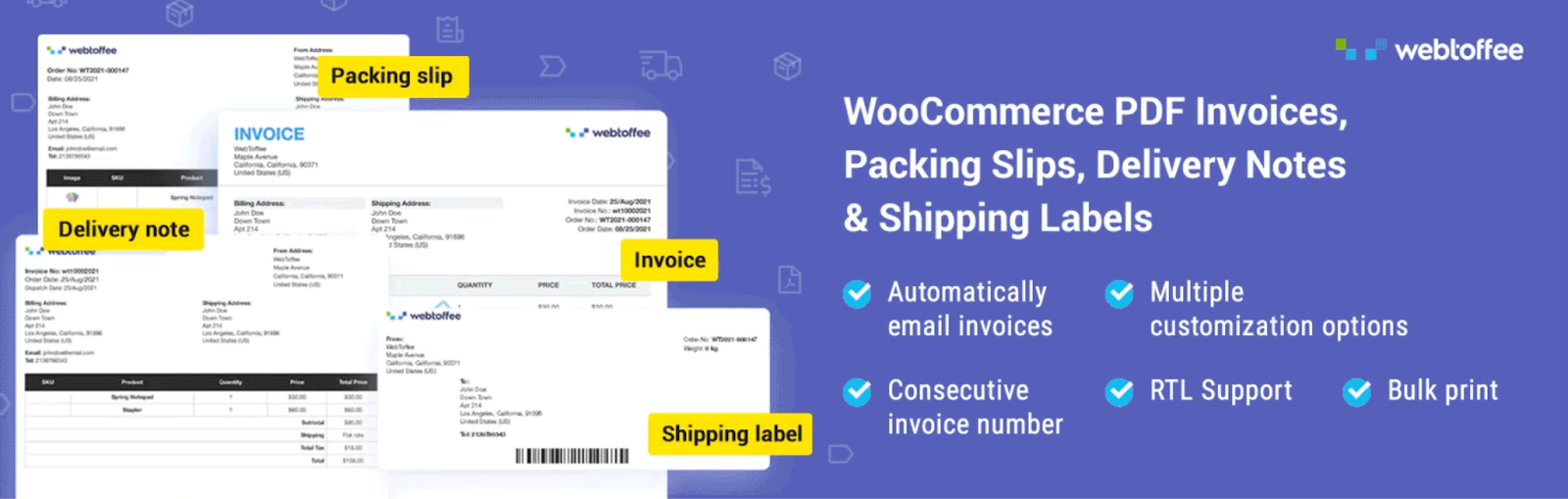
WooCommerce PDF Invoices, Packing Slips and Credit Notes
Customers expect an invoice with their order, and an order confirmation email doesn't quite count as one. This WooCommerce PDF invoice plugin generates a proper PDF invoice for every order and attaches it automatically to WooCommerce's order emails, no manual document creation required on your end.
You're not stuck with a generic template either. Work in a logo, a signature, custom footers, barcodes, tracking numbers, or a tax breakdown, and decide which order status actually triggers document generation, Processing versus Completed, say. Refunds get a matching credit note automatically, invoice numbers follow a sequential system with whatever prefix you set, and customers can always pull a past invoice from their My Account page instead of emailing to ask for one. For stores operating across borders, it also outputs UBL or XML invoices for e-invoicing systems, supports multiple languages, and includes layout presets built around common regional formats.
Generates and emails PDF invoices automatically with every order
Fully customizable templates, plus UBL and XML support for e-invoicing
One plugin handles invoices, packing slips, and credit notes together
MonsterInsights
You can't improve what you're not measuring, and checking Google Analytics in a separate tab is friction most store owners quietly stop doing after a couple of weeks. MonsterInsights pulls GA4's ecommerce data, revenue, conversions, best-selling products, and where traffic is actually coming from, straight into the WordPress dashboard you're already looking at, with no code required to set up the tracking.
Enhanced ecommerce tracking for GA4 with no code required
Revenue and conversion reports inside the WordPress dashboard itself
Wrapping Up
Reading through sixteen plugins in one sitting is a lot, so here's the shortcut: if your store is small, start with three things. Get your product and order data into a proper import and export tool before your catalog outgrows manual editing. Add a caching plugin so pages actually load fast. And put a security plugin in front of everything before, not after, something goes wrong. The rest of the list solves real problems too, but those three cover the failure modes that actually sink new stores.
From there it's a matter of layering in whatever your specific store needs: an SEO plugin if organic traffic matters to you, a product feed if you're running shopping ads, compliance tools if you're selling into the EU, and marketing automation once you have enough order volume to justify chasing abandoned carts systematically. None of these plugins duplicate each other's job, so adding one rarely means removing another.
One shortcut worth knowing about: WebToffee also sells a combined version of the three data tools covered earlier, the Import Export Suite for WooCommerce, aimed at anyone moving an entire store at once rather than syncing each dataset with its own separate tool. And if EU compliance is on your 2026 checklist, pairing the Withdrawal Button plugin with WebToffee's GDPR Cookie Consent plugin covers two requirements that stores usually end up solving separately, for no particular reason.
 NEW
Trusthref.com: AI Agents That Grow Your Business In Autopilot
NEW
NEW
Trusthref.com: AI Agents That Grow Your Business In Autopilot
NEW




 Send emails at scale








 AI tools to find & convert leads.