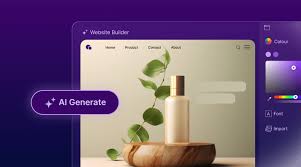
Nowadays, AI website builders are everywhere to make it easier to establish your brand’s online presence. But not all AI website builders are created equal. They offer different features at different price tags. There are also others that you can use for free.
Free AI website builders have come a long way. They can get you online, but not without limitations. So, you have to ask yourself: Is free already enough?
In this article, we break down the best free options, the signs that it’s time to upgrade, and the paid AI website builders that are worth the upgrade.
Free AI website builders can generate fully designed multi-page websites and get you online fast. In just under a minute, you’ll get real layouts, copy suggestions, and even mobile-optimized designs. There’s no need to learn how to code; all you have to do is provide your business name and descriptions.
They’re perfect for:
Testing ideas - check if a concept is effective without investing upfront.
Personal projects - build basic blogs, landing pages, or portfolios.
Fast drafts - generate a quick working website without starting from scratch.
If you’re starting with a free plan, these platforms stand out as the most practical and reliable options:
| Platform | Free Plan Features |
| Design.com | AI site generation from a prompt, multiple design variations, customization, publishing on select templates, brand sync tools |
| BrandCrowd | AI-generated website designs, up to 3 pages, hosting included, contact form, video embedding, maps integration |
| Wix ADI | AI site builder (ADI), 500MB storage, 500+ templates, mobile optimization, basic SEO, free SSL |
| Canva | AI-assisted design, 1M+ templates, drag-and-drop editor, up to 5 published sites on a subdomain |
| GoDaddy | AI site generation in under a minute, basic editor, free hosting on a subdomain |
| Webador | AI site builder, all templates, unlimited storage and bandwidth, free hosting on a subdomain |
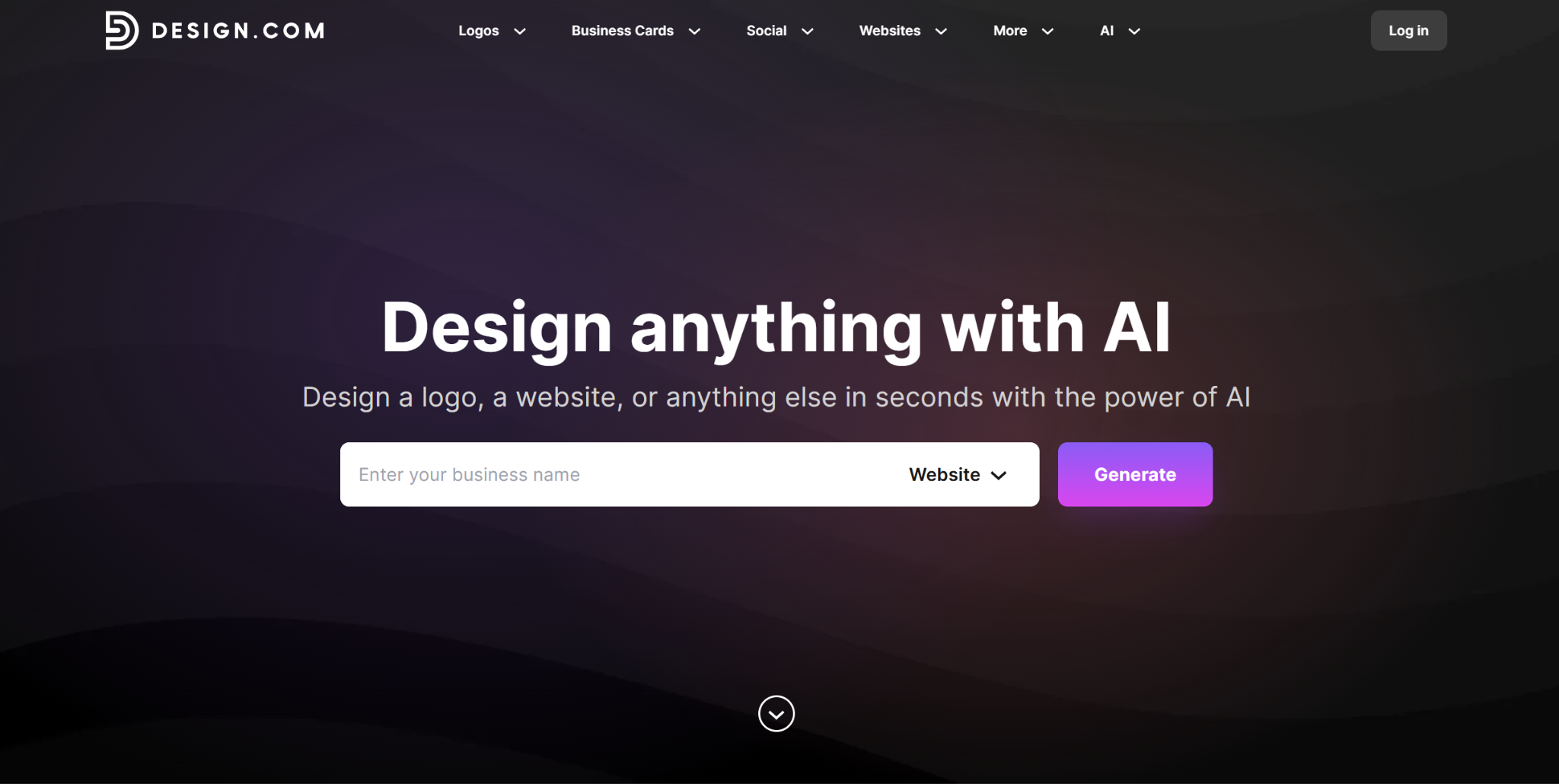
Design.com AI Website Builder offers one of the fastest ways to create a website using AI. It generates multiple branded website designs in seconds with just your business name and description.
The AI Website Builder’s biggest strength, according to Ranktracker, is the quality of its website designs. Created by professional designers, they come with layouts, copy structure, and visuals tailored to your brand. You won’t end up with generic templates you often see from its competitors.
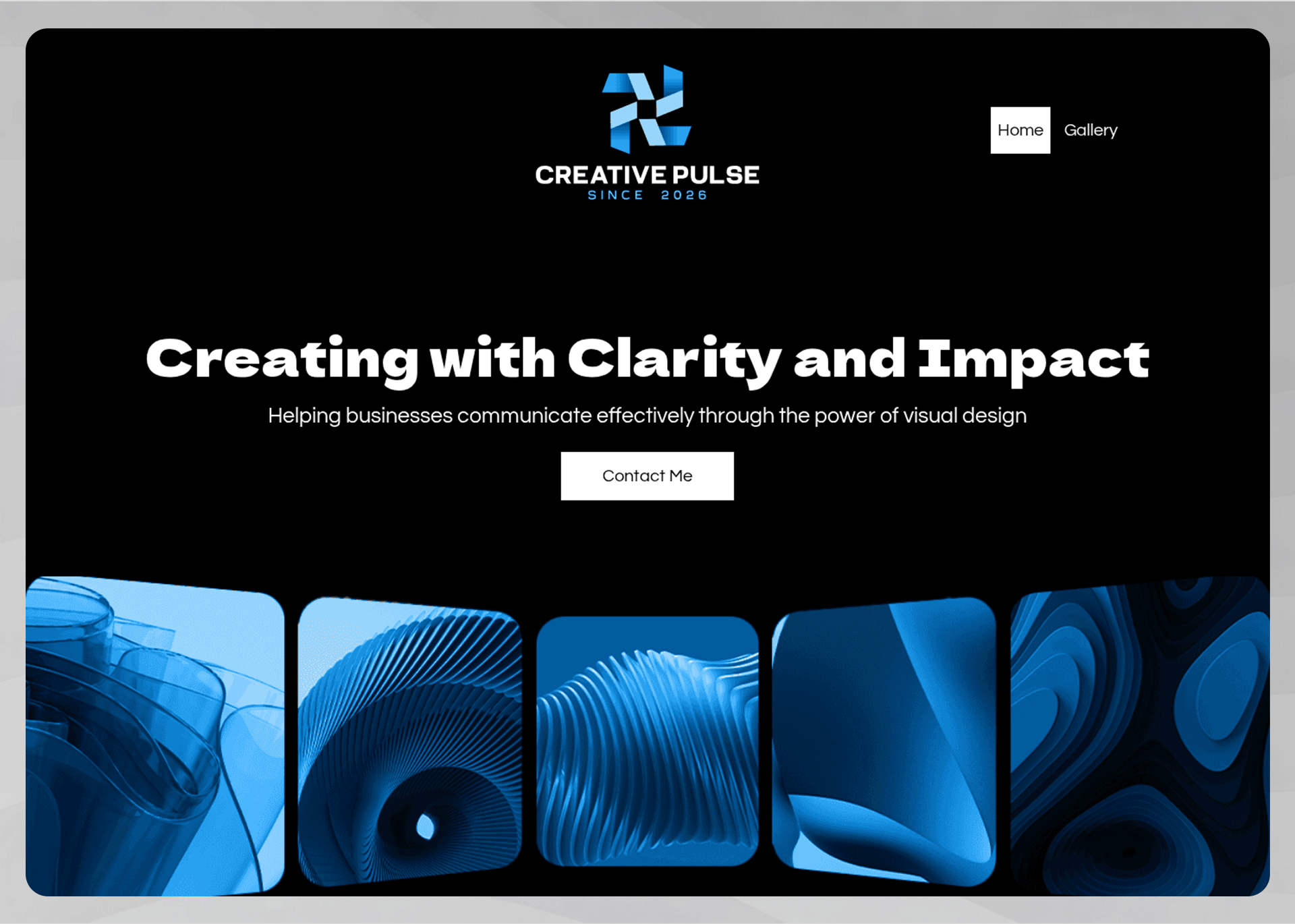
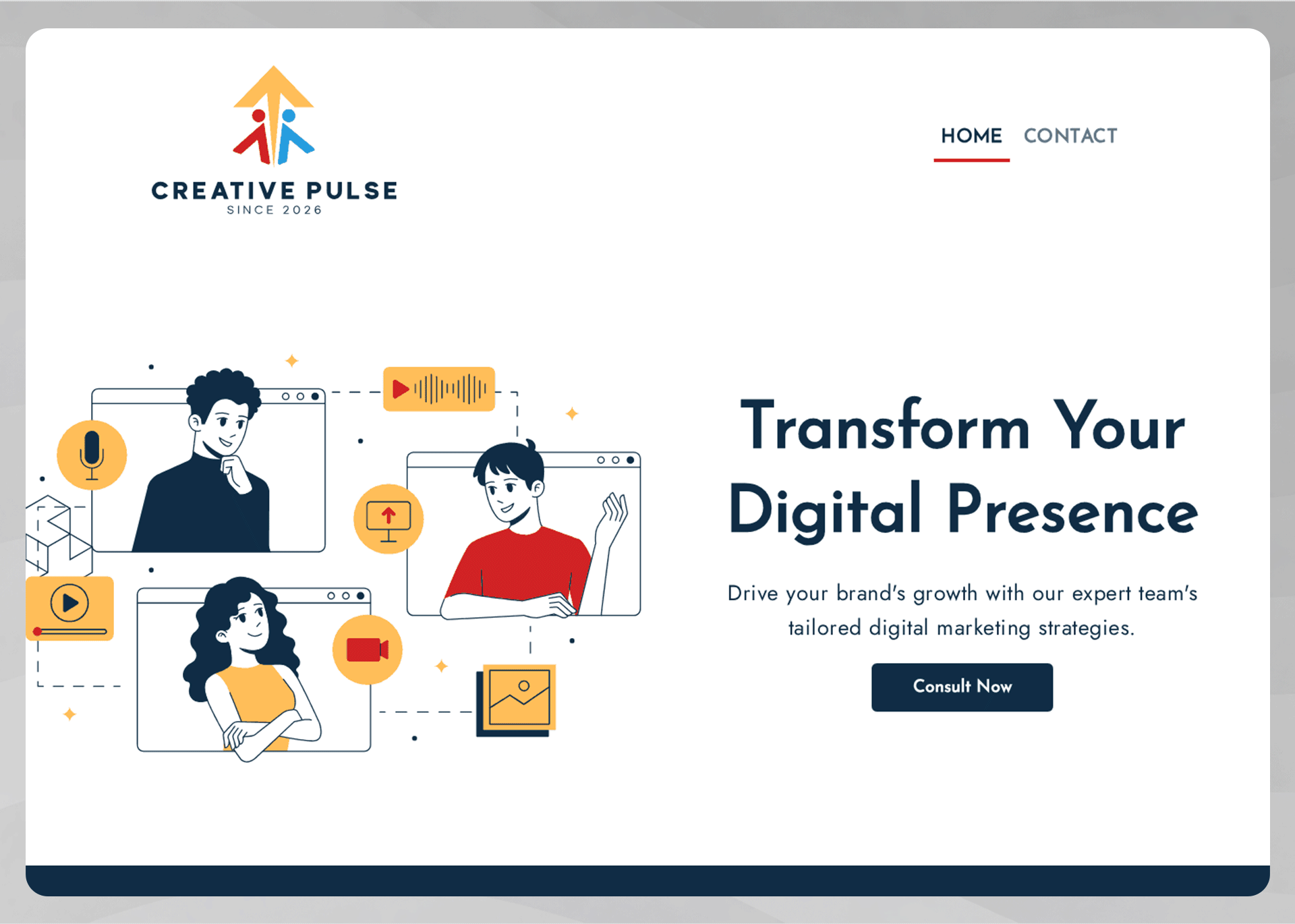
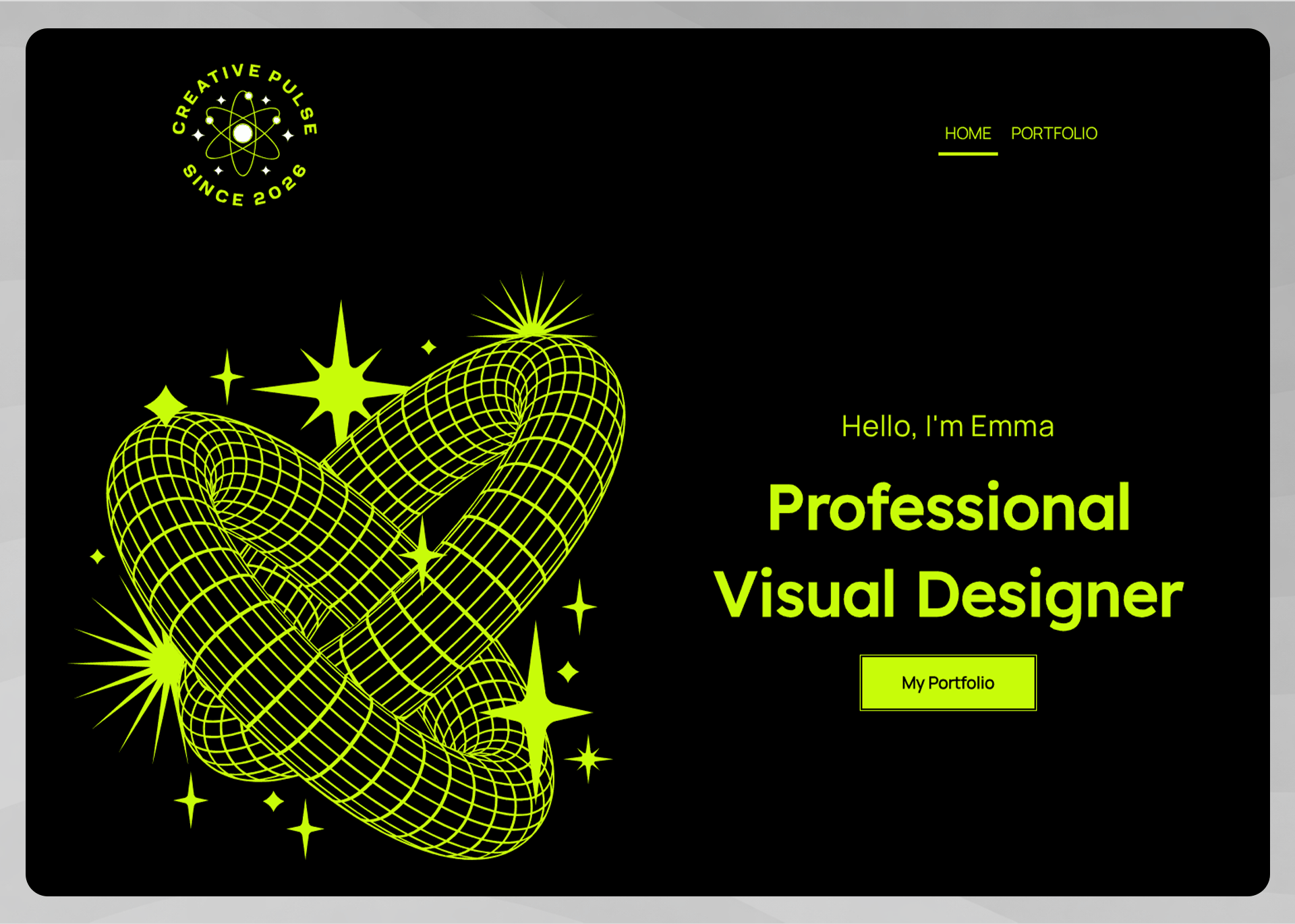
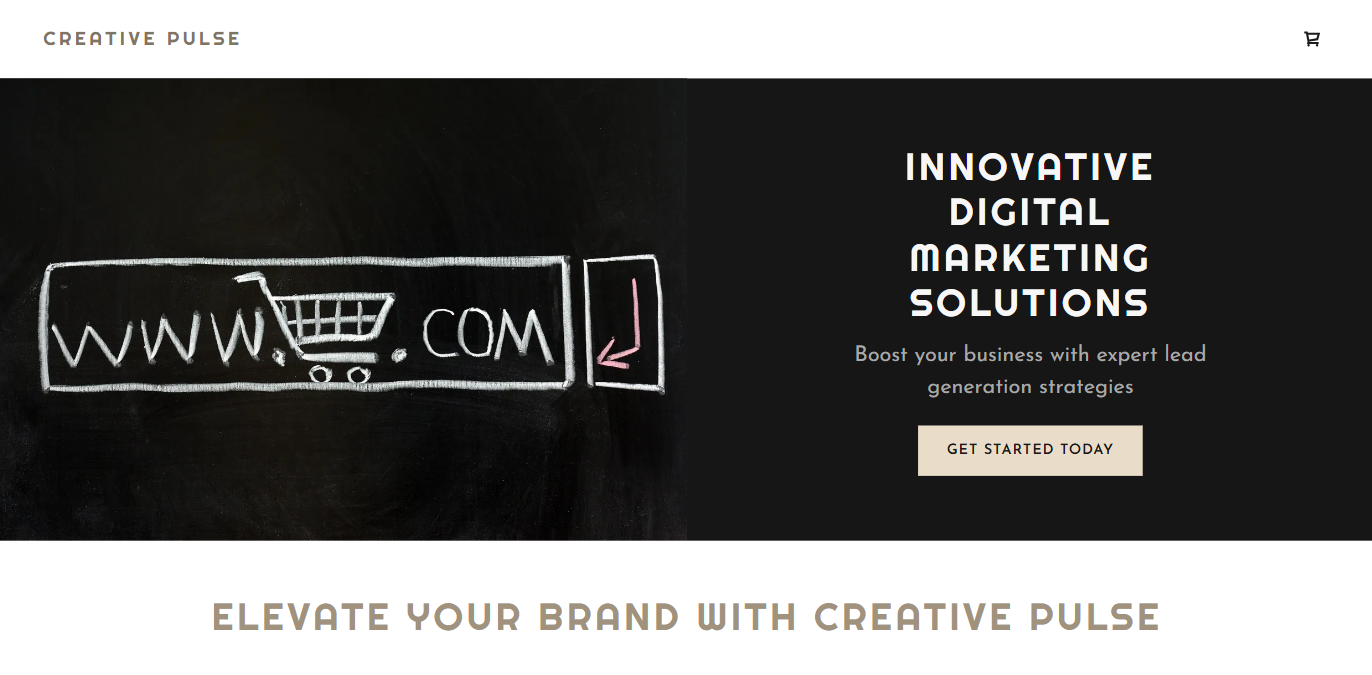
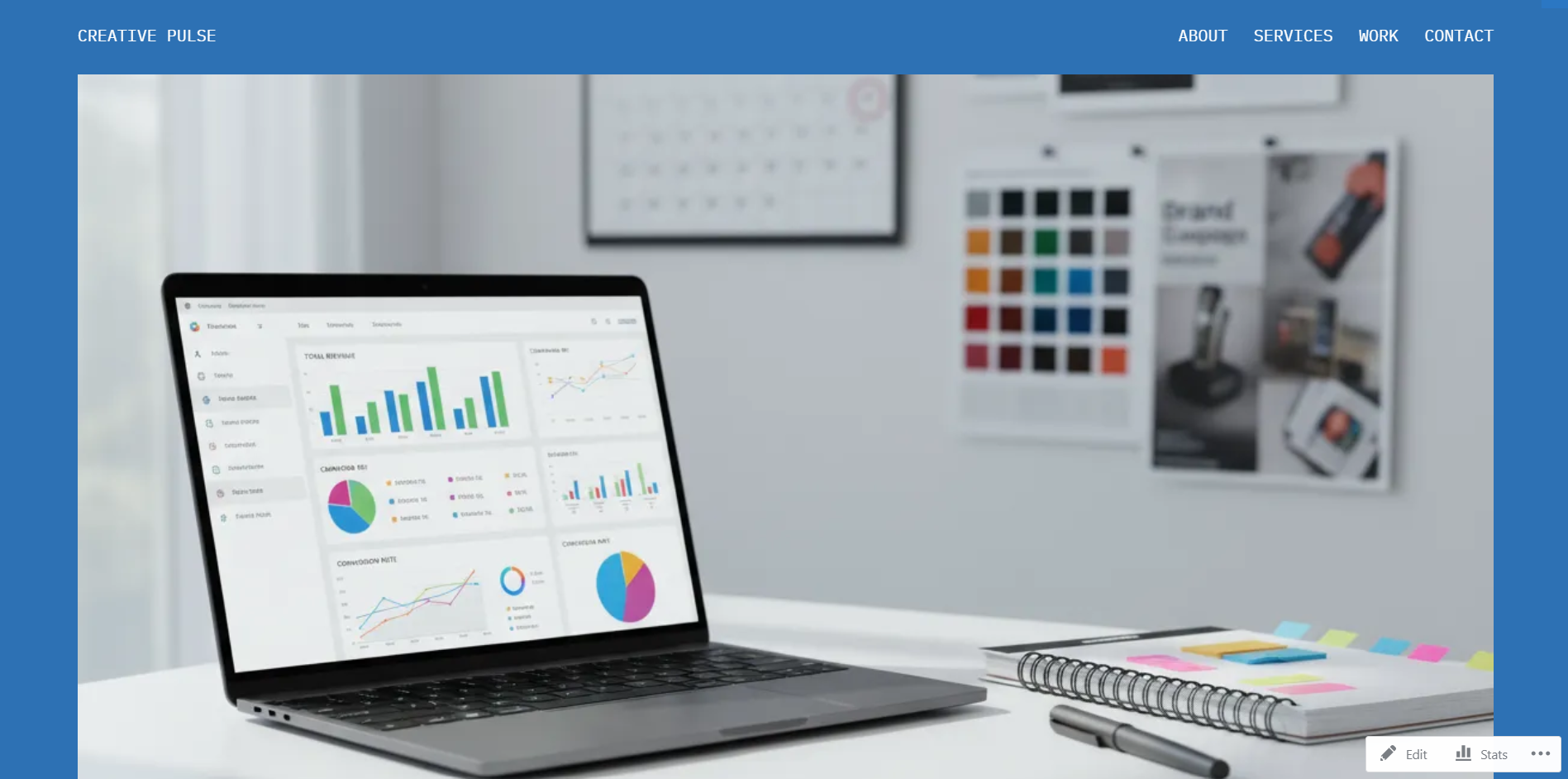
Using a sample marketing agency called Creative Pulse, here are some website samples generated by Design.com:
The free version allows you to customize and publish select website designs. Personalizing your chosen layout is simple with the platform’s beginner-friendly drag-and-drop editor. Change colors, fonts, texts, and other design elements until they meet your preference. Additionally, you can add contact forms, embed videos, and integrate map functions.
Another feature that Design.com offers for free is automatic brand synchronization. This means your brand logo and colors can be seamlessly integrated into your website, ensuring brand consistency. You can upload an existing logo or, if you don’t have one yet, make one in Design.com. Other platforms require you to upgrade to a paid plan to access this.
Moreover, Design.com is a complete branding ecosystem. Aside from the AI Website Builder, it also offers other tools for all your branding needs. Its most popular tool is the logo Maker. Just like with the AI Website Builder, you can generate and customize them at no cost using the free designs.
Free plan limitations: Some templates include platform branding or feature limits.
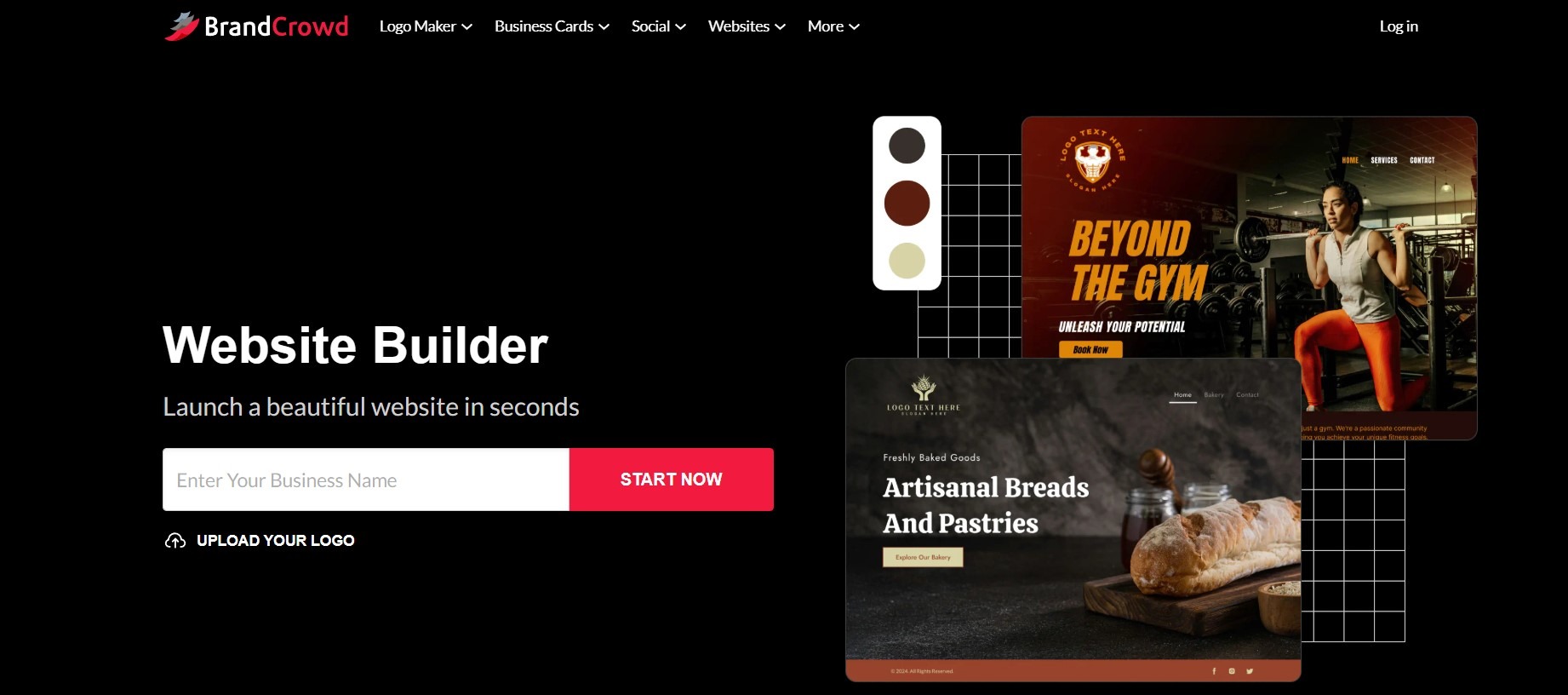
While widely known as a logo maker, BrandCrowd also hosts a range of 50+ other design tools. One of them is the website builder, which draws on its extensive library of 3,000+ templates to generate multiple layouts based on your business name.
Using the free designs, you can publish a basic website after customization. It can also integrate your existing logo for brand uniformity.
Here’s a BrandCrowd-generated website designs:
Free plan limitations: Capped at 3 pages and platform branding displayed on your site.
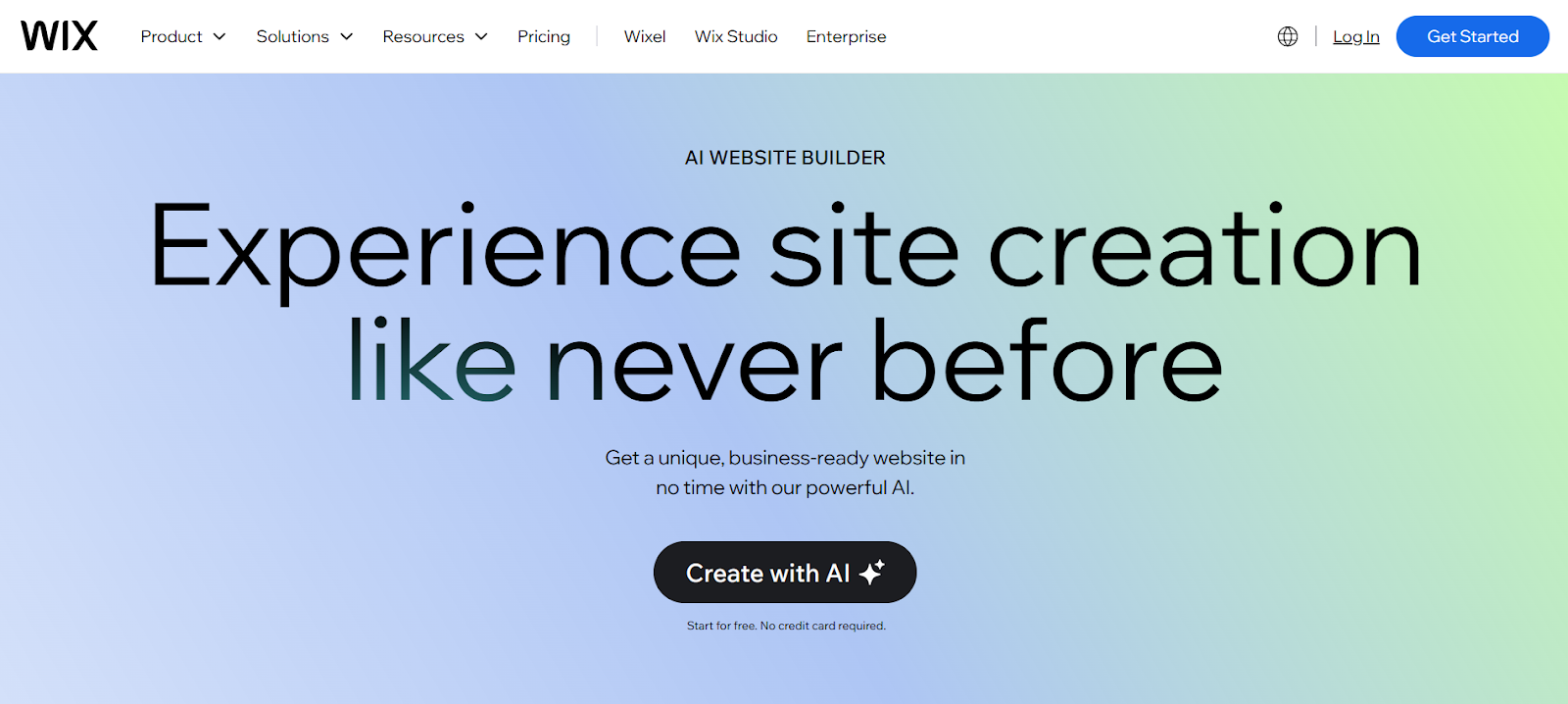
Wix has been one of the top website builders available online. It now offers an AI functionality through Wix ADI (Artificial Design Intelligence). By answering a series of questions about your business, the AI can generate a complete, customizable website instantly. The free version offers over 500 website templates, drag-and-drop editing, basic SEO, and free SSL.
Here’s a Wix ADI-generated website:
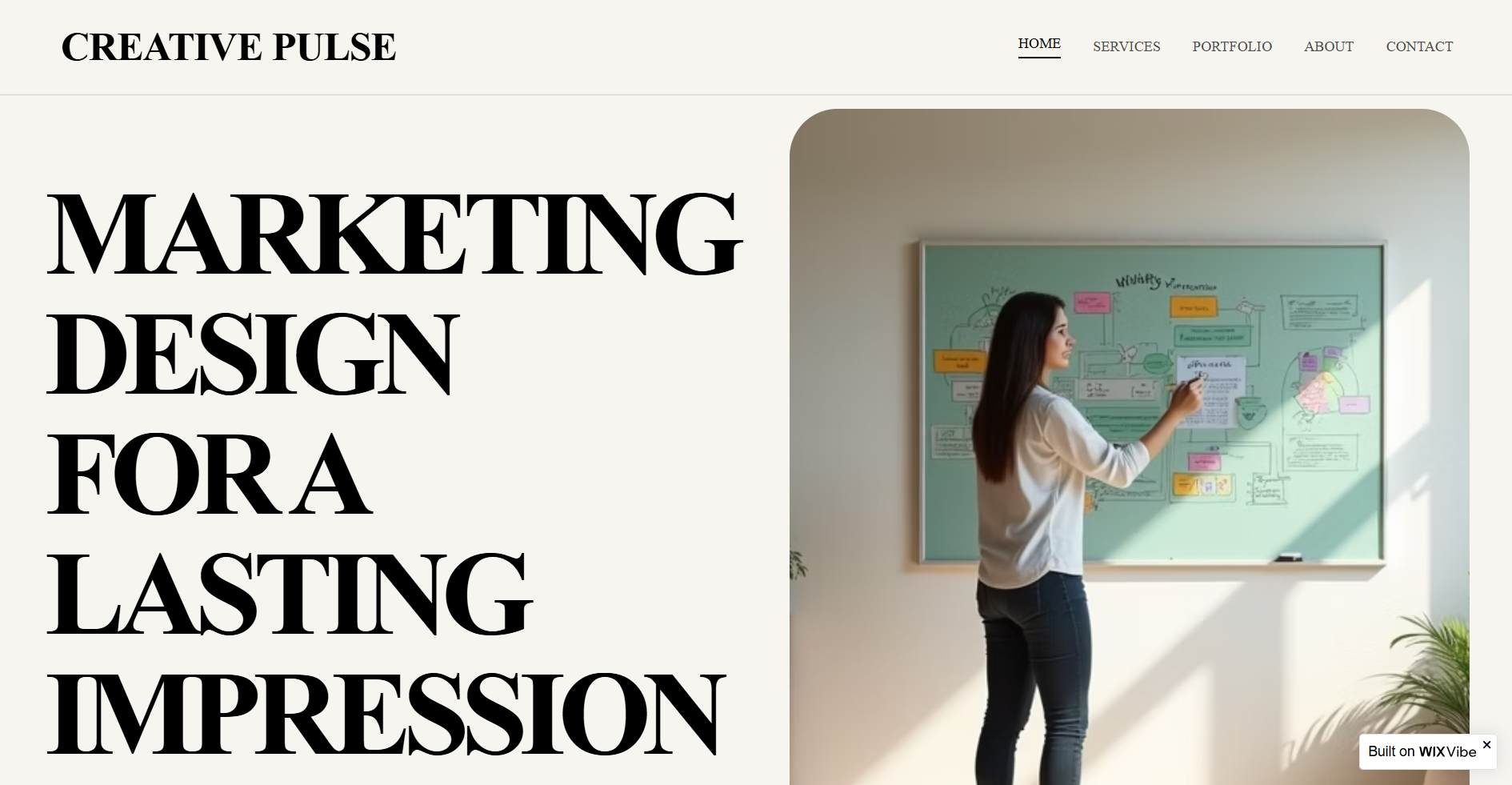
Free plan limitations: Wix-branded subdomain, Wix ads displayed on your site, no custom domain, no eCommerce.
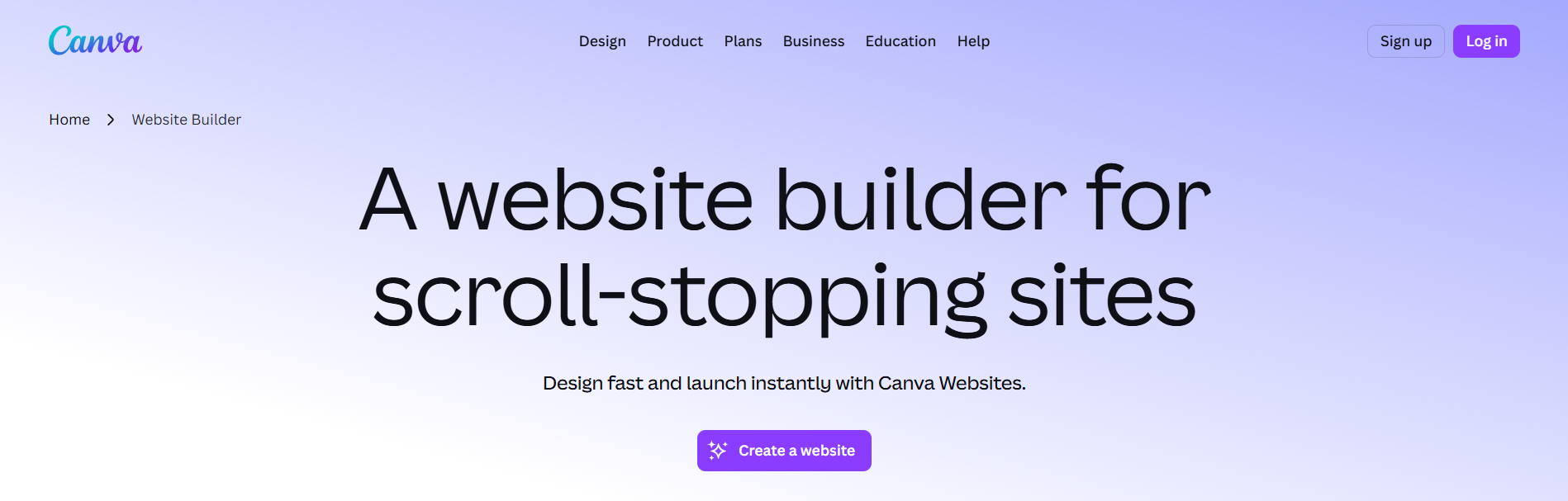
Canva Website Builder lets you create instant, high-quality layouts with its AI editor and extensive template library. While it doesn’t have enough functions for advanced business use, it’s perfect for portfolios and basic landing pages. You’ll find it easy to navigate if you already use Canva for all your graphics
Here’s a sample template by Canva:

Free plan limitations: Up to five websites only with a Canva subdomain, no eCommerce, no advanced analytics, and limited SEO controls.
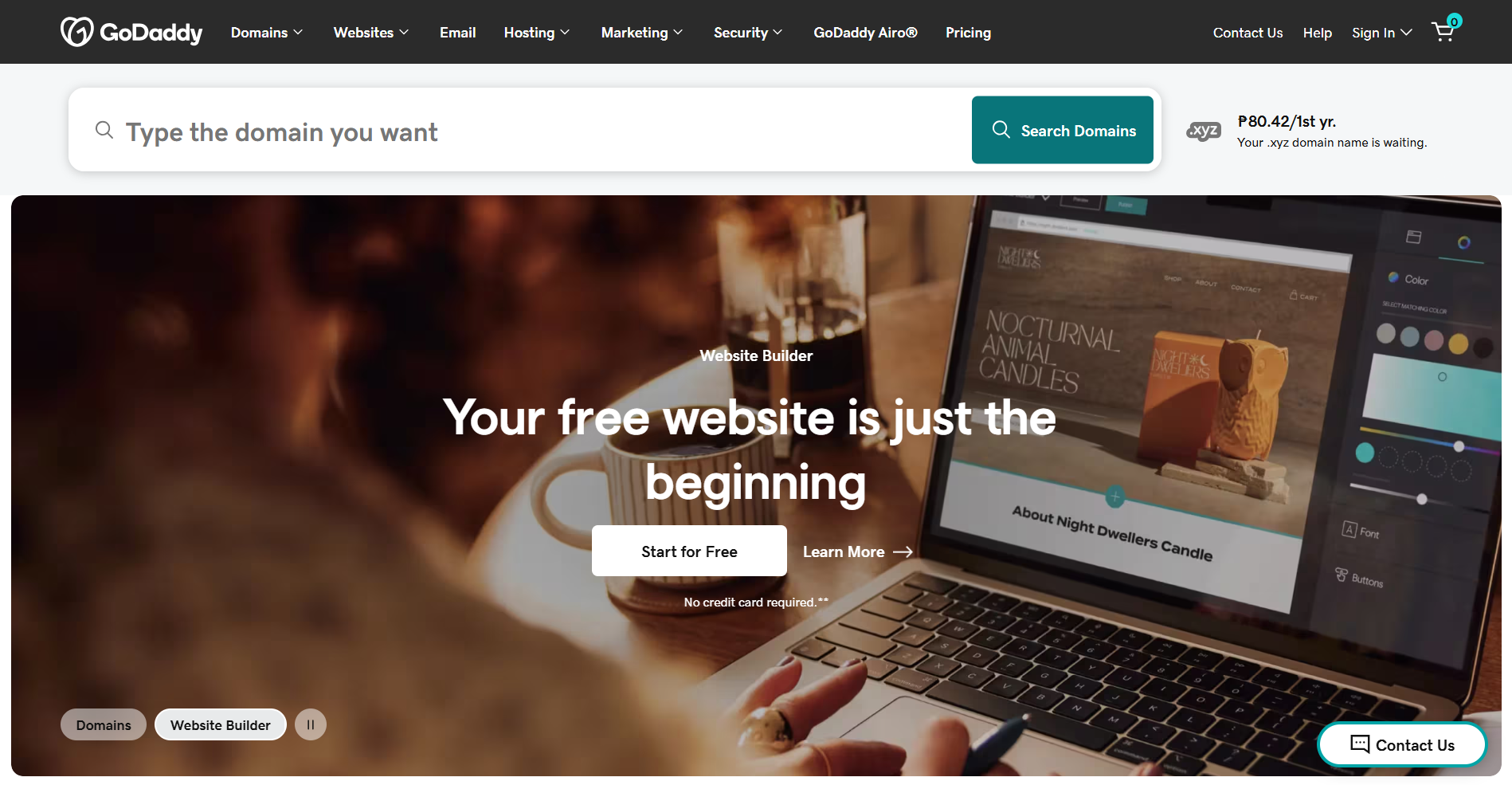
GoDaddy helps you establish your presence online as quickly as possible. While it may not have the most advanced features, it’s ideal for a basic website. With just your business name, its AI can already generate a complete, publish-ready website in an instant.
Here’s a sample website generated with GoDaddy:
Free plan limitations: GoDaddy subdomain, limited customization, no eCommerce, and platform branding on the site.
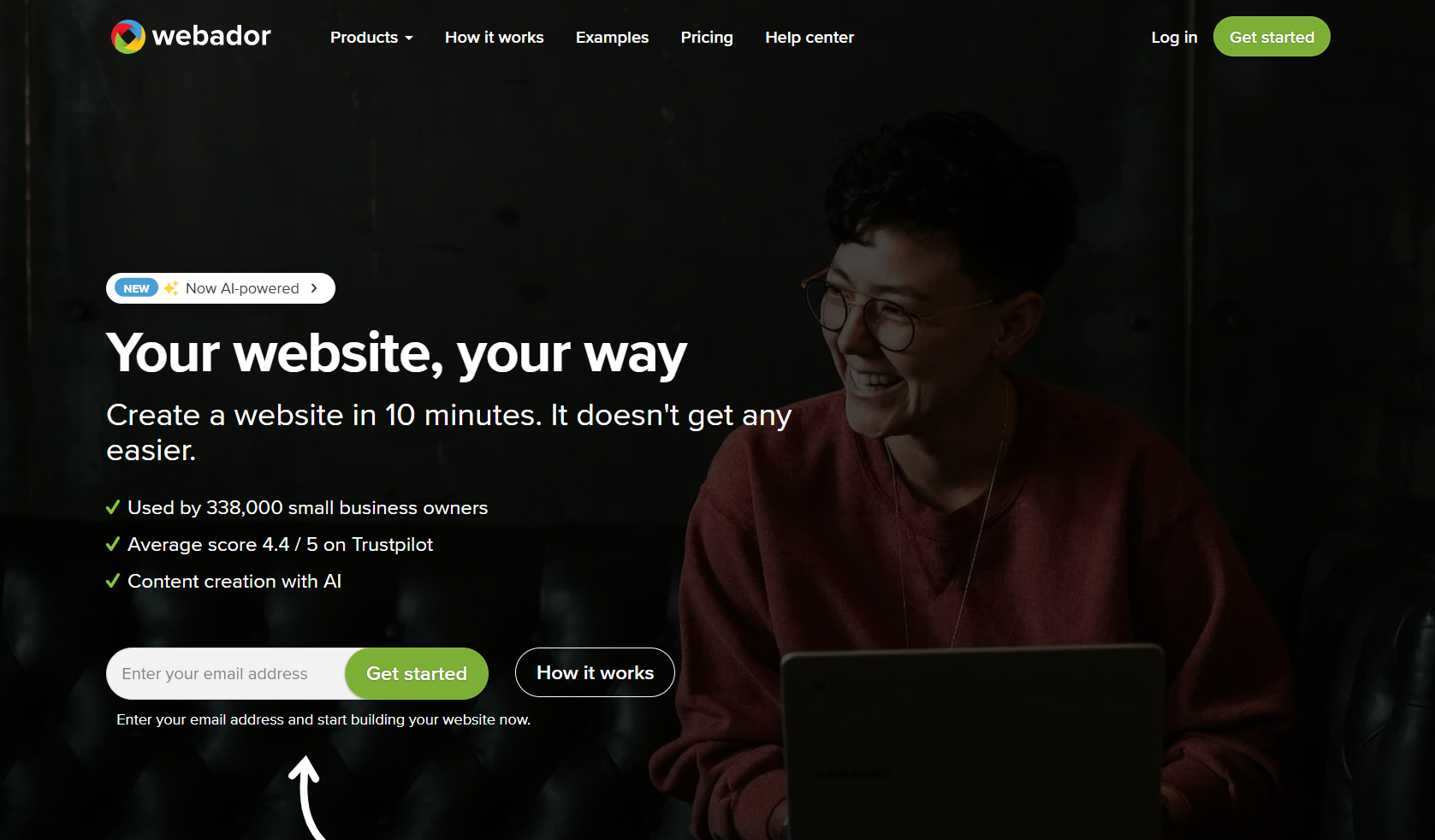
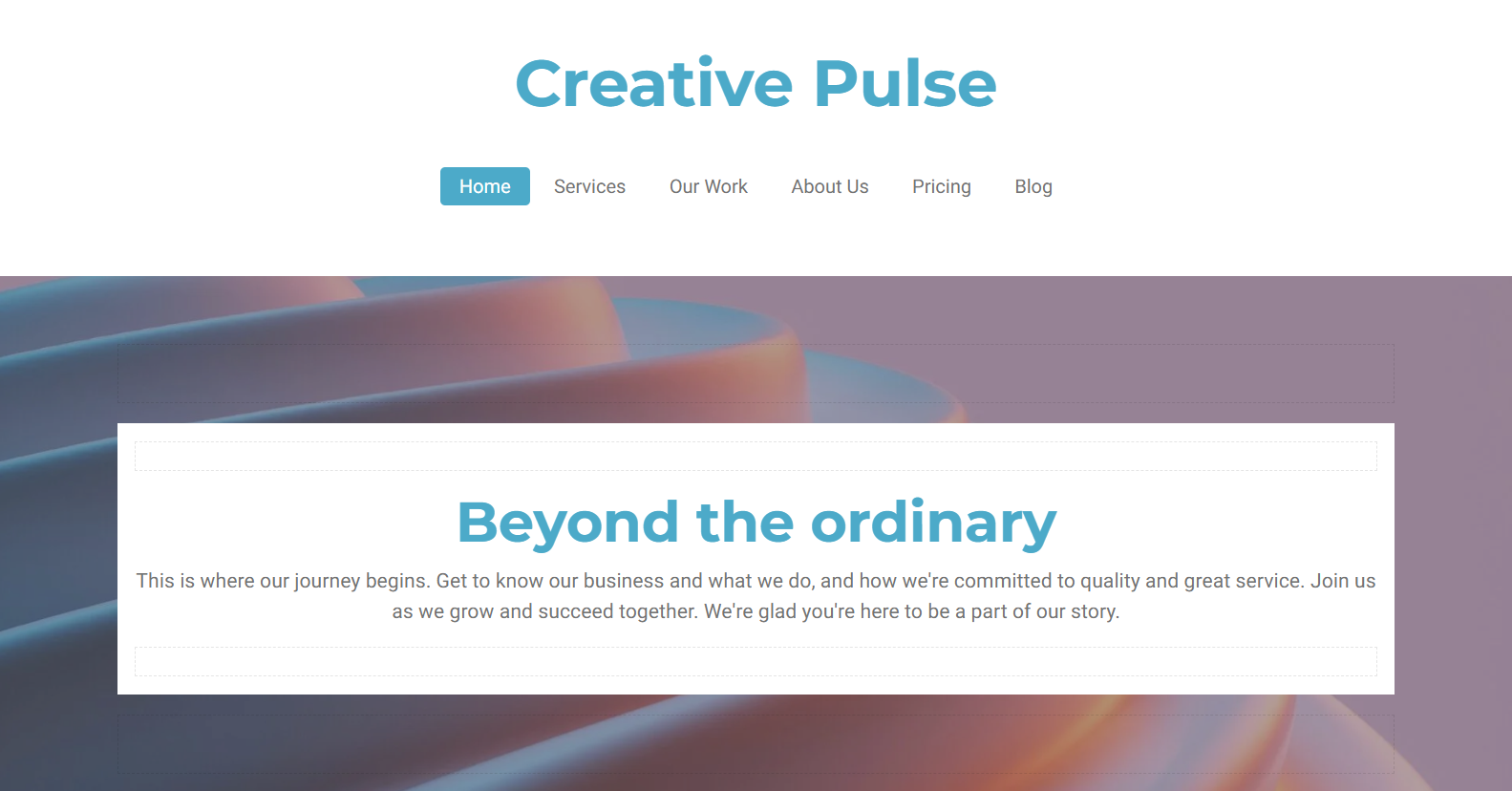
Webador is a beginner-friendly website builder that offers a free plan with no page, storage, or bandwidth limits. For its AI to generate your website, you only need to provide a short business description and fill out the service, contact, and about pages. While it doesn’t offer many customization features like the other platforms, it can give you a functional website at no cost.
Here’s a sample website created using Webador:
Free plan limitations: Webador subdomain, no custom domain, no eCommerce, and limited customization options.


While free plans provide a great starting point, their limitations may become pain points in the long run. They won’t just slow you down, but also hold you back. At this point, it’s important to consider upgrading to a paid plan to help sustain your growth.
Here are specific situations that may signal that it’s time for you to upgrade:
You need to look professional - A website with platform branding and third-party ads, while using a subdomain may affect your credibility. They may not sit well with potential clients and customers.
A platform subdomain is enough if you’re in the testing phase, but keeping it may affect your credibility. People tend to trust websites more if they have a custom domain.
You want to rank on Google - Your SEO potential can be affected by subdomains, limited meta controls, and platform-imposed site structures.
You plan to take payments - Most platforms don’t provide e-commerce features with their free plans. So, if selling your products online is vital to your brand, a paid plan is a must.
Your website needs to grow - You may think your website won’t need to expand for some time, but you don’t want to wait until you hit the ceiling before upgrading.
When you’re ready to upgrade, you may want to consider these platforms:
| Platform | Paid Plan Features | Starting Price |
| Design.com | Full access to premium website templates, editor, hosting, custom domain, eCommerce, and other branding tools | $6 per month |
| BrandCrowd | Premium designs, unlimited pages, full editor, custom domain, eCommerce, email capture, image gallery, 24/7 support | $6 per month |
| Wix | Full ADI, 500+ apps, advanced SEO, eCommerce, analytics, 100GB+ storage | $17+ per month |
| Squarespace | Blueprint AI builder, premium templates, scheduling, eCommerce, analytics | $16 per month |
| WordPress.com | AI writing tools, thousands of themes, plugins, blogging, and full CMS | $4 per month |
| Hostinger | AI builder and writer, fast load speeds, free domain, eCommerce, business email | $1.99 per month |
Design.com already stands out as the best free AI website builder, and it’s more impressive with all its features and functions. Upgrading means you can access all premium designs, advanced customization features, and full publishing capabilities. It also removes platform branding and provides a custom domain and e-commerce functions.
In addition, a paid plan unlocks other branding tools inside the platform. For only $6 per month (billed annually), you can create matching business cards, social media graphics, print ads, and more. For small businesses and entrepreneurs, there’s no better value in the market right now.
Here’s a much more detailed look at Design.com’s free and paid plans:
| Feature | Free Plan | Paid Plan |
| Price | Free | $6/month (billed annually) or $9/month (monthly) |
| AI Generation | ✓ | ✓ |
| Publishing | Free templates only, up to 3 pages | Free and premium templates |
| Platform Branding | ✓ | ✕ |
| Custom Domain | ✕ | ✓ |
| E-commerce/Payments | ✕ | ✓ |
| Full Editor Access | Limited | ✓ |
| Premium Design Assets | ✕ | ✓ |
| Branding Suite | Free design assets only | ✓ |
| Hosting | Limited | ✓ |
Best for: Entrepreneurs, small businesses, freelancers needing to launch quickly with a complete, branded website with a standout design.
BrandCrowd’s paid plans unlock unlimited pages, custom domain support, payment acceptance, email capture tools, and access to premium templates and full editing features. It also lets you create additional marketing assets using the other branding tools. This is perfect for businesses that want their branding to show consistently across all their marketing channels.
Here’s how the free and paid plans compare:
| Feature | Free Plan | Paid Plan |
| Price | Free | $6/month (billed annually) or $9/month (monthly) |
| AI Generation | ✓ | ✓ |
| Publishing | Free templates only, up to 3 pages | ✓ |
| Platform Branding | ✓ | ✕ |
| Custom Domain | ✕ | ✓ |
| E-commerce/Payments | ✕ | ✓ |
| Full Editor Access | Limited | ✓ |
| Image Gallery | ✕ | ✓ |
| Email Capture tools | ✕ | ✓ |
| Customer Support | ✕ | ✓ |
Best for: Entrepreneurs, service businesses, and side hustlers creating a cohesive brand from scratch.
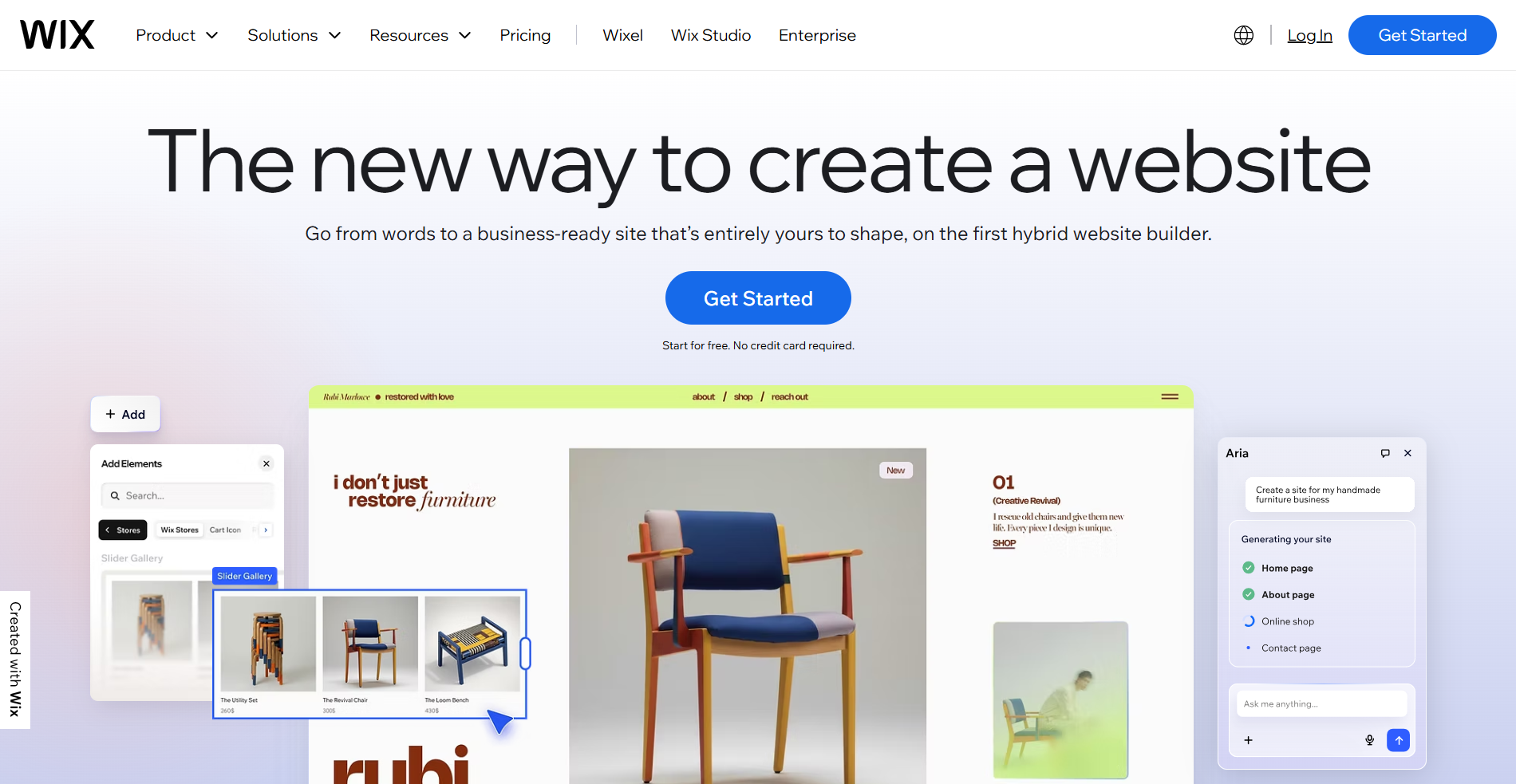
Upgrading to Wix Website Builder’s paid plan gives you full access to its feature-rich builder. While it’s more complex and expensive than the other platforms, it offers you an ad-free website, custom domains, advanced features and integrations, extensive SEO tools, scalable e-commerce functions, detailed analytics, and a marketplace of over 500 apps.
Here’s the difference between Wix ADI and Wix Website Builder:
| Feature | Wix ADI | Wix Website Builder |
| Price | Free | From $17 per month |
| AI Generation | Conversational ADI | Advanced AI with more control |
| Publishing | ✓ | ✓ |
| Platform Branding/Ads | ✓ | ✕ |
| Custom Domain | Wix subdomain only | ✓ |
| E-commerce/Payments | ✕ | ✓ |
| Storage | 500MB | 2GB-50GB+ |
| SEO Tools | Basic | Full SEO Suite |
| Analytics | Basic | Full Analytics Dashboard |
| App Market Access | Limited | Full - 500+ apps |
Best for: Established businesses that need scale, advanced integrations, and eCommerce depth.

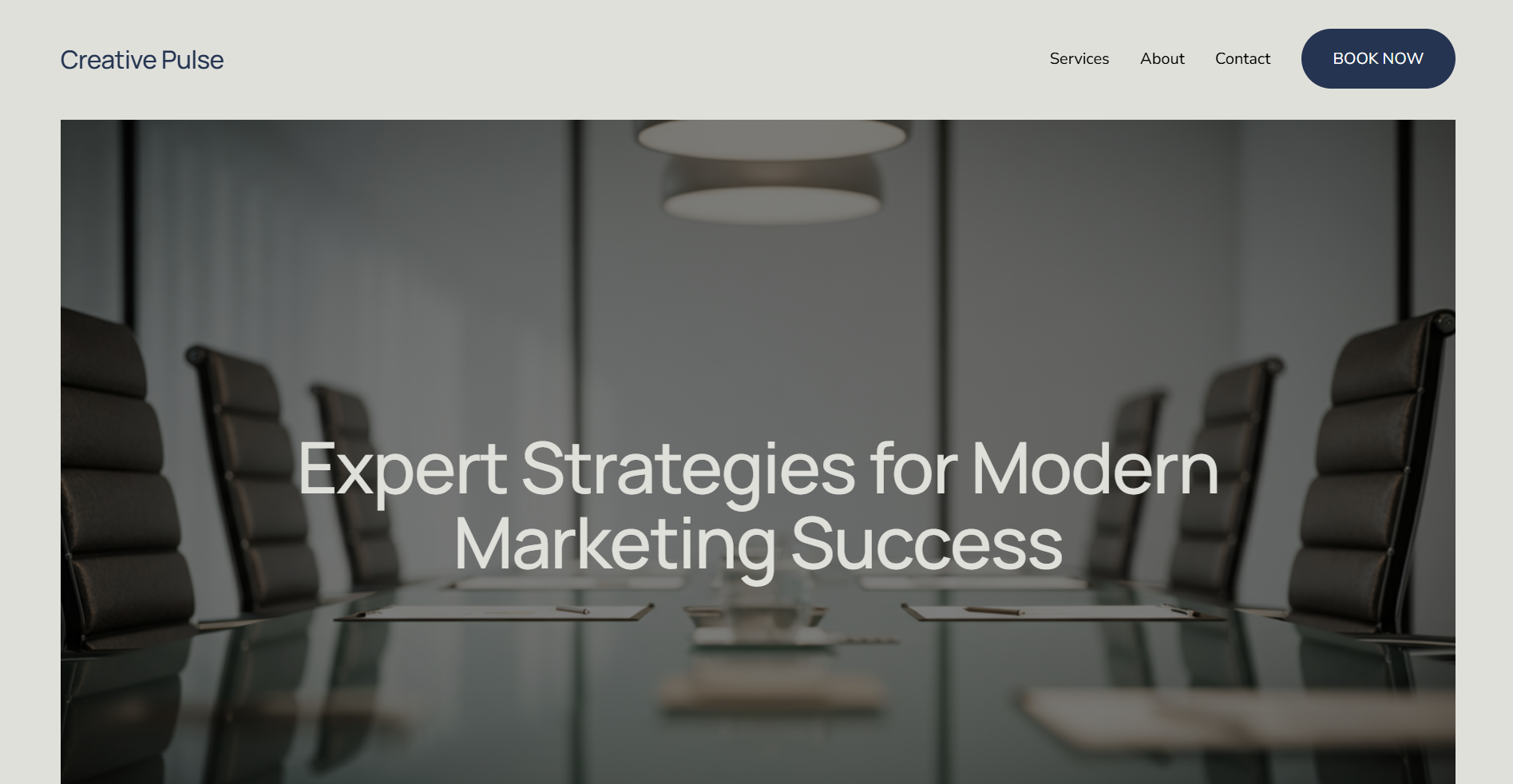
Known for its polished and aesthetic layouts, Squarespace is the website builder for businesses that prioritize visual quality and professional presentation. Its Blueprint AI generates websites tailored to your content and style. You can also access scheduling and service tools to help with your operations.
Here’s a sample generated using Squarespace’s Blueprint AI:
Best for: Service businesses, photographers, and creatives wanting premium design with built-in scheduling tools.
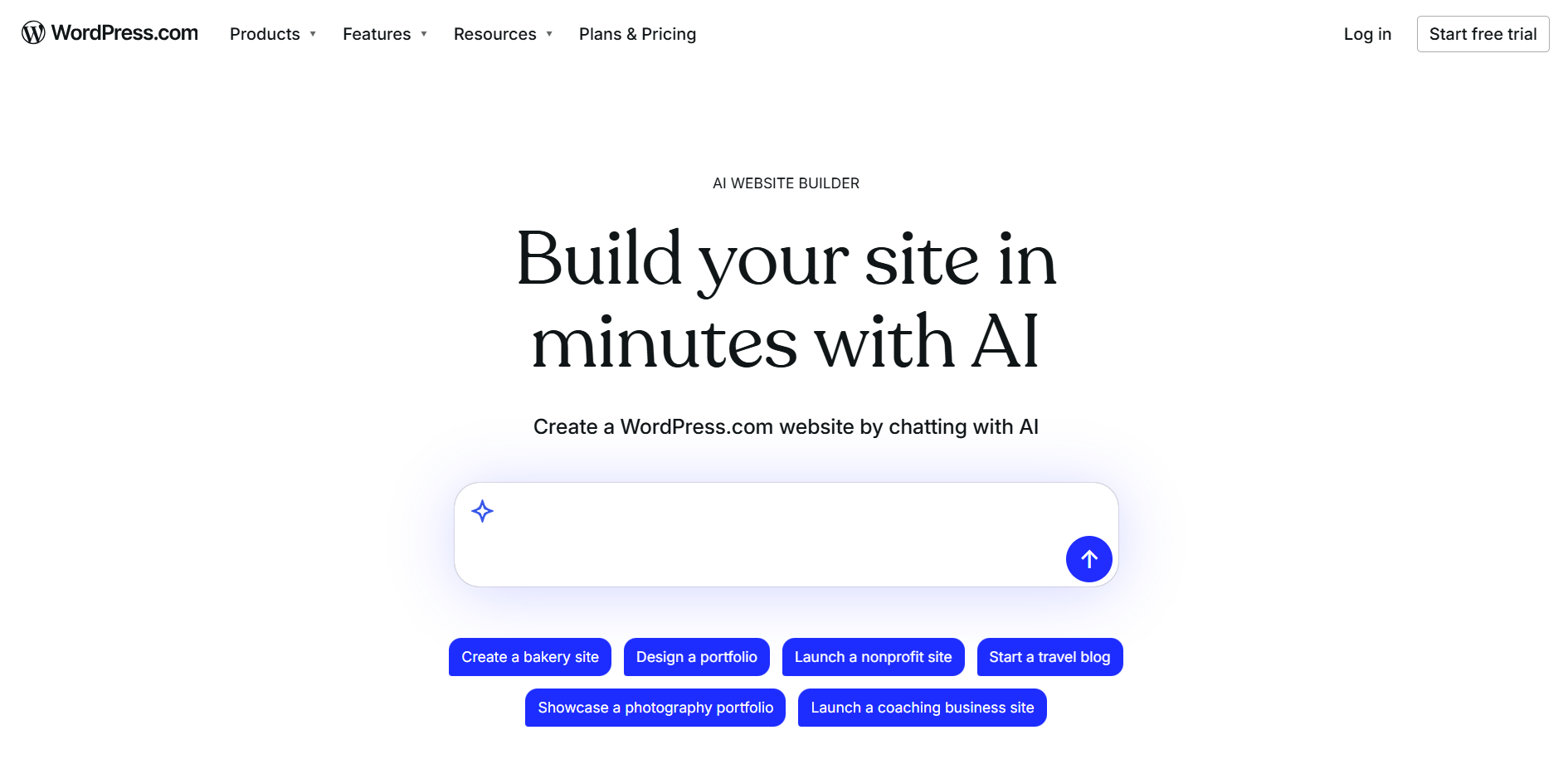
WordPress is known for helping people create content-heavy websites. Now, it has an AI website builder offering a beginner-friendly interface. It combines the convenience of AI tools and the flexibility of the WordPress ecosystem, including full customization, plugins, and advanced features. However, it may require more effort to use than other platforms in this list.
Here’s a website generated using WordPress’ AI:
Best for: Bloggers, content creators, and businesses that prioritize publishing and SEO functions.
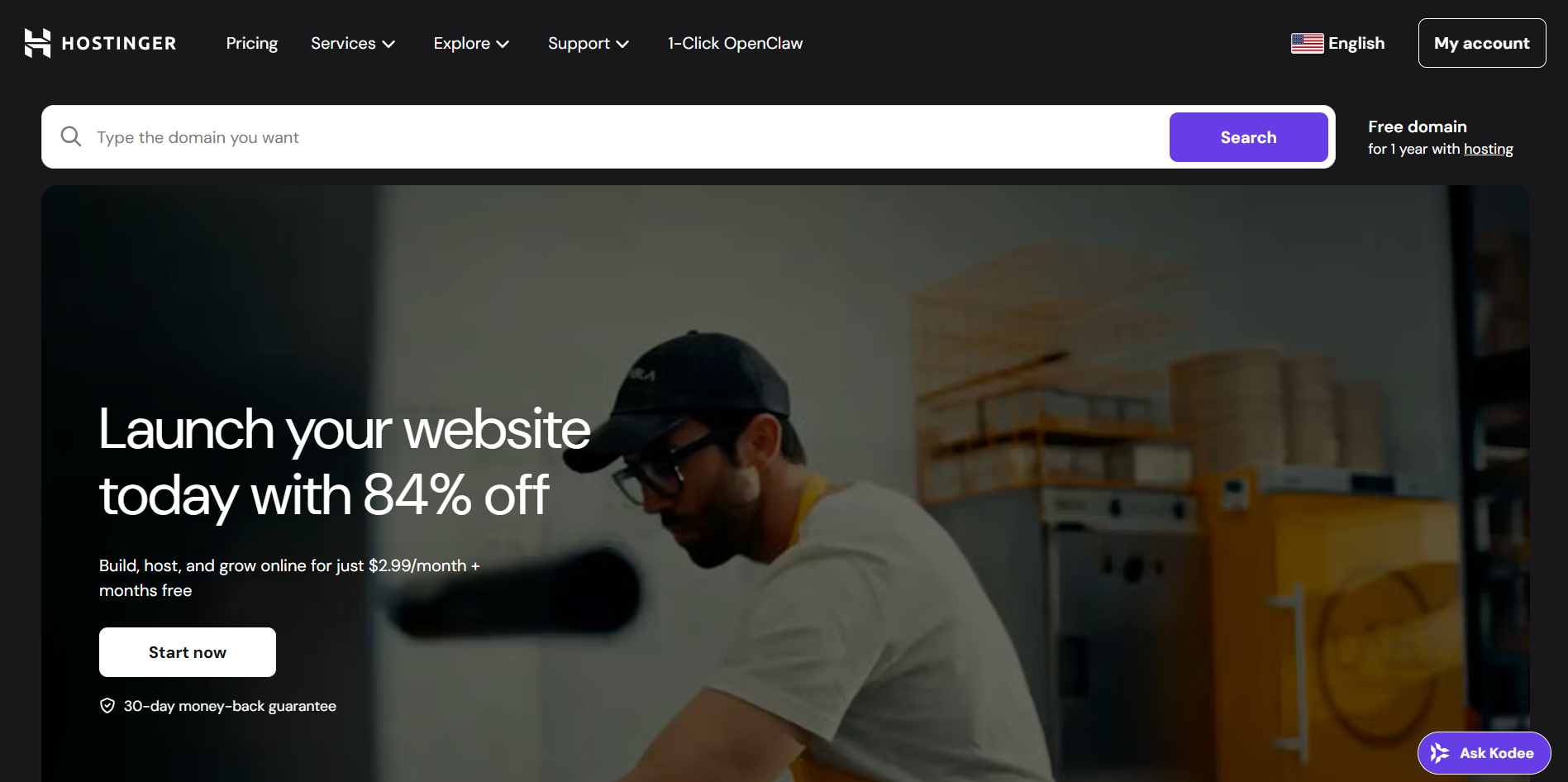
Starting at $1.99 per month, Hostinger offers the lowest price for a paid AI website builder subscription. With its easy-to-use interface, you can generate a complete website, including copies, suggested images, and a free domain. However, it may be too basic, but it’s perfect for users who want solid AI tools at a low price.
Best for: Brands on a tight budget but want AI-powered site creation.
Free AI website builders are better than they were before. They already provide you with the basics to help you get started. You can use them to validate your ideas, establish your first online presence, or just create a space for your personal projects.
However, at some point, your website will need to grow and require more features. This is the time to think about upgrading. However, there are also cases where you have to consider subscribing to paid plans right from the start, like when you’re launching a small business, opening an online store, or running a content-centric website.
But if you’re still not decided, it’s better to go for the AI website builder that can support you on both stages. Among those mentioned in this article, Design.com stands out as the best option.
Whether or not you choose a free or paid plan, Design.com provides you with advanced AI capabilities, high-quality designs, and full customization. In addition, it ensures your website will be consistent with your branding and other marketing assets if you decide to use the rest of the platform’s tools.
So, start with the free version, then eventually upgrade to build a fully professional website with publishing, a custom domain, and e-commerce features.
Author Bio:
Dianne Claveria writes SEO-driven content focused on digital marketing and technology. Passionate about helping businesses grow online, she enjoys exploring the latest tools and innovations in the digital space while creating content that’s both engaging and search-optimized.
 AI tools to find & convert leads.
  Send emails at scale

