Creating a professional logo used to mean hiring an expensive designer or settling for something generic. In 2026, that has completely changed. Free logo makers now offer professional-quality designs that can genuinely compete with custom work without breaking your budget.
The best platforms today combine artificial intelligence with massive template libraries and intuitive editors. You can create, customize, and download a logo in less time than it takes to schedule a consultation with a designer. Whether you are launching a startup, rebranding an existing business, or building a side project, these tools give you professional results without the professional price tag.
We have tested five leading logo makers to find which ones deliver real value from day one. The tools we cover below range from free options to affordable premium plans, so you can choose the platform that best fits your needs.
Most platforms let you design and experiment for free, which is fantastic for testing ideas and seeing what works for your brand. The pricing typically kicks in when you want to download high-resolution files or access premium features.
Access to design editors and customization tools
Ability to create and save multiple logo designs
Preview how your logo looks across different applications
Low-resolution files suitable for digital use and testing
High-resolution PNG and JPG files for professional use
Vector files (SVG, EPS, PDF) needed for printing and scaling
Premium templates and exclusive design elements
Additional branding materials
The platforms below offer genuinely valuable free tiers and transparent pricing when you need to upgrade.
| Logo Maker | Best For | Free Plan | Premium Price |
| Design.com | Maximum variety & proven reliability | Yes | From $3/month annually |
| BrandCrowd | Highest user satisfaction | Yes | From $3/month annually |
| Canva | All-in-one design needs | Yes | ~$13/month |
| Adobe Express | Adobe users & creative pros | Yes | ~$10/month |
| Wix | Wix website owners | Limited | One-time $20+ |
| VistaCreate | Beginners & fast social media/logo creation | Yes | $10/month |


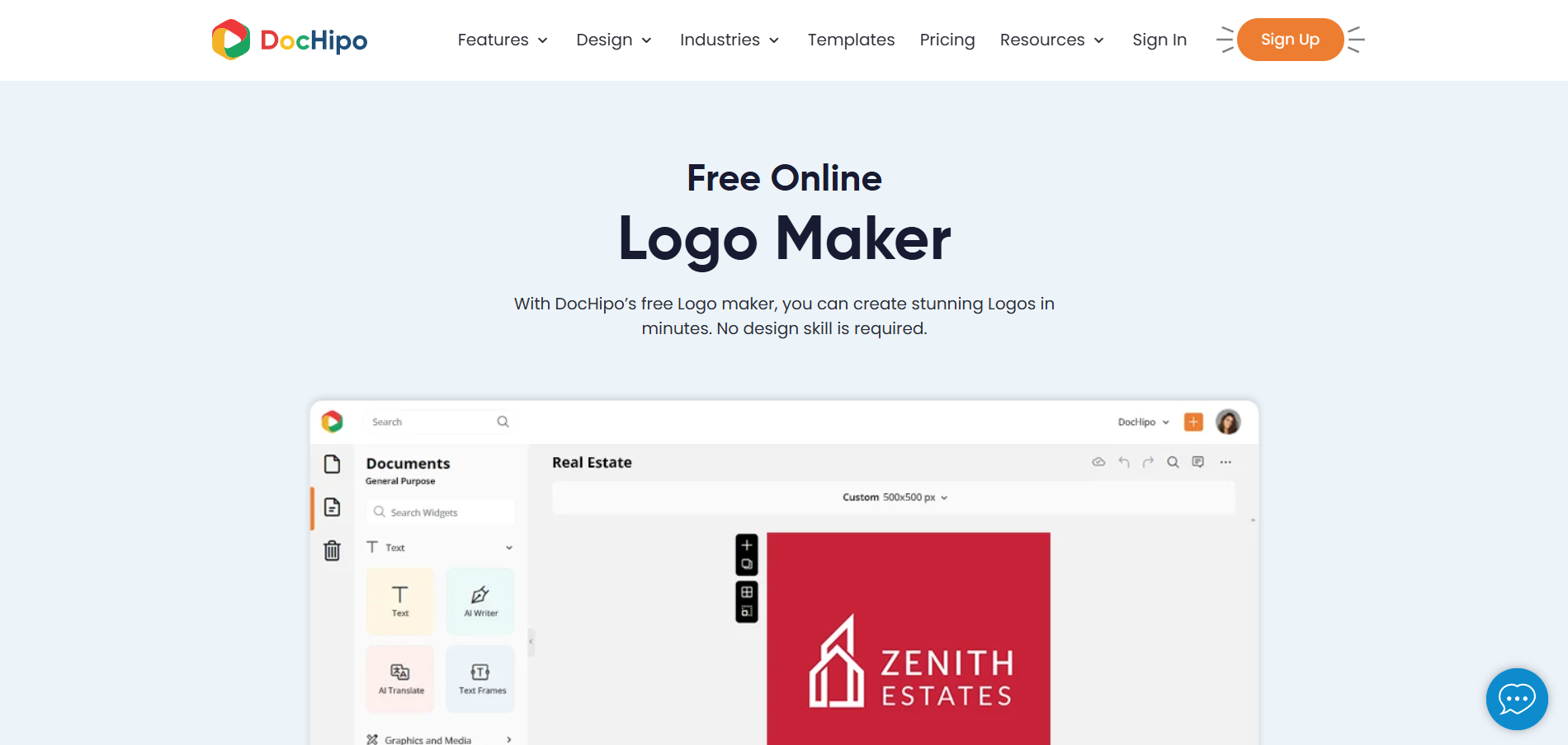
DocHipo is a rapidly growing content design tool that lets you create minimalist, memorable logos without advanced design skills.
DocHipo offers professionally crafted templates for logo creation across industries such as education, fashion, food, real estate, travel, and more. Its flexible drag-and-drop editor helps you easily customize the text and visual elements in your logo. Select a template that aligns with your industry, include your brand name, and adjust the font, color, effects, and art styles as desired.
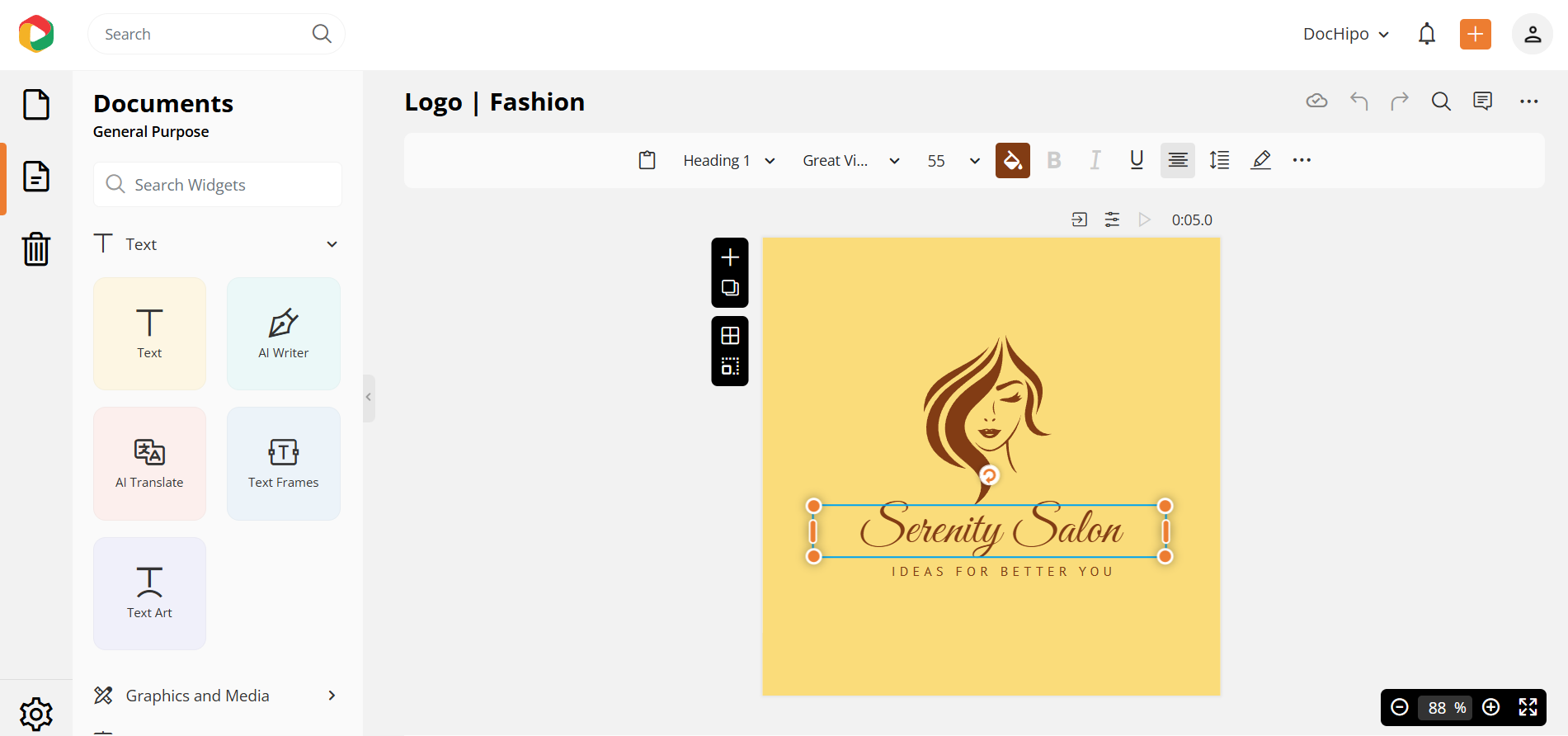
DocHipo offers well-categorized design assets, including icons and illustrations, across various themes. Furthermore, you can make your logo as creative as you want, using geometric, abstract, and trendy shapes and lines. You can resize, reposition, recolor, and adjust the opacity of the visual elements. Once done, download your logo as a JPG or PNG file.
DocHipo offers a generous free plan that you can use forever.
Free logo templates across industries
Hundreds of preset fonts
Text art comprising text fill, outline, and transform for creative typography
Free icons, illustrations, stickers, geometric and abstract shapes
Download logos as a JPG or PNG file
No watermark on downloads
You can craft a professional brand logo even with design elements available in the free plan.
With DocHipo’s Pro plan, you can unlock its full potential, including premium templates, premium design assets, version history, and an AI image generator for unique logo generation.
Upgrading to the Pro version at $12/user/month lets you upload custom fonts, download with a transparent background, and set up Brand Kit to apply brand colors, font pairs, or images.
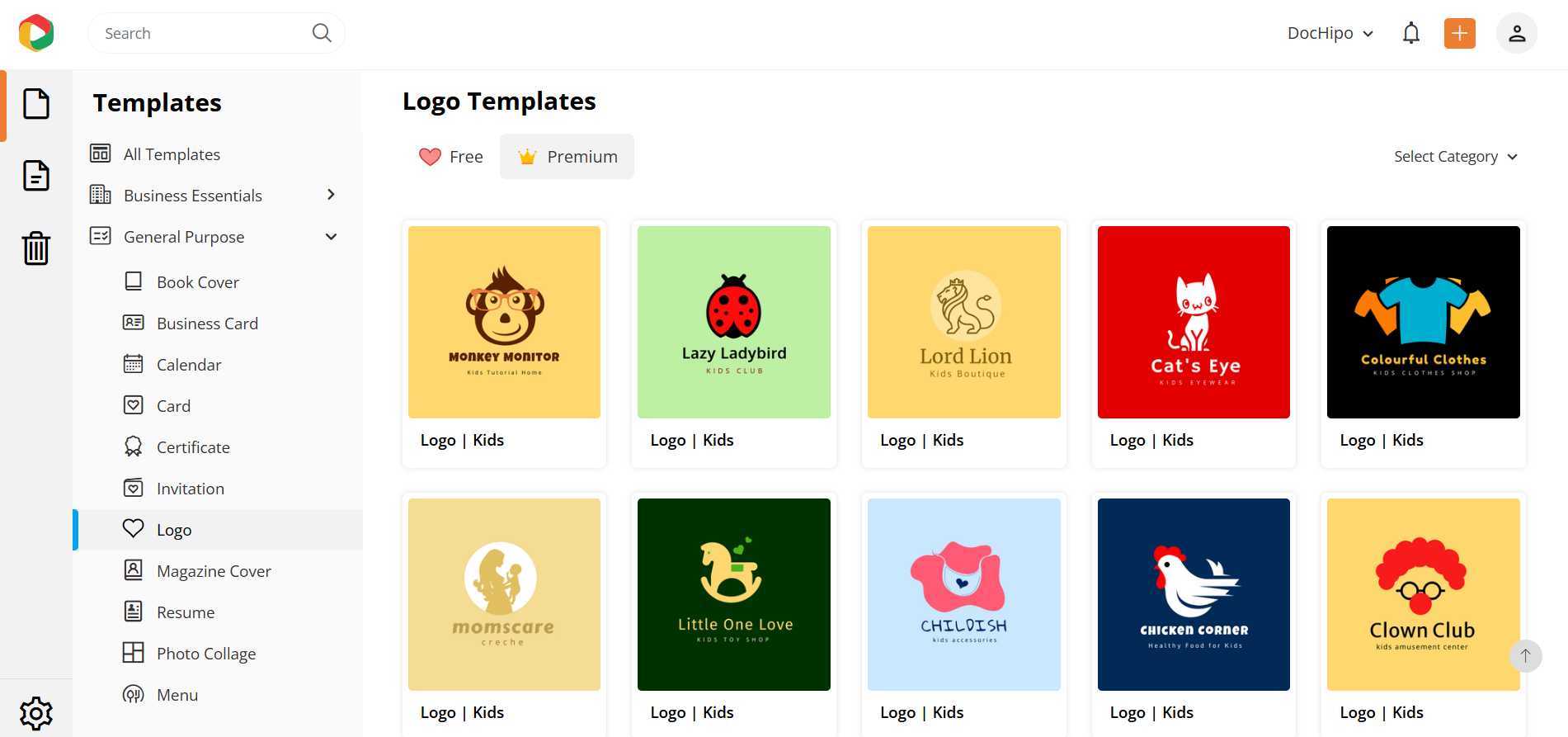
DocHipo goes beyond just a logo maker, letting you create marketing, sales, and branding documents in a simplified way. Without having to juggle multiple tools for design purposes, you can invest in DocHipo to save time and create visual content for all your brand needs.
The thoughtfully crafted templates already do the heavy lifting, so all you need to do is tweak them according to your style. The learning curve is almost negligible, so no training or prior experience is required.
The free plan may feel a bit limited compared to other dedicated logo maker tools. As it serves best as a content design ecosystem for professional business documents, advanced logo designers may find it a bit simpler for their projects. Also, currently, DocHipo is available only as a web-based application.
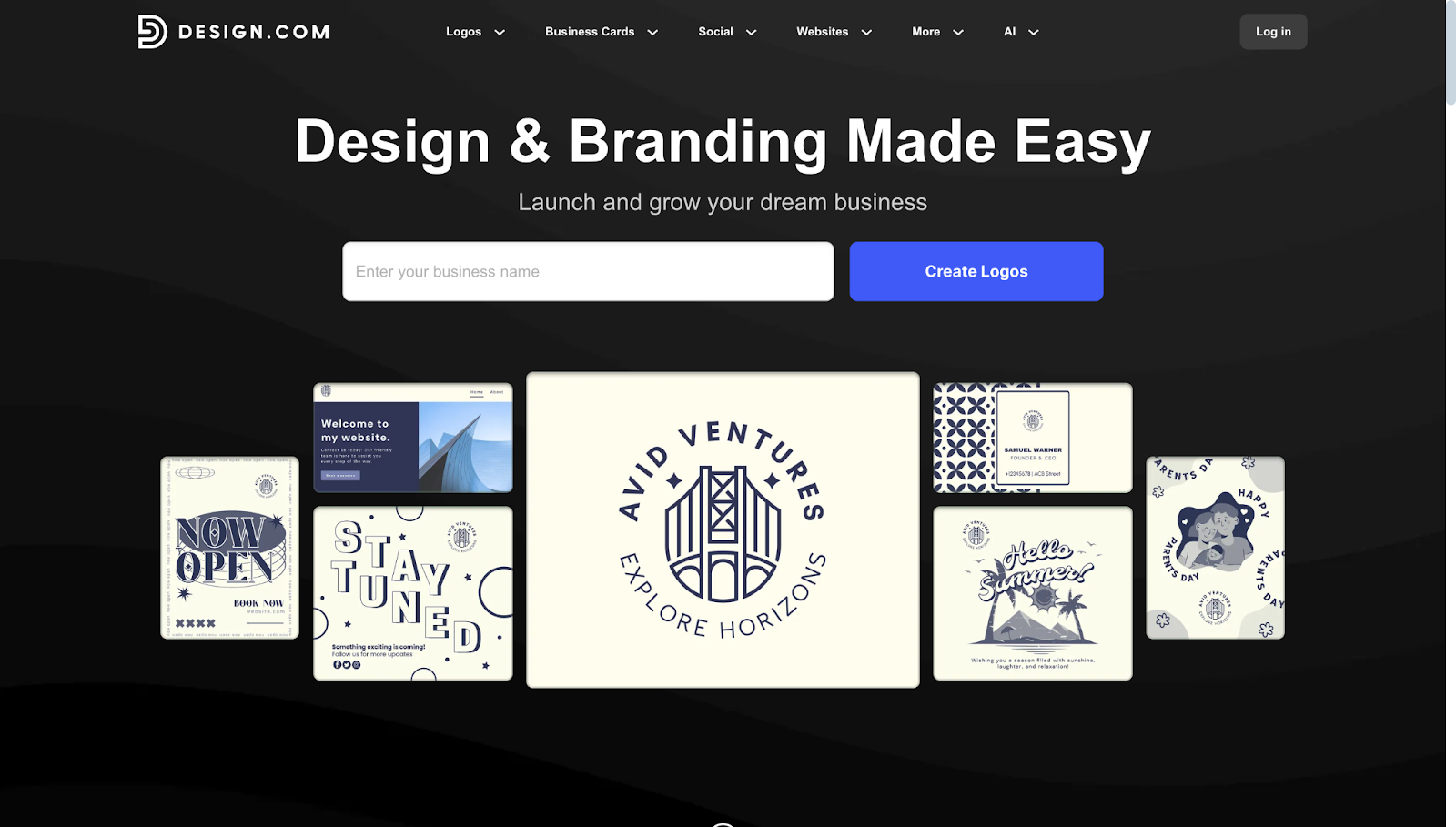
Design.com is known as one of the top logo makers in the world. With the most extensive library of logo templates at 360,000+ designs, they have built a platform that truly stands out. Their Trustpilot rating is 4.7 stars across more than 3,000 reviews, indicating consistent satisfaction from businesses of all sizes.
The process at Design.com is refreshingly simple. You start by entering your business name and selecting your industry from their comprehensive list. Their AI-powered system immediately generates dozens of logo concepts tailored to your specific field. From there, you can click on any design that catches your eye and jump straight into customization.
The editor gives you complete control over every element. You can change colors to match your brand palette, swap between over 750 fonts (including 525+ exclusive options), adjust layouts, and modify any of the 62,000+ custom vector shapes and icons. The interface is intuitive enough that you will feel comfortable making changes within minutes, even if you have never used design software before.
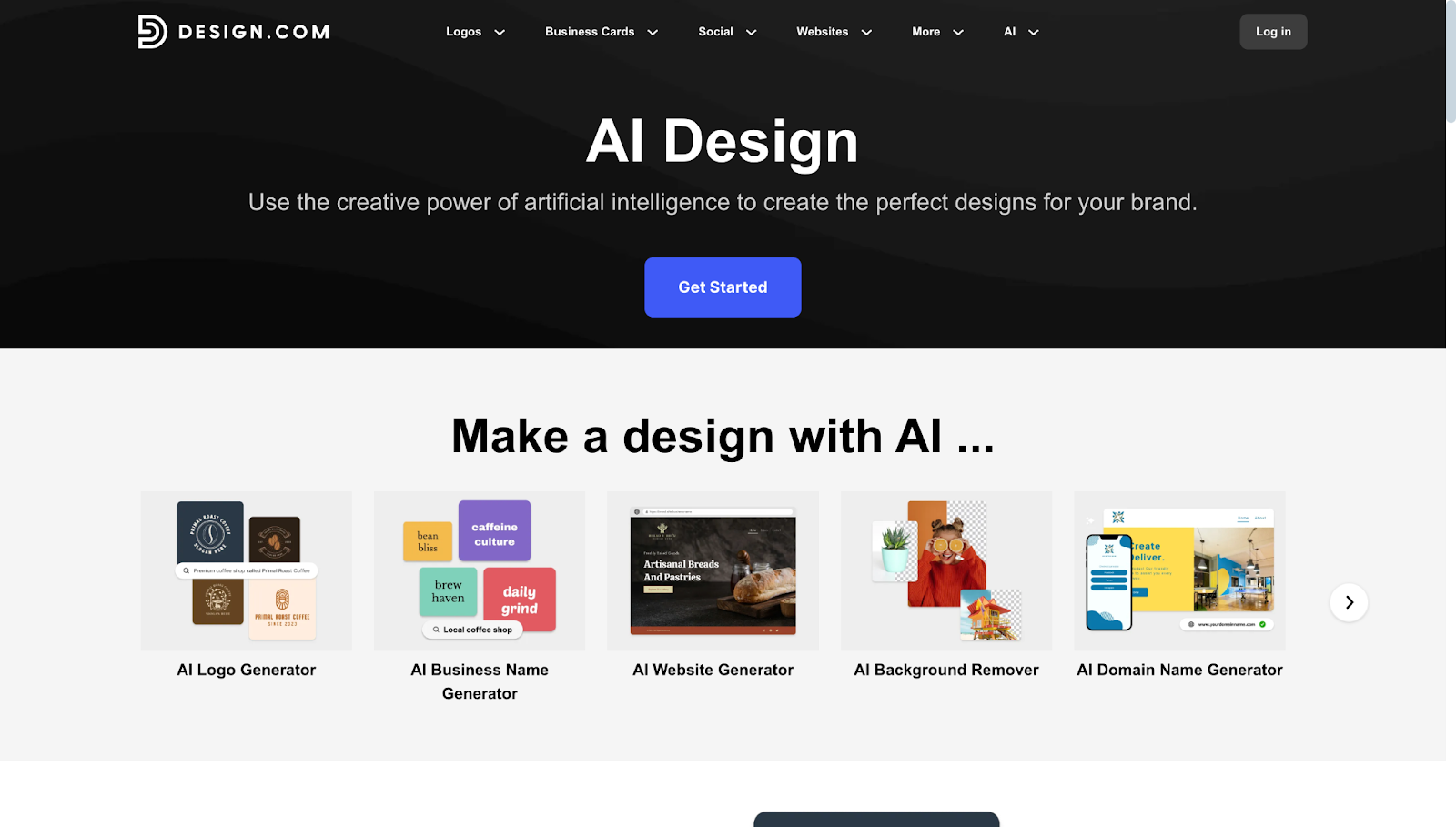
Design.com offers an impressively generous free plan that includes some features you would expect to pay for elsewhere.
Complete access to all 360,000+ logo templates
Full editing capabilities with professional design tools
Free website builder that automatically uses your logo colors
Free digital business card for easy contact sharing
Free link-in-bio page for social media
Ability to create designs across 50+ additional tools
All your designs automatically apply your logo colors, keeping your entire brand consistent without extra effort. This automatic color matching saves considerable time when you are creating marketing materials, and it extends to the included digital business card solution, so your contact details carry the same look as your logo.
One of Design.com's strongest features is its extensive range of file formats, including:
Vector Files - SVG, EPS, PDF (perfect for scaling to any size)
Raster Files - PNG, JPG (excellent for digital use)
Animated Files - GIF, MP4 (ideal for social media and websites)
Special Options - Icon-only versions, transparent backgrounds
The pricing on Design.com is straightforward and affordable.
Monthly Plans
Starter (Logo Pack) - $15/month
Value (Logo Pack + Website) - $24/month
Premium (All Features) - $29/month
Annual Plans (saves you 80%)
Starter (Logo Pack) - $3/month
Value (Logo Pack + Website) - $4/month
Premium (All Features) - $5/month
All paid plans include unlimited changes to your logo, high-resolution and vector files, and access to create business cards, social media graphics, email signatures, and more.
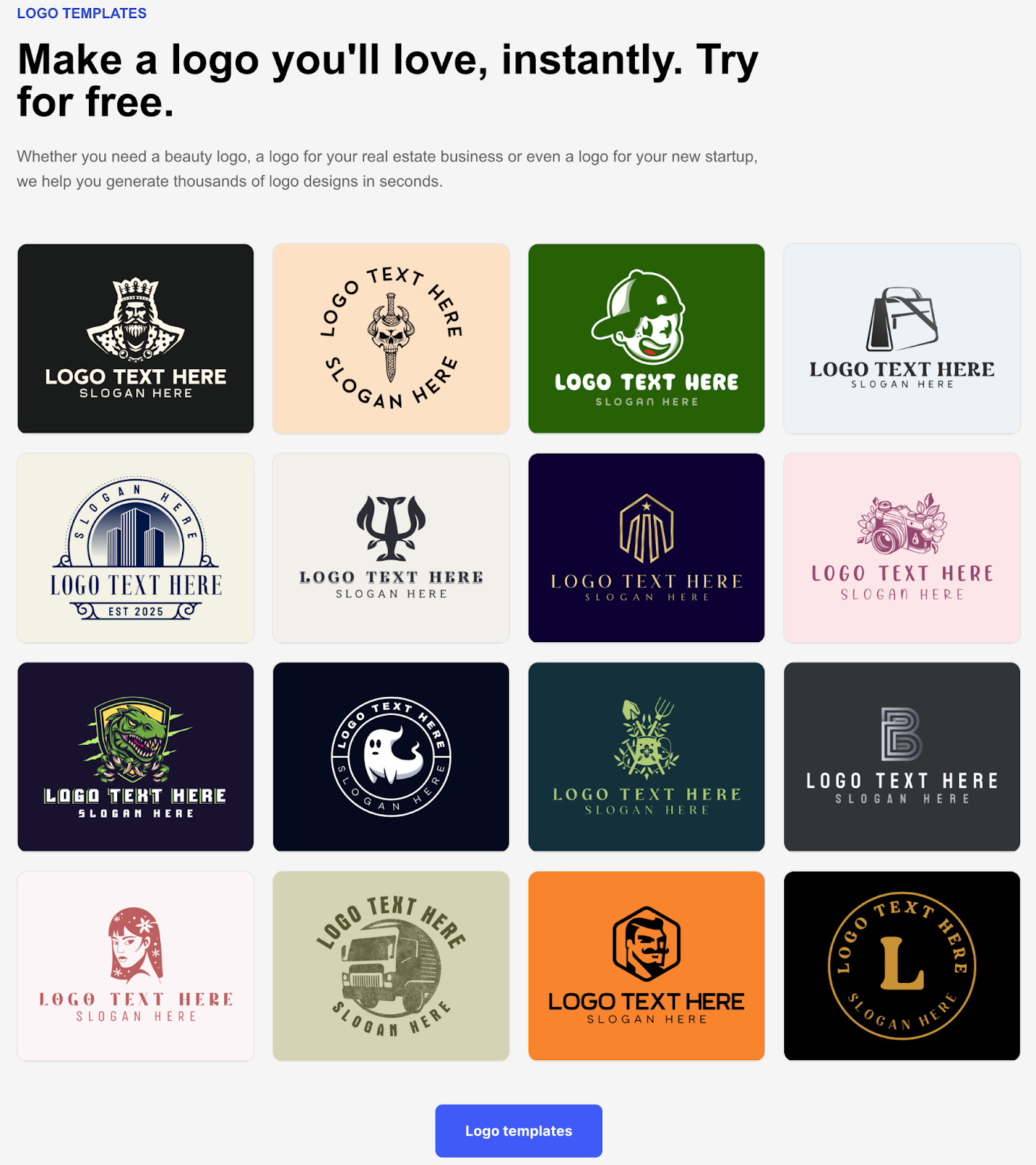
Design.com excels for small business owners and entrepreneurs who need professional branding quickly. The massive template library means you can find industry-specific designs whether you are opening a bakery, launching a tech startup, or starting a consulting practice.
The platform also scales with your business. Start with just a logo, then add a website and other marketing materials as you grow. Everything stays on-brand because it all works together in one ecosystem.
Design.com is web-based only, so you will need an internet connection to work on your designs. There is no native desktop or mobile app yet, though the browser experience works smoothly across all devices.
Advanced designers who want pixel-perfect control might find the simplified interface limiting. However, this simplicity is exactly what makes Design.com perfect for non-designers who want professional results without a steep learning curve.
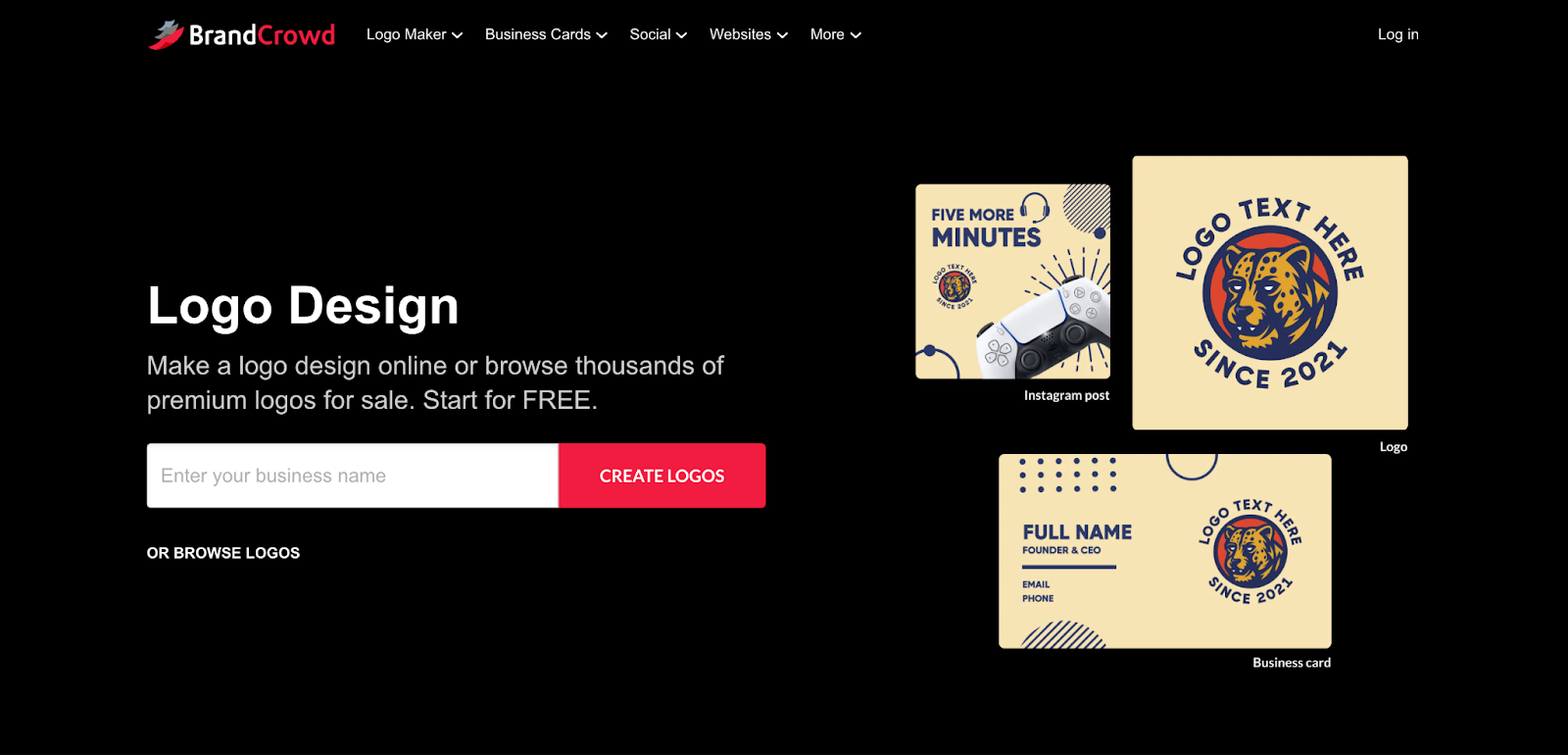
BrandCrowd has earned its reputation as one of the best logo makers available today. With a remarkable 4.8-star rating on Trustpilot across more than 9,000 reviews, they have the highest user satisfaction among dedicated logo platforms. Their library contains 350,000+ professionally designed templates across every industry.
When you arrive at BrandCrowd, the process begins with entering your business name and selecting your industry. Their AI-powered search engine analyzes your input and presents you with dozens of tailored logo options within seconds. Each design comes from their team of professional designers who create exclusive templates you won't find anywhere else.
The customization editor gives you deep control without overwhelming complexity. You can modify colors using their intuitive color picker, choose from 750+ fonts, including 525+ exclusive typefaces, and adjust any element using their library of 62,000+ custom vector shapes. Every icon and shape has been created explicitly for BrandCrowd, ensuring your final design feels unique.
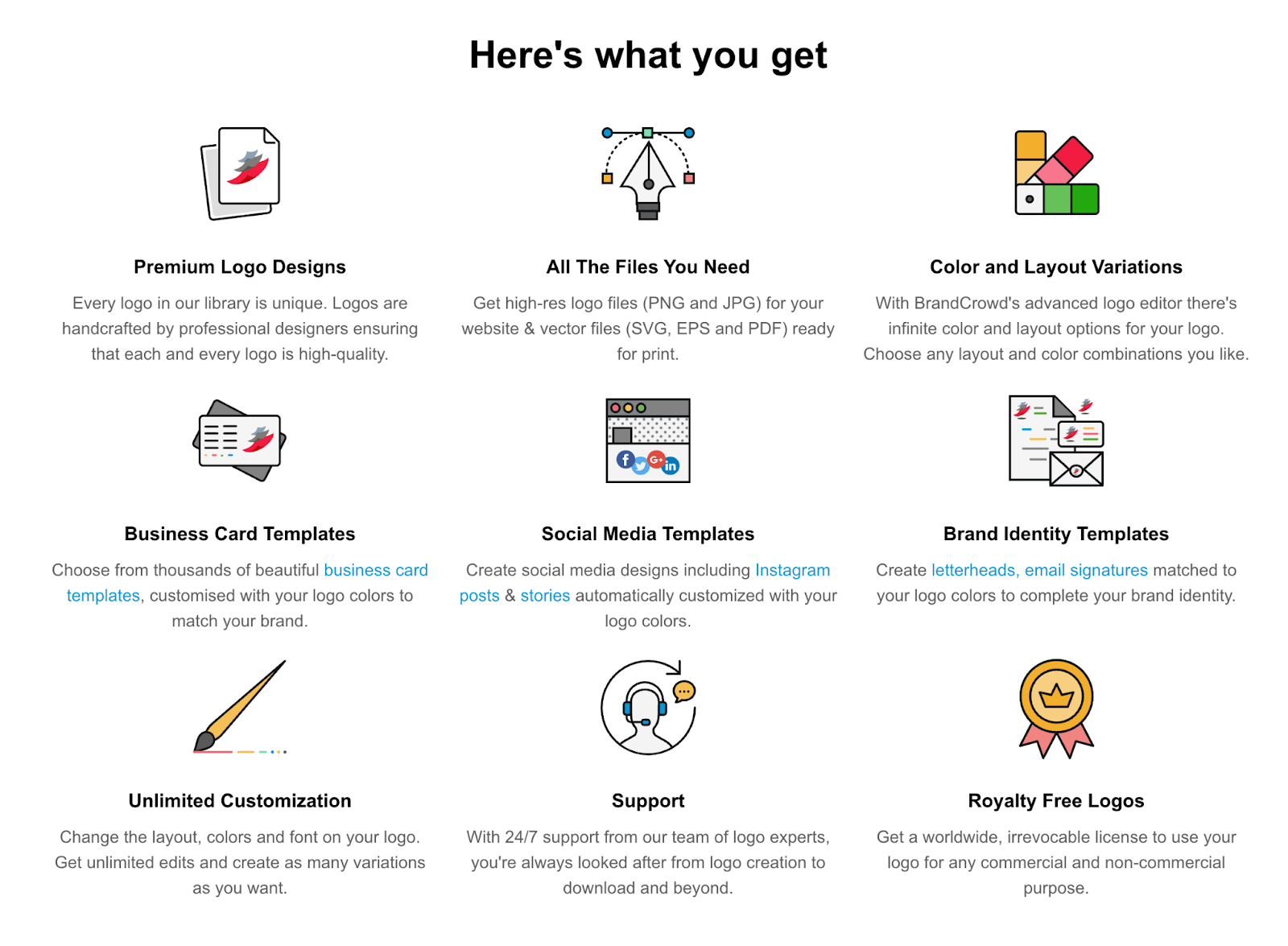
Brandcrowd's free plan provides everything you need to design and experiment before committing to a purchase.
Access to the complete library of 350,000+ logo templates
Professional editing tools with full customization capabilities
Free website builder with automatic logo color integration
Free digital business card for seamless contact sharing
Free link-in-bio tool for social media profiles
Create designs across 50+ marketing tools
The platform includes a favorites system for saving multiple logo variations and a unique voting feature that lets you share your top choices with colleagues or friends to gather feedback before making a final decision.
BrandCrowd delivers your finished logo in every format you might need.
Vector Files - SVG, EPS, PDF (essential for printing and professional use)
Raster Files - PNG, JPG (perfect for websites and digital marketing)
Animated Files - GIF, MP4 (engaging options for social media)
Additional Options - Icon-only downloads, transparent backgrounds
Every design is verified for originality and commercial safety, giving you confidence that your logo is 100% ready for business use.
BrandCrowd uses the same pricing structure as Design.com, making it easy to compare.
Monthly Plans
Starter (Logo Pack) - $15/month
Value (Logo Pack + Website) - $24/month
Premium (All Features) - $29/month
Annual Plans (80% savings)
Starter (Logo Pack) - $3/month
Value (Logo Pack + Website) - $4/month
Premium (All Features) - $5/month
When you purchase any plan, your logo becomes yours forever with unlimited editing rights. You can make changes anytime, and you always have access to download fresh files in any format.
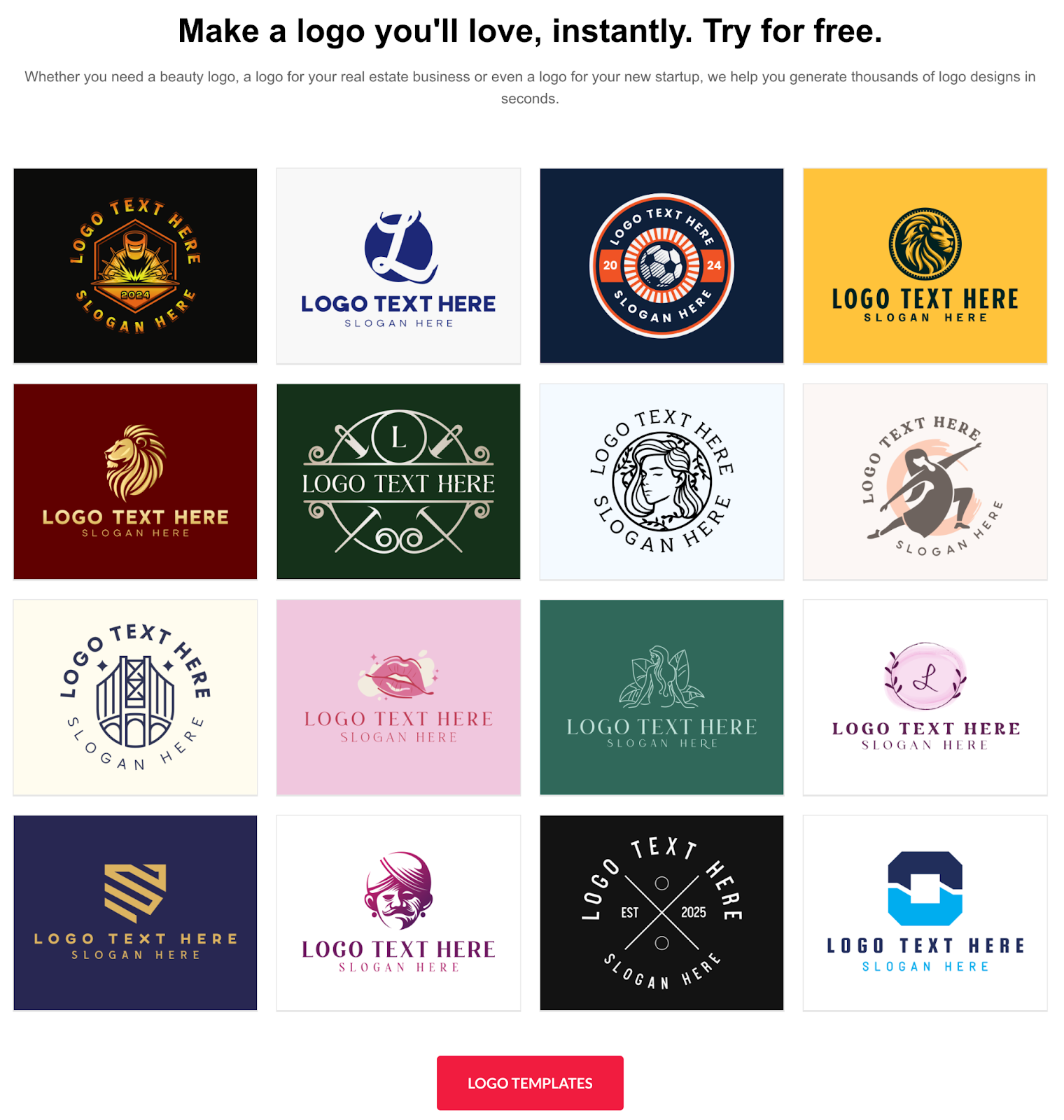
The standout feature of BrandCrowd is the exceptional user satisfaction reflected in those 9,000+ reviews. This large volume of positive feedback suggests that businesses consistently achieve results they love and that the platform reliably delivers on its promises.
BrandCrowd works particularly well for service-based businesses such as consultants, coaches, real estate agents, and other professional services, where brand perception matters greatly. The quality of templates and design options helps these businesses project credibility and professionalism from day one.
The platform also shines for anyone who values peace of mind. When you see thousands of other businesses successfully creating logos they love, it reduces the anxiety of making the wrong choice.
Like Design.com, BrandCrowd operates entirely through your web browser. While this means you can access it from any device, you will need an internet connection to work on your designs.
The platform prioritizes ease of use over advanced features, which makes it perfect for business owners who want great results without becoming design experts. However, professional designers looking for specialized tools might find the options less comprehensive than dedicated design software.
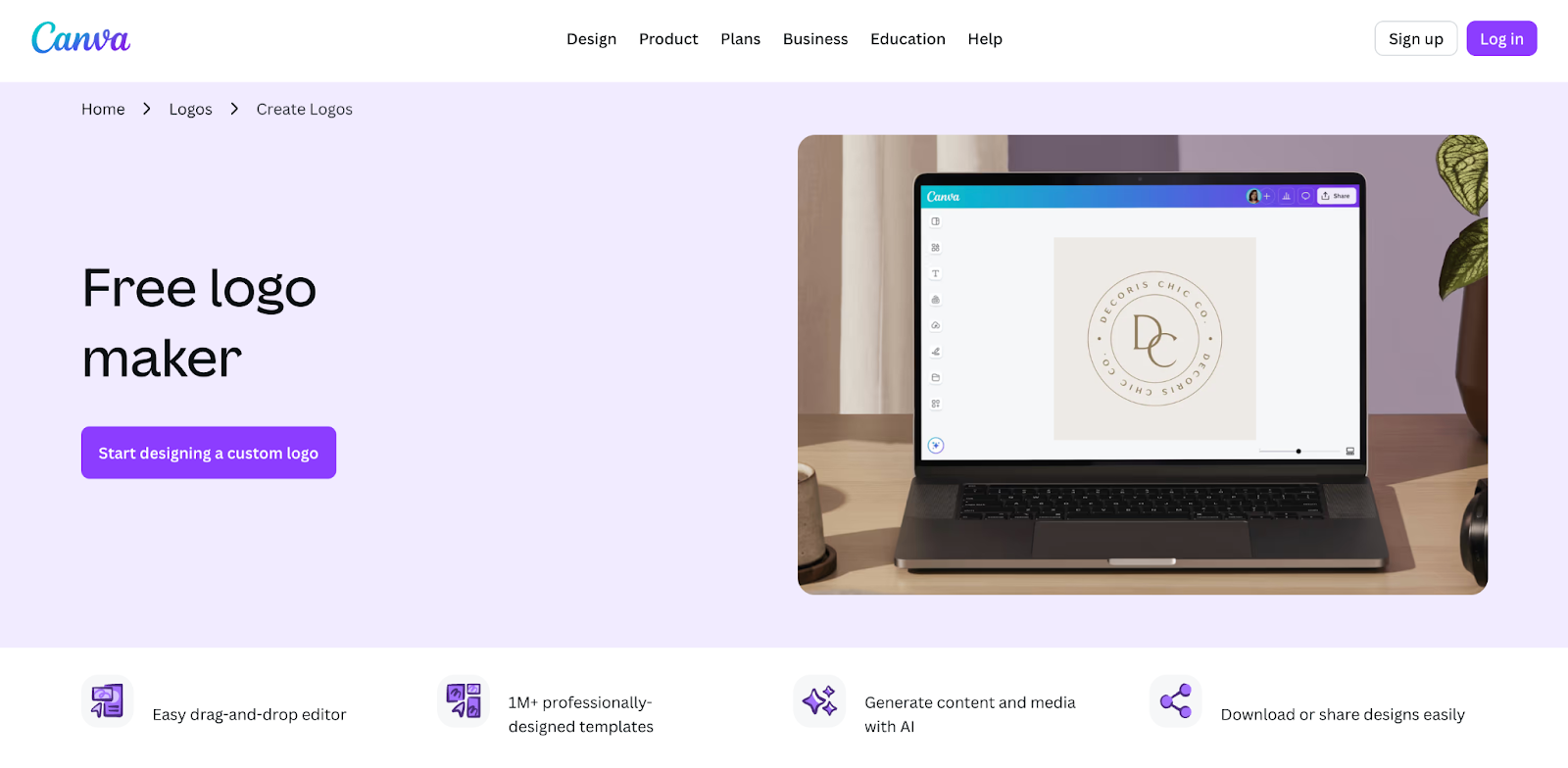
Canva has become one of the most popular design platforms in the world. While it was not originally built as a dedicated logo maker, it has evolved into an excellent option for creating professional logos alongside all your other design needs.
What sets Canva apart is that you are not just getting a logo maker. You are getting access to a full creative suite that handles everything from social media graphics to presentations, marketing materials to video content. This means once you create your logo, you can immediately start building matching business cards, Instagram posts, flyers, and anything else your brand needs.
The logo creation process in Canva works through their drag-and-drop editor. You can start with one of thousands of logo templates or build something from scratch using their massive library of graphics, fonts, and design elements. The customization options run deep because Canva serves everyone from complete beginners to professional designers.
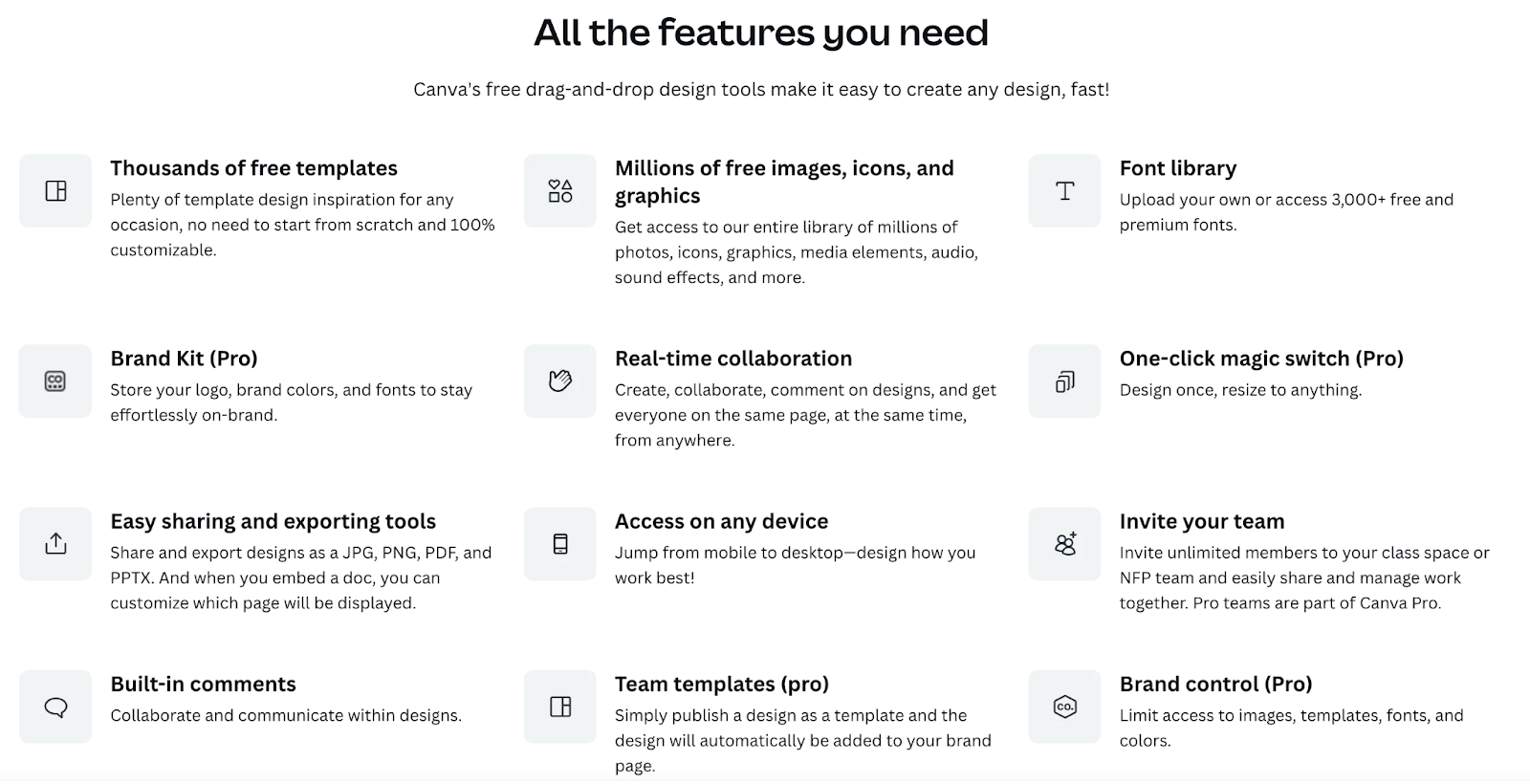
Canva's free tier is genuinely helpful in creating and downloading logos.
Thousands of free logo templates across all industries
Access to hundreds of thousands of free graphics and elements
Drag-and-drop editor with professional design tools
Ability to create unlimited designs
Download logos as PNG files for commercial use
Collaboration features for working with team members
The free plan does show watermarks on some premium elements, but plenty of high-quality free options are available. You can create a completely professional logo using only free elements.
For vector files, transparent backgrounds, and access to premium templates, Canva Pro costs approximately $13 per month. This gives you the complete Canva experience, including millions of premium photos, graphics, and templates across all design categories.
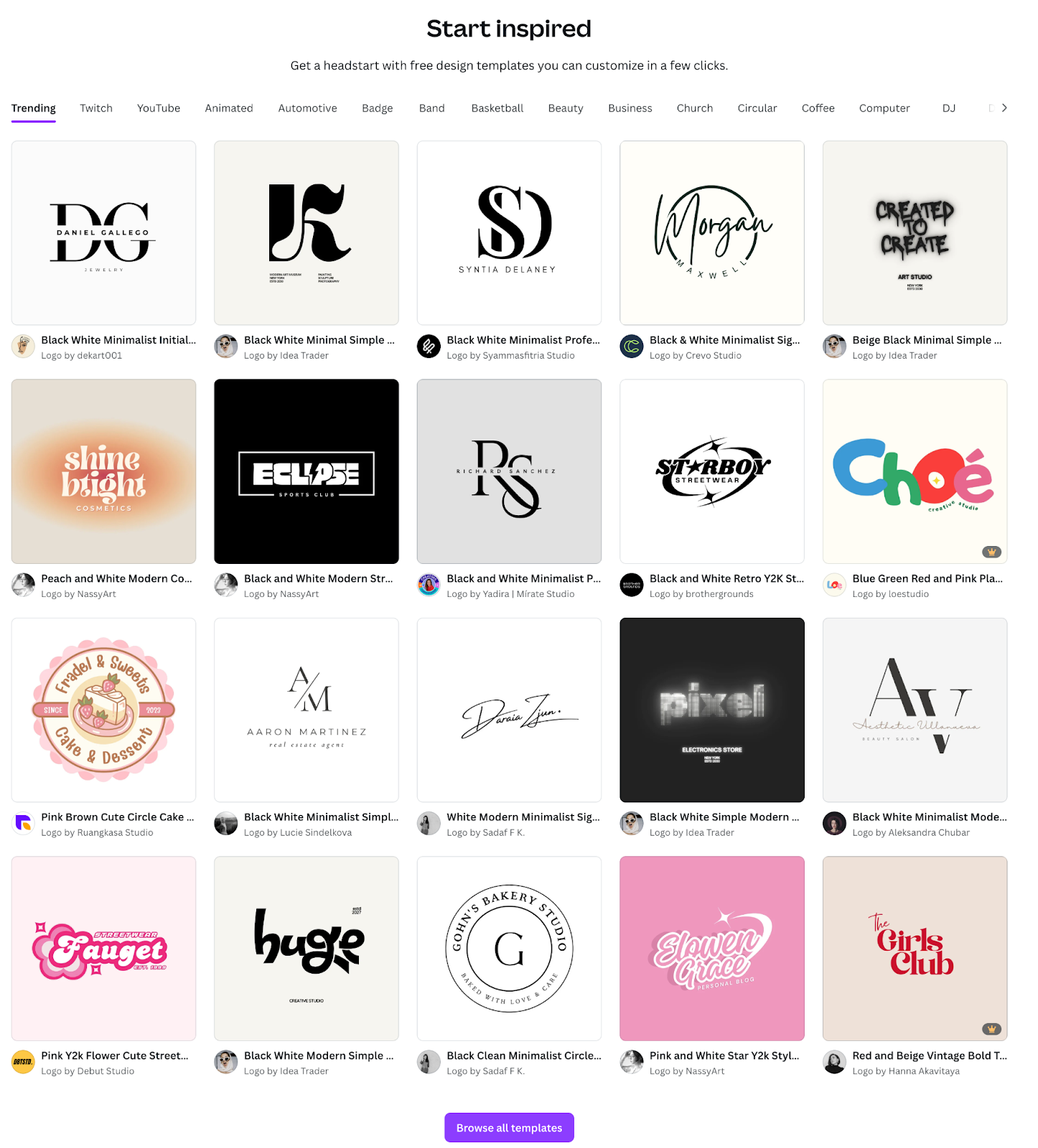
Canva makes the most sense for content creators, marketers, and businesses that need ongoing design work beyond just a logo. If you know you will regularly create social media content, marketing materials, or presentations, having everything in one platform saves enormous time and maintains brand consistency effortlessly.
The learning curve is gentle, and you can grow your design skills over time. As you get more comfortable, you can tackle increasingly complex projects without switching platforms.
Because Canva handles so many different design types, the interface can feel overwhelming when you only want to create a simple logo. The massive number of features and options might distract from your main goal.
Additionally, Canva is optimized for versatility rather than specialization. Dedicated logo makers like Design.com and BrandCrowd offer more logo-specific templates and industry-focused options.
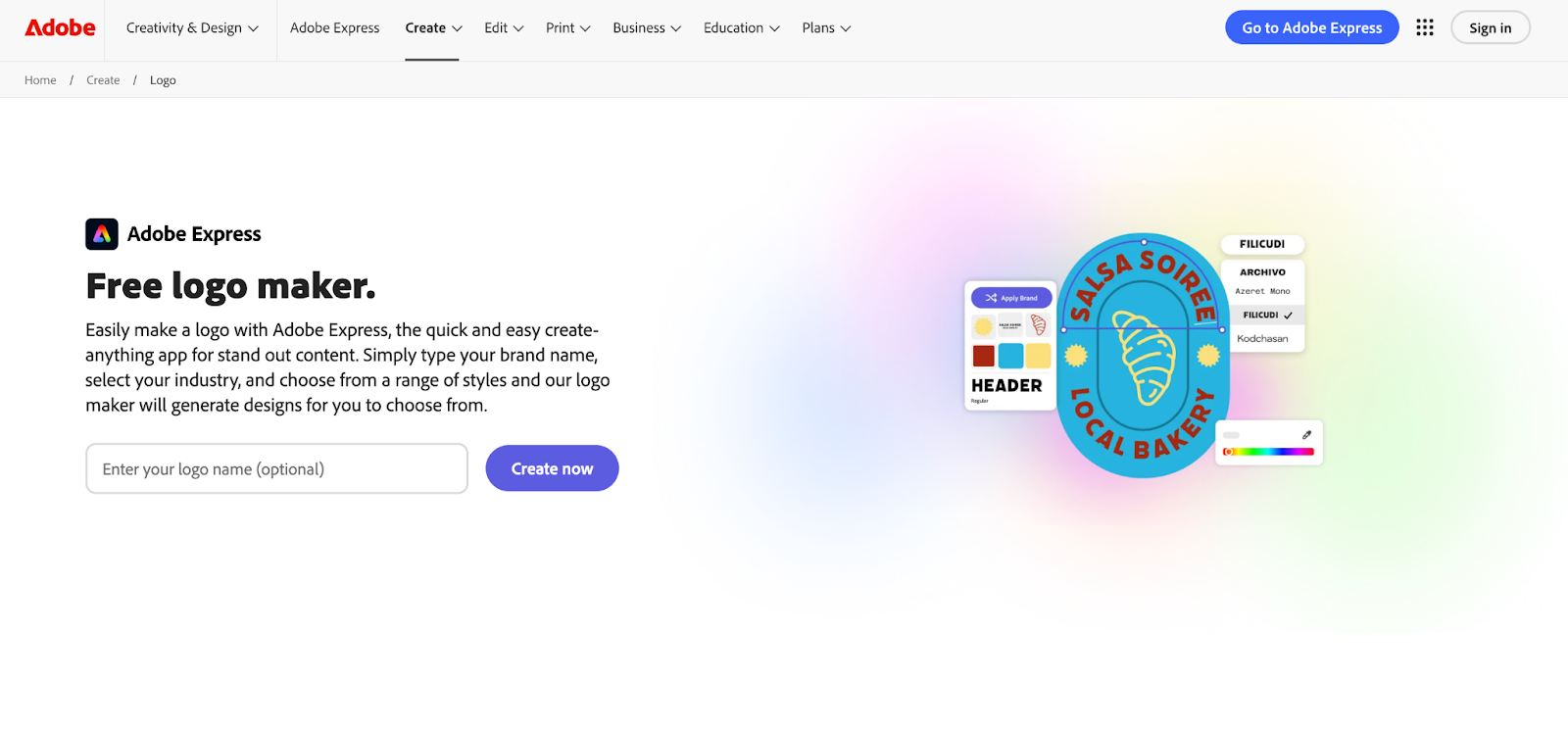
Adobe Express brings the power of Adobe's creative tools to an accessible platform designed for everyone. If you have ever felt intimidated by Photoshop or Illustrator, Adobe Express offers a simpler path while maintaining the quality standards for which Adobe is known.
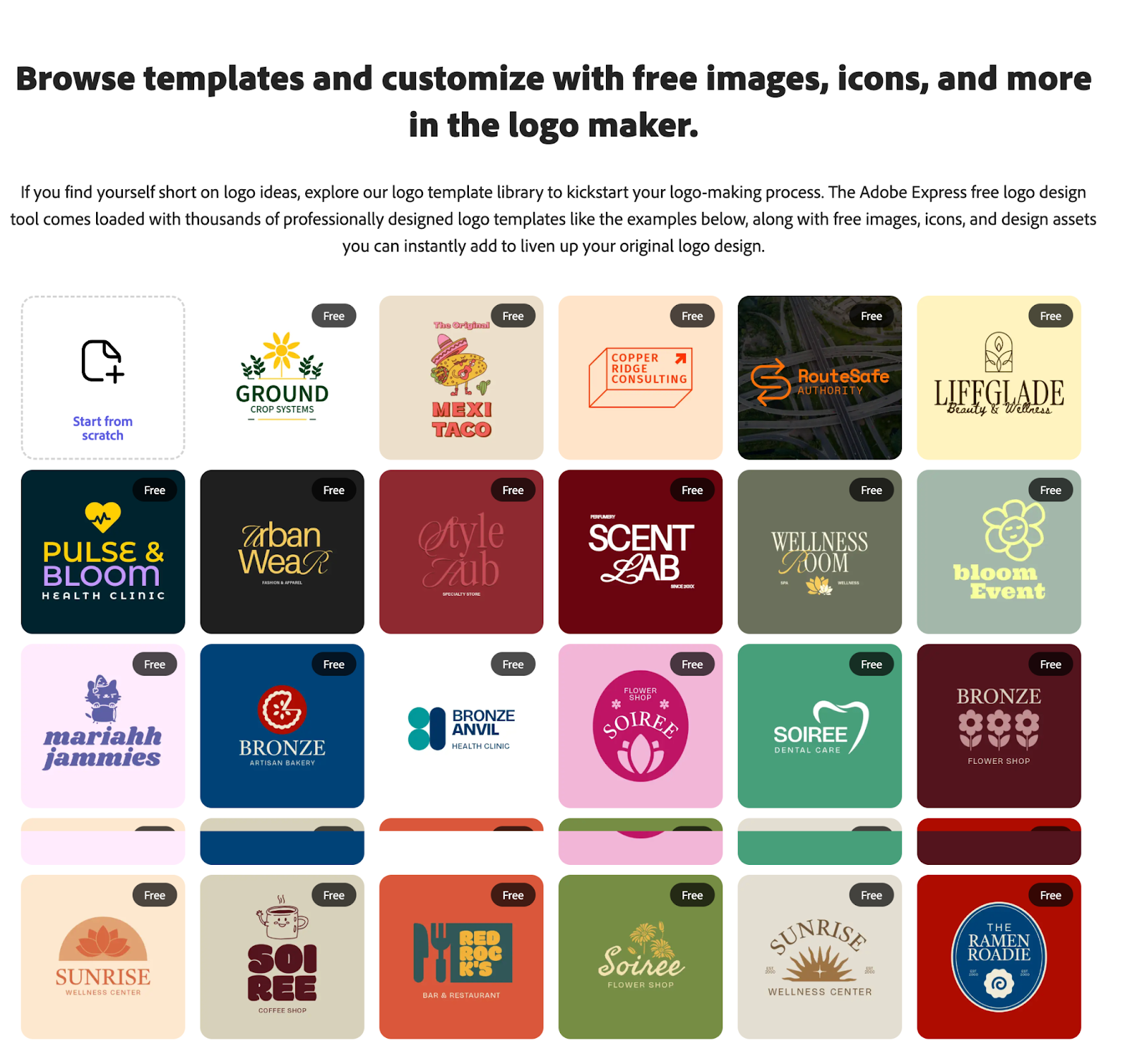
The logo creation process centers around templates and an intuitive editor. You browse through thousands of professionally designed templates, select one that fits your vision, and customize it with your brand colors, text, and styling preferences. The interface balances simplicity with creative control.
The free plan provides a solid foundation for logo creation.
Access to thousands of AI logo templates
Basic editing tools and customization options
Export logos as PNG or JPG files
Integration with Adobe Fonts
Cloud storage for your designs
For vector files (SVG), premium templates, and advanced features, Adobe Express Premium costs around $10 per month. If you already subscribe to Adobe Creative Cloud, you may have access included in your existing plan.
The real strength of Adobe Express lies in its connection to the broader Adobe ecosystem. Your logo can easily move into Photoshop or Illustrator if you need more advanced editing capabilities later. This seamless integration makes it easy to start with the basics and scale up as your needs grow.
Adobe's quality standards ensure that templates and design elements meet professional benchmarks. You also benefit from access to Adobe Fonts and potential integration with Adobe Stock for additional design resources.
Adobe Express works particularly well for creative professionals or agencies already operating within the Adobe ecosystem. If you use other Adobe tools regularly, adding Adobe Express to your workflow feels natural and efficient.
The platform also appeals to anyone who wants room to grow their design skills. Starting with Adobe Express gives you a foundation that can expand into more powerful Adobe tools as you become more experienced.
For users not invested in the Adobe ecosystem, the free version feels more limited compared to Canva or dedicated logo makers. You will encounter premium features sooner, which might prompt an earlier upgrade decision.
If you do not plan to use other Adobe tools, you are essentially paying extra for integration capabilities you will not utilize. In that case, a dedicated logo maker might offer better value.
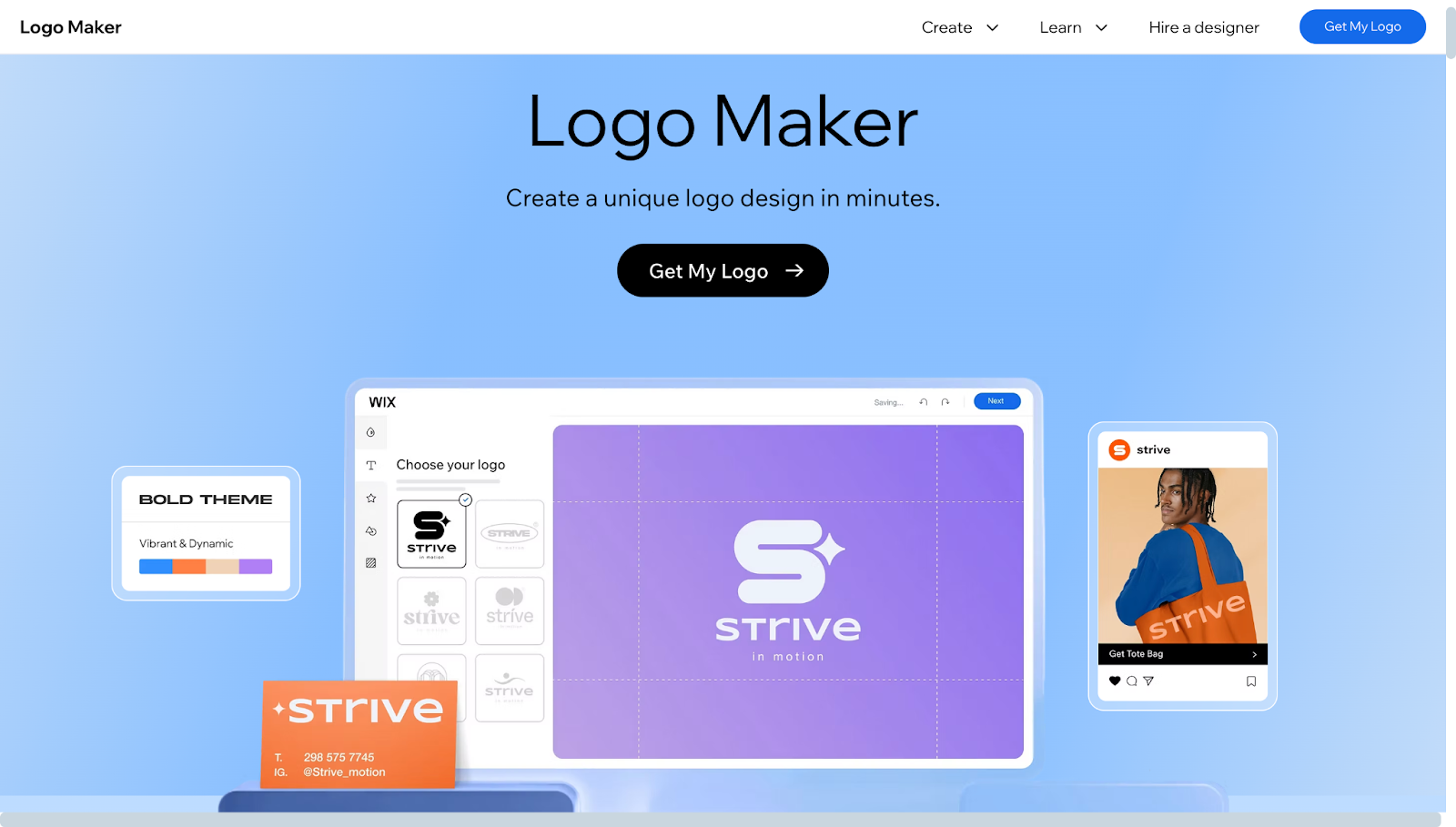
Wix’s logo maker is built by the popular website platform company, making it the natural choice if you are already using or planning to use Wix for your website. The tool focuses on seamless integration rather than being a standalone logo creator.
Wix uses an AI-driven approach to logo design. The system asks questions about your business, industry, style preferences, and the overall vibe you want to convey. Based on your answers, it generates multiple logo options tailored to your specifications.
The customization tools are straightforward and easy to navigate. You can adjust colors, swap fonts, modify icons, and rearrange layouts until you achieve the look you want. The AI handles much of the design work, allowing you to focus on choosing and refining rather than building from scratch.
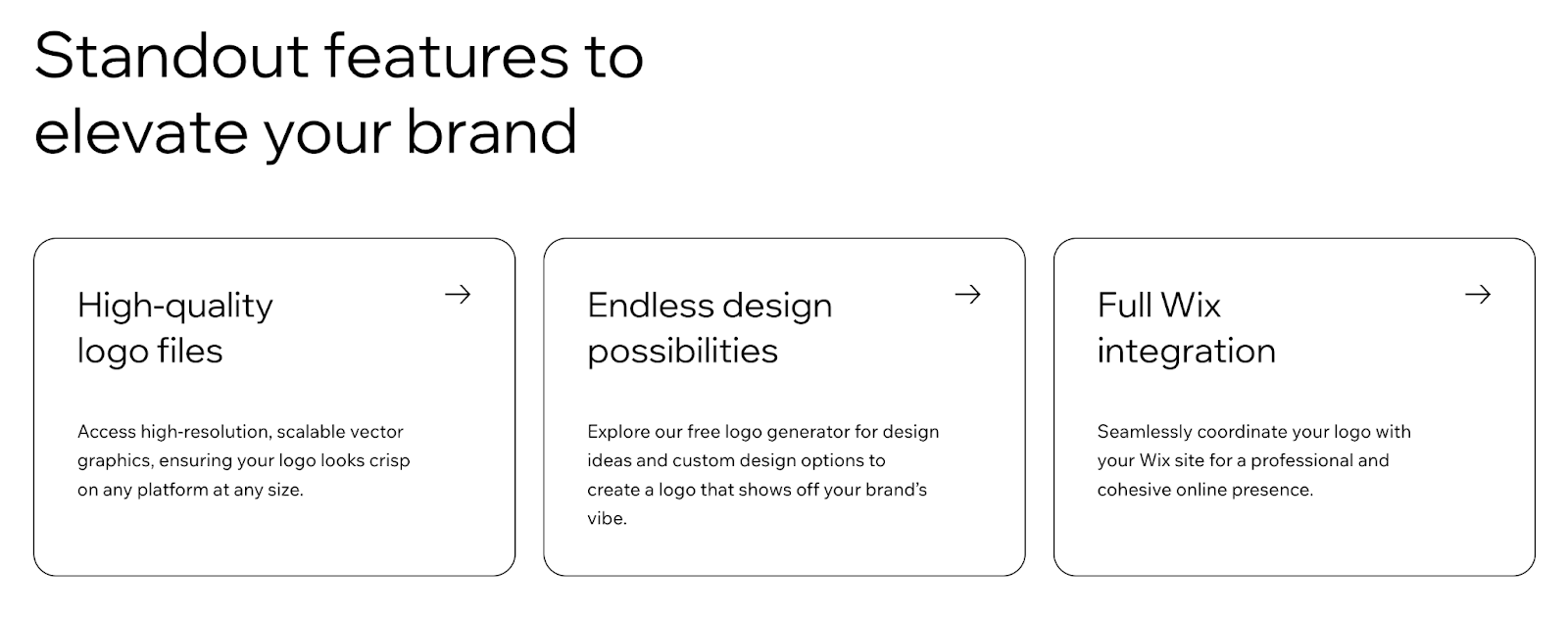
Wix’s logo maker offers a basic free option alongside paid downloads.
Free low-resolution logo download for testing
AI-generated designs based on your preferences
Simple customization tools
Instant integration with Wix websites
For high-resolution files and vector formats needed for professional use, you need to purchase the logo. This is a one-time payment starting at around $20, which is lower than the ongoing subscription prices offered by other platforms.
The primary benefit of Wix’s logo maker becomes clear when you are building a Wix website. Your logo automatically integrates across your entire site without manual setup. It appears in your header, favicon, social sharing images, and anywhere else you need branding.
For e-commerce stores built on Wix, this automation saves significant time during setup. Your branding becomes consistent across all touchpoints without additional configuration.
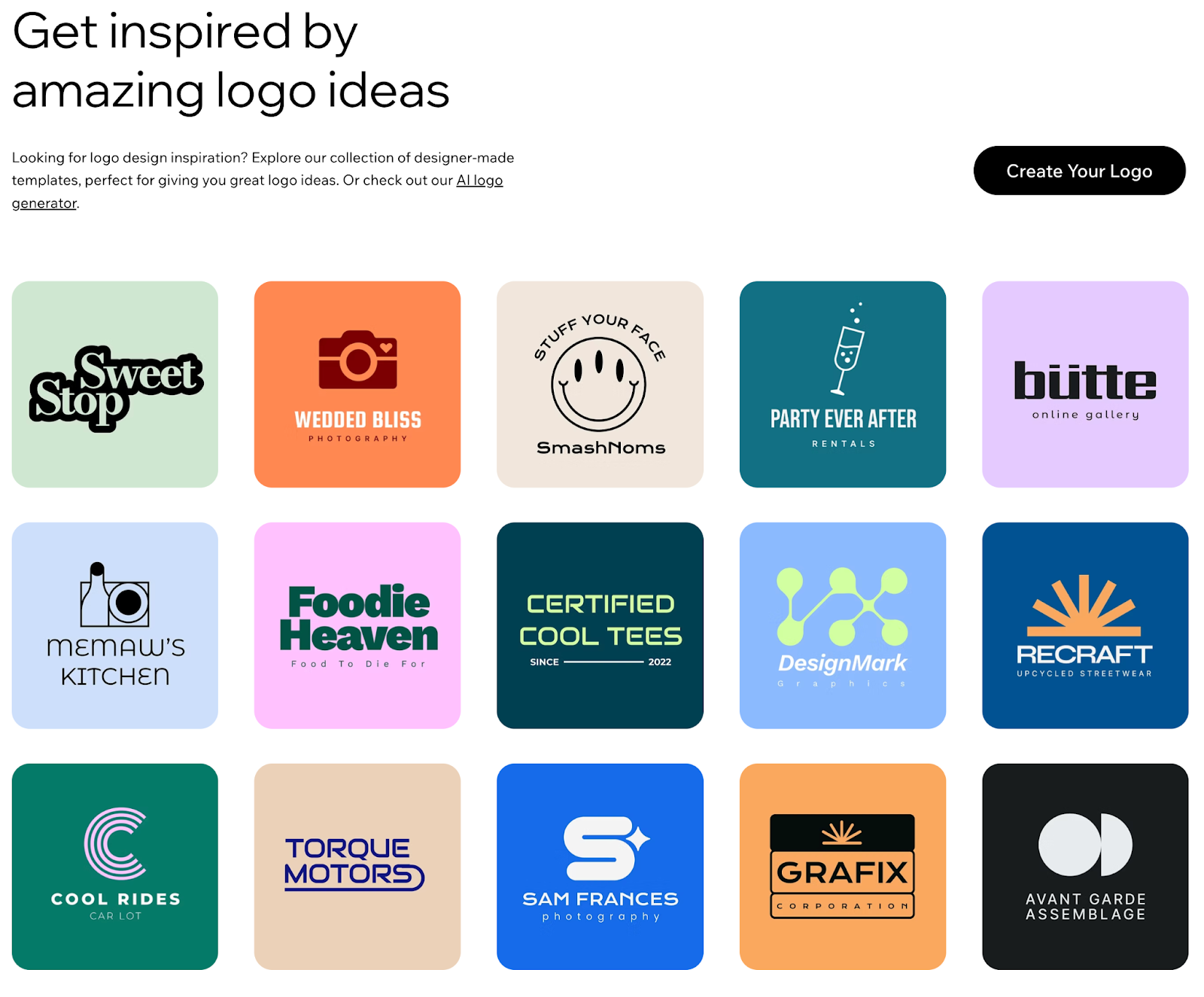
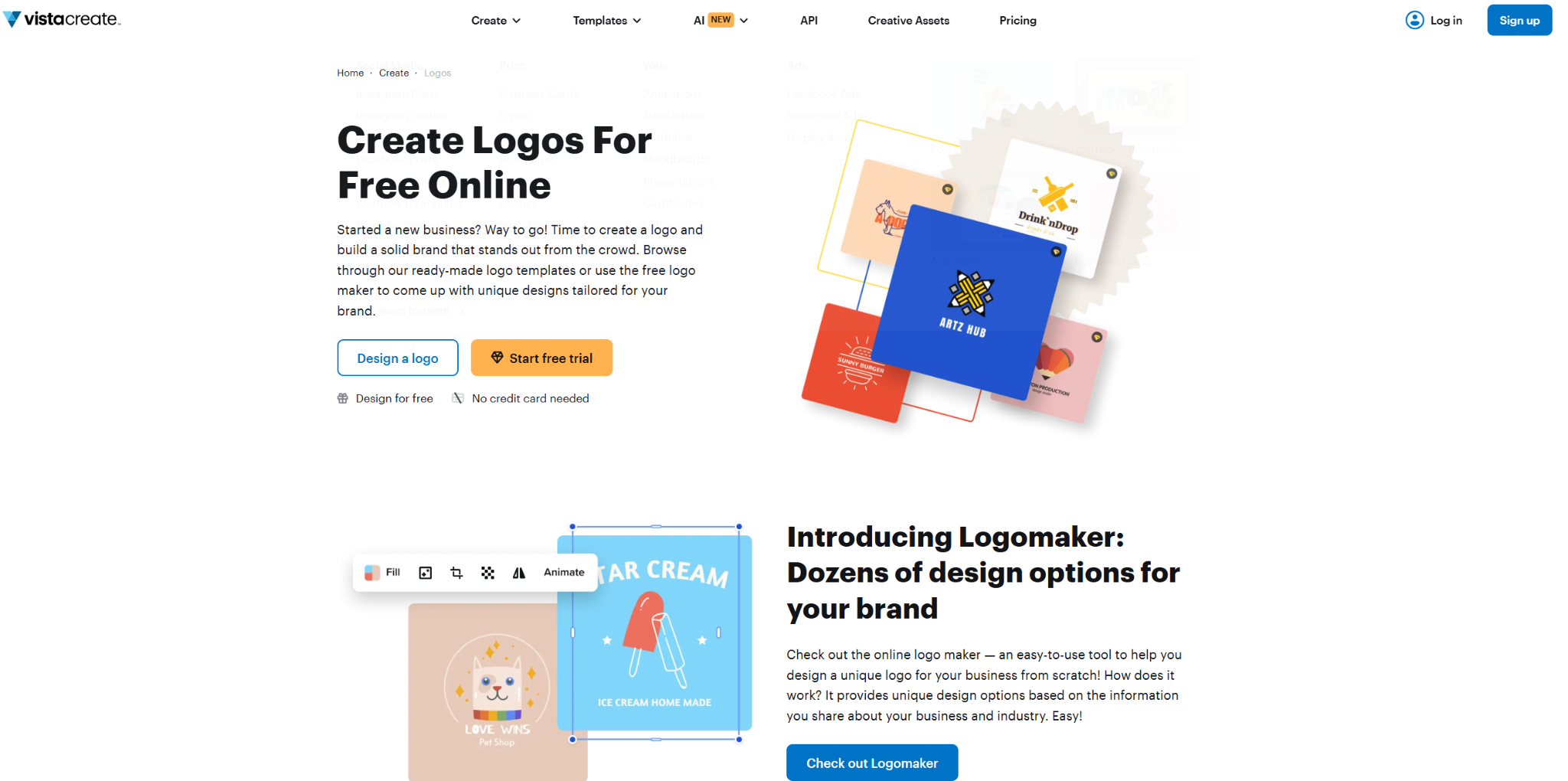
VistaCreate Logo Maker
VistaCreate offers a simple yet powerful logo maker that helps you design professional logos in minutes. Built for both beginners and experienced designers, it provides an intuitive drag-and-drop editor and a wide library of templates, fonts, and graphics to create unique brand identities.
All-in-one design platform
Beyond logos, VistaCreate lets you design matching social media posts, business cards, flyers, and more so your brand stays consistent across every channel.
Free plan highlights
Hundreds of free logo templates
Access to graphics, icons, and fonts
Easy drag-and-drop customization
Download logos as PNG files for commercial use
Premium upgrade
VistaCreate Pro unlocks vector files, transparent backgrounds, and additional templates, giving full flexibility for professional branding.
Wix is the right choice when you are already committed to building your website on the same platform. The integration benefits justify using their logo maker over alternatives.
The one-time payment model also appeals to businesses that prefer paying once rather than maintaining a monthly subscription.
If you are not using Wix for your website, the main advantage disappears. The logo maker itself provides decent results, but does not match the template variety or features of Design.com or BrandCrowd.
You are primarily choosing Wix for its ecosystem benefits, not because it is the best standalone logo tool.
Choosing the right logo maker comes down to matching platform strengths with your specific business needs.
Think about what matters most to you. If your sole focus is creating a professional logo quickly, look for platforms with extensive template libraries and proven track records. The more options you have to browse, the greater your chances are of finding something that fits your brand’s vision.
If you anticipate needing ongoing design work beyond just a logo, consider platforms that offer broader creative capabilities. Being able to create social media graphics, presentations, and marketing materials in the same place streamlines your workflow and maintains brand consistency effortlessly.
Your current software ecosystem matters. If you already use professional design tools from major software companies, choosing a logo maker that integrates with those products eliminates friction. Your logo can move seamlessly between platforms without compatibility issues or quality loss.
Similarly, if you have already committed to a specific website platform, using their native logo maker often provides automatic integration, saving setup time and ensuring consistency across your entire site.
Different use cases demand different file formats and features. Basic digital use, such as websites and social media, works fine with standard PNG files. However, print materials such as business cards, brochures, and signage require vector files that can scale without losing quality. Physical merchandise, such as t-shirts or promotional items, requires clear commercial use rights.
Make sure the platform you choose provides the file formats and licensing that align with your plans for the logo, both now and in the future.
Logo maker pricing varies significantly. Some platforms offer very affordable premium plans when billed annually, making them excellent values if your primary focus is logo creation. Others cost more per month but provide broader design capabilities that might justify the higher investment if you need those additional features regularly.
Some platforms use one-time payment models instead of subscriptions, which appeals to businesses that prefer avoiding recurring charges. Consider not just the upfront cost, but also what you get for that price and whether it matches your actual needs.
Choosing a logo maker is not about finding the perfect platform. It is about finding the one that fits your budget, skill level, and current business needs.
If you need maximum template variety and proven results, platforms with hundreds of thousands of designs offer more options to explore. If the budget is tight, there are completely free options that let you create and download professional logos without spending a dime. If you value simplicity and quick results, AI-powered tools handle most of the design work for you.
The most important decision is not which platform you choose, but actually creating a logo and using it. Your business needs a visual identity to build recognition and credibility. Pick a tool that feels right, design something you are proud of, and move forward. You can always refine or redesign later as your business grows.
________________________________________________________
Author Bio: Hannah Suroy suroy brings clarity to complex topics across entertainment, business, and creative industries. She specializes in translating industry trends and innovations into engaging content that helps readers understand the creative process behind the work they love.
 AI tools to find & convert leads.
  Send emails at scale

