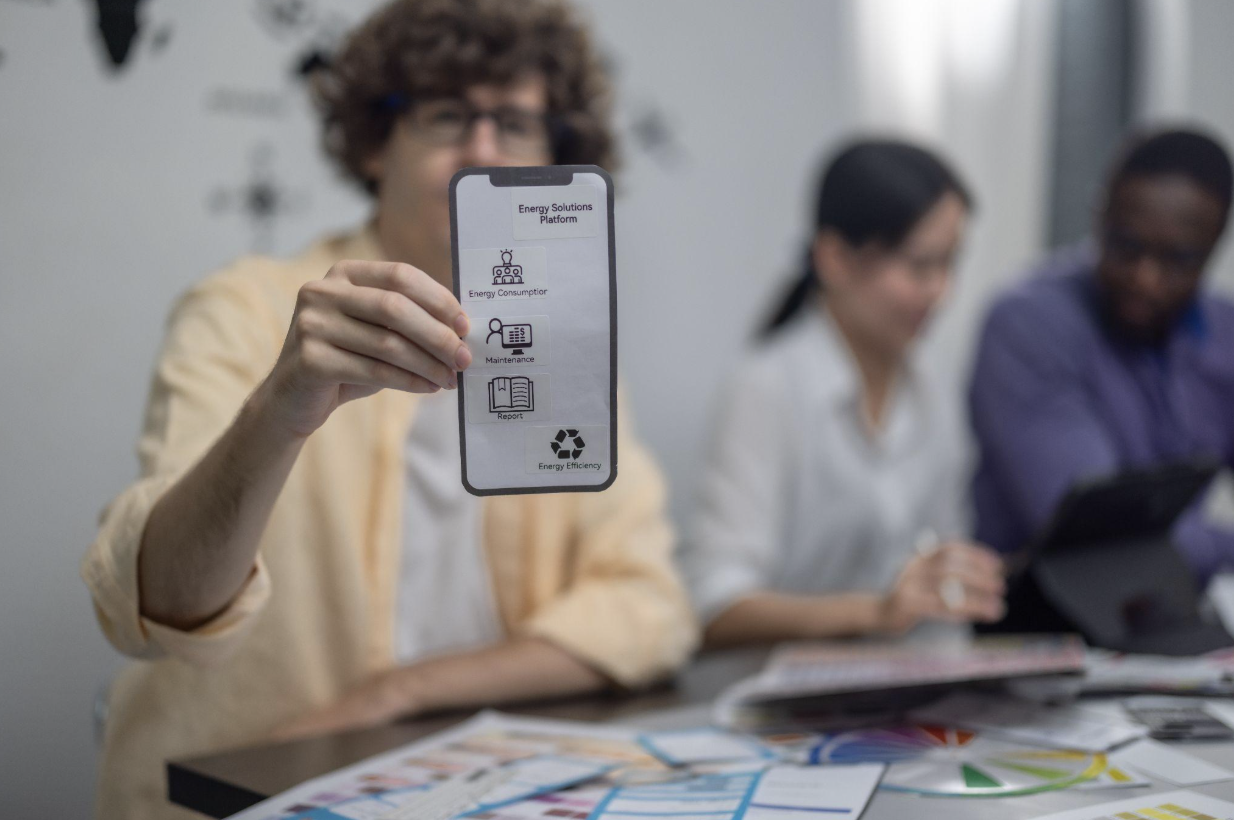
Trade shows, conferences, and in-person demos are still some of the best places to meet buyers face to face. A good conversation at a booth can do more in five minutes than a dozen cold emails.
Yet many of those conversations never turn into pipeline. Business cards get lost in a bag. Badge scans arrive days later in a messy spreadsheet. Notes about what the prospect actually needed live in someone's memory, and by the time the team gets back to the office, the lead has gone cold.
The problem usually isn't the event. It's the way leads are captured. This guide covers where event leads slip through the cracks and how a custom iPhone app can help your team capture, qualify, and follow up on every conversation.
Most teams rely on some mix of paper forms, business cards, the organizer's badge scanner, and a shared spreadsheet. Each one creates a gap.
Paper forms and business cards have to be typed in by hand, often days later. Handwriting gets misread, and cards go missing.
Rented badge scanners capture a name and company, but rarely the context: what the prospect asked about, how urgent their need is, or who on your team they spoke with.
Exports arrive late. Many organizers send lead lists after the event ends, which delays follow-up by days.
Spotty venue Wi-Fi makes web-based forms unreliable right when the booth is busiest.
No qualification at the source. Every lead looks the same in the spreadsheet, so sales reps waste time on tire kickers while hot prospects wait.
The result is a long, flat list of contacts with very little context, delivered too late to act on while the conversation is still fresh.
Off-the-shelf event apps can cover the basics. But when your sales process has its own qualification rules, product lines, or follow-up steps, a custom iPhone app built around that process can capture far more useful information. The strongest event lead capture apps share a few features.
Reps should be able to add a lead in under 30 seconds. That usually means scanning a badge QR code or a business card with the iPhone camera, then filling in the rest with taps, not typing.
A short set of questions that match your sales process, such as budget range, timeline, decision role, and product interest, turns a raw contact into a scored lead. Hot leads can be flagged on the spot.
Convention centers are notorious for weak connections. The app should save every lead on the device and sync automatically once a connection returns, so nothing is lost when the Wi-Fi drops.
The details that close deals are often in the conversation itself. Letting reps record a quick voice note or type a few words right after a chat preserves context that a badge scan never will.
Leads should flow straight into your CRM or outreach tool with the right tags, owner, and source. That removes the spreadsheet step entirely and lets follow-up start the same day.
For leads covered by privacy rules, the app can record consent to follow-up at the moment of capture. That keeps your marketing team compliant and your outreach lists clean.


Not every team needs a custom build. Here is how the main options compare.
| Option | Best For | Strengths | Limitations |
| Paper forms and business cards | One-off, very small events | No setup or cost | Manual entry, lost leads, slow follow-up |
| Organizer badge scanners | Teams attending one or two shows a year | Easy to rent at the event | Limited context, delayed exports, extra fees per show |
| Off-the-shelf lead capture apps | Teams with a simple, standard process | Quick to start, low upfront cost | Generic questions, per-user fees, limited CRM mapping |
| Custom iPhone app | Teams that attend many events or sell complex products | Your qualification flow, your integrations, your branding | Upfront build cost and ongoing maintenance |
A custom app tends to pay off when your team attends several events a year, sells products that need careful qualification, or loses deals because follow-up is slow. It can also be reused beyond trade shows, for in-store demos, roadshows, field sales visits, and partner events.
Many sales teams already carry iPhones or company-issued iPads, which makes iOS a natural first platform for a lead capture tool. Native iPhone apps get reliable access to the camera for scanning, local storage for offline capture, and background syncing once a connection returns.
Companies don't need to list the app publicly, either. Apple allows businesses to distribute custom apps privately to their own teams through Apple Business Manager, so only your staff can install and use it.
If you are weighing a custom build, working with an experienced iPhone app development team can help you scope the first version around the features that matter most, such as scanning, offline mode, and CRM sync, before adding extras.
A focused first version beats a bloated one. These steps help keep the project on track.
Map your current process. Write down every step from first hello to first follow-up email, and mark where leads get lost or delayed.
Define your qualification questions. Agree with sales leadership on the three to five questions that separate hot leads from cold ones.
Choose your integrations. Decide which CRM, outreach, or email tools the app needs to send leads to, and confirm they have an API.
Start with must-have features. Scanning, offline capture, qualification, and CRM sync come first. Dashboards and gamification can wait.
Pilot at one event. Test with a small group of reps, gather feedback, and fix friction before rolling it out to the whole team.
Plan for updates. iOS changes every year, and your sales process will too. Budget for ongoing maintenance from the start.
Capturing leads is only half the job. The real payoff comes from what happens next.
Follow up the same day. With leads already in your CRM, reps can send a personal note while the conversation is still fresh.
Segment by interest. Product interest captured at the booth lets marketing send relevant content instead of a generic thank-you email.
Route hot leads instantly. High-scoring leads can be assigned to the right rep automatically, with an alert to book a meeting.
Enrich missing details. Pair captured leads with data enrichment to fill in job titles, company size, and verified emails before outreach begins.
Measure event ROI. Because every lead is tagged by event and source, you can finally see which shows actually produce revenue.
Events will always be a powerful way to meet buyers, but only if the leads make it back to your pipeline with enough context to act on. Paper forms and rented scanners leave too much to chance.
A well-designed iPhone lead capture app gives your team a faster way to collect contacts, qualify them on the spot, and start follow-up the same day. For companies that rely on in-person selling, it can turn every booth conversation into a real opportunity instead of another name in a spreadsheet.
 AI tools to find & convert leads.
  Send emails at scale

