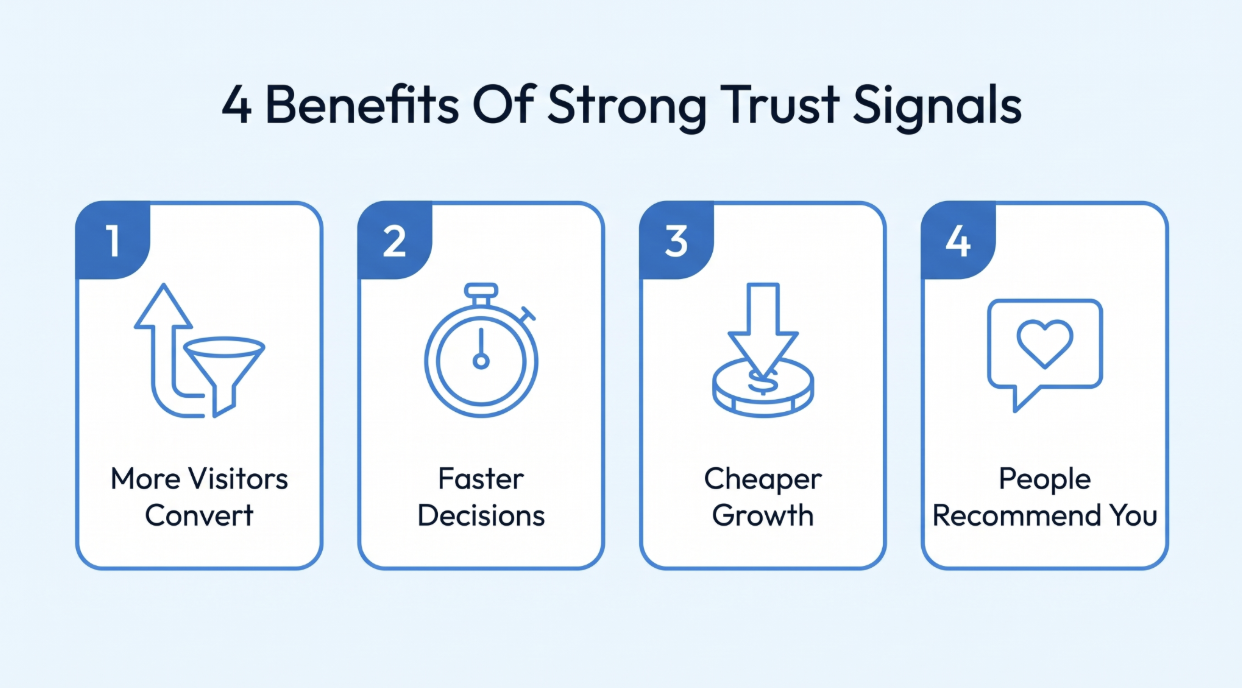
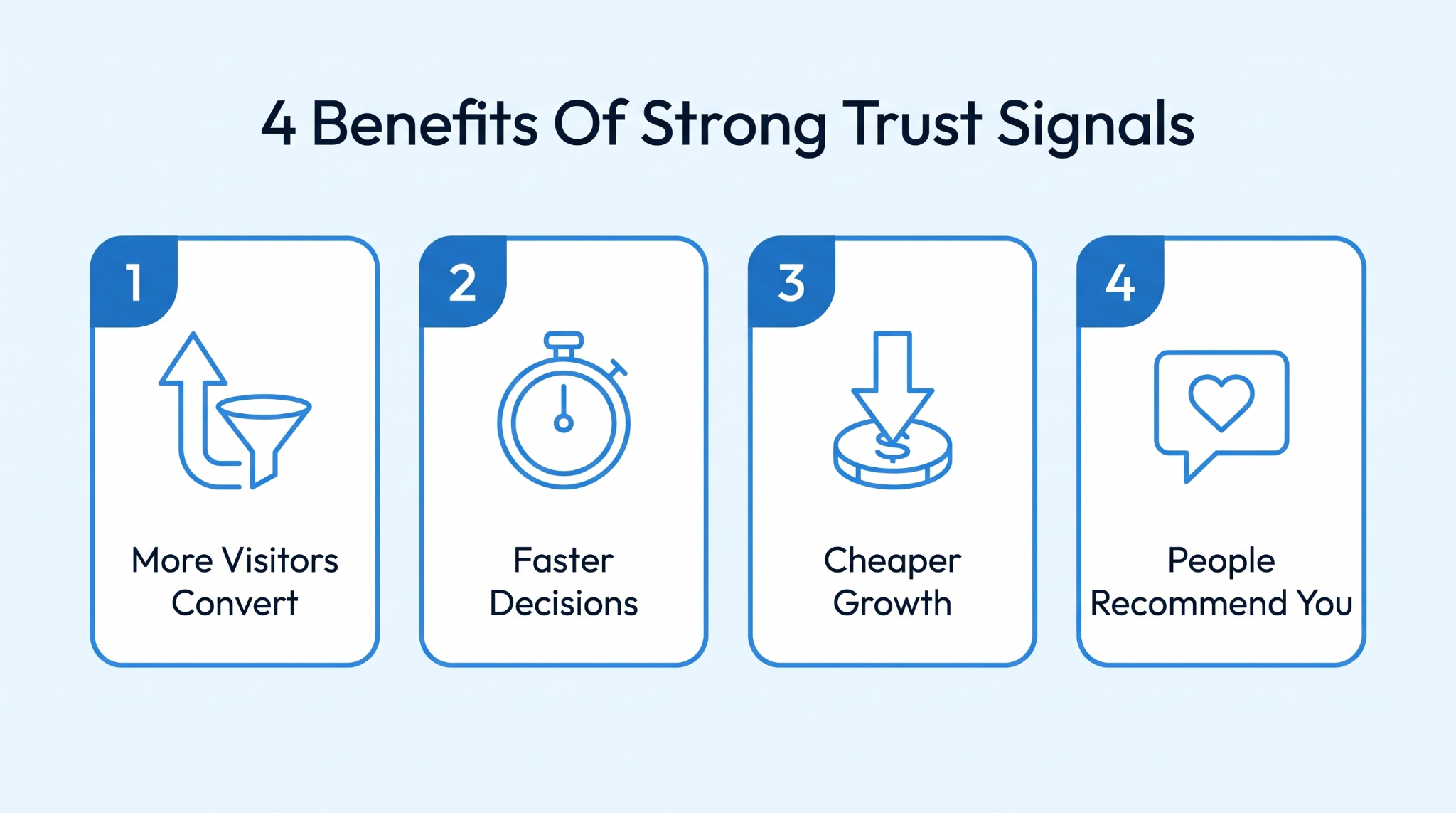
Before the list, a quick look at why this earns your afternoon. These aren't soft branding wins; they show up where you can count them.
Start with the one that shows up in the bank. Same traffic, same offer, but more people submit, because the doubt that used to stop them finally got answered. Pages with three or more trust signals see a 34% conversion lift, and the more real proof you add, the bigger it gets.
It is why a plain and honest page beats a gorgeous one that reassures nobody. A conversion-focused website needs trust signals to give visitors the confidence to go from clicking around to reaching out. And they drive conversions without you touching your ad spend.
A hesitant visitor is an expensive one. Every doubt they can't settle is one more reason to bounce or go snoop on a competitor. Clear trust signals cut that dithering short. People decide faster and with less stress when customer trust is high, and the proof is right there. So fewer prospective customers slip out while they "think about it."
You already paid for those click-through ads, content, and cold outreach. Trust signals squeeze more leads from the visitors you already bought, so your cost per lead drops without spending another cent.
That is the unglamorous math many businesses walk past. Better conversion rates on the same spend make every channel look sharper, and your customer base grows for free.
Trust compounds. Someone who felt safe buying from you becomes a satisfied customer who tips off a colleague or tags you on social media unprompted. That earned media builds a reputation that sells while you sleep. It is also a cushion, so one bad day doesn't sink you because a solid reputation and real customer relationships soak up the odd knock.
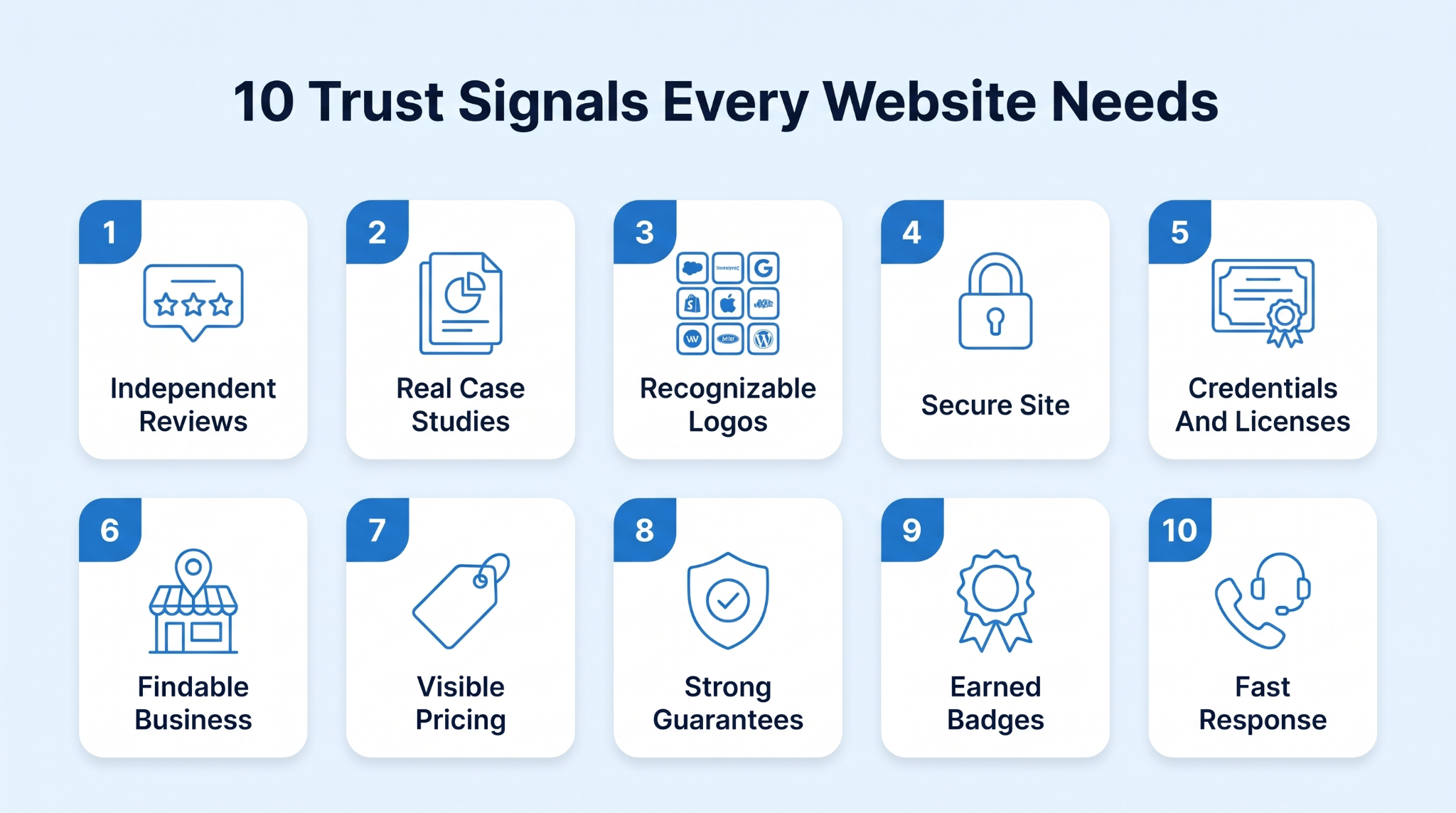
Alright, the signals. Ten of them across the major categories that matter. Combine a few instead of betting everything on one.
Reviews you can't edit are different. Everyone knows your own customer testimonials page is handpicked, but a random pile of customer reviews on Google or the Better Business Bureau seems like real people with warts and all. That user-generated content is social proof at its most believable. And it sways consumer behavior harder than any headline you will write.
97% of consumers read reviews before picking a local business, so a bare or hidden profile reads as "what are they hiding?" The brands that win here chase down positive reviews from satisfied customers like a habit.
Link straight to your Google and Business Bureau profiles, not a filtered page
Reply to negative reviews in public, so prospects watch you handle problems well
Ask your happiest customers for honest feedback right after a clear, obvious win
Surface a recent and relevant review on each key product page, not just one
A generic "we get results" falls on deaf ears. A case study naming a real company and a real person, plus the number they actually hit, is a different beast.
It tells a prospective customer that other customers just like them took the leap and came out ahead, with receipts. Specific figures and real names are hard to wave off as marketing, and they work as genuine third-party validation.
Name the client and the person, with a real job title and photo
Lead each case study with one real hard number, not a vague feeling
Pick customers who look like your ideal potential buyer, not your biggest logo
Keep a short version on the page and link out to the full story
Borrowed credibility works fast. The second a visitor sees a few well-known brands they recognize on your own site, half your convincing is already done because those other businesses vetted you first.
It is a two-second way to build credibility and flash that you play in the big leagues. The logos barely need a caption. Their familiarity does the work, a bit like media mentions and LinkedIn posts from authoritative sources.
Show logos of customers a first-time visitor would actually recognize
Only display the client logos you have real, written permission to show publicly
Place the strongest few logos near your main headline, high on the page
Link each client logo to its own matching case study whenever one exists
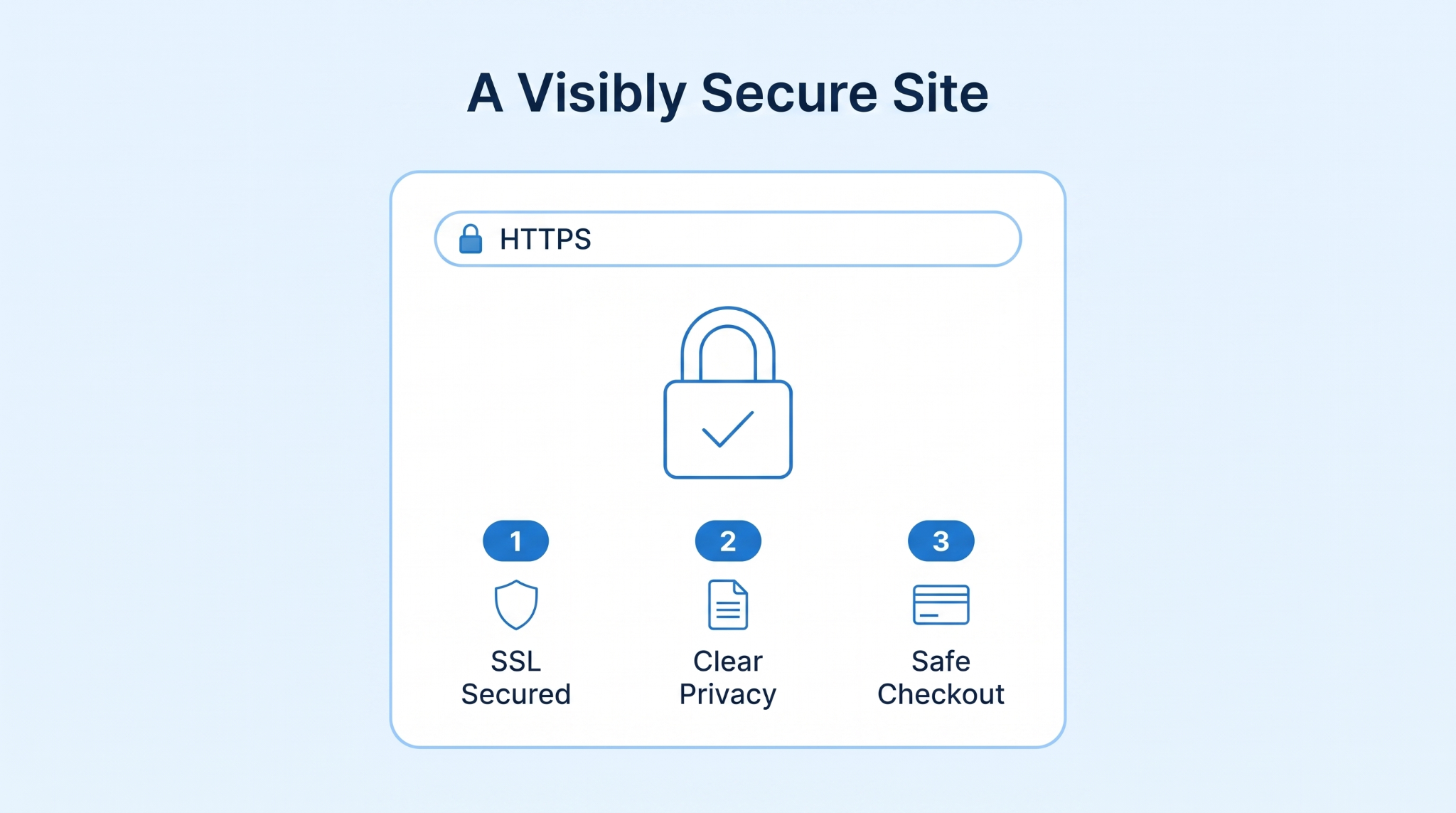
People share their email and their card details, and a little voice always wonders where it all ends up. A padlock in the address bar backed by SSL certificates makes customers feel more secure right when they are wavering.
A plain note about what you collect does the rest. On a checkout page especially, that reassurance is the whole gap between an online purchase and an abandoned cart.
It matters more the more data you collect. The brands that earn real consumer trust get only what they need and handle that data responsibly, then say so plainly. As more buying runs through online services and AI systems, protecting customer data has become one of the trust factors people scan for.
Serve every page over HTTPS and fix any mixed-content warnings right away
Put a short, plain privacy note right where you actually collect their details
Show your payment logos and security seals right near the checkout button itself
Collect only the customer data you truly need, and then say so plainly
In regulated and high-stakes niches, a buyer isn't only wondering whether you are any good. They are wondering whether you are even allowed to do this, and whether a real qualified person stands behind it. In health, finance, or the trades, a slick site means nothing if the visitor suspects there is no licensed expert on the other end.
Here, credentials are the entire basis for trust.
UpGuys, which sells testosterone treatment online, focuses hard on exactly this. Their page states every treatment is "reviewed by Canadian-licensed physicians, nurse practitioners, and pharmacists." It names the clinicians and publishes actual pharmacy license numbers, alongside a LegitScript certification seal.
For a prescription product, that is the gap between "trust me" and "here's the license, go verify it yourself." Any business where a qualification is legally required or simply expected should do the same. Real credentials turn a visitor's skepticism into something a potential customer can quickly and easily verify for themselves.
Show the exact license number and clearly name the body that issued it
Name the qualified people behind the work and their real titles, with photos
Display any industry certifications and other professional organizations right beside the claim they back
Link out to a public register or local chambers where visitors can check
Scammers hide. A real business is easy to find. A genuine physical address and a real phone number tell a visitor there are actual humans here who can be held accountable. A faceless site with nothing but a contact form looks sketchy, even for brick-and-mortar businesses that just forgot to say so on their own website.
Looking like you run a tidy ship helps too. A polished site that is also accessible and compliant signals you sweat the details, which is exactly what a careful buyer is checking for when they decide whether a real person is on the other end.
Put a real physical address and a phone number in the website footer
Add genuine team photos and real staff names, not any generic stock headshots
Always keep your Google Business Profile accurate, claimed, and fully up to date
Make your real About page clearly say who you actually are and do
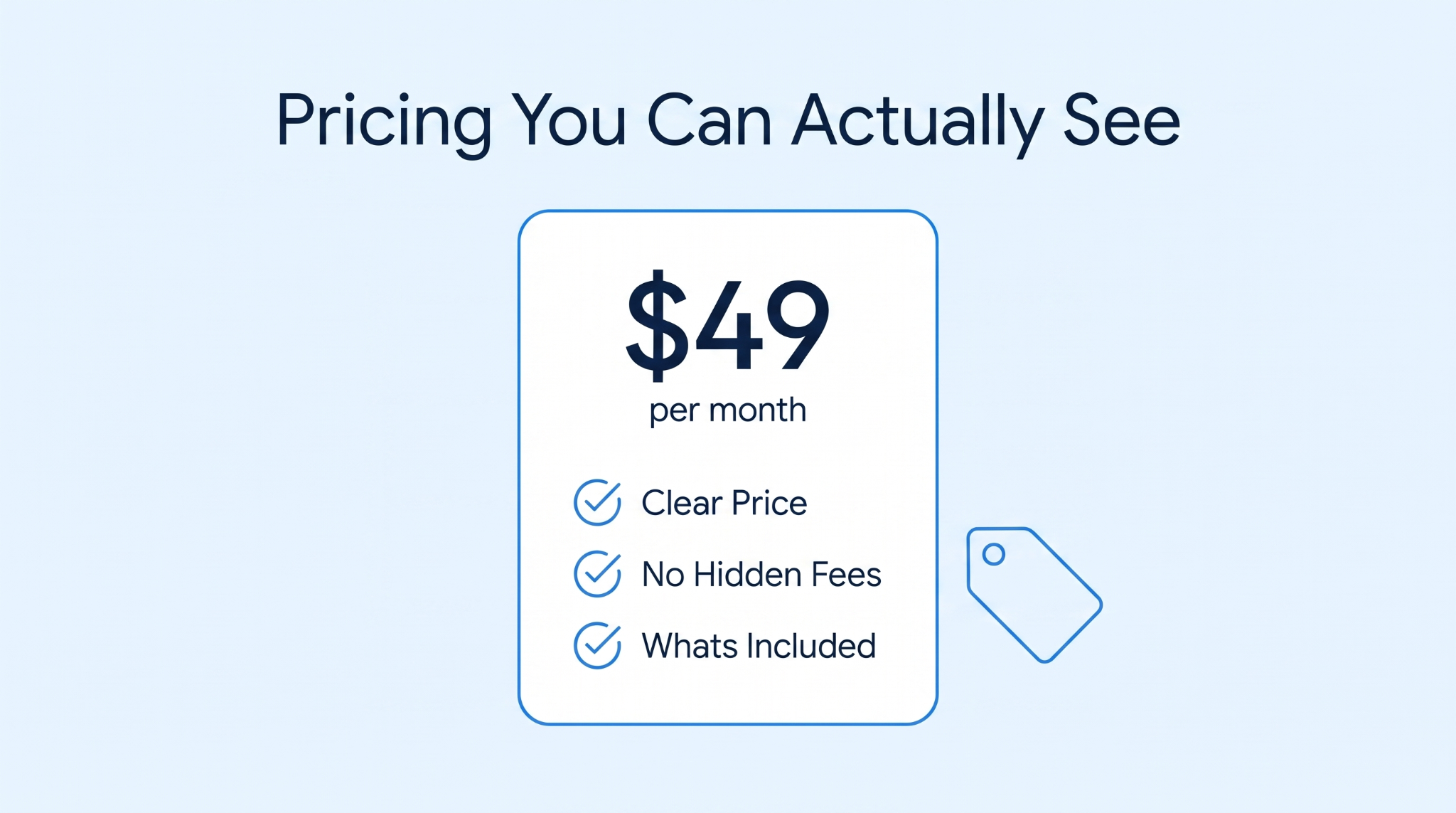
Hidden pricing breeds suspicion. The moment a visitor has to book a call just to find out what something costs, a little alarm goes off that they are about to be worked over. Showing your prices says you have nothing to hide.
It respects the customer experience and filters for the potential customers who can actually afford you. So the leads you get are warmer, whether you sell online or in-store.
Publish real prices, or at least a clear starting range, on the page
Spell out exactly what every pricing tier does, and does not, include clearly
Flag any setup fees or hidden add-ons well before the visitor asks
Explain in plain words what moves the final price, so there are no surprises later
Every purchase asks the customer to gamble a bit, and a strong guarantee hands that gamble back to you. A money-back promise or clear refund policies say the same thing: if this flops, you are covered. That changes the question in their head from "what if I regret this" to "what have I got to lose." And a visitor carrying less risk and less stress is far more likely to act today.
State your main guarantee in one plain sentence right beside the buy button
Make your refund policy genuinely easy to find, never hidden in dense legalese
Keep the guarantee terms short, so nobody suspects some hidden catch inside
Always honor it fast and in public the moment a real customer asks
In B2B especially, buying software is a career risk, not just a purchase. Champion a tool that later leaks data, and it is your name on the decision. They can't test it in store, so they look for outside proof that you are real and safe to connect.
96% of shoppers worry about buying on unfamiliar sites, and that is exactly the fear a trust badge nobody can self-award calms down. Introw is a clean example of grouping these. Its footer carries a 4.9/5 on G2 rating beside a row of G2 award badges like High Performer and Leader.
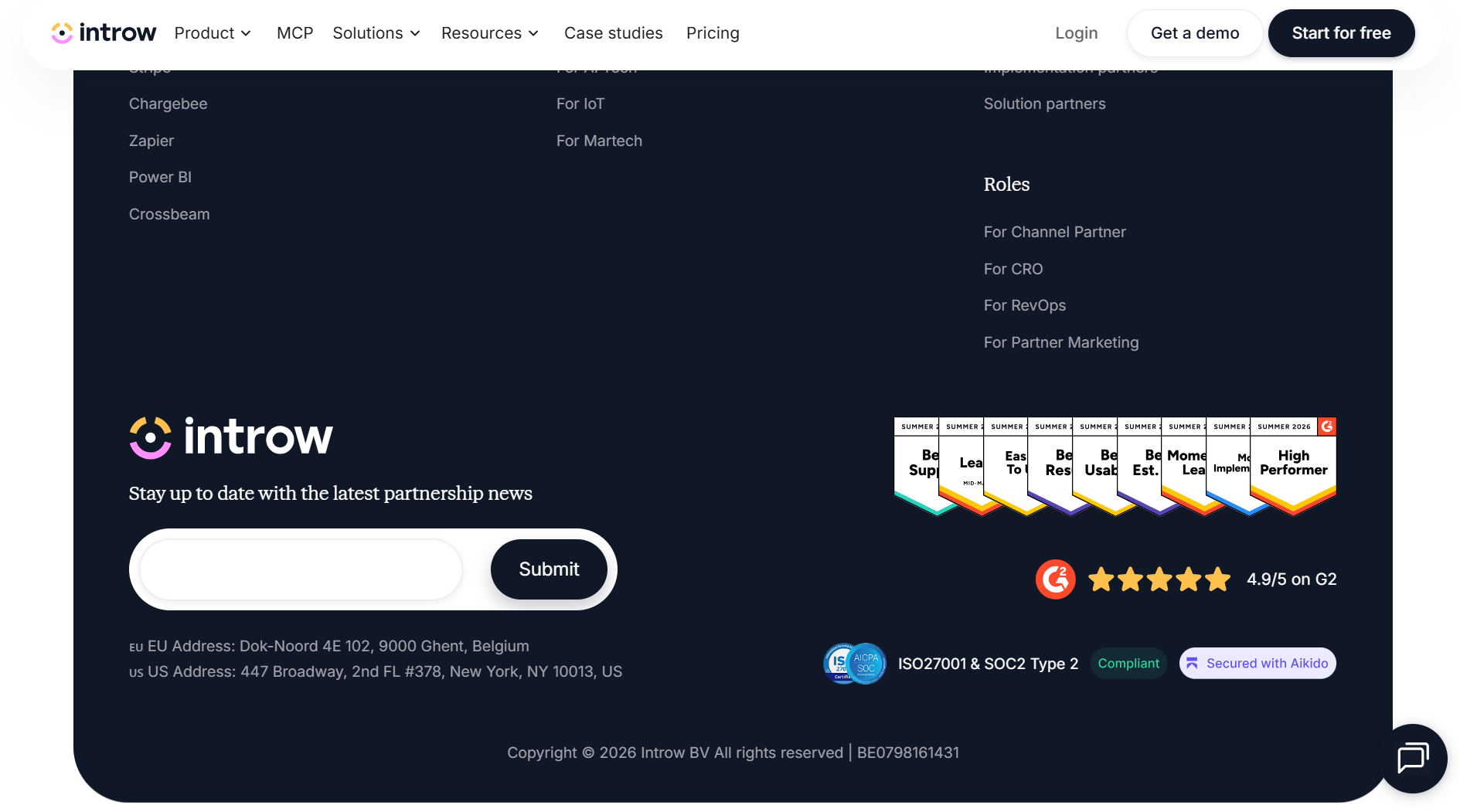
Right next to them are the ones a security team cares about: "ISO27001 & SOC2 Type 2" compliance and a "Secured with Aikido" seal. None of those can be faked. G2 ratings come from verified user reviews, and SOC2 needs an external audit, which is the whole point of third-party validation.
Any product that handles data or sells across major categories should surface its real ratings and industry awards across its product pages where buyers and their IT teams look, now that AI search increasingly weighs them too.
Show only third-party badges you genuinely earned, each with a verify link
Put your security and compliance seals right where your most cautious buyers scan
Keep your live G2 or Capterra rating current, not a dusty old screenshot
Place your single strongest award right beside your main call to action button
For urgent local services, the buyer's biggest fear isn't price. It is being left stranded. A burst pipe. A roof leaking mid-storm. A lockout. The only question that matters is whether anyone will pick up and how fast they arrive. A gorgeous site with a form and no phone number is useless to someone standing in two inches of water.
This emergency roofing service provider gets this cold. The whole page is one long answer to "will you come?" It promises 24/7 availability and says a crew is "available around the clock," responding "typically within a few hours," not some mushy "soon."
It has a clickable local phone number right where a panicking person can jab at it, and it states the call-out fee up front, so there is no ugly surprise mid-crisis.
Any time-sensitive service wins or loses on this one thing, whether you fix roofs or servers. A searchable help center and active social media accounts help too, with social media links in the website footer.
Put one clickable phone number in both the header and the website footer
State your real opening hours and your typical response time in plain words
Add live chat or a callback option for those after-hours panic moments
Clearly name your service area so local customers know you actually cover them

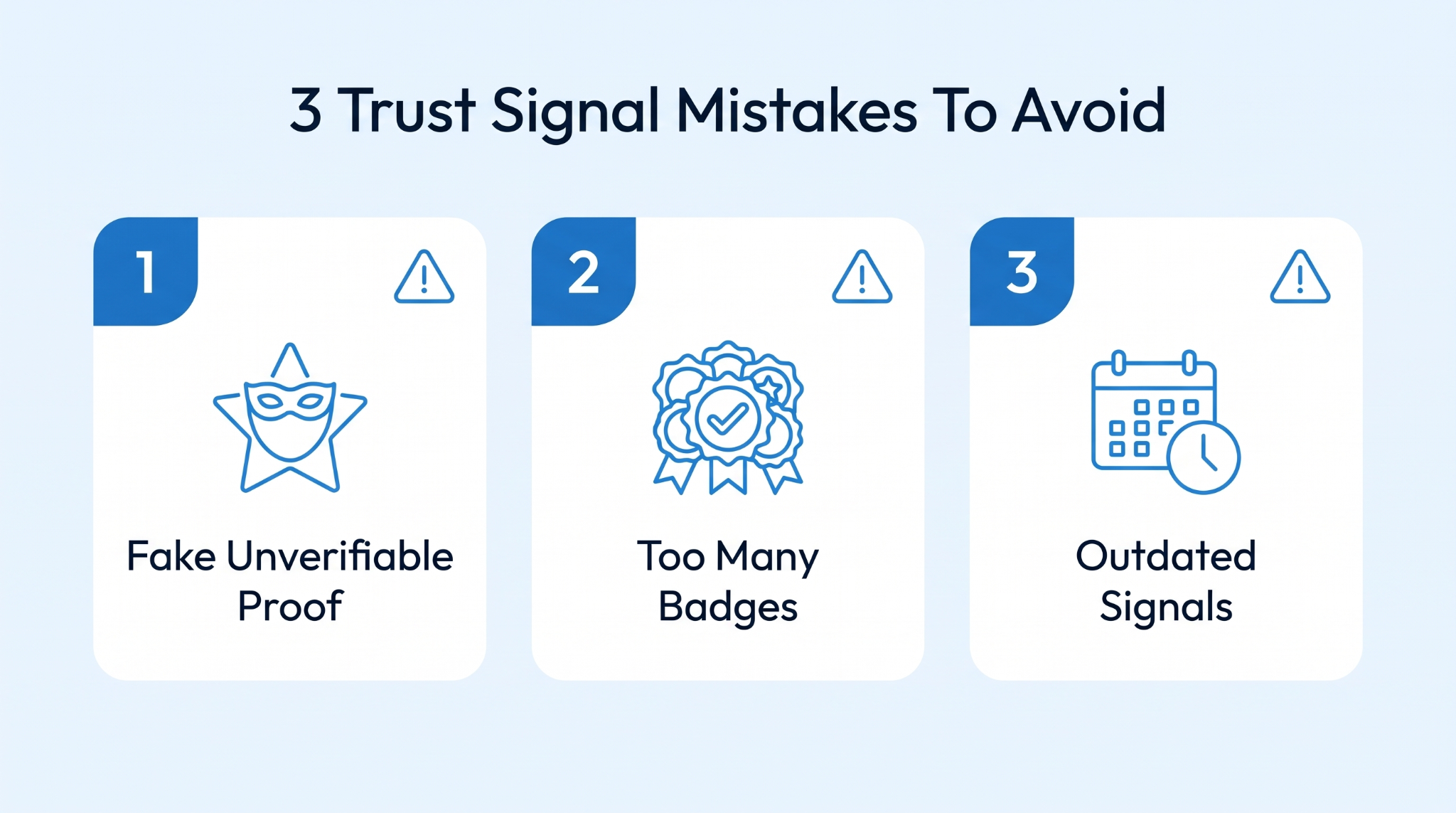
Even with the right signals up, a couple of mistakes can damage the trust you built. These three turn up everywhere, and each hides until the leads dry up.
Nothing damages trust faster than proof that reeks of fake. A stock-photo face next to a gushing quote from "Sarah M." A round "10,000+ happy customers" with no source. A five-star average nobody can click into.
People have seen these a thousand times. The second a signal looks staged, every other signal on the page gets side-eyed too. And your real proof starts working against you.
How to Fix: Make everything checkable. Swap invented testimonials for named reviews that link back to the platform. Trade vague tallies for specific and sourced numbers you can defend. When a claim can't be verified, back it up or remove it, because one unprovable brag poisons the honest customer feedback beside it.
More is not better here. A footer jammed with 20 seals and logos stops being credible and starts looking like someone who doth protest too much.
The eye glazes over, and random icons can look spammy. Cramming multiple trust signals together drowns out the two or three that would have done the real convincing.
How to Fix: Get ruthless about what stays. Keep the handful that genuinely matter to your buyer and bin the rest. Match each signal to the page, so payment logos sit by the checkout and security seals sit by the form.
Trust has a shelf life. A "Best of 2019" badge or a testimonial from a client who left years ago doesn't just fail to help; it shows neglect.
A visitor paying attention reads an out-of-date page as a business that might not even exist anymore, and the proof you were proud of a while back now works against you.
How to Fix: Put your trust signals on a refresh schedule. Swap in recent reviews and current-year industry awards every quarter. Watch how user behavior changes on tired pages. Keep your footer year and featured case studies current, with certifications renewed on time.
Trust signals are just the honest answer to the question every visitor is already asking. You don't need all 10 tomorrow. Pick the two or three your buyers care about most. Make each one real and checkable. Drop it where the doubt shows up and keep it fresh. Do that, and the traffic you already have starts converting like it finally believes you.
Of course, none of it matters until real people are actually visiting your pages. That is the half we are obsessed with at Anyleads: finding the right prospects, running the outreach, and keeping your pipeline full so there is someone there to convince. Sort your trust signals, then let us keep the leads rolling in. Try now.
 AI tools to find & convert leads.
 Send emails at scale