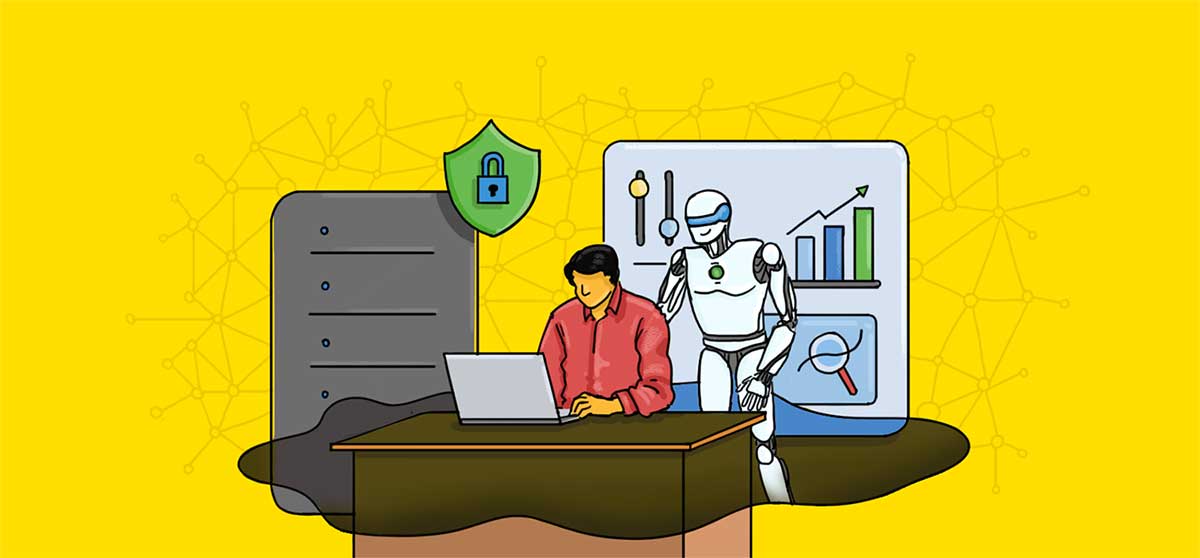
It’s no secret that organizational processes have trouble keeping pace with the rate at which AI is getting integrated into various workflows. This puts team leaders and IT managers in a bind. On the one hand, they’re disinclined to forbid employees from experimenting and using AI to drastically cut the time it takes to do some tasks. On the other, they have to make sure that AI use aligns with security and operational requirements.
Problems arise when employees discover and start using new tools with good intentions and no oversight, leading to the rise of shadow AI.
The term shadow AI refers to AI tools and services employees deploy and use without the knowledge and oversight of the people responsible for a company’s IT, cybersecurity, and AI governance. Using AI platforms like nexos.ai with proper guardrails already eliminates that problem. However, if AI use is unknown, hasn't been approved, and doesn't fall under standard business controls, it creates one.
It’s important to note that shadow AI is rarely intentionally malicious. Rather, it stems from employees’ desire to use the latest tools to increase productivity or get around the limitations of sanctioned alternatives.
New AI tools are being developed and introduced at a brisk pace that formal adoption can't keep up with. Conscientious companies need to carefully evaluate everything from their security and privacy practices to data handling and regulatory implications. This takes time. Meanwhile, a single sign-up or download is all it takes to introduce shadow AI.
Compliance risks are also an issue. The presence of shadow AI means organizations can’t account for where their sensitive information was sent and processed, who has access to it, and whether the unsanctioned AI provider that handles it meets data-handling standards.
While shadow AI isn’t a problem that can be eliminated with complete confidence, there’s much companies can do to reduce it and mitigate the consequences.
Prevention starts with establishing clear AI use policies. Employees need to know in no uncertain terms which AI tools are sanctioned, what type of information they may enter, and when human review is needed. This creates a baseline for determining appropriate AI use as well as related violations.
Note that governance should be proportional to the risk an AI tool poses. A chatbot someone uses to help them brainstorm ideas for an internal presentation doesn’t require the same level of scrutiny as an AI agent with access to financial records or intellectual property.
The next step is to establish visibility into and control over AI systems. AI gateways are specifically designed as a control layer that connects users or applications with the AI services they access. They may record which AI tools are used, when, and by whom.
AI gateways can also scan which AI services a prompt is meant for and block execution if these are unsanctioned. Equally important is their ability to scan prompts for sensitive information and apply rules that prevent it from being sent to third parties.
Security risks compound when sophisticated AI tools like agents interact with other applications and data sources. Knowing which models an agent uses, what data and credentials it has access to, what actions it can perform, and what happens if it fails are crucial for risk assessment and keeping agentic actions under control.
Companies should encourage an atmosphere where employees who keep pace with AI developments can express concerns over existing tools and propose more advanced alternatives. If the benefits are substantial, evaluation and adoption of new tools that meet your security and governance standards should be prioritized.


There are several layers of shadow AI, all with distinct implications.
The best way to combat shadow AI is to streamline responsible AI use and make it practical. Providing useful tools, establishing clear boundaries concerning sensitive information exposure, and making what’s acceptable straightforward to understand goes a long way.
It’s also important to think ahead. New AI models and workflows are certain to appear; having processes in place that adapt alongside them will keep productivity up and shadow AI incidents down.
 AI tools to find & convert leads.
  Send emails at scale

