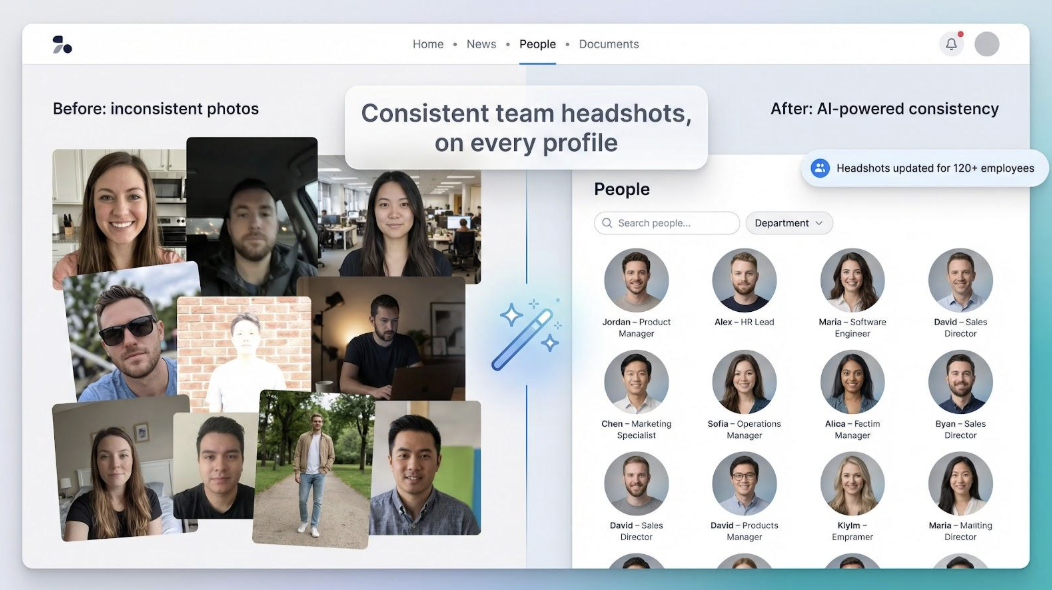
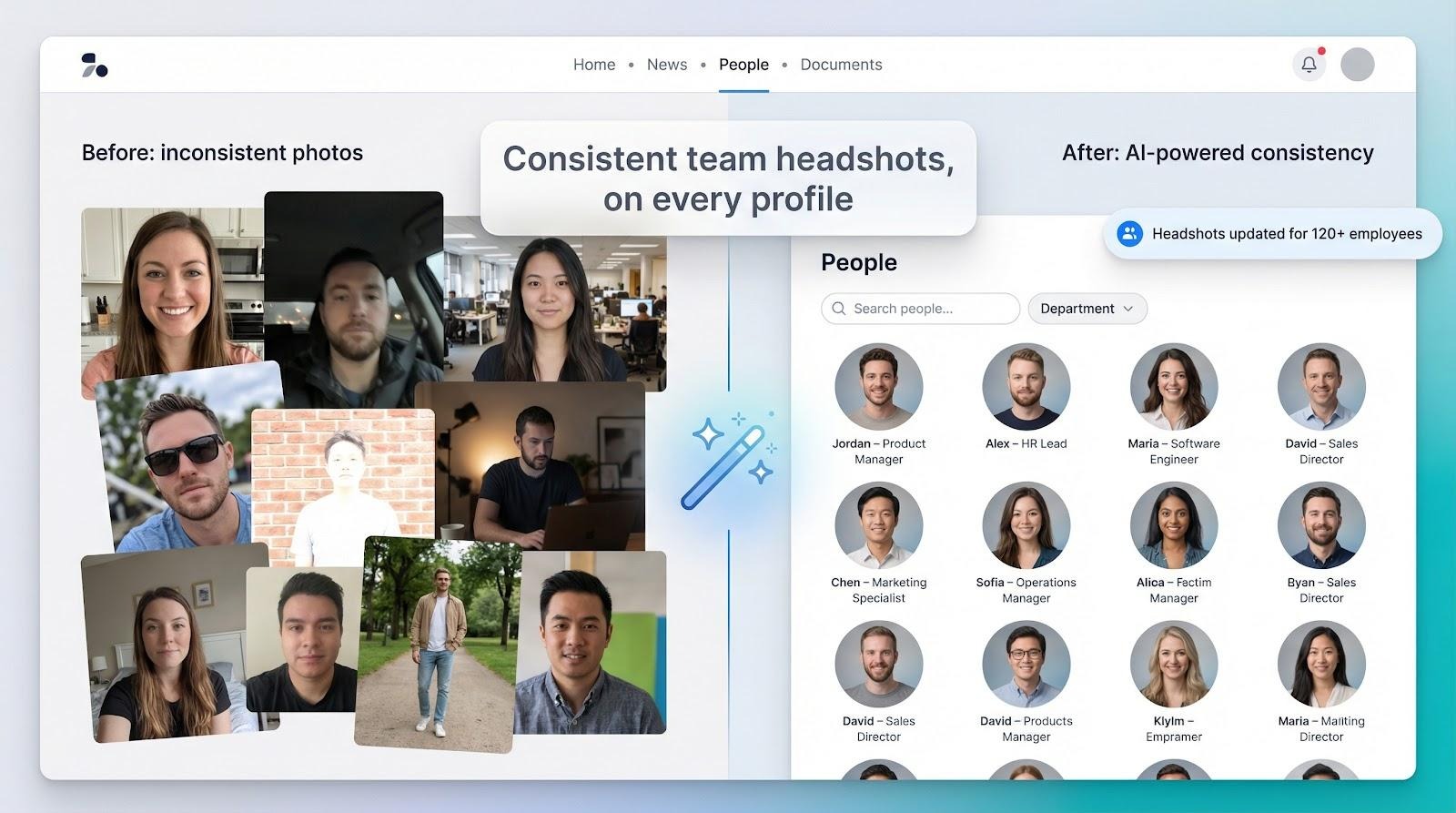
Keeping employee photos consistent shouldn’t feel like herding cats. Yet most growing companies end up with a patchwork of lighting, crops, and random selfies that weaken first impressions.
LinkedIn reports that profiles featuring a professional headshot earn up to 14 times more views than those without one. That visibility strengthens personal brands and boosts your company’s credibility.
The traditional fix—booking photographers across time zones—burns weeks and thousands of dollars. By the time edits land, half the team has new haircuts and two new hires need photos.
AI headshot generators remove that friction. Upload a handful of clear selfies and, within minutes, you’ll receive studio-quality portraits that share background, lighting, and crop.
In this guide we compare the five best tools for teams. You’ll see our test setup, where each platform excels, and which option aligns with your priorities around speed, scale, realism, or security.
We tested each platform the way an HR or IT lead would. Instead of a single selfie, we uploaded the same bundle of staff photos, observed how the tool managed bulk files, and clocked the time to deliver a complete gallery.
We scored every result on a seven-point rubric. First came photorealism: does the finished portrait look like the person in good daylight, or does it slip into plastic-doll territory? We then checked styling controls. A generator earns top marks only if you can lock background color, lighting, and framing so every profile on your org chart feels like one cohesive shoot.
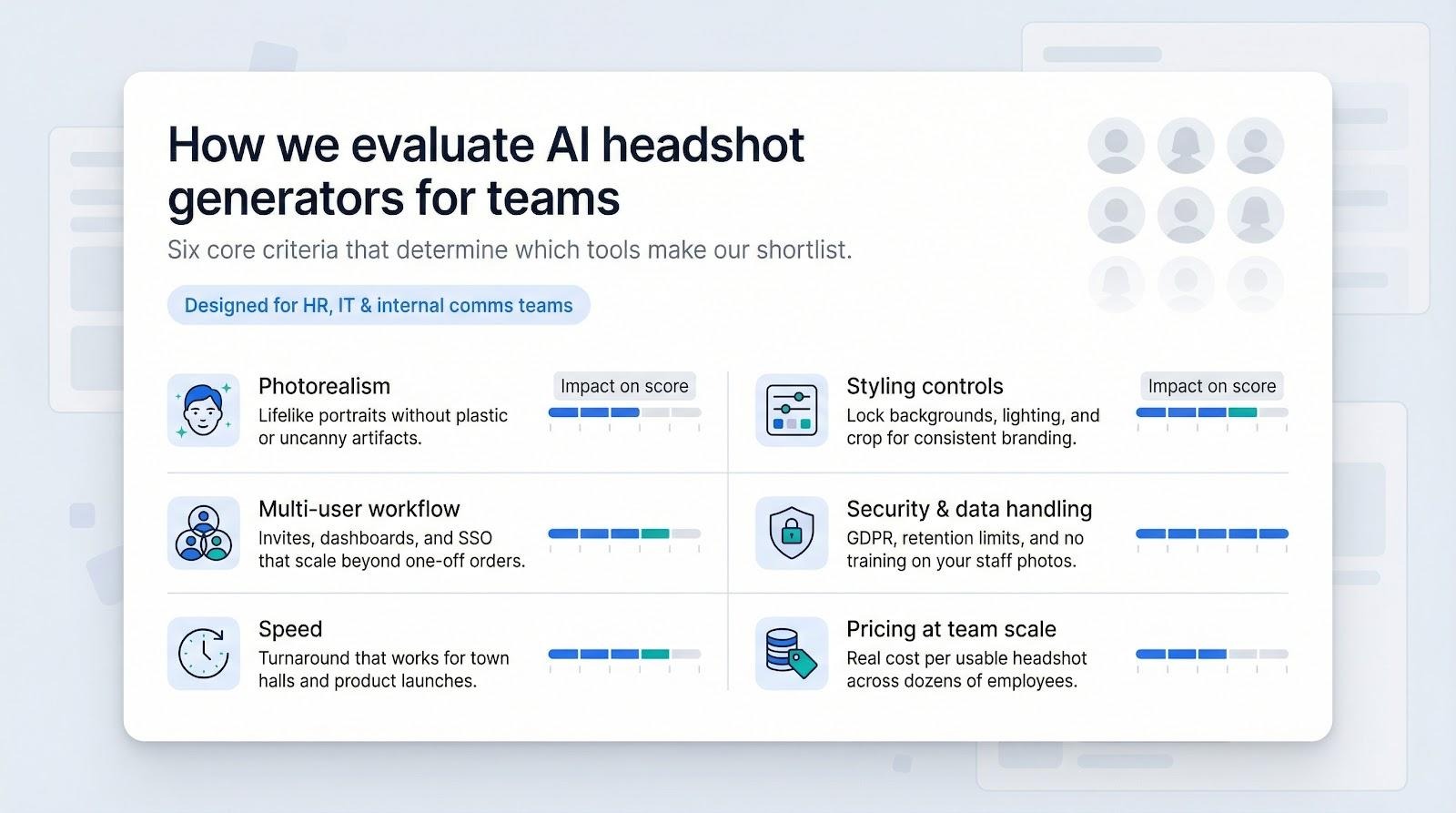
Multi-user workflow mattered just as much. We looked for invite links, SSO hooks, or at least a clear dashboard where an admin can track progress without chasing emails. Speed followed; any tool that leaves a hundred employees waiting overnight loses appeal.
Security was a standalone item. We reviewed data-retention policies, searched for GDPR language, and confirmed no vendor funnels staff photos into public training sets. Pricing closed the loop. Rather than chasing the lowest sticker price, we calculated cost per usable headshot at team scale, because twenty strong images beat a hundred throwaways.
Only platforms that performed well across all of these factors earned a spot in our top five. Flashy newcomers and aging favorites that lagged in any area are noted but remain on the bench for now.
We tested more than a dozen contenders, but five platforms stood out. Each one nails realism, admin controls, and strict data handling. Here’s the first standout.
Need a polished gallery before lunch? Magic Studio can deliver a full set of professional portraits in about 15 minutes from the moment you tap “generate,” a pace confirmed by both the company site and user reviews.

Magic Studio AI team headshot generator website screenshot
Speed does not compromise quality. Faces keep natural skin texture, eyeglasses remain distortion-free, and hairlines stay crisp. We pushed ten employee selfies through the bulk dashboard and received forty uniform headshots per person, all on the neutral backdrop we locked in advance.
Privacy checks out. Magic Studio deletes source and finished files after thirty days and never adds team photos to public training sets, which satisfies most security teams.
Pricing is simple: about $49 per user for forty downloadable images, with discounts as headcount increases. That works out to just over a dollar per usable photo—less than the coffee you’ll sip while they render.
When your CEO asks for updated bios this afternoon, Magic Studio is the platform that meets the clock. You can learn more and try a batch yourself; odds are you’ll have new profile pictures before the meeting reminder pops up.
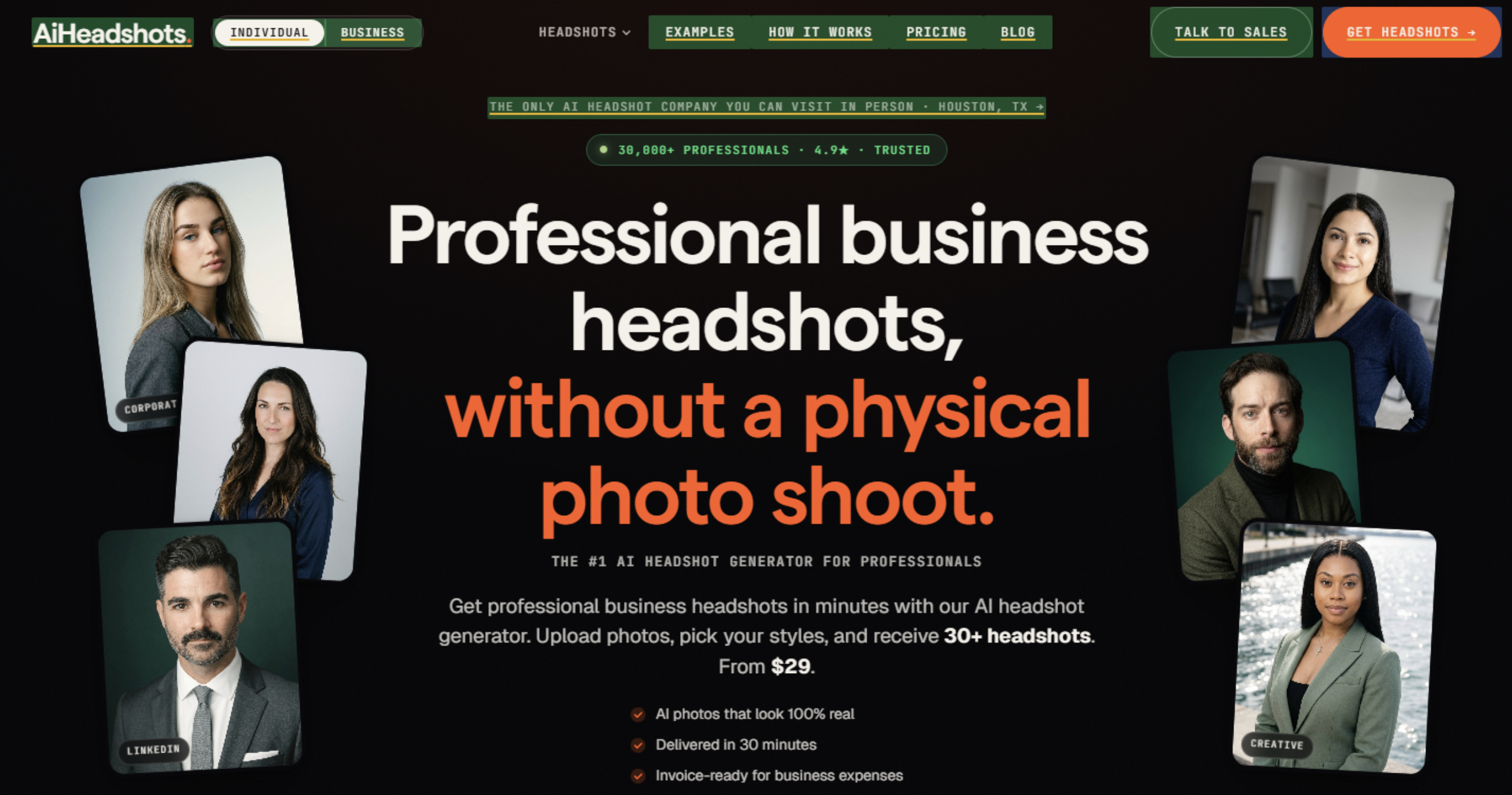
For teams that need consistent professional headshots without organizing expensive studio sessions, AI Headshots offers a simple and scalable solution. Instead of scheduling photographers and coordinating employee availability, teams can upload their existing photos and let the AI generate realistic business portraits in different styles, backgrounds, and outfits. The platform is designed for companies that want polished employee images for LinkedIn profiles, websites, company directories, and marketing materials.
AI Headshots focuses on producing high-quality results while keeping the process simple. Users upload a set of selfies, choose their preferred styles, and receive professionally enhanced portraits created by AI. The system generates multiple options, allowing employees to select images that best match their personal brand while maintaining a consistent professional look across the organization.
AI Headshots pricing is built around individual and team needs, offering packages based on the number of generated images and usage requirements. This makes it a practical alternative for businesses that need updated team photos but want to avoid the cost and scheduling challenges of traditional photography sessions.
For startups, remote teams, and growing companies, AI Headshots provides a convenient way to create professional team portraits quickly. It combines speed, affordability, and customization, making it a strong option for organizations that need modern headshots at scale.
When your team outgrows the startup phase, logistics shift. HeadshotPro handles that pivot. Rather than chasing thirty employees for selfies, you drop a portal link in Slack. Each person uploads photos, selects a preferred style, and the system handles the rest. From the admin seat you can lock one background, crop ratio, or brand color so every portrait feels cohesive.
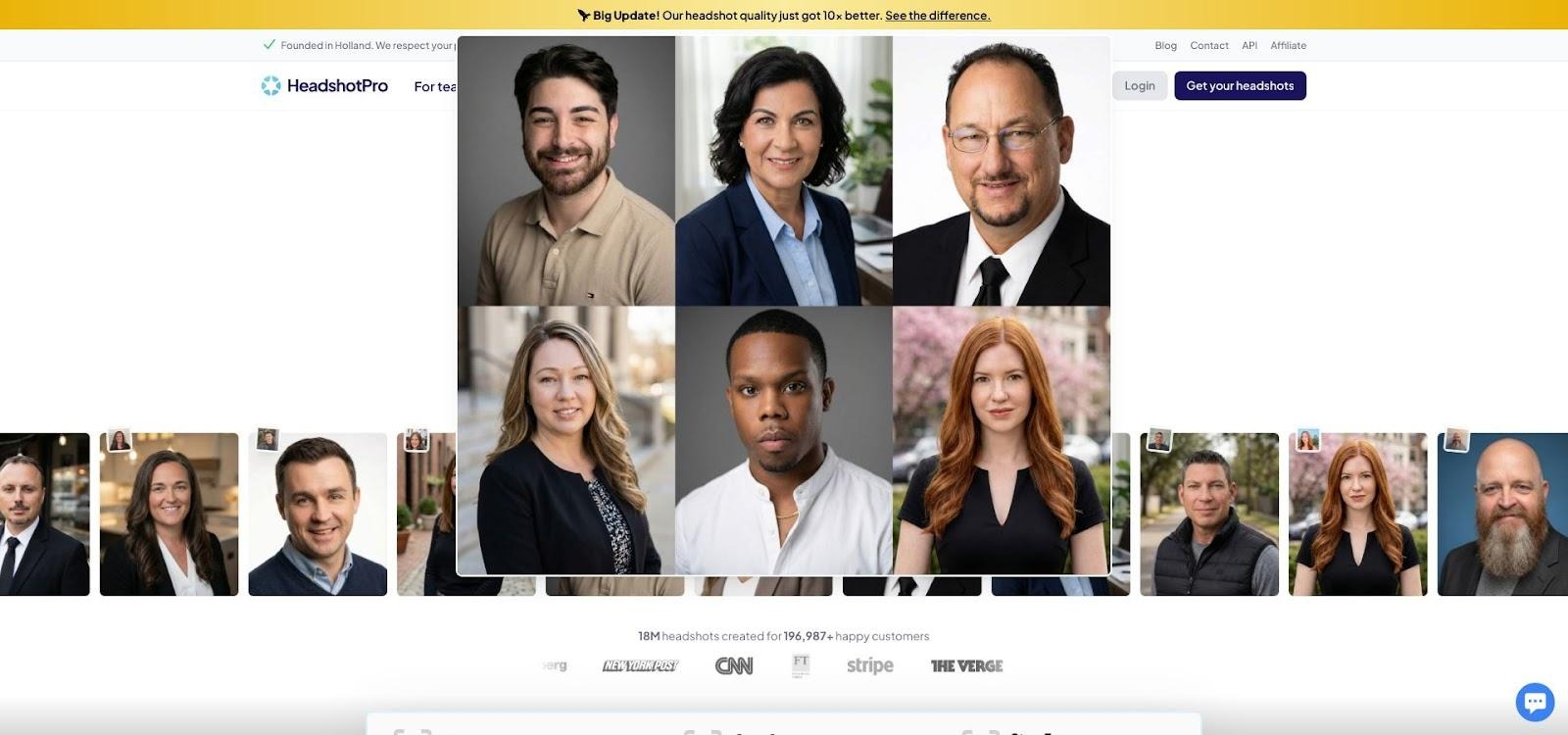
HeadshotPro large team AI headshot generator portal screenshot
Volume is the main draw. The engine produces more than one hundred variations per user, giving designers ample options for badges, press kits, and marketing decks. Average turnaround sits at roughly two hours, quick enough for a next-day site relaunch while still giving the AI time to refine details.
Pricing scales in your favor. A forty-image pack starts near $30 per employee, and rates fall once you cross fifty seats. Our math on an eighty-person rollout came out under ten dollars per polished headshot, far below typical studio costs.
Integration is the final plus. Zapier hooks can move finished portraits directly into your intranet directory or HRIS, sparing you the download-rename-upload grind. If you need to refresh an entire company without interrupting the workweek, HeadshotPro is a reliable, budget-friendly choice.
Certain fields—law, consulting, executive search—demand flawless portraits that print clean at 4K and clear compliance checks. Aragon AI meets that bar.
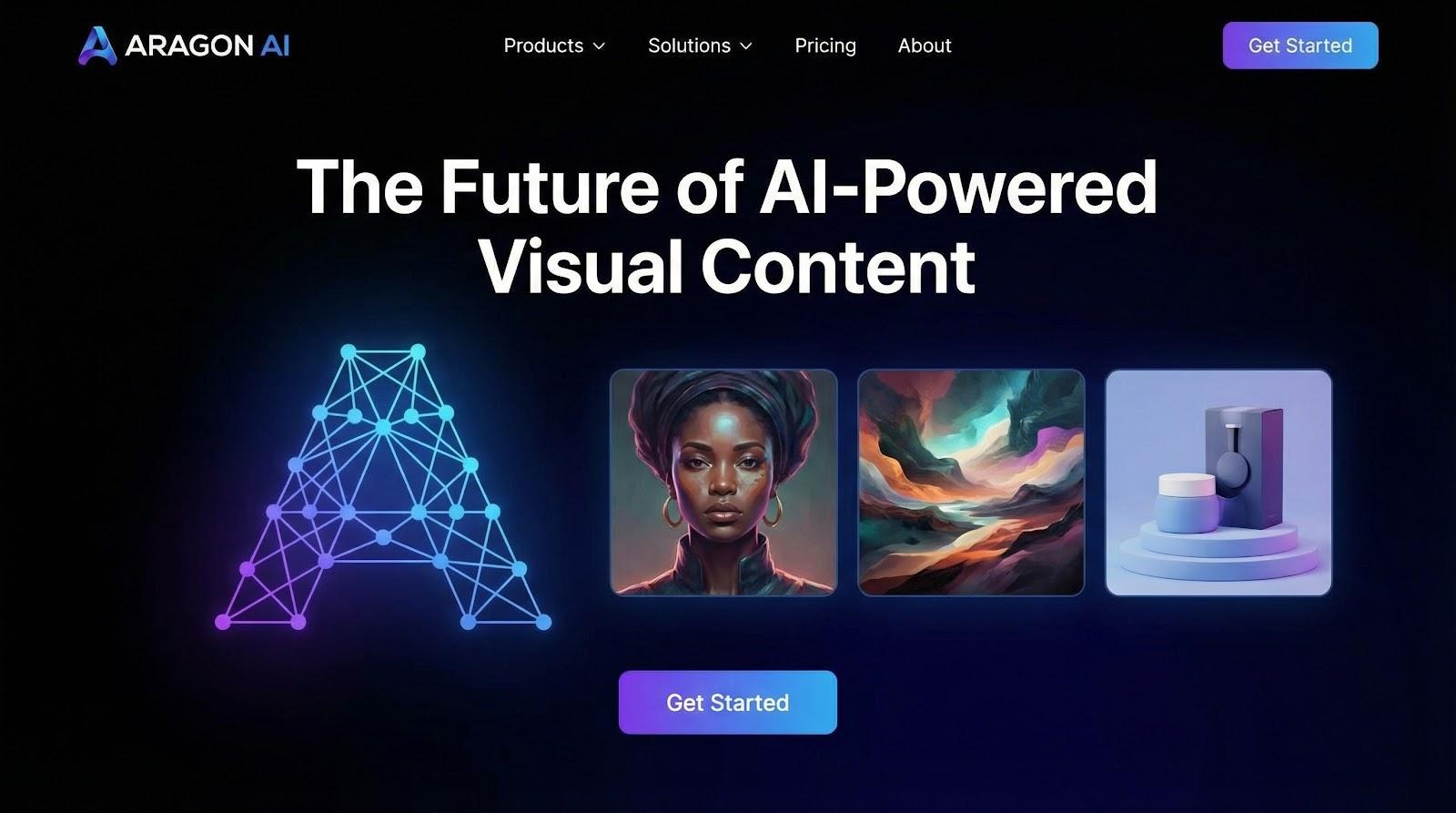
Aragon AI photorealistic and secure headshot generator homepage screenshot
The first thing you notice is texture. Skin tones stay true, hair strands stay crisp, and subtle asymmetries remain intact, so colleagues recognize each other at a glance. Power users can add short text prompts like “softbox lighting” or “smart-casual polo” to refine the studio vibe without opening Photoshop.
Security follows an IT checklist. Data lives on SOC 2 and ISO 27001 certified servers, protected with AES-256 encryption. You can delete every file from the dashboard the moment downloads finish, a feature that accelerates approvals in regulated environments.
Expect about forty images per user in two to three hours, a pace that balances detail with practicality. Pricing lands in the mid-$40s per person, with discounts when you purchase license blocks. Teams that prize pixel-level quality and strict governance consider the premium worthwhile.
If your brand rises or falls on polished imagery, Aragon delivers portraits fit for annual reports and glossy brochures while keeping compliance teams comfortable.
Sometimes AI alone is not enough. A tie clips through a lapel or a stray curl defies gravity. BetterPic adds real editors to the pipeline. The AI produces a first draft in about an hour, then a human retoucher polishes any image you flag, often overnight, so the final headshot looks like it came from a high-end studio.
Quality shows in the details. Pores stay visible, glasses cast natural reflections, and backgrounds share identical depth of field across the team. We chose an “open-plan office” style from the catalog and saw twenty employee portraits snap into a unified, magazine-ready look.
Cost sits mid-pack at roughly $35 for twenty images, and that price carries two perks: 4K resolution and unlimited tweak requests. Designers can scale these shots for event banners without pixelation, while executives know any blemish can disappear with one support ticket.
BetterPic fits teams that treat headshots as brand assets rather than checkbox items. When flawless matters more than speed and you want a safety net of human eyes, this hybrid approach is a solid investment.
Some companies treat data-retention clauses as non-negotiable, while others need every employee to appear board-room ready even if the selfie features a hoodie. AI SuitUp covers both needs.
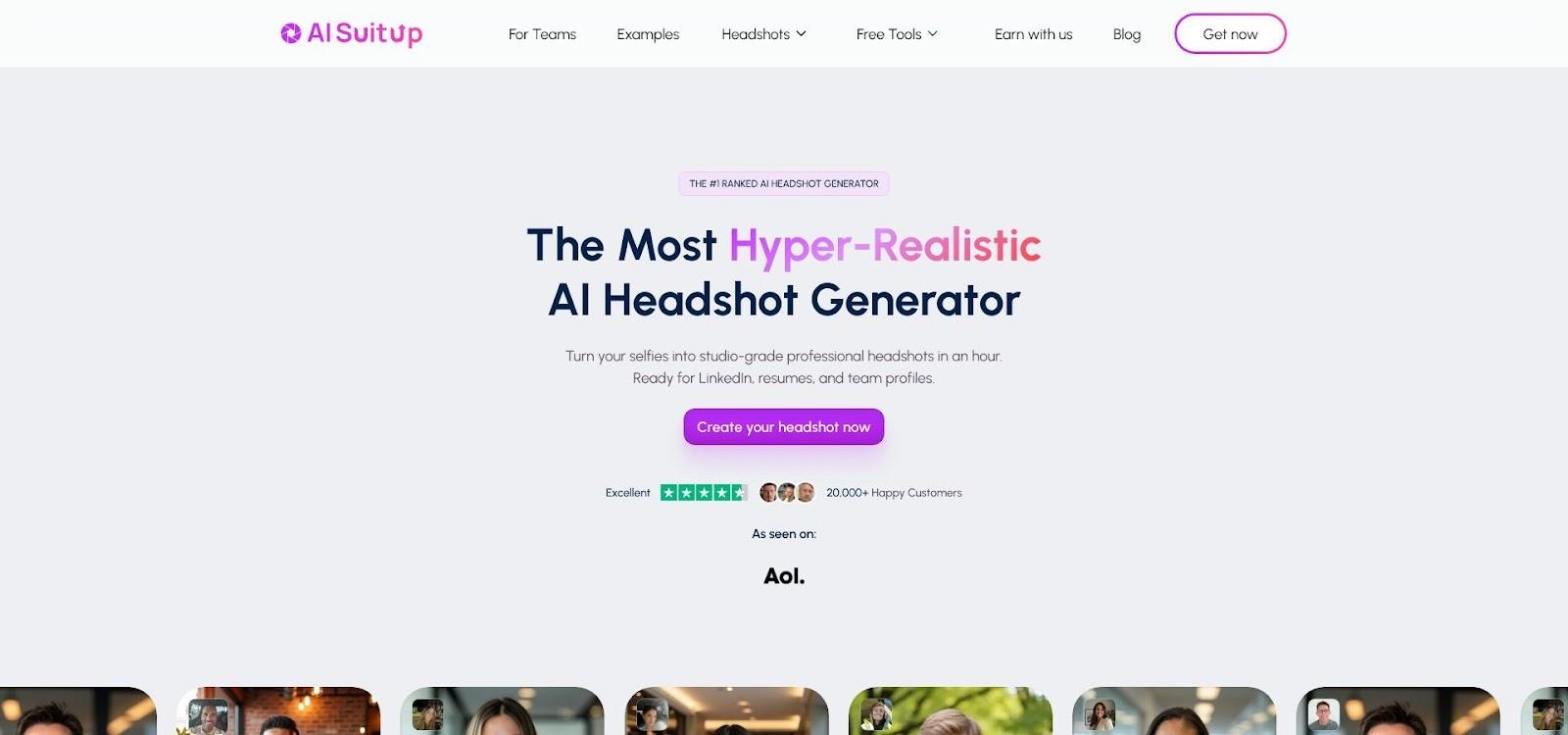
AI SuitUp privacy-first formal AI headshots website screenshot
The platform deletes source images, generated portraits, and the temporary model after thirty days. You can trigger an earlier wipe with a single click, reassuring security teams that no biometric data lingers. During testing, the dashboard displayed a clear auto-purge date beside each order, proving the policy is more than marketing copy.
On style, SuitUp follows a conservative template. Its algorithm swaps casual tops for blazers and selects a neutral backdrop, so every headshot resembles a traditional corporate shoot. Creative variety is limited, yet you avoid the “why is Bob in a Hawaiian shirt?” conversation.
Turnaround averages about two hours for twenty images per user. Pricing starts near $27 and stays below forty on the team tier, which keeps budgets in check for smaller departments. A money-back guarantee offers added reassurance: download nothing, request a refund, and you’re done.
Choose AI SuitUp when compliance language must satisfy legal counsel or when you want instant suits without hunting for last year’s blazer.
You’ve met the contenders. Use this at-a-glance table to weigh speed, price, and security before the next budget chat.
| Tool | Best for | Team workflow | Turnaround | Starting cost* | Data retention |
| Magic Studio | Last-minute launches | Bulk dashboard, style lock | ≈ 15 min | $49 / 40 shots | Auto-delete after 30 days |
| HeadshotPro | Large rollouts | Invite portal, API sync | ≈ 2 hrs | $29 / 40 shots | Purge within 7–30 days |
| Aragon AI | Pixel-perfect realism | Team packs, branded backgrounds | 2–3 hrs | $45 / 40 shots | User-controlled deletion |
| BetterPic | Human-level polish | Batch upload + retouch | 1 hr AI + 24 hr edits | $35 / 20 shots | Delete on demand |
| AI SuitUp | Privacy + formal attire | Simple batch, refund policy | ≈ 2 hrs | $27 / 20 shots | Auto-delete after 30 days |
*One-time fee per person. Volume tiers reduce per-head pricing as team size grows.


Decision time rarely hinges on a single metric. Match each scenario below to the pressure you feel right now.
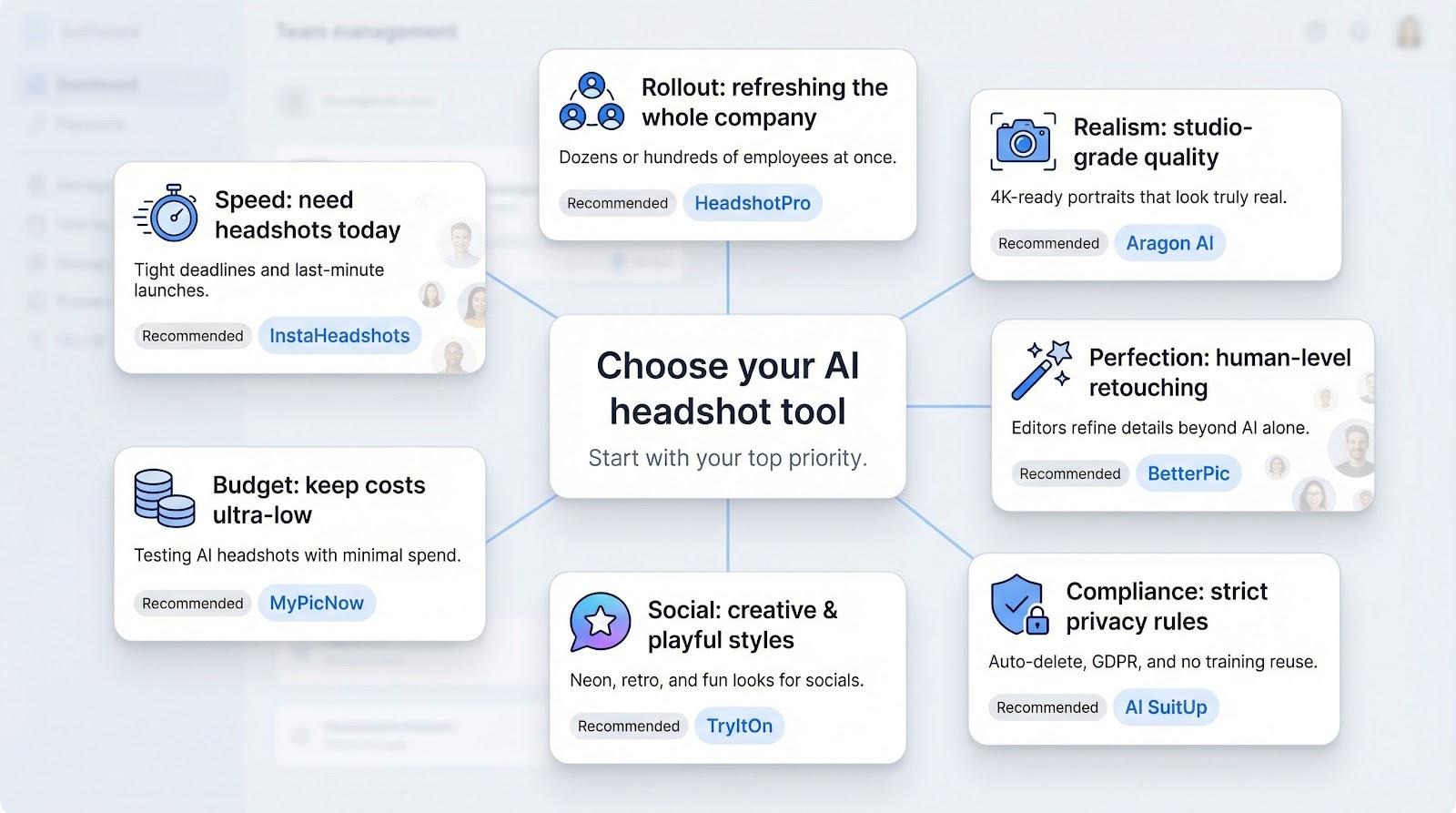
Your C-suite needs refreshed bios before tomorrow’s town hall, and you have onboarding profiles due by 5 pm. In crunch moments every minute counts, and Magic Studio is the only platform that produces polished portraits in roughly fifteen minutes. Start a bulk order, lock your background color, and watch new headshots land in your intranet while the coffee is still hot. The quick cycle lets you fix any outliers and still meet the deadline.
Rolling out new photos for fifty, a hundred, or even five hundred employees can feel overwhelming; HeadshotPro removes the friction. Each person uploads selfies through an invite link, while you control the final look. Lock one background, run batch generate, and uniform portraits fill your CMS within a couple of hours.
HeadshotPro also wins on cost. Per-head pricing drops once you pass fifty seats, making it the most budget-friendly route to company-wide consistency. An API can push finished images into your intranet or Slack directory, saving hours of manual file wrangling.
If your brand guidelines read like a printer’s manual, choose Aragon AI. Its studio-grade files hold up in 4K brochures and investor decks without an AI sheen. Colleagues see the photos and say, “Nice shot,” not, “Which filter is that?”
Aragon pairs accuracy with security. Likeness stays true to the dimple, while SOC 2 servers and a self-serve delete button keep compliance teams calm. You’ll wait a couple of hours and spend a few dollars more, but perfect beats passable when reputation is on the line.
Some teams will not publish until every stray hair is tamed. For that level of scrutiny, BetterPic is the fallback. The AI delivers a strong first pass in about an hour, then a human retoucher polishes any image you flag, usually overnight, so the final headshot looks studio-made.
That mix of machine speed and human polish suits executive pages, agency decks, or investor pitch books where “good enough” fails. You pay a bit more per finished image, but you secure pixel-level finesse that pure AI cannot match.
Healthcare, fintech, and government teams answer to auditors as well as marketers. If legal counsel circles every line of a vendor contract, reach for AI SuitUp. Its thirty-day auto-wipe, GDPR pledge, and no-reuse policy keep employee faces out of public datasets. A dashboard countdown shows exactly when files will vanish.
Functionally, SuitUp also solves the “everyone in a suit” problem. Casual selfies turn into jacketed portraits against a neutral backdrop, matching badge rules without a studio visit. Two-hour turnaround and a sub-forty-dollar team price hold projects and budgets on track.
Not every headshot lives on a corporate badge. Creative teams often want playful backdrops, seasonal palettes, or neon that pops on Instagram. For that sandbox feel, give TryItOn an honorable mention. It offers more than one hundred styles per user—from retro film grain to cyberpunk glow—in about thirty minutes.
You will discard a few wild cards; experimentation is the point. The standout shots land in launch decks, speaker bios, and social campaigns where personality matters more than uniformity. Treat TryItOn as a low-risk playground, then return to the core five tools for formal assets.
Sometimes the brief is “make it look good” paired with “spend almost nothing.” Enter MyPicNow. At roughly nineteen dollars for a basic package, it is the lowest-cost generator we tested. You will not find admin dashboards or style-locking options, but a small startup that needs fresh LinkedIn photos gets two essentials: decent likeness and quick delivery.
Think of it as a stepping stone. Run a few profiles through MyPicNow to test the AI waters. If everyone likes the concept, move up to one of the five flagship tools for long-term consistency.
Are AI-generated headshots convincing, or will people spot the difference?
Modern models capture skin texture, hair strands, and eyeglass reflections so well that most viewers cannot tell studio from silicon. In our tests, even designers needed side-by-side zooms to guess which shots were AI. Clear, well-lit selfies from multiple angles give the algorithm the data it needs to mirror real life.
Is it okay to upload these portraits to LinkedIn and our website?
LinkedIn permits AI imagery as long as the photo represents the person truthfully. A crisp, professional headshot boosts profile views and connection requests, which helps both personal branding and employer credibility. Be transparent with your team so nobody feels blindsided.
How many selfies does each platform need?
Plan on ten to twenty photos per person. Mix smiles and neutral expressions, vary backgrounds, and avoid sunglasses. Most tools include a quick “do and don’t” guide during upload, so teams get it right the first time.
Our workforce is diverse. Will the AI handle different skin tones accurately?
The reputable generators on our list train on balanced datasets and test for bias. We sent employees of various ages, ethnicities, and hair textures through each platform and saw no systematic lightening, smoothing, or exaggeration. If a rare misfire appears, simply discard that frame—each user receives dozens of options.
What about data security?
Every top contender encrypts uploads in transit and at rest, then deletes them on a tight clock. Aragon AI, for example, stores files on SOC 2 and ISO 27001 certified servers and lets admins purge data instantly from the dashboard. Download final images promptly and trigger each tool’s delete feature to keep risk near zero.
What if we dislike the results?
Refund or redo policies are standard. AI SuitUp offers a “no-download, no-pay” guarantee, while BetterPic’s human retouchers will tweak until you approve. With forty or more photos per person, odds are high you will find several keepers without calling support.
Refer to this grid when your executive team asks for the fastest, most affordable, or most privacy-focused option.
 AI tools to find & convert leads.
  Send emails at scale

