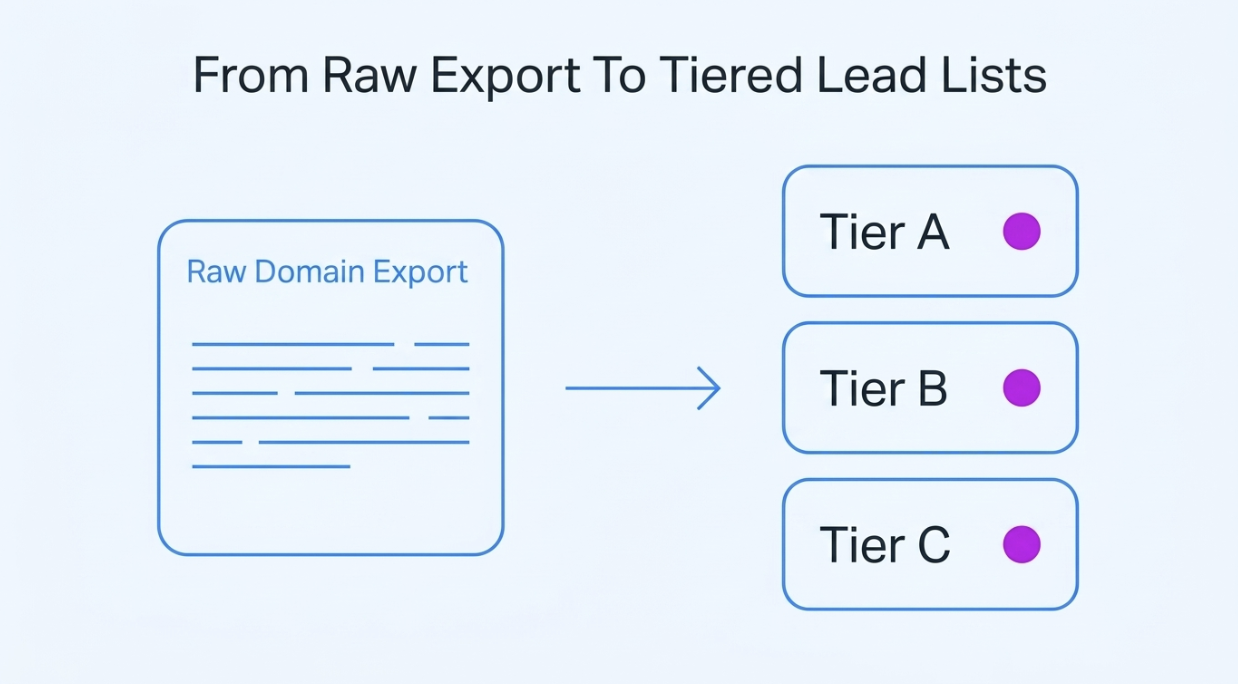
Someone on the sales team dropped a raw domain export on our desk and asked for lead lists they could actually call. Not one big file of URLs, but tiered lists sorted by who was most likely to buy. So that is what we built, and here is the step-by-step guide we actually used.
None of this is a framework we dreamed up on a whiteboard. It is the real sequence we ran, mistakes and all. If you do any kind of modern B2B lead generation, this is the version nobody writes down.
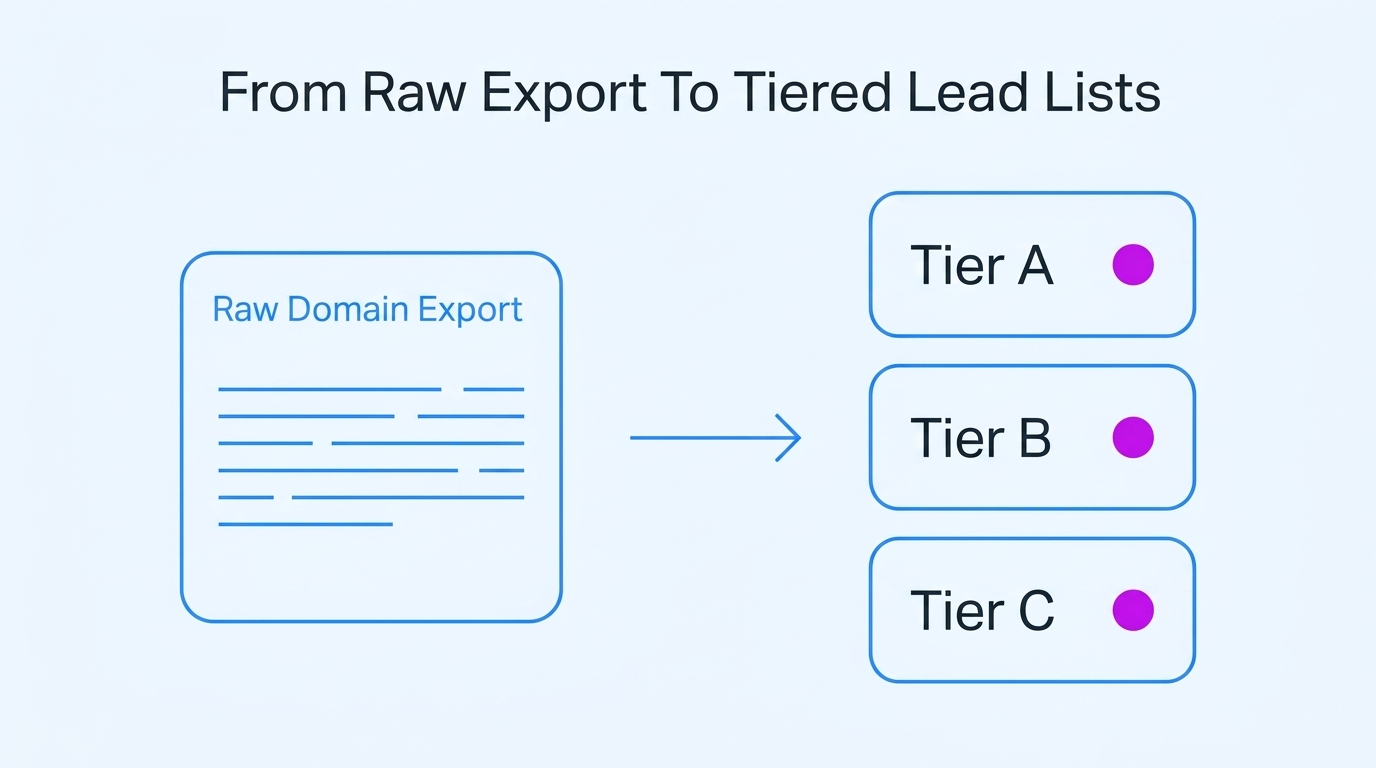
Before any scoring or clever sorting, we had to be honest about what we were actually holding. A raw domain export looks like a head start. But it is really just a long list of questions nobody has answered yet.
The file ran about 8,000 rows, and each row was basically one domain. Some had a generic info@ address or a company name attached. Most had no real lead data at all. No job title. No company size. No hint whether the business behind it was a two-person shop or a two-thousand-seat enterprise.
A big slice were not even real businesses. Parked pages and dead sites, with the odd abandoned side project mixed in. Even a solid B2B lead database only ever hands you domains, not finished leads. So our starting list was a list of maybes, miles from the qualified prospects and clean sales leads a sales team wants.
The tempting move is to just blast the lot. Load all 8,000 domains into an email tool, then fire one generic campaign at them. We have watched that happen enough times to know the maths. A rock-bottom response rate and high bounce rates, with a sending reputation ruined for the next campaign that mattered.
There is a second problem too. Not every slice of a raw export matches your target audience, and some deserve no effort at all. When you buy leads in bulk like this, whole verticals can be dead on arrival before a rep ever looks.
So we wanted a rough demand-against-competition check on whether a segment even had room left in it before we let the sales team loose on any vertical. And it pointed our outreach efforts in the right direction before we spent a cent. A quality lead list is as much about what you remove early as it is about what you keep.
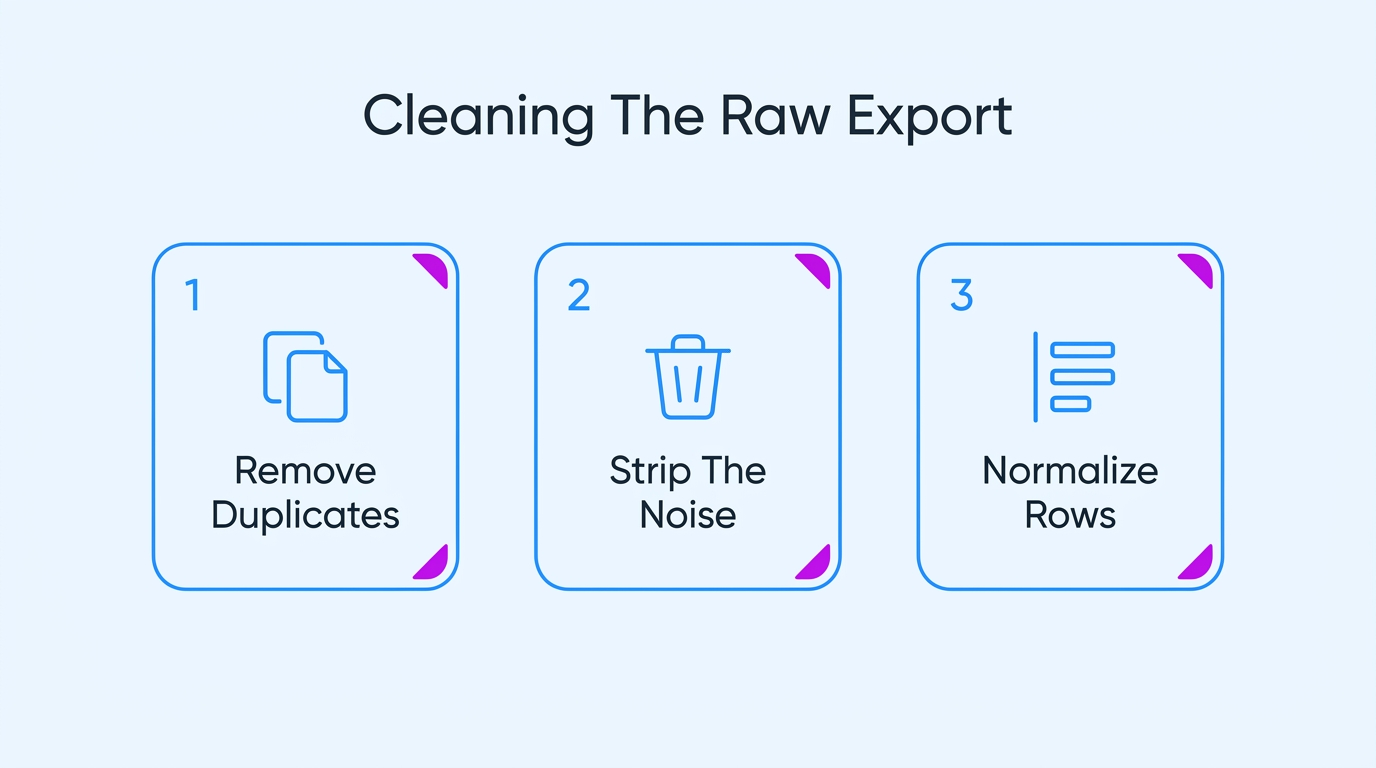
Enrichment and scoring are only ever as good as the rows you feed them. So before anything interesting could happen, we spent real hours turning the file into accurate data, because that data accuracy decides every rate you measure later.
A raw export is always full of repeats and dead ends. The same company turns up three times under slightly different URLs. Plenty of domains resolve to nothing, and plenty are outdated contacts whose business folded or moved on. Working any of those is wasted effort for your sales reps.
And it is more common than people like to admit. ZoomInfo pegs annual B2B data decay at anywhere from 22.5% to 70%, so a good part of any export is out of date the morning it reaches you, which makes removing outdated contacts the very first job.
Collapse every duplicate domain and subdomain down to one clean canonical company record
Run a live check on each domain and drop the ones resolving nowhere
Remove any domain with no working mail server before it enters a sequence
Re-check the full list on a fixed schedule because the data rots monthly
Past the dead domains is a second kind of junk – domains that resolve perfectly fine but are still useless to you. Parked pages running ads, plus the odd personal blog or school site that got into the export.
None of them are prospects. Yet, every one looks like a valid row until you actually open it. Leave them in, and they fill up your mailing lists and bring down every rate you measure later.
Filter out parked or for-sale domains by their standard placeholder ad pages
Exclude personal blogs and portfolios that will never become a real B2B lead
Drop government or school domains that fall outside your target market entirely
Keep an updated reject list so the same junk never gets back in
The last cleaning job matters big time – making every row look the same. Different data providers structure their data collection in their own way. Some rows arrive with https or www, some with a trailing slash or a stray capital letter.
Company names show as "Acme, Inc." in one row and "acme llc" in the next. Your enrichment and dedupe steps simply mismatch because of the inconsistent format, and one company shows up as two separate leads.
Standardize every domain to a bare lowercase root so matching actually works
Normalize company names by stripping legal suffixes such as Inc or LLC
Force one consistent casing and format across every column in the file
Store one clean canonical domain field that every later step reads from

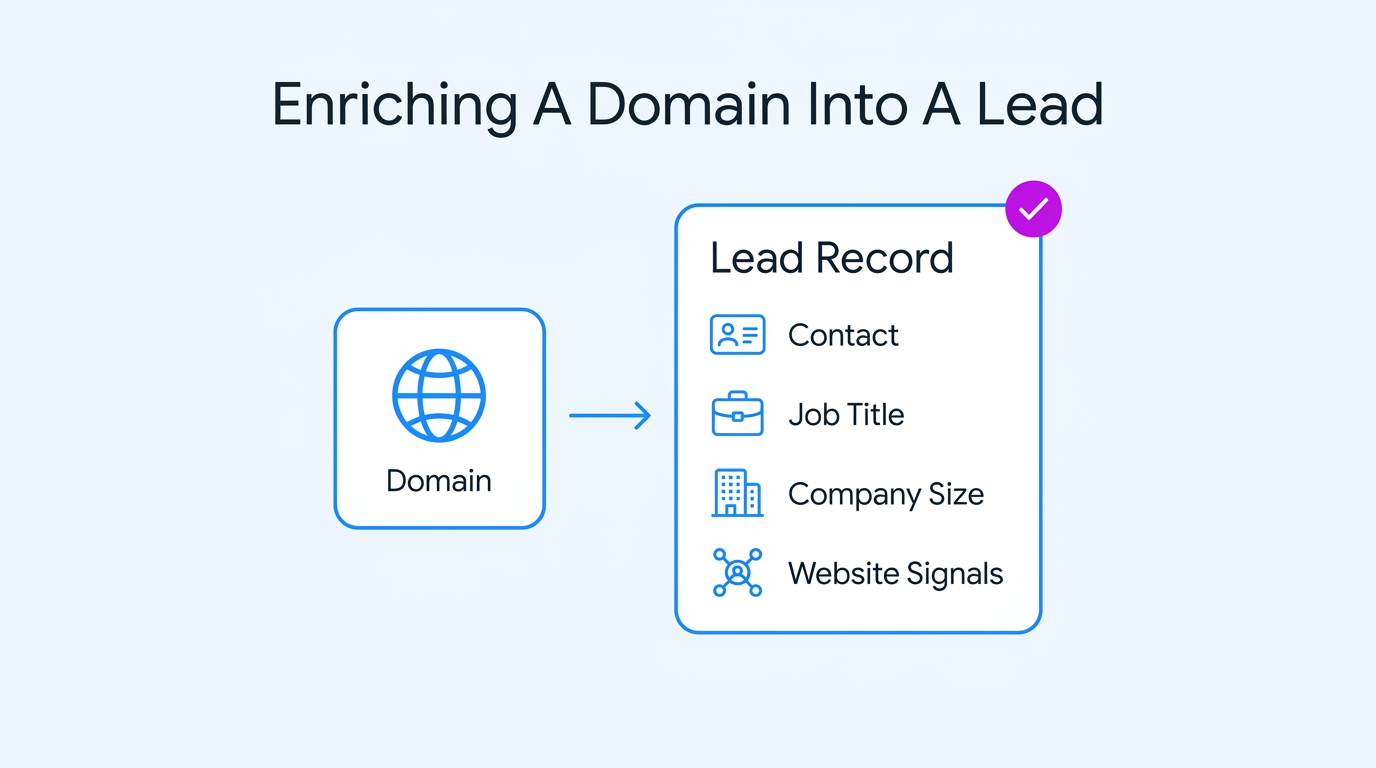
A clean domain still is not a lead. Data enrichment is where a bare URL becomes a person you can actually reach. And it goes well past pulling a name from the usual business databases. It is about building accurate and verified data your team can act on.
The first pass is basic data collection, filling the obvious blanks like a job title and a direct way to reach the right person. Freshness is the real problem here, because people move jobs constantly. Landbase found 70.8% of business contacts change within 12 months, so even good data needs re-pulling, not pulling once.
The domain itself carries signal, and so do the company's social media platforms. A quick check of a site's authority and traffic tells you fast whether you have a real operating business and a potential customer or just an empty shell. And it is worth using more than one data source.
Append a verified email address and job title for every real decision-maker found
Cross-reference a LinkedIn profile or Sales Navigator to confirm the right contact
Add company size and industry to each lead row so fit reads instantly
Re-enrich aging rows on a cycle instead of trusting data you pulled once
Two companies can look identical in your export. Same industry tag, and roughly the same headcount down to a near-identical row. One is worth a call today and the other barely worth an email. The spreadsheet will never tell you which. The answer is on the company's own website, if you go and read it.
Picture you are trying to place this Atlanta-based wrongful death attorney in a tier. It reads almost like a scoring sheet someone built for you. It opens with more than 50 years spent on that one kind of case, not a vague "legal services" line. The same page carries an AV rating from Martindale-Hubbell and names the six partners.
It even lists hard results, like an $11.7 million judgment and a $5 million jury verdict. Read all that, and a flat "law firm" row becomes a qualified account with real caseload and budget behind it. A thin listing in the usual industry directories tells you the exact opposite.
And that is the whole point for your lead lists. You score the tier on what a site proves about its depth and track record, not on the bare domain. Pull the named partners and the verdict figures straight into the lead record, and a generic row becomes a ranked, high-value target.
Read the homepage and about page for clear size and specialization signals
Treat deep specialization as a stronger signal than a broad industry label
Capture proof like case results or named clients as a quality marker
Rank visible tenure and named leadership well above any thin anonymous site
Some domains simply refuse to give anything up. No way to verify contact information and no firmographics, just a site with an image and a phone number. The mistake is to either delete them on the spot or keep pretending they are workable leads. Both choices risk losing information you might want later.
We made "un-enrichable" its own status instead. A holding area for domains that might be real but can’t be reached yet, so they neither crowd the active lead lists nor disappear completely.
Tag each un-enrichable domain with its own status rather than deleting it outright
Note exactly which data was missing so a later pass can target it
Retry enrichment from a second data source before you give up on it
Review the holding area monthly in case a sparse site finally fills out
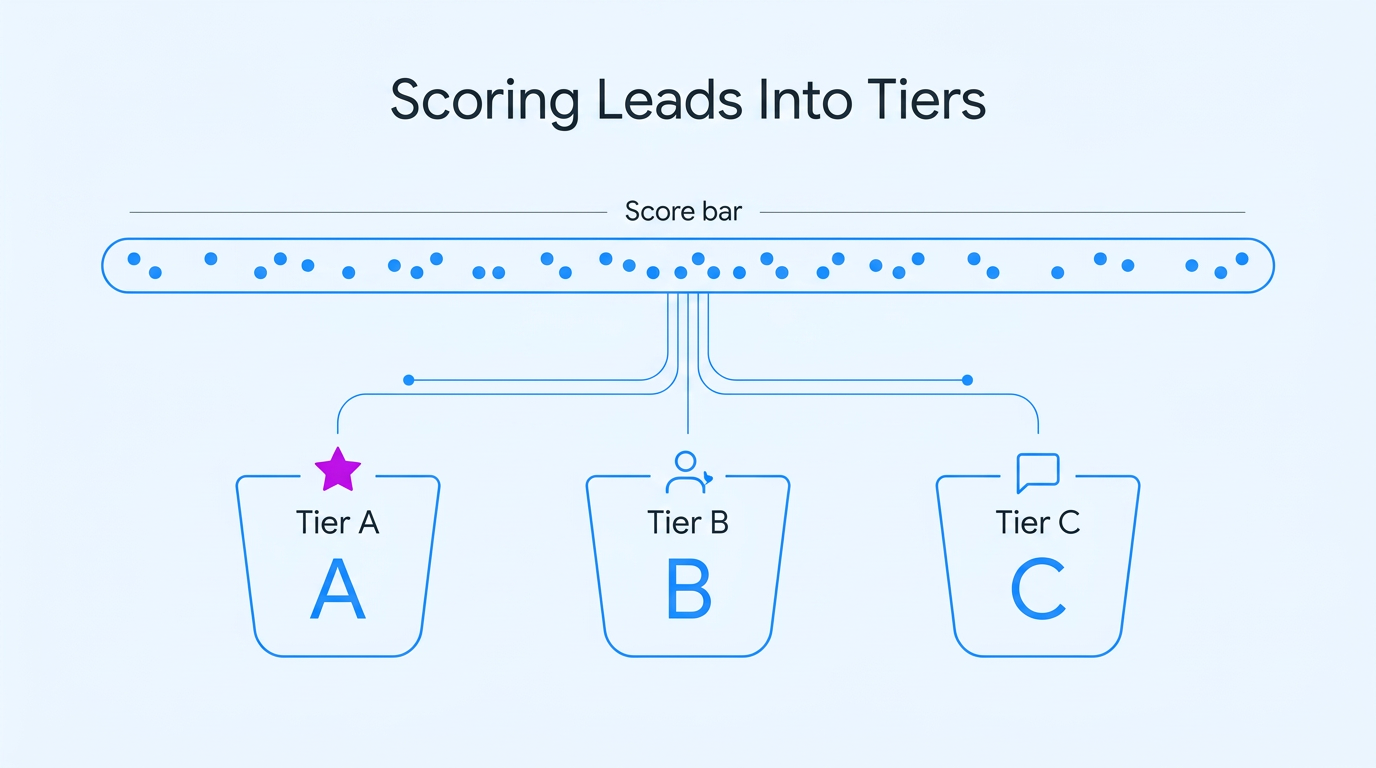
Now the enriched data finally gets to work. Scoring lets you sort the file into a real sales pipeline instead of a flat dump of contact lists and prospecting lists.
| Tier | What It Meant | Example Signals | How We Worked It |
| A | Strong fit, reachable now | ICP match plus a senior contact | Personal human outreach, same week |
| B | Decent fit, needs warming | ICP match, weaker buying signals | Lighter value-first sequence |
| C | Weak or unclear fit | Few signals, thin data | Low-effort automation or parked |
| Reject | Not a lead at all | No signals, wrong market | Dropped from the active list |
Not every data point deserves a vote. We started with a long list of candidate signals and learned fast that most were irrelevant. Company size and industry mattered. A reachable senior contact mattered a great deal. Whether the site happened to run a blog didn’t.
The signals that counted were the ones that matched our existing customers and the deals we actually closed, our best markers of success. Good lead scoring depends on picking those, not the ones that only seem important at a glance.
Weight each signal by how closely it tracked your past closed deals
Cut any signal that fails to separate likely buyers from the rest cleanly
Blend firmographic fit and buying intent into one comparable lead score each
Re-check your scoring weights each quarter against which leads actually closed later
Scoring gets far easier when you define a narrow target audience. Almost every domain is a soft maybe if your buyer is "any small business", and your tiers blur together into one indistinct group. But a short checklist of signals can sort the whole file in a single pass when your product only fits one specific type of company.
Government contracting software is a clean example. This DCAA compliance software offers a solution for companies that hold federal contracts. Their site sets out the signals that decide a fit, from SAM.gov registration to the DCAA audit rules a firm has to pass.
For a product that pointed, those are not bonus points on a score. They are the score. A domain showing SAM registration and a federal NAICS code is tier-A on sight. One with no government footprint is not a weak lead you nurture gently. It isn’t a lead at all.
When your ideal customer profile is that sharp, you tier mostly on whether a few signals are present or missing, and the finer detail only breaks the ties. That is how a tight ideal customer profile collapses a huge list of maybes into clean lead lists fast. The signals do the sorting, so a rep never has to assume which accounts they should call first.
Pin down the two or three signals a real lead cannot exist without
Score first on presence or absence of them, then on finer detail
Auto-disqualify any domain missing a non-negotiable signal instead of nurturing it anyway
Pull niche signals from public registries too, not only the company website
The scores come out as a range, and somewhere a human has to draw the lines. This is judgment, not science. And it decides where reps put their focus. Draw the tier-A line too generously, and your reps waste days on mediocre leads. Draw it too tight, and there are not enough qualified leads left to work.
We set the A line where real human outreach was clearly worth it, and let the borderline leads drop to B. Getting it wrong is expensive, since Gartner puts the cost of bad data near $12.9 million a year for the average company, and weak tier lines are one way that bill adds up.
Set the tier-A line where personal human outreach is clearly worth the time
Push borderline scores into tier-B for a lighter sequence that can promote them
Cap tier-A at the number of leads your reps can genuinely work well
Revisit the cutoffs once you can see which tiers actually convert for you
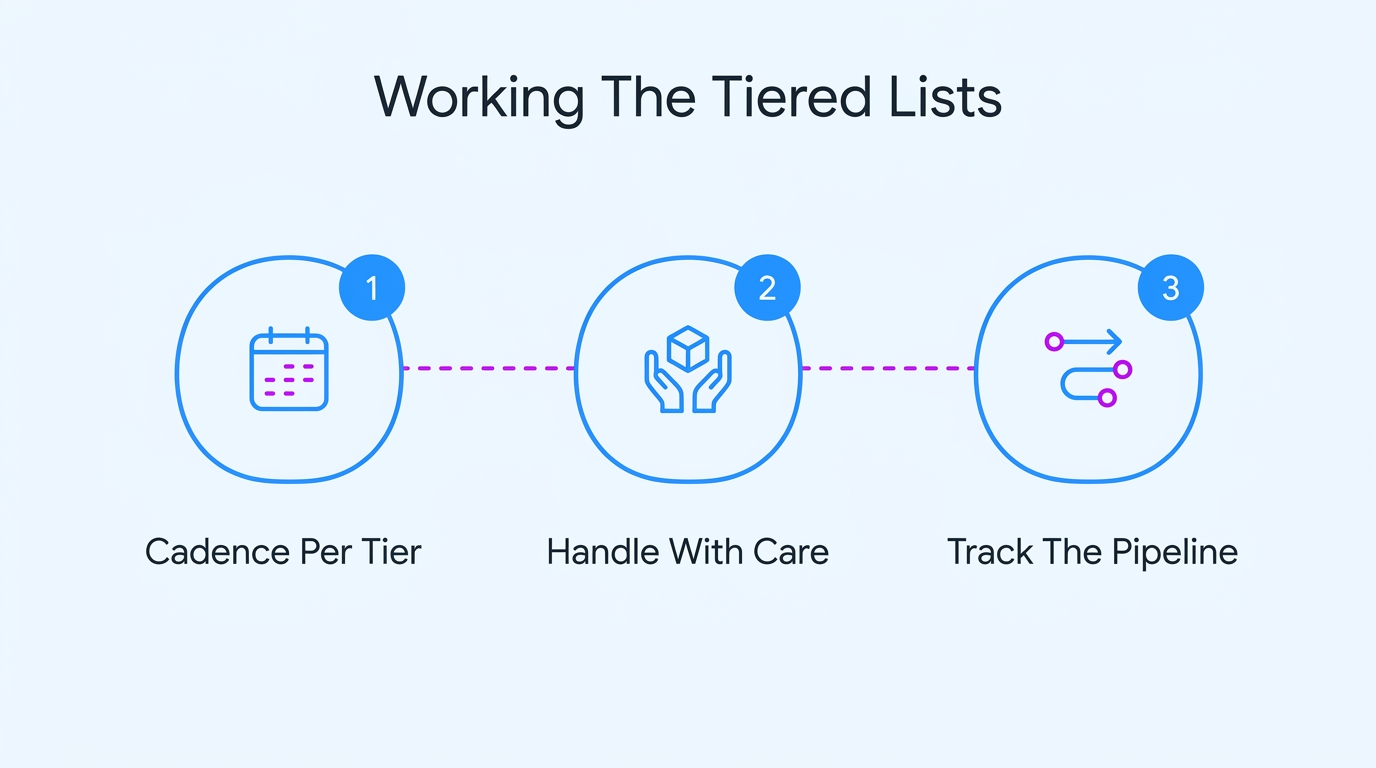
Great tiers are pointless if you handle them all the same way. The point was to put the most human effort where it pays off, and to leave the rest to automation or light direct marketing.
Tier-A got the full treatment. We research potential leads before writing a word, then send genuinely personal outreach targeting their pain points, logged straight into the CRM. We capped it at a few a day to maintain the quality. These are the accounts your sales reps should put real time into, one by one.
Tier-B went into a semi-personalized sequence to warm them up and spot anyone who raised a hand, closer to steady email campaigns than one-to-one notes. A tested subject line and a clear message do most of the work of reaching the right audience.
Tier-C got a low-effort automated touch or a piece of direct mail because chasing them steals time from leads that convert. Matching cadence to tier is the entire payoff, and it is where most of the lead-gen tools do something useful inside one sales funnel.
Not every tier-A lead can be worked the same way. And it is the bit teams forget in their rush to send. Some verticals have rules and sensitivities that generic marketing outreach has no business ignoring.
Health and finance, or anything that includes personal medical or money data, fall in that group. A domain there can score as a flawless fit on paper and still need a completely different, consent-first approach.
Online health brands show the line clearly. The first thing a new patient sees is a questionnaire about symptoms and medical history, long before anyone mentions price.
Every step of that onboarding is really the rules of the space made visible. The intake gathers sensitive health data, and contact only happens through consented channels like a scheduled call. Even delivery stays discreet and signature-required.
If a lead like that showed up in your file, dropping a scraped email address into an aggressive drip would be tone-deaf and a genuine legal risk.
So the handling for your lead lists is to split regulated and health domains onto their own track. Then slow the cadence right down and hand them to someone who knows exactly where the compliance line falls. The tier can still read A. The treatment of it can’t be ordinary.
Build tiered lead lists one time, and it is a project you finish. Build them every week off a fresh export, and it becomes a pipeline you run. And a pipeline breaks down without somewhere to track it. Once hundreds of domains move from cleaning to outreach at once, a spreadsheet stops coping, and updates become time-consuming.
You lose sight of which stage each lead is at. You miss the tier-A account going cold because someone forgot the follow-up. The whole operation needs a real system to manage it, not a tab you scroll past.
Plenty of teams reach for a proper work tracker here, and a lot already run the operation in Jira. The catch is that Jira only helps if the board matches how your sales process genuinely works, and a default setup almost never does.
You want custom statuses for each stage and automations that move a lead the second it is scored. You also want SLAs so no tier-A account ever goes cold while someone forgets to follow up.
That is why many teams hire Jira implementation services to set up their Atlassian workflows properly rather than fight the defaults for weeks. Done right, every domain from the export carries a visible status, and your tiered lead lists keep running week after week with nothing leaking between the stages.
The real lesson was not any single step of the sales strategy. It was the order and the restraint. A raw domain export isn’t worthless, and it isn’t gold. It is raw material, and nothing more until you work it.
What turns it into lead lists worth working is the discipline to clean before you enrich, and to score before you let a rep spend a minute on it. Done right, that is what creates a strong list and brings better results. Tiering is just the honest admission that not every lead deserves the same effort.
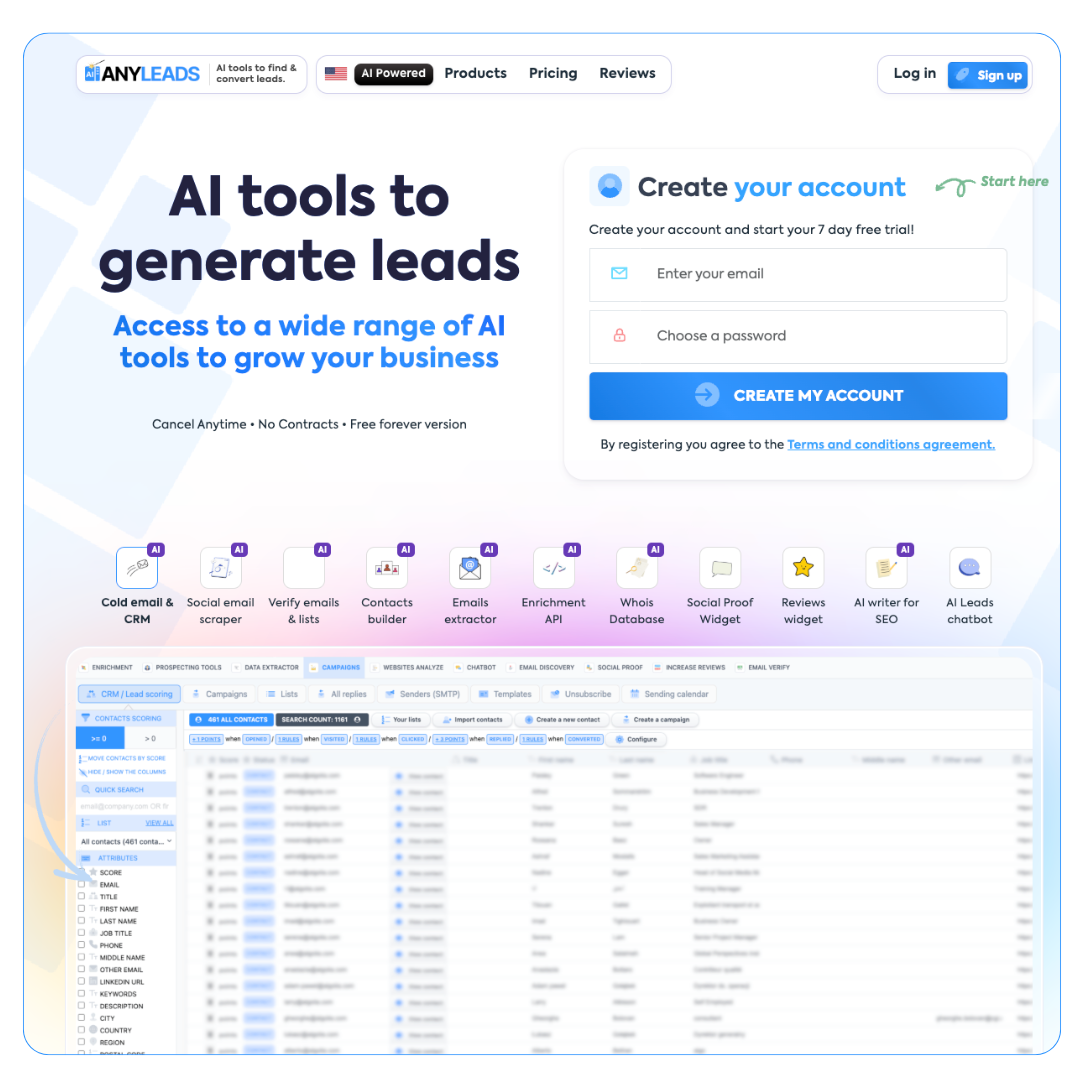
That whole chain is what we built Anyleads to run for you. You get a lead database of freshly registered domains, plus an email finder and enrichment that turn them into new leads your team can actually work with. Verification keeps the data clean, and built-in outreach works the tiers for you, all in one place instead of five separate subscriptions.
If you want the right leads in front of your sales team fast, so your reps can close deals faster and win new business, start free now.
 AI tools to find & convert leads.
 Send emails at scale