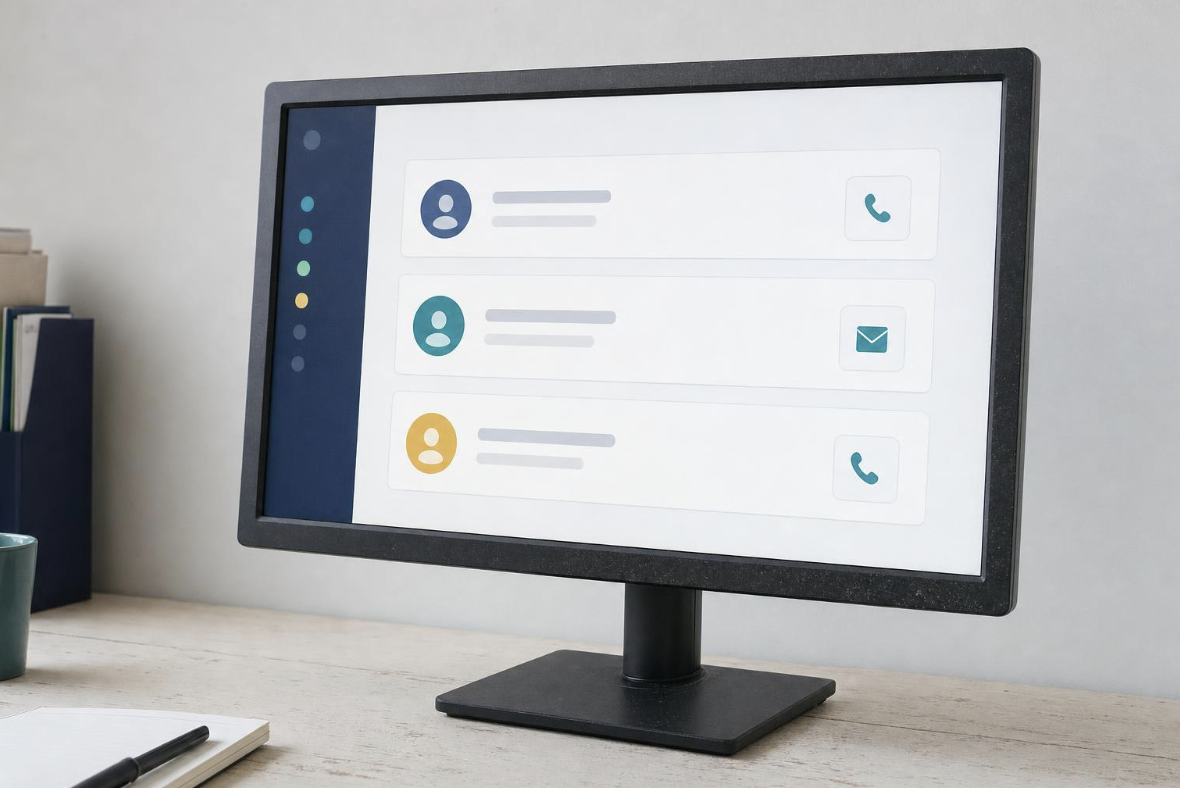
A rep finishes a good call, types notes into the customer relationship management (CRM) system, copies them into a shared spreadsheet, and messages the teammate who handles pricing. Two days later, nobody is sure who owns the next step, and the lead goes quiet. This hypothetical handoff is a candidate for a small internal tool. The goal is fewer places to enter the same information and one clear owner for what happens next.
Pakkit's guide defines internal tools as software built for the people inside a business. For a sales team, a useful first project could be a lead-follow-up queue that shows who owns each lead and what needs to happen next.
Find the repeated friction. Look for information copied between systems, handoffs with unclear ownership, and next steps agreed on a call but never recorded. Investigate these problems with your reps before assuming they need new software. Some may already have a fix in your CRM. A guide to improving sales team productivity points to CRM auto-logging, which captures call notes and email activity without manual entry. Check whether your existing software offers that capability before adding another tool.
Write down the handoff. Before choosing software, describe the task in five parts: what triggers it, what information the next person needs, who owns it, what the next action is, and what completion looks like. Clarify any missing part with the people doing the work. Otherwise, the new tool may carry the same confusion into a different screen.
Record a baseline before making changes. Note how long a handoff takes today and how many follow-ups are overdue at the end of a typical week. Use the same measures during the pilot so you can compare the new workflow with the old one.
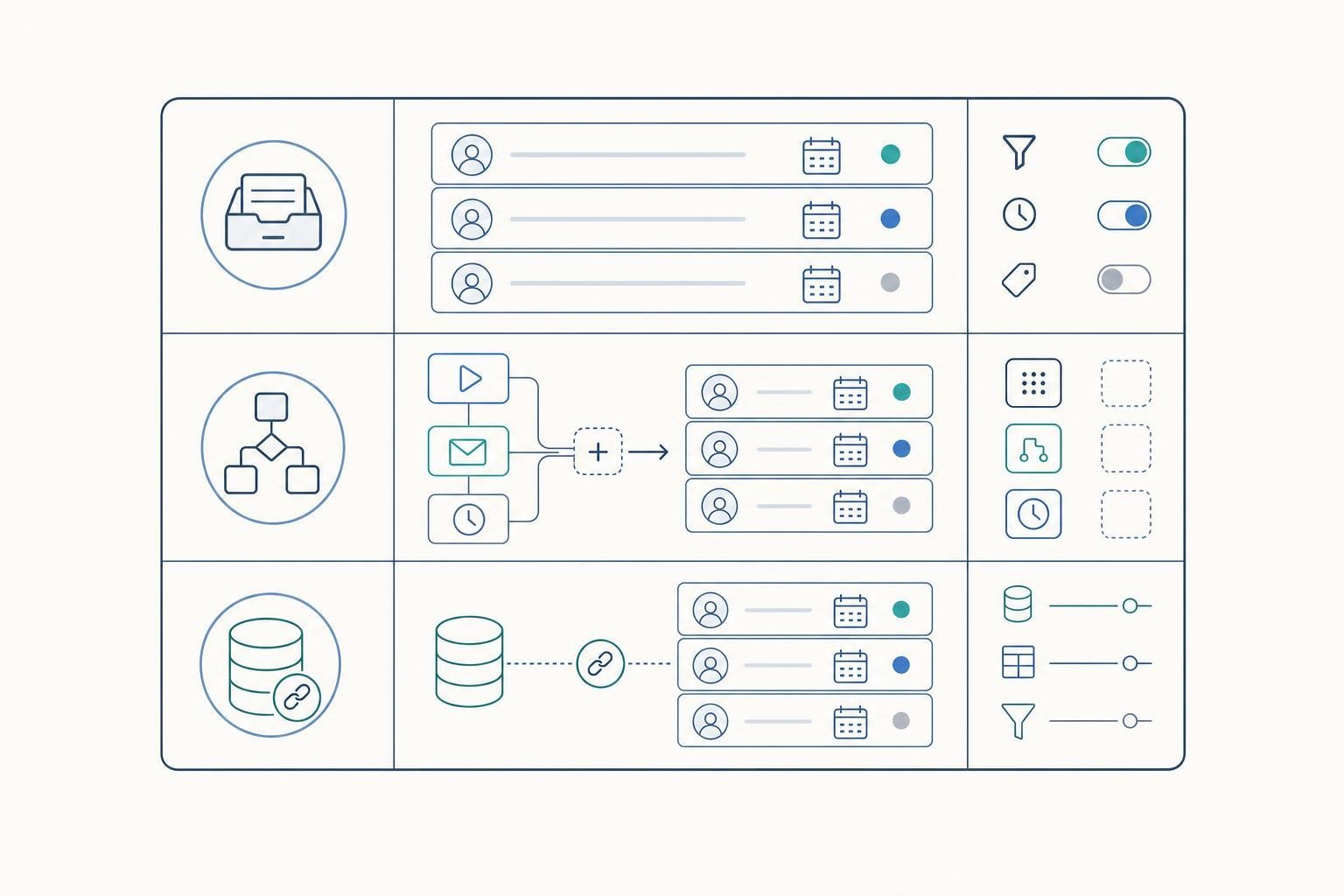
Once you understand the task, choose the simplest approach that handles it. Start with what your current software can do. An extra platform adds logins, possible license costs, and maintenance responsibilities.
| Approach | Use it when | What to expect |
| Configure existing software | The task is standard, such as reminders, required fields, or a saved view | Check whether your current plan includes the features you need |
| No-code or low-code builder | You need a focused custom screen or workflow your CRM cannot provide | Licensing and technical setup vary by builder |
| Custom development | Essential rules or connections cannot reasonably be supported another way | Project-based cost that depends on scope |
Builders differ in how much technical help they require. Google describes AppSheet as a no-code application development platform. As of November 24, 2026, its Starter plan is listed at USD 5 per user per month. It also allows testing with up to ten users at no cost. That allowance covers testing, rather than unrestricted production use.
Appsmith's introductory tutorial involves connecting an app to a database, fetching records, and displaying them in a table. Plan for help from someone comfortable working with data if you take that route. Its Business plan is listed at USD 15 per user per month as of the same date.
Custom development has a different cost structure. Twin Sun's guide to building internal tools says costs depend on scope, integrations, data migration, and security requirements. A useful estimate therefore needs a defined workflow and a clear list of required connections.
Count the full cost. Include setup time, licenses for everyone who needs access, training, maintenance, and any paid connectors needed to exchange data with your CRM. Check whether the plan includes the access controls and connections you need. A low subscription price alone doesn't tell you what the first release will cost to build and maintain.

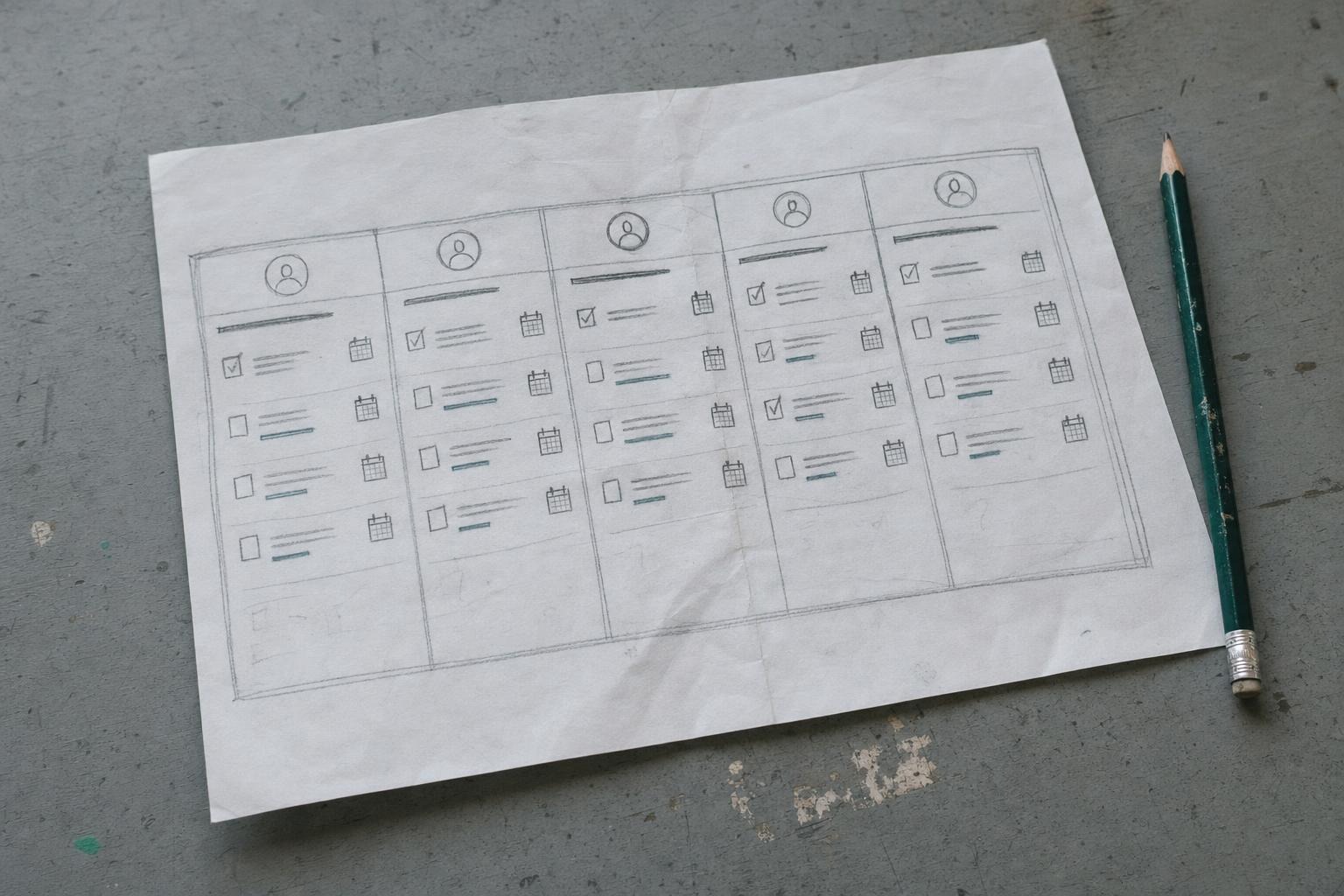
Sketch the minimum useful screen. For the hypothetical follow-up queue, start with five fields: contact, owner, next action, due date, and status. A rep should be able to open the queue, find their work, and mark a step complete. Keep requests such as deal value or call recordings on a separate list for later consideration.
Check connections and access. Decide which system holds the official customer record. If your CRM already serves that purpose, keep it as the source and define how the new screen reads or updates its records. Test whether changes travel one way or both ways. Write down what happens when an update fails so reps can recognize stale information.
Decide who can open the tool and what each person can change. For apps that require sign-in, AppSheet supports an explicit allowlist of permitted users. Appsmith describes roles with different access levels, with granular access control tied to its Business offering. Limit deletion permissions to people who need them.
Test real tasks safely. Use dummy records or properly protected sample data during the first pass, rather than an unprotected live customer list. Ask two reps to complete the normal task, then an exception, such as correcting the owner on a misassigned lead.
FORGE's October 18, 2026 guide recommends introducing one tool at a time, testing it with real work for a week, and switching over on a set date. That duration is provider advice, so extend the pilot if it hasn't covered the work your reps need to do. Keep the old spreadsheet available as a fallback through the switch date.
Give it an owner. Name someone to collect feedback, handle access changes when reps join or leave, check for failed connections, and arrange fixes. If a fix requires custom code, bring in a development provider. Agree on ongoing support responsibilities separately, including who responds when the tool stops working.
Assign someone to review product notices, too. Appsmith's release notes warned that its AI data source connections would stop working on September 30, 2026, regardless of whether an installation was upgraded. Changes like that belong on the owner's maintenance checklist. Compare time per handoff and overdue follow-ups at week's end with the baseline you recorded before the pilot. A regular review can also help simplify your software stack as needs change.
You may be able to use your CRM's existing features or a no-code builder such as AppSheet. Connections to your CRM or rules with several exceptions may still require technical help. Include those requirements when assessing how much support you'll need.
Keep the first project focused on the gap you identified. If the CRM already holds your customer records and reps know it, check whether a smaller addition, such as a follow-up queue, solves the problem. Replacing the central record system is a larger change.
Separate license costs, setup time, and ongoing support. For custom work, cost usually depends on scope, integrations, data migration, and security requirements. Expect an estimate tied to your project rather than a standard price.
Name an internal owner, then agree in writing on who provides technical support. That may be the builder's support service, a freelancer, or a development provider. Specify who receives failure alerts, who arranges fixes, and how quickly support will respond.
 AI tools to find & convert leads.
 Send emails at scale